








































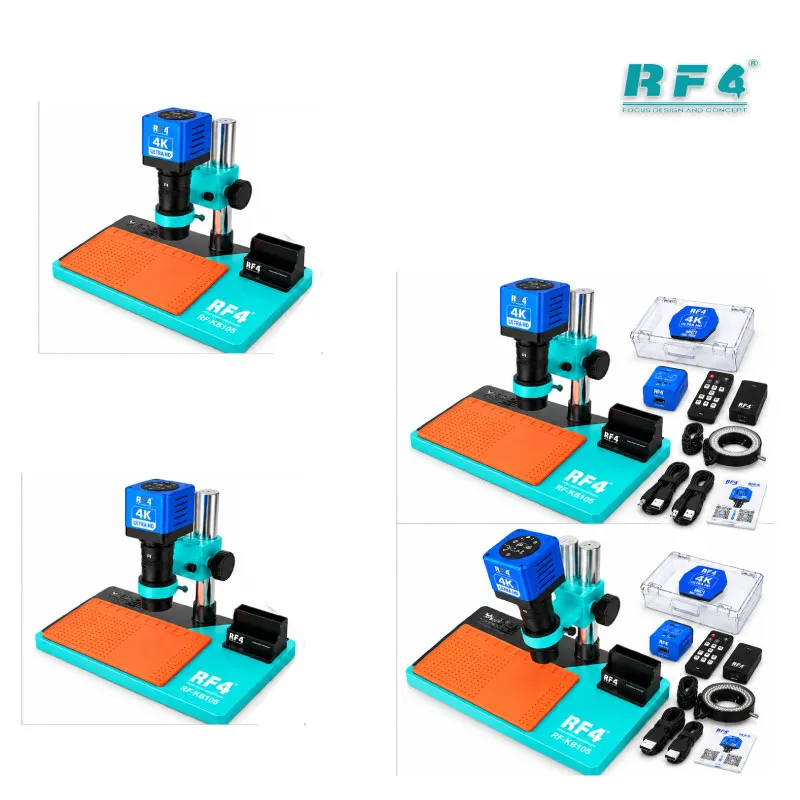




RF4 RF-KB105 Microscope With MC1 4K HD Camera
₨48,000
4K Microscope for Mobile Repair Benches
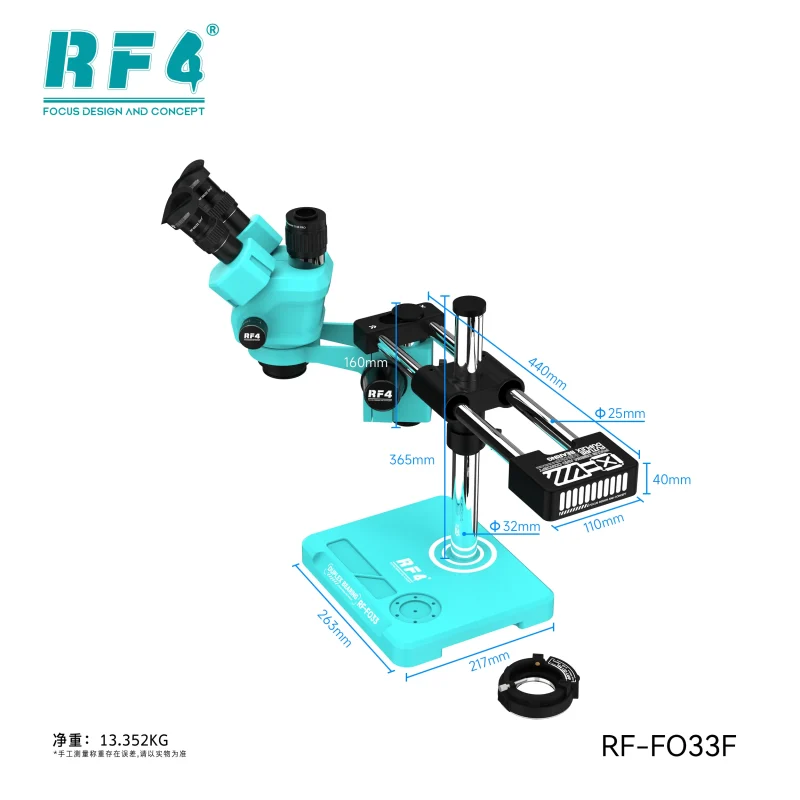
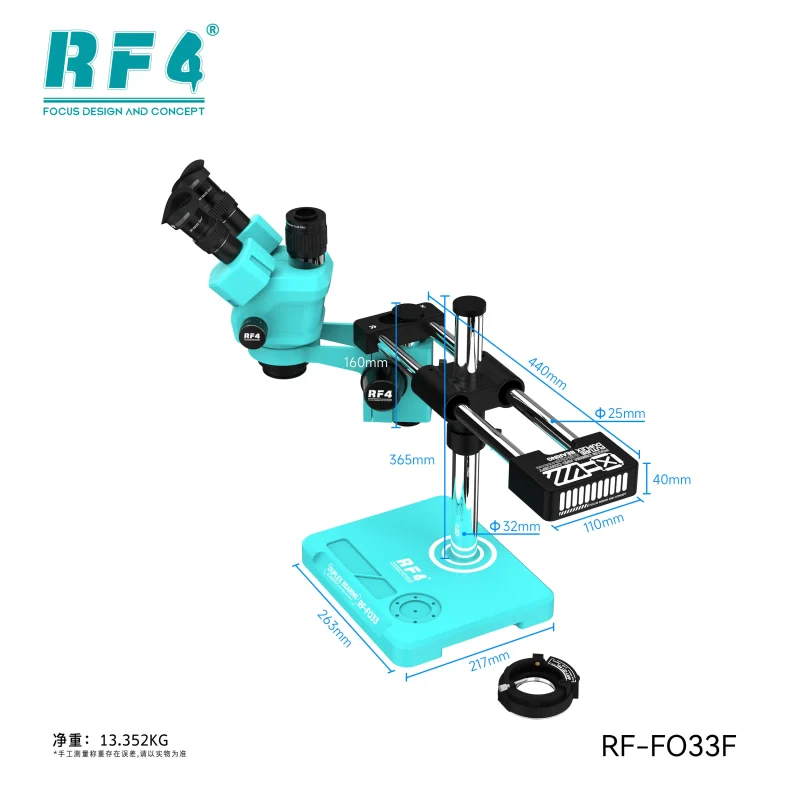
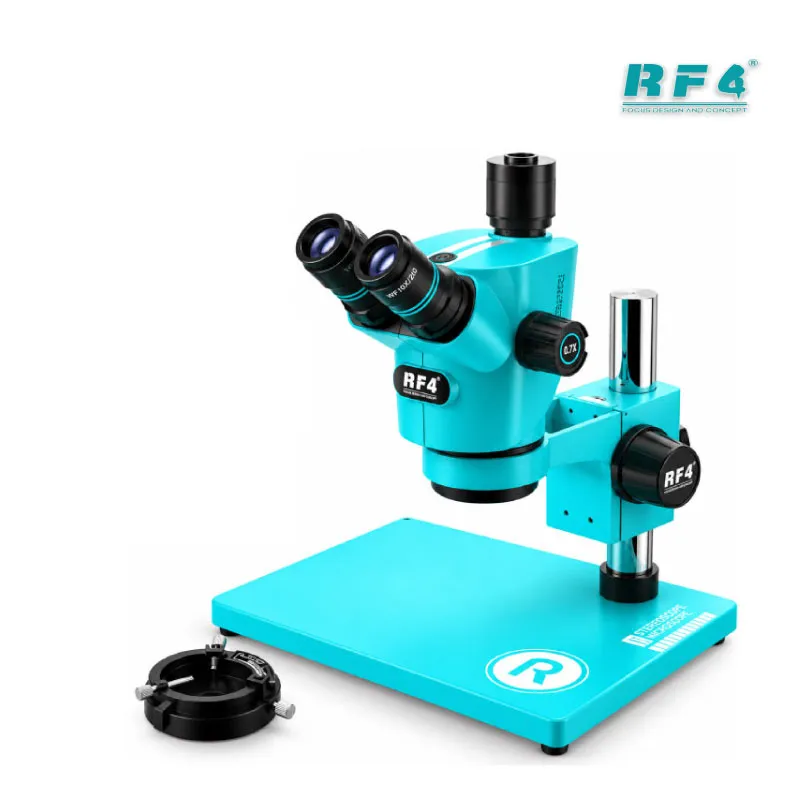
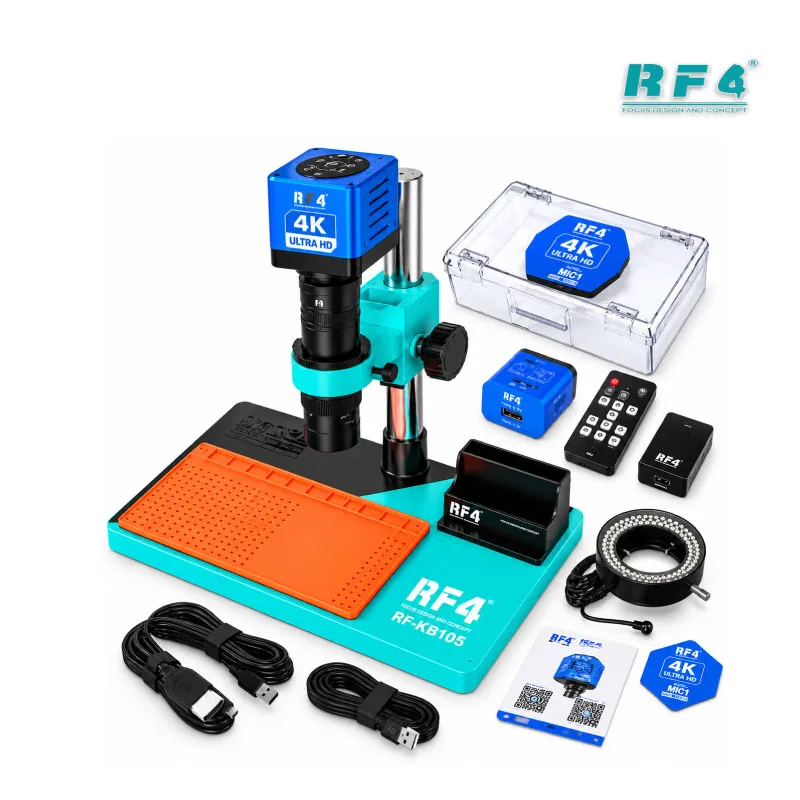
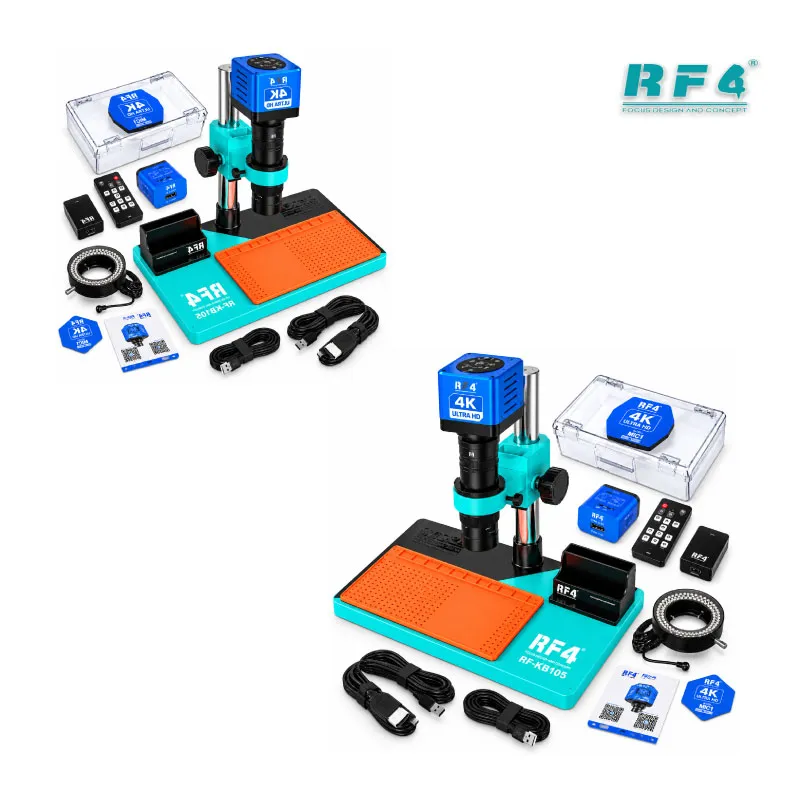
The RF4 RF-KB105 is a 4K microscope for mobile repair that combines a 7X–45X optical monocular head with the RELIFE MC1 4K HD camera. You inspect solder joints, BGA pads and FPC connectors through the eyepiece, then switch to a live HDMI monitor view for long jobs and customer proof. The 144 LED ring light removes shadows, and the 260 x 375 mm base fits a full phone motherboard with room for your tools. A TF card slot saves photos and clips, and the standard C-mount lets the MC1 camera move to other compatible microscopes. Order the RF-KB105 from RF4Tools Pakistan for your repair bench.
| Weight | 5.0 kg |
|---|
10 in stock
Description
RF4 RF-KB105: A 4K Microscope for Mobile Repair Workshops
A 4K microscope for mobile repair has to do two jobs: show you the fault and show the customer the proof. The RF4 RF-KB105 pairs a 7X–45X optical monocular head with the RELIFE MC1 4K HD camera, so you inspect a board through the eyepiece or on a monitor without swapping tools. A 144 LED ring light floods the work area, and a large 260 x 375 mm base gives you room for a full motherboard, a PCB holder and your tweezers. RF4Tools Pakistan stocks this combo for technicians who face dead phone boards, charging issue jobs and display problem repairs every day. You get optical depth for fine soldering and digital output for documentation, both on one bench footprint. The sections below cover the optics, the camera, the mount, the workflow fit and the buyer profile.
Optics and Lighting Built for Board-Level Work
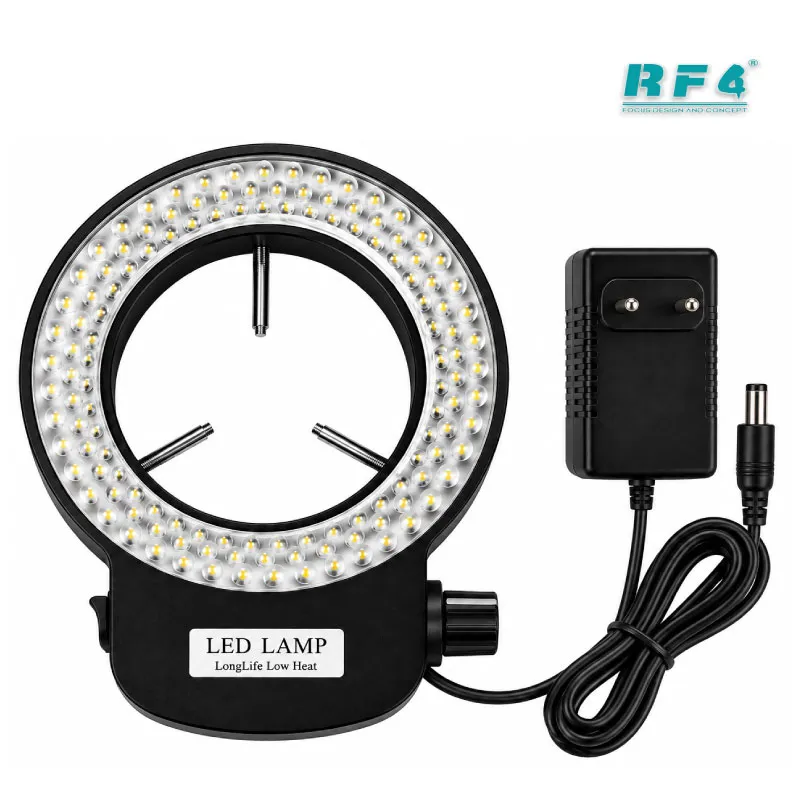
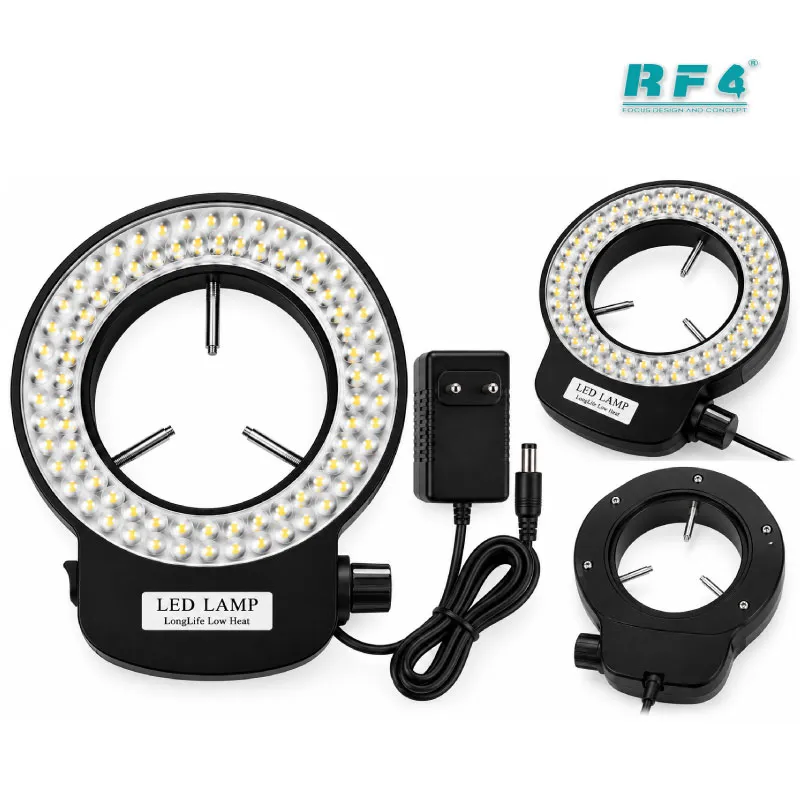
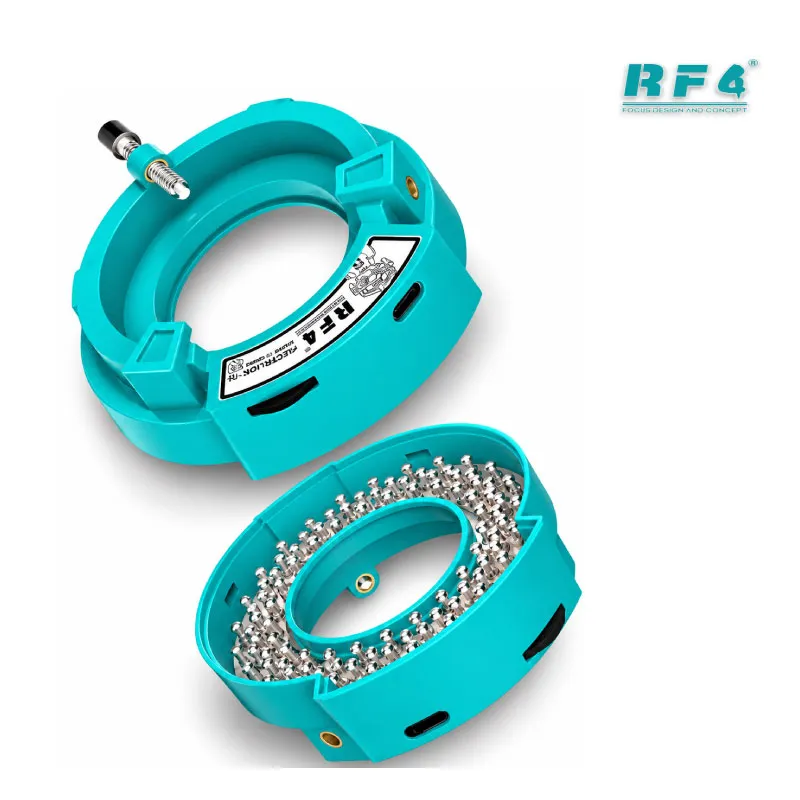
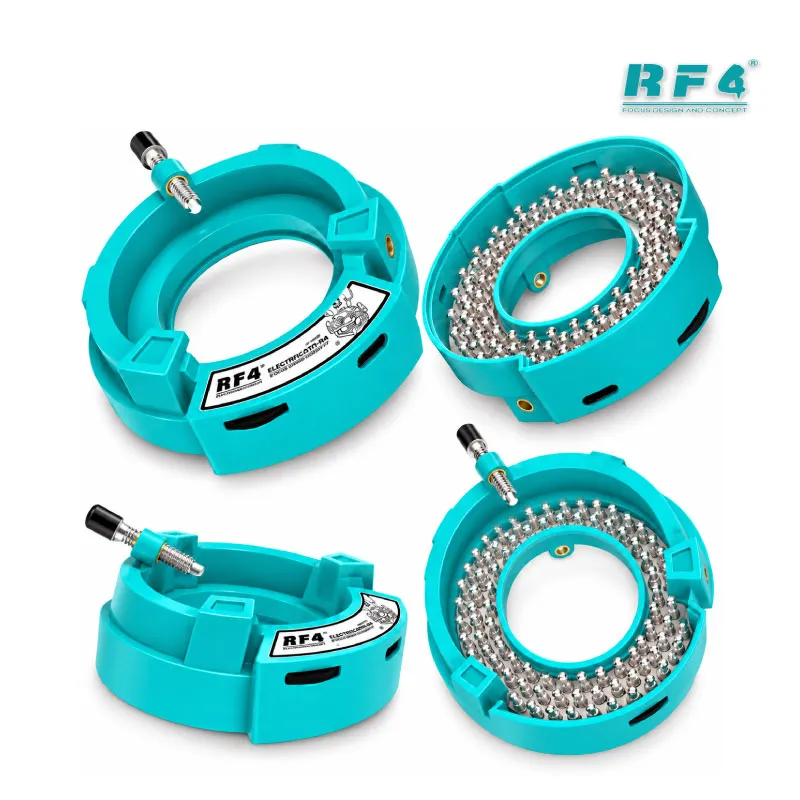
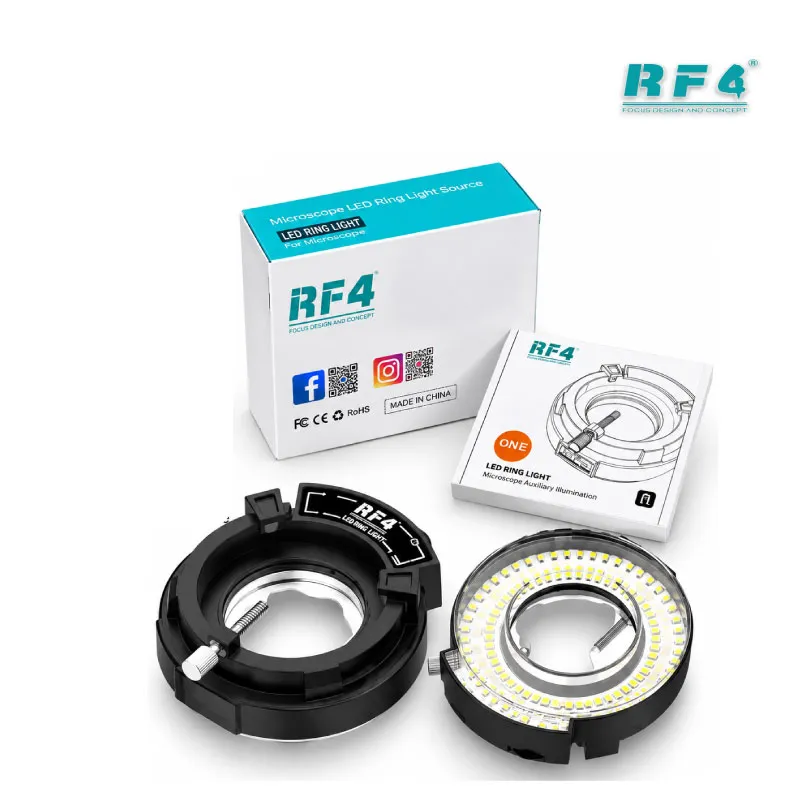
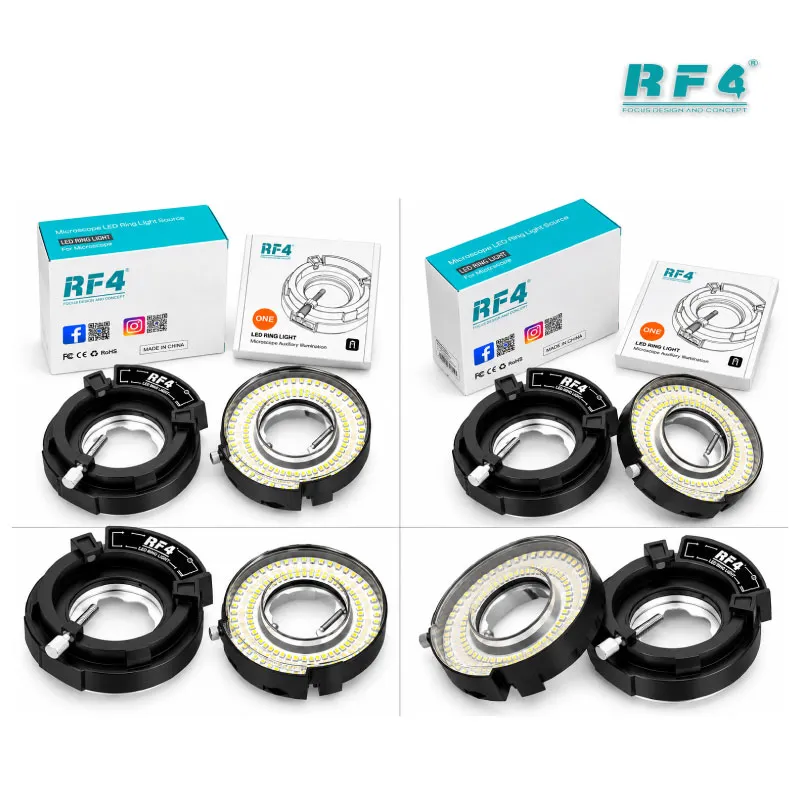
The RF-KB105 uses a 7X–45X optical monocular head. Set it low and you see the whole board, from the battery connector to the antenna lines. Zoom in and you read BGA pad detail, solder joint texture and the edges of tiny passive components. The 144 LED ring light wraps around the component from every side, so shadows do not hide lifted pads, bridged joints or hairline cracks. That even light matters on dark PCBs and glossy solder mask, where a single desk lamp throws glare and hides faults. The large base leaves space to rotate and reposition the board under the lens. You judge every repair with the same magnification range, from first inspection to final check.
MC1 4K Camera: Live View and Capture
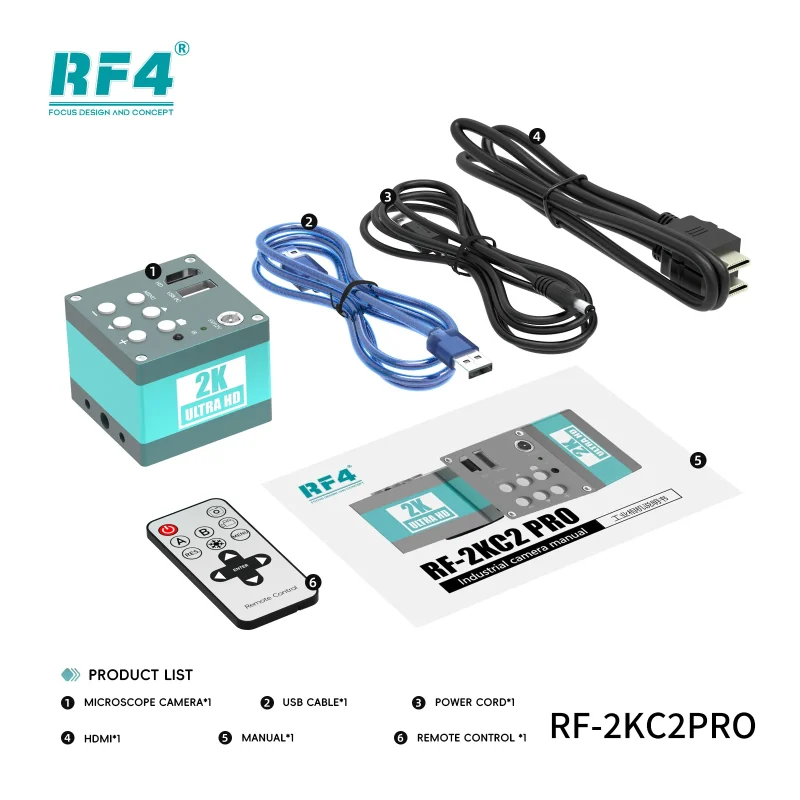
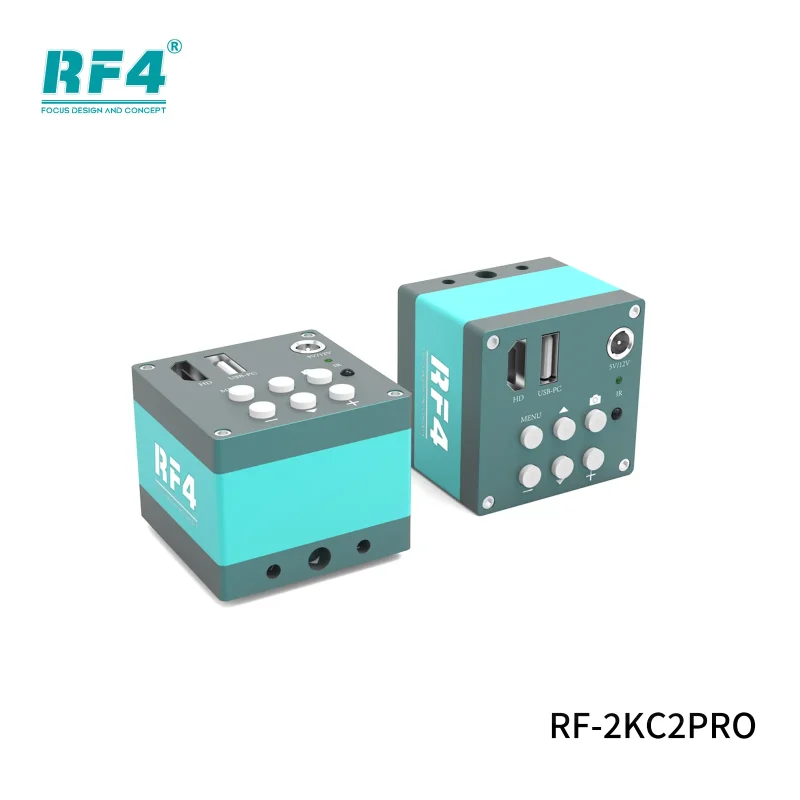
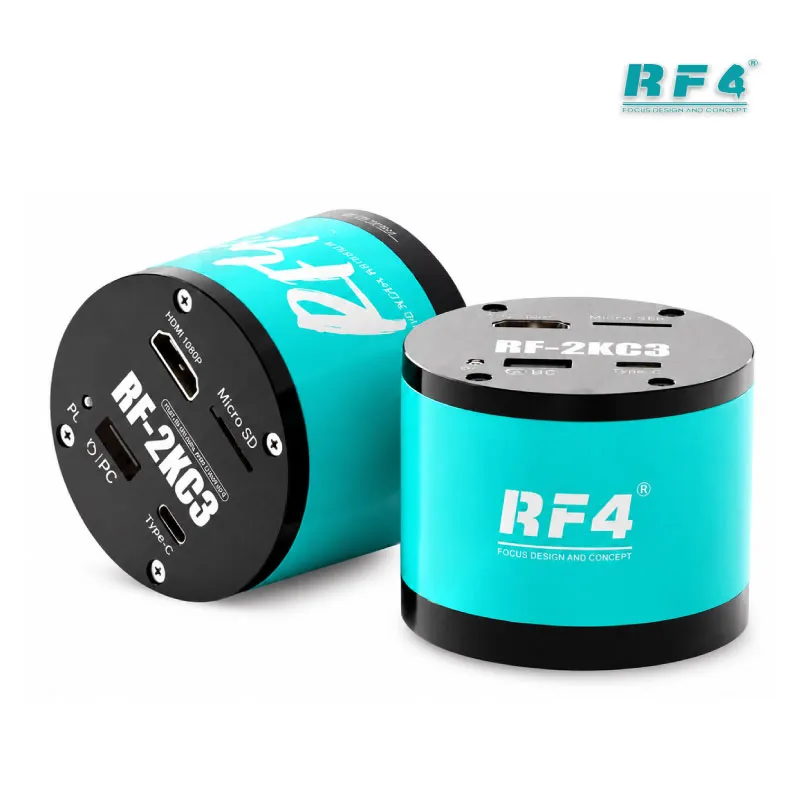
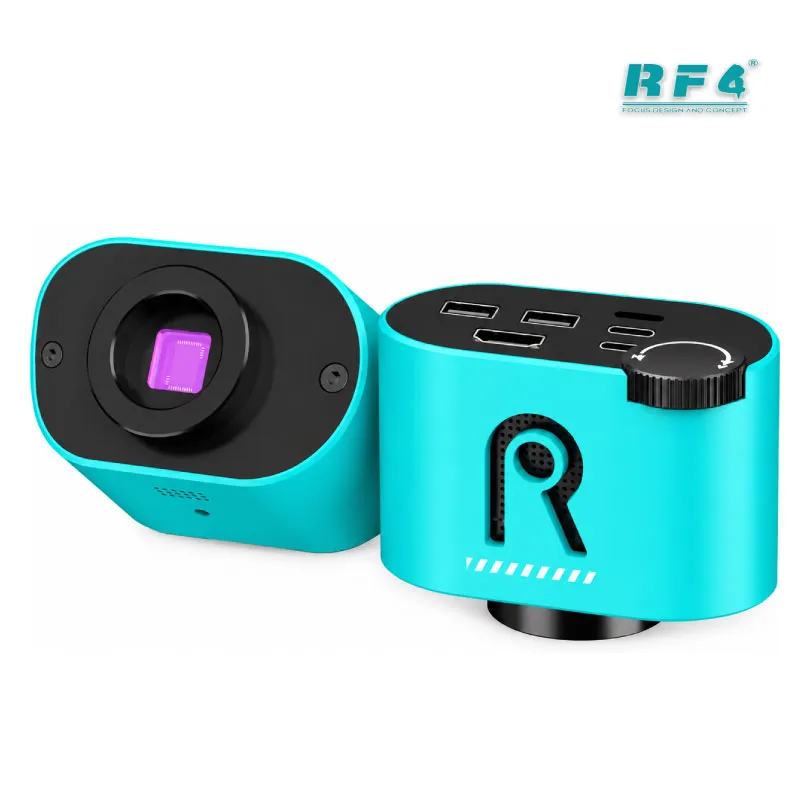
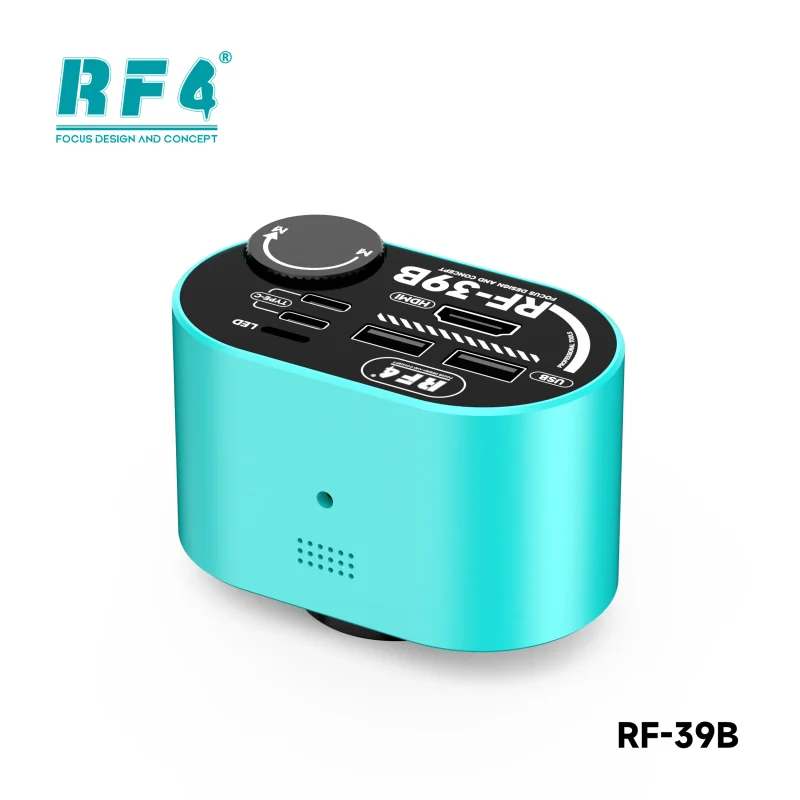
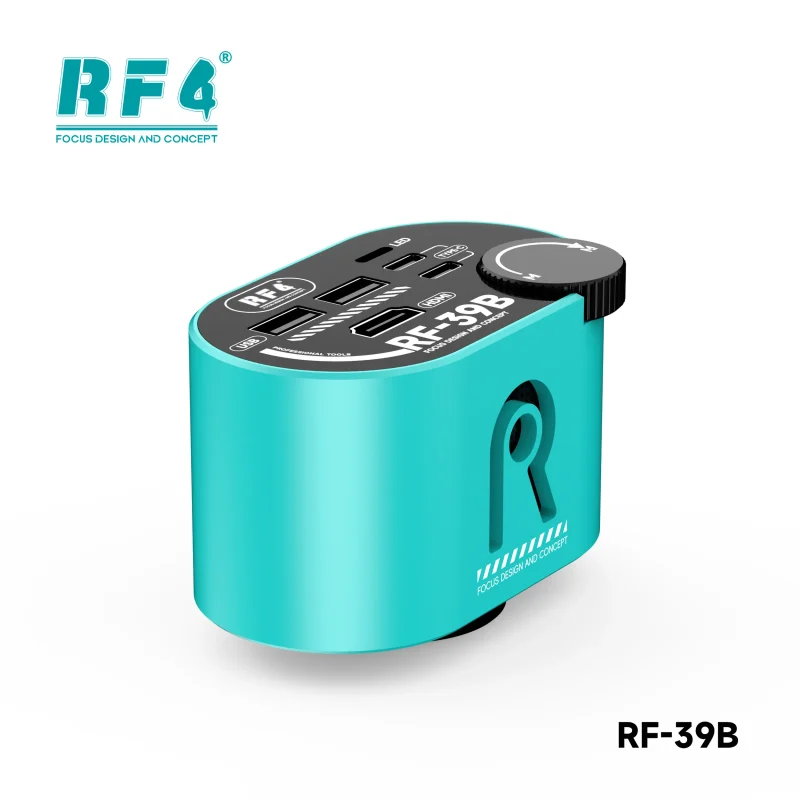
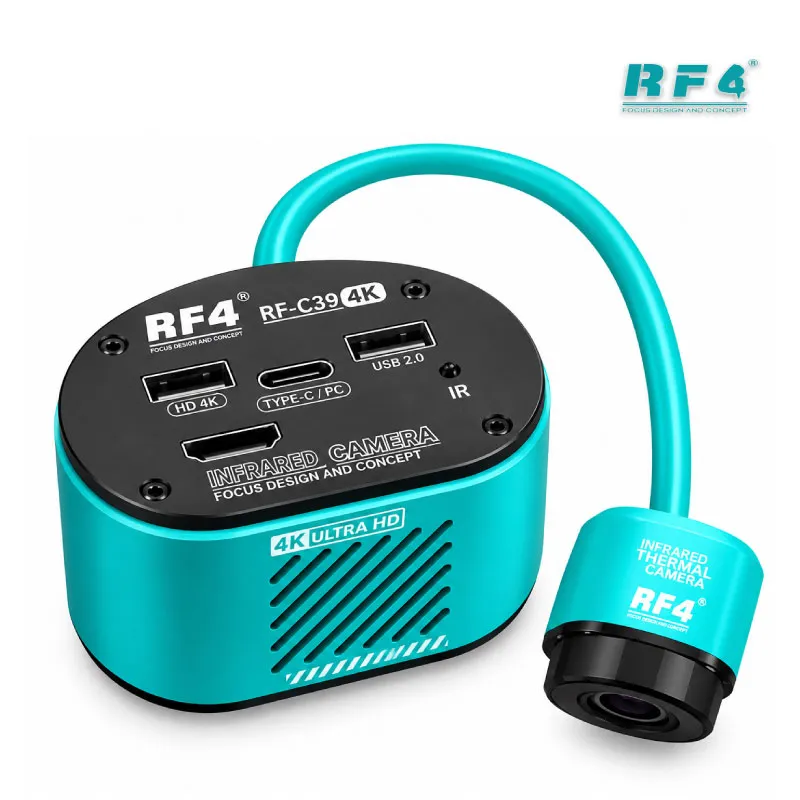
The RELIFE MC1 outputs 4K Ultra HD video. Connect it to a monitor over HDMI and you watch the live board at screen size while your hands stay on the iron. The USB Type-C port powers the camera, and a TF card slot lets you save photos and clips without a computer. Record the lifted pad before you start, then record the finished joint, and you hold a clear before-and-after for the customer. Technicians who handle hang on logo and dead after flash jobs with a hardware cause use that record to explain why an IC change karna was necessary. You also work with your head up, which makes long soldering sessions less awkward than eyepiece-only viewing.
C-Mount Interface Keeps Your Upgrade Path Open
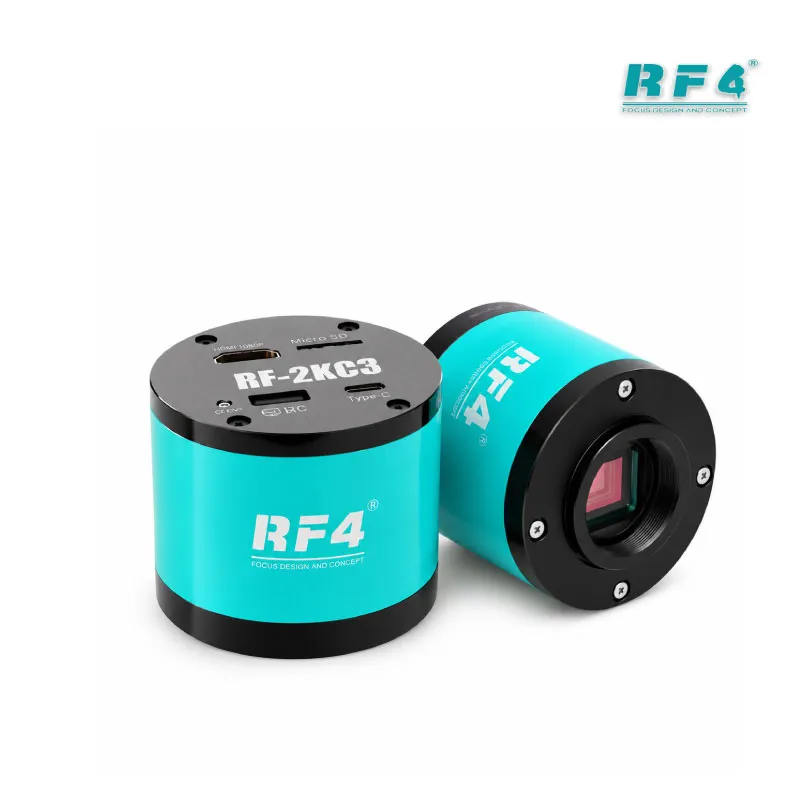
The MC1 attaches through a standard C-mount interface. It fits industrial-grade trinocular and monocular microscopes that take C-mount, not only the RF-KB105 body. Use the appropriate adapter when you pair it with a different scope, and confirm the mount type before you order. This protects your investment: if your shop grows and you move to a trinocular stereo microscope later, you keep the 4K camera and swap only the optical head. Many workshops start with one bench and add a second, and a C-mount camera moves between stations when you reorganize. The camera stays useful beyond the first microscope you pair it with.
Where the RF-KB105 Fits in Your Repair Workflow
Use it first at diagnosis. When a charging issue comes in, inspect the charging port joint and the pads around it. On a display problem, check the FPC connector pins for bent or burnt contacts. For a network issue, scan the RF section for lifted components and cracked joints. Water damage jobs need it most, because corrosion hides under shields and along IC edges. During an IC change, check pad condition before you place the new chip and verify the joints afterward. After reballing, inspect ball alignment before reflow. Pair the microscope with your hot air station, soldering station, PCB holder and multimeter, and you cover the full inspect, rework and test cycle on one bench.
Who Should Buy This Combo
This unit suits repair shops that want 4K viewing without moving to a full trinocular stereo setup. Technicians who handle hardware fault jobs daily gain the most from the live monitor, because it lets you work with your head up through long sessions. Training institutes can project the board onto a screen so every student watches the same joint. Shop owners get customer-facing proof of the fault and the fix. The microscope shows the problem and your other tools fix it, so build the bench around it: browse the RF4Tools microscope, soldering station, hot air station and reballing kit categories to complete the setup.
Reviews (0)
Q & A
Please login to post questions
Key Features
- 7X–45X optical monocular microscope head
- RELIFE MC1 4K Ultra HD microscope camera
- HDMI output for live monitor viewing
- USB Type-C power connection for the camera
- TF card support for saving photos and clips
- 144 LED ring light for shadow-free lighting
- Large 260 x 375 mm base
- Standard C-mount interface for other compatible microscopes
Specifications
| Brand | RF4 (microscope), RELIFE (MC1 camera) |
|---|---|
| Model | RF4 RF-KB105 with RELIFE MC1 |
| Category | Microscopes |
| Compatibility | MC1 camera fits industrial-grade trinocular and monocular microscopes with a standard C-mount interface |
| Supported Devices | Universal, not device-specific |
| Technology | 7X–45X optical monocular microscope, 4K HD camera, HDMI and USB Type-C connectivity, TF card support, 144 LED ring light |
| Dimensions | Base 260 x 375 mm |
Common Repair Uses
- BGA and IC pad inspection before IC change
- Solder joint checking after rework
- Charging port joint inspection for charging issue jobs
- FPC connector pin checking for display problem jobs
- Lifted component checks in the RF section for network issue jobs
- Corrosion inspection on water damage boards
- Ball alignment checking after reballing
- Before-and-after photo and video records saved to TF card
Compatible Devices
- Samsung Galaxy series boards
- iPhone logic boards
- Oppo boards
- Vivo boards
- Infinix boards
- Tecno boards
- Xiaomi and Redmi boards
- Huawei and Honor boards
FAQ
What is the product name?
The product name is RF4 RF-KB105 Microscope With MC1 4K HD Camera.
What is the brand of this product?
The microscope brand is RF4 and the camera brand is RELIFE.
What is the model of this product?
The model is RF4 RF-KB105 with the RELIFE MC1 camera.
What is this product used for?
This product is used for inspecting mobile phone PCBs, solder joints, BGA pads and connectors, and for recording repair work in 4K.
Which devices are compatible with this product?
The microscope is universal and works on any phone mainboard that fits the work area. The MC1 camera fits other industrial-grade trinocular and monocular microscopes with a standard C-mount interface.
Who should use this product?
This product is suitable for mobile repair technicians, repair shops, service centers, and professional users.
Can I use the MC1 camera on a different microscope?
Yes, if that microscope has a standard C-mount interface. Attach the MC1 with the appropriate adapter and confirm the mount type before you order.
How do I view and save images from the RF-KB105 combo?
Connect the MC1 camera to a monitor over HDMI for live viewing and power it through the USB Type-C port. Insert a TF card to save photos and clips.



Reviews
There are no reviews yet.