
























RF4 RF-B01 Air Blower Ball for Mobile Repair
₨600
RF-B01 Air Blower Ball
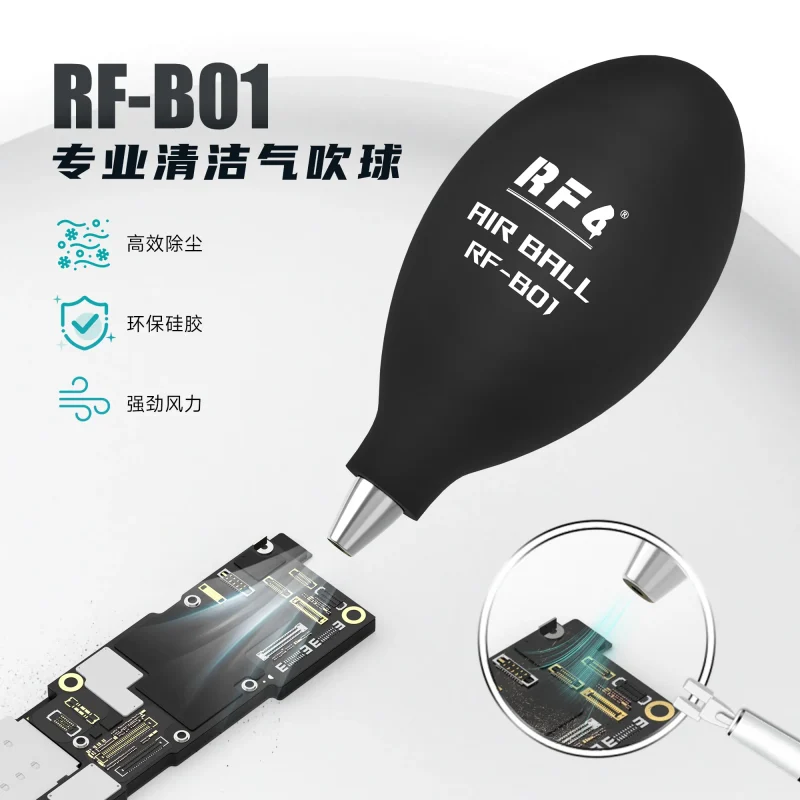
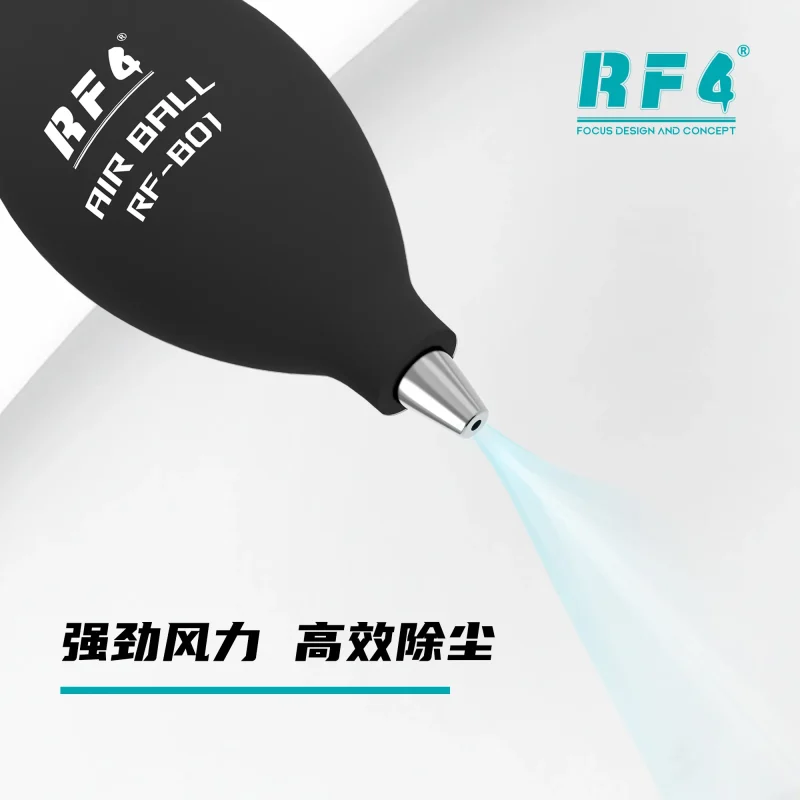
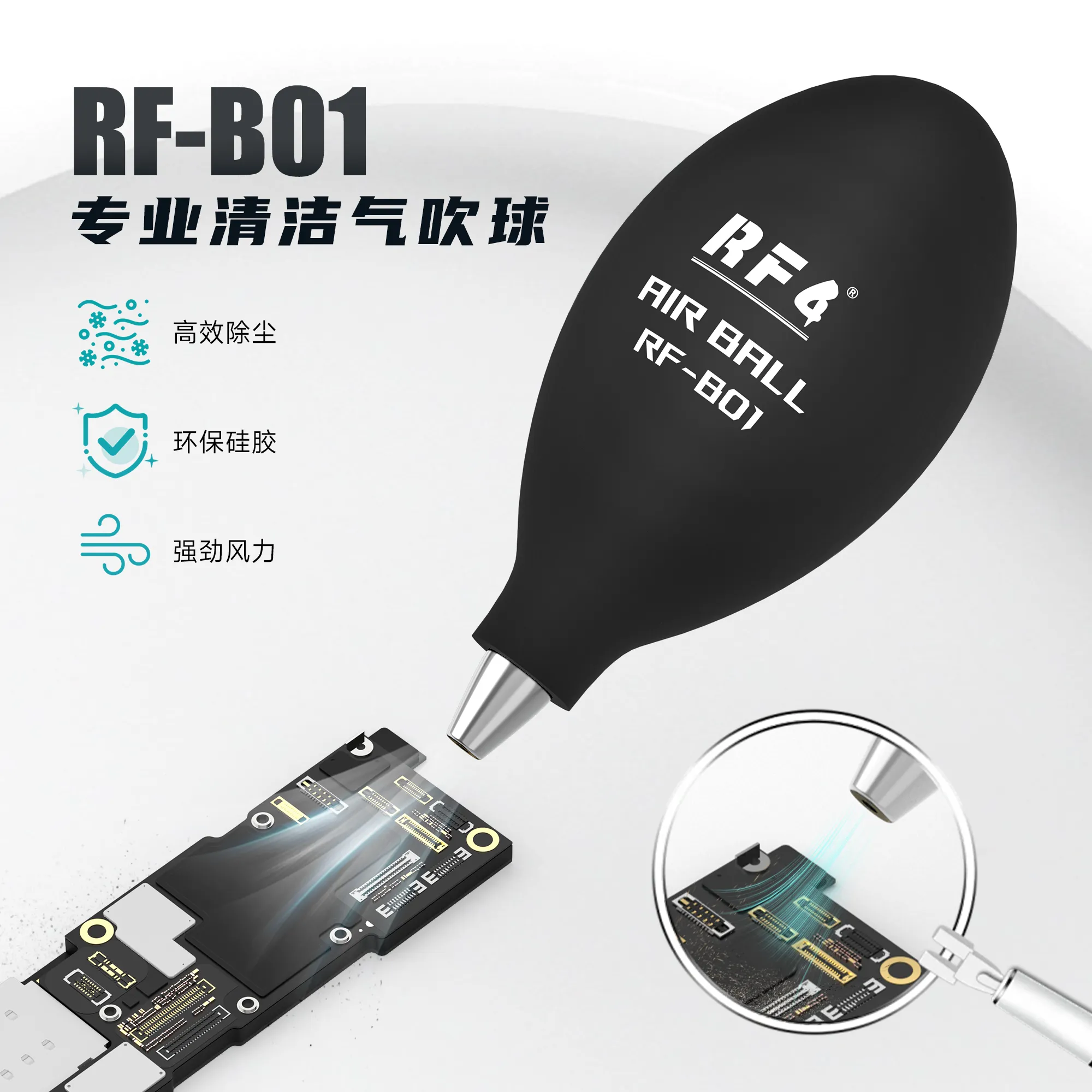
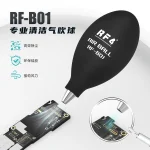
The RF4 RF-B01 air blower ball for mobile repair clears dust, lint and loose debris from boards, ports and connectors with one squeeze. You work without power, cables or refills, so it sits on your bench ready for every job. Use it before microscope inspection, before hot air rework and before you clamp a board for ISP or UFS work. It gives you a clean surface to read faults, check pads and solder with confidence. Technicians and repair shops across Pakistan add it to every workstation as the first step in a clean-then-repair routine.
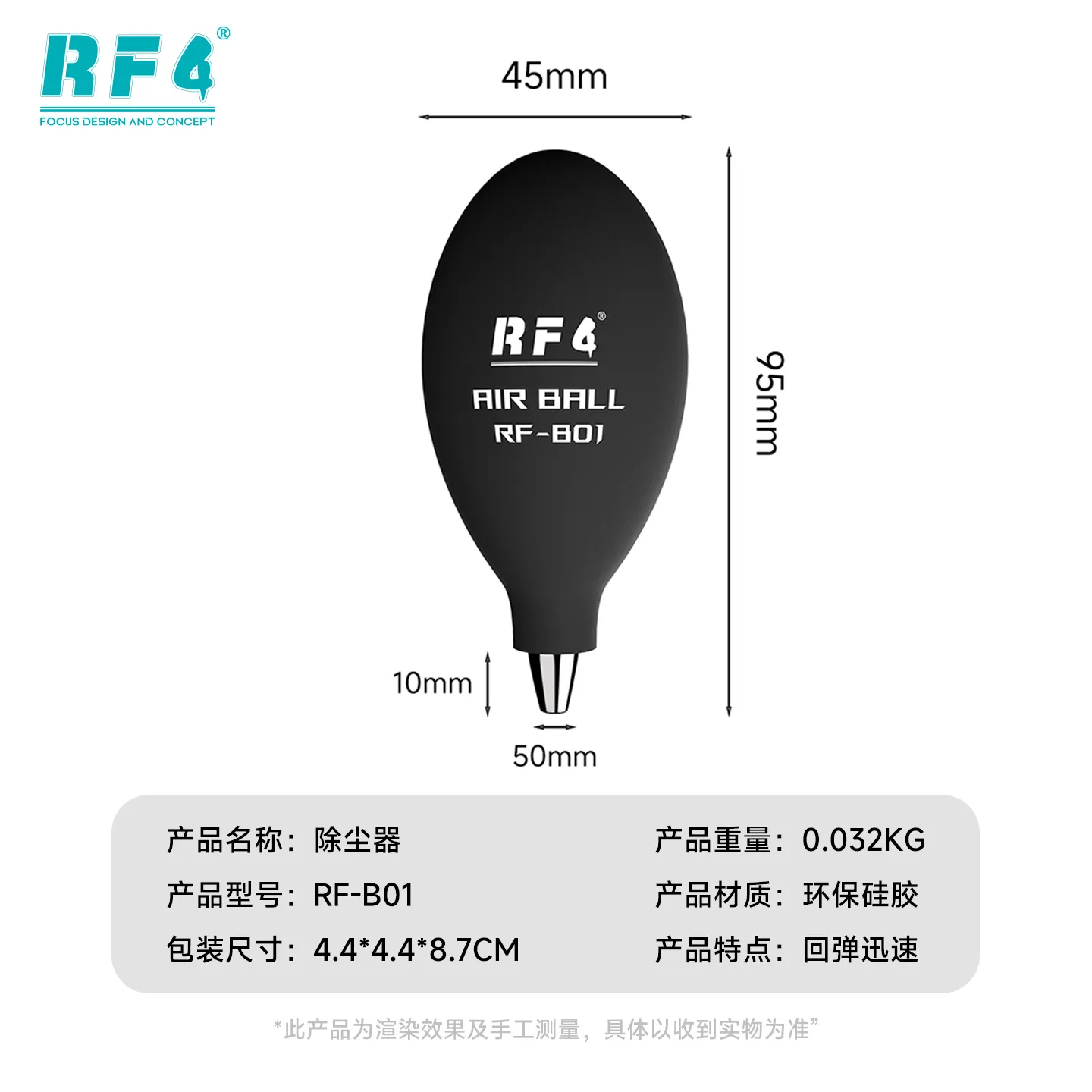
| Weight | 0.03 kg |
|---|
10 in stock
Description
Air Blower Ball for Mobile Repair: Clean Boards Before You Touch Them
A dirty board hides faults. Dust packs under connectors, inside charging ports and around IC pads, and it blocks your view during diagnosis. The RF4 RF-B01 air blower ball for mobile repair clears that debris with one squeeze, before you start hardware fault checks. You hold it in one hand, aim at the problem area and push loose dust away without touching the PCB. No battery, no cable, no compressor. For a repair shop in Pakistan that handles dead phone and charging issue jobs all day, it is the simplest cleaning step you can add to every job.
Where It Fits in Your Repair Workflow
Every board repair starts with inspection. Put the phone under your microscope, and loose dust and lint block your view of burnt pads, cracked capacitors and corroded pins. Squeeze the RF-B01 first, then inspect. You see the real fault instead of a dirty surface. Boot loop issue, hang on logo and network issue cases all start the same way: open the phone, look at the board and clean what you see. The same step protects your soldering work. Before you set a hot air station for IC change karna, blow the area clean. Debris left on the board burns under heat and marks the pads. After removal, a quick blast clears loose solder balls and flakes so you can prep the pads for reballing. Sticky flux needs cleaning solution and a brush, and the blower handles the loose material around it. You also use it around adapters and sockets. Clear dust from UFS adapter and eMMC socket contact areas, and from ISP pinout points, before you run jumper lagana on a dead after flash phone. Dust between pins can interrupt a clean connection.
A PCB Dust Cleaning Tool That Fits Your Workflow
Canned air runs out. An air blower ball needs no refill. You squeeze, release and repeat. You control the burst, so you aim a short puff at a connector or sweep a longer push across a whole board. Because you work it by hand, it sits next to your multimeter, soldering station or PCB holder without cables in the way. Use this mobile repair dust blower for charging port cleaning before you blame the IC. Use it on display and battery connectors before you reseat them for a display problem. Use it around camera module areas before you refit the lens. Keep it in the same drawer as your tweezers and brushes, and reach for it before every board goes under the iron.
Pair It With the Rest of Your Bench
Treat the RF-B01 as the first tool in a clean-then-repair sequence. Start with the blower, move to a microscope for inspection, then pick your hot air station or soldering station for the rework. Use reballing kits and PCB holders once the board is clear. For power faults, test with a multimeter on a clean board so dust does not skew your contact points. If you run a full bench, pair it with ISP pinout tools, eMMC programmers, UFS adapters and a test box so every board enters the software stage clean. Stock one for each workstation so every technician in your shop keeps one within reach.
Reviews (0)
Q & A
Please login to post questions
Key Features
- Hand-operated squeeze design
- No battery, cable or power source needed
- Non-contact dust removal from boards and ports
- Controlled short or long bursts of air
- Reusable, with no refill needed
- Clears dust from connectors, pads and tight board areas
- Fits beside your microscope, hot air station and soldering station
- Suits daily use on a mobile repair bench
Specifications
| Brand | RF4 |
|---|---|
| Model | RF-B01 |
| Category | Air Blower / Cleaning Tool |
| Compatibility | Universal — not device-specific |
| Technology | Manual hand-squeeze air blower, no power required |
Common Repair Uses
- Clearing dust before microscope inspection
- Cleaning charging ports before diagnosing a charging issue
- Blowing loose debris off the board before hot air rework
- Clearing loose solder balls after IC removal
- Cleaning pads before reballing prep
- Clearing dust from display and battery connectors
- Cleaning UFS and eMMC socket contacts before programming
- Clearing ISP test points before jumper lagana
Compatible Devices
- Android smartphone mainboards
- iPhone logic boards
- Tablet motherboards
- Charging port and connector areas
- Display and battery board-to-board connectors
- Camera module areas
- UFS and eMMC socket contact areas
- ISP pinout and test point areas
FAQ
What is the product name?
The product name is RF4 RF-B01 Air Blower Ball.
What is the brand of this product?
The brand of this product is RF4.
What is the model of this product?
The model of this product is RF-B01.
What is this product used for?
This product is used for blowing dust, lint and loose debris off mobile phone boards, ports and connectors.
Which devices are compatible with this product?
This product is universal and not device-specific. You use it on any phone or tablet board, port or connector that needs cleaning.
Who should use this product?
This product is suitable for mobile repair technicians, repair shops, service centers, and professional users.
Does an air blower ball remove flux residue from a mobile PCB?
No. It clears loose dust, solder balls and debris. Sticky flux residue needs cleaning solution and a brush, so use the blower first and the solution second.
Should I blow dust off the board before hot air rework or IC change?
Yes. Blowing loose dust and debris off the area first keeps it from burning under heat and marking the pads during rework.


Reviews
There are no reviews yet.