



































RF4 RF-39B 4K Microscope Camera with Zoom Handwheel
₨25,500
4K Camera for Mobile Board Inspection
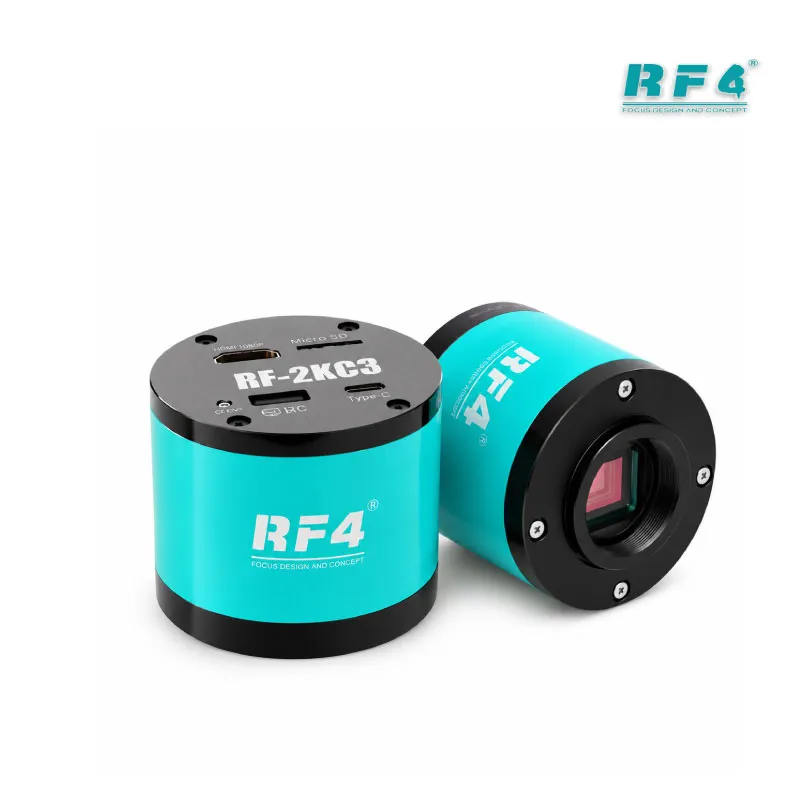
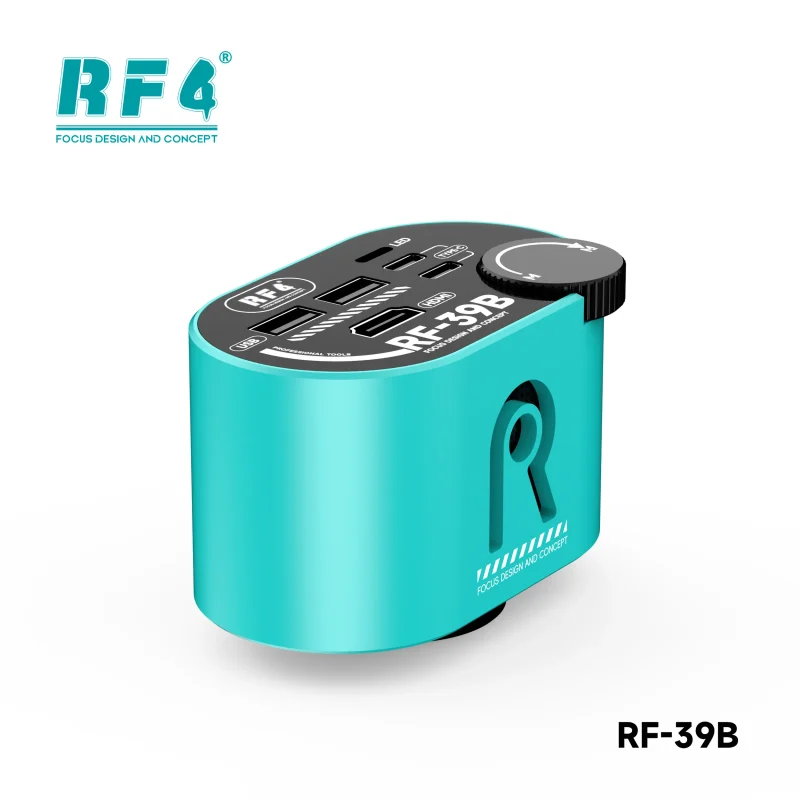
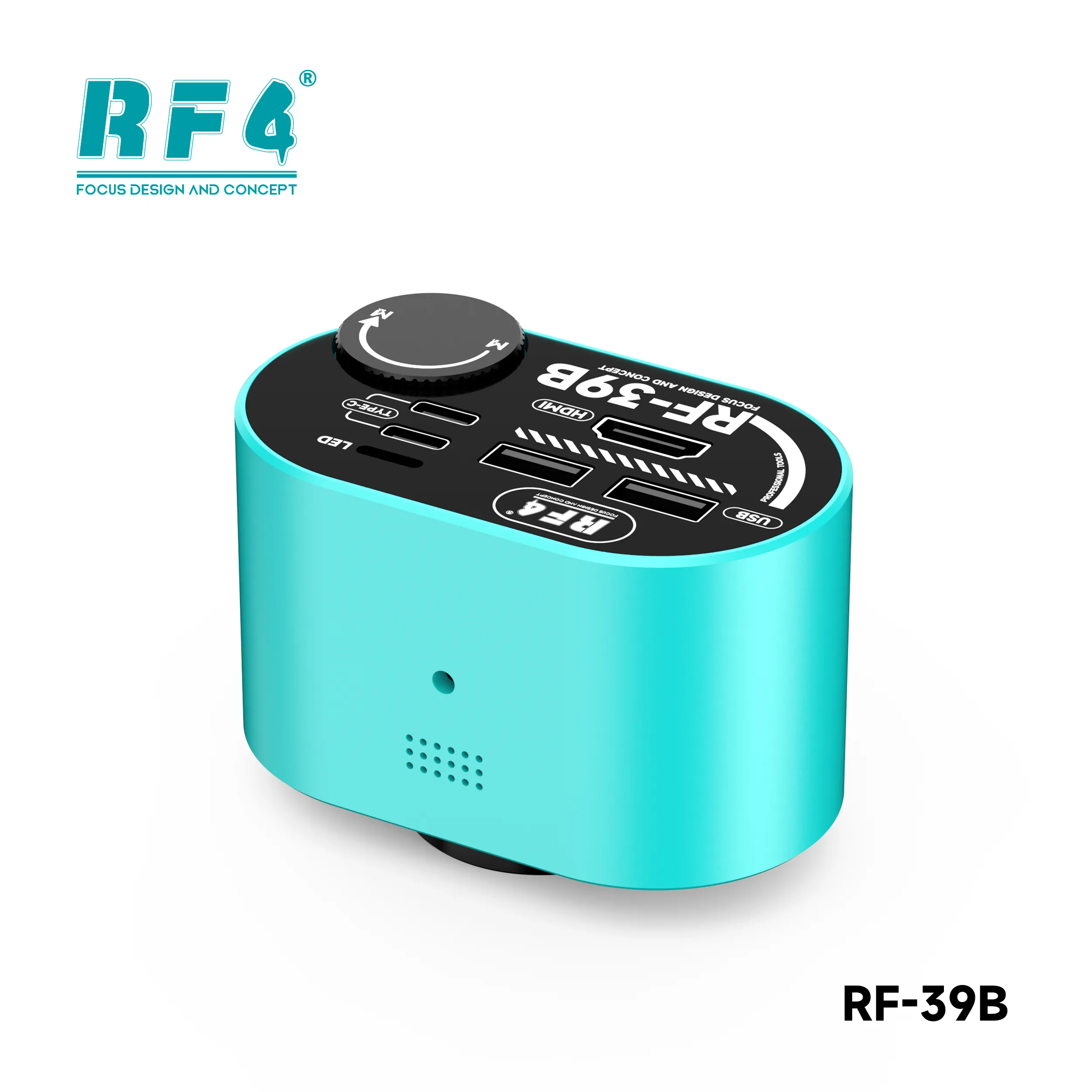
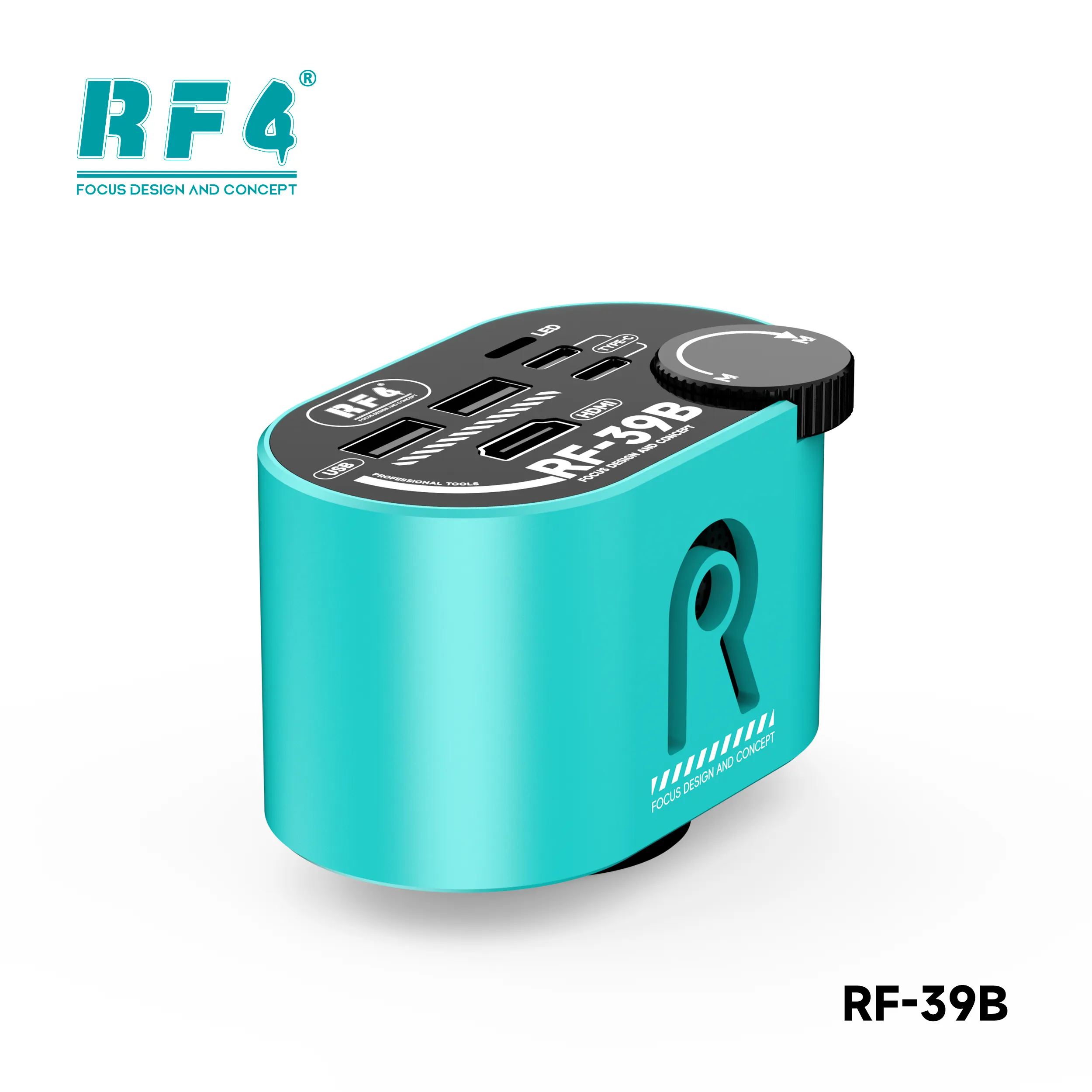
The RF4 RF-39B is a 4K microscope camera for mobile repair benches that need a wide, sharp view of the board. A Sony 1/1.8-inch CMOS sensor feeds HDMI output at 3840×2160 at 30 frames, or 1080P at 60 frames. A zoom handwheel moves you from a full-board view to a close-up of a single IC. The CS lens interface suits trinocular microscope setups. Plug in a USB flash drive to store captures, and use a mouse to control the menu. Run it for reballing, IC change, jumper work, and dead phone diagnosis.
| Weight | 0.7 kg |
|---|
10 in stock
Description
RF4 RF-39B: 4K Microscope Camera for Mobile Repair
The RF4 RF-39B is a 4K microscope camera for mobile repair that turns your trinocular microscope setup into a screen-based workstation. Phone boards keep shrinking. Pads, ICs, and passives sit tight together, and hours of squinting through eyepieces slow every job. The RF-39B sends a Sony CMOS image to your HDMI monitor at 3840×2160, so you see the whole board at once and work with your head up. RF4 designed it for PCB, chip, and motherboard repair. Any shop that handles reballing, IC work, or board cleaning every day will use it constantly.
Sony Sensor, 4K Output, and the Zoom Handwheel
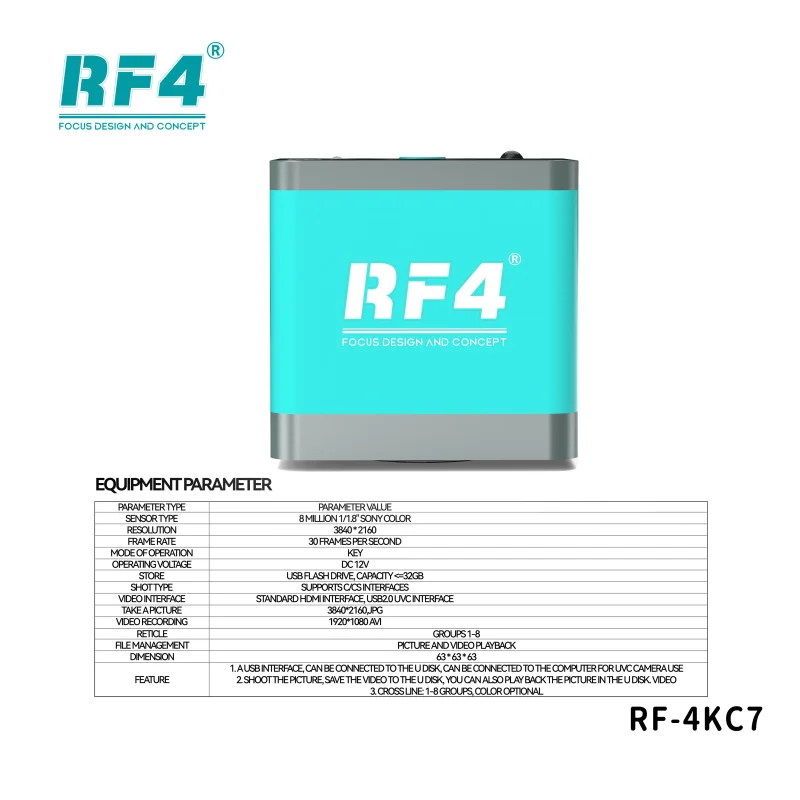
This HDMI microscope camera uses a Sony CMOS sensor with a 1/1.8-inch surface and 1.45μm pixels. HDMI output runs at 3840×2160 and 30 frames, or at 1080P and 60 frames. Choose 4K when you inspect pads, solder joints, and chip edges. Choose 1080P at 60 frames when you want smoother motion as you move tweezers or a hot air nozzle.
The zoom handwheel sets this model apart. Turn it to move from a wide-angle view of the full motherboard to a high-magnification close-up of one component. RF4 describes the zoom as lossless, and the wide-angle CMOS gives you a large field of view. You find the fault area first, then zoom in on the damaged pad, broken trace, or lifted IC corner without lifting the board off your holder.
Exposure and white balance both work in auto or one-touch mode. Press once when your lighting changes and the camera resets its balance, which keeps flux residue, bare copper, and solder color true on screen.
Ports, Storage, and On-Screen Controls
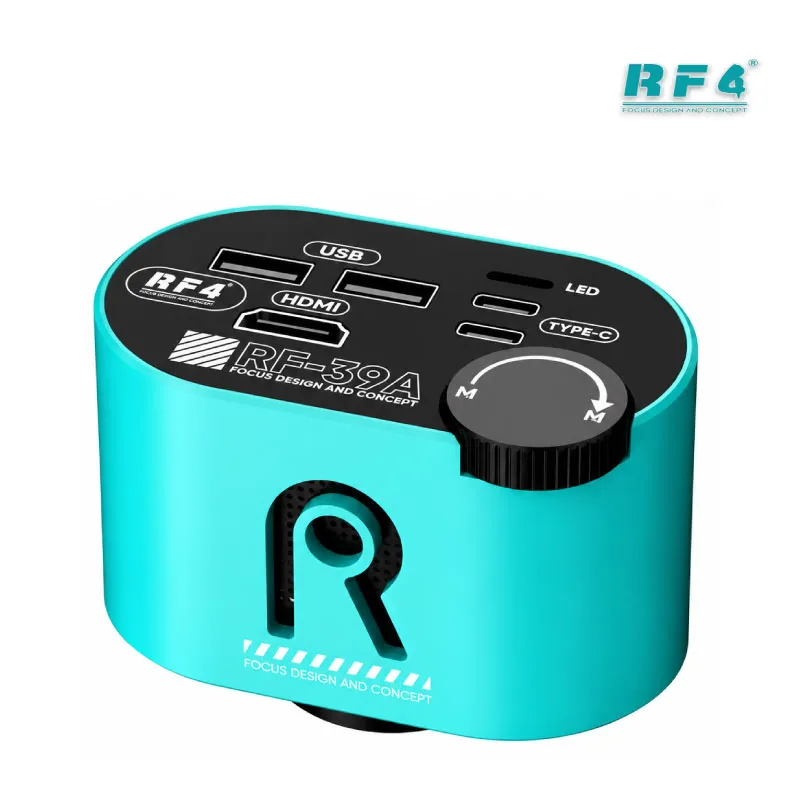
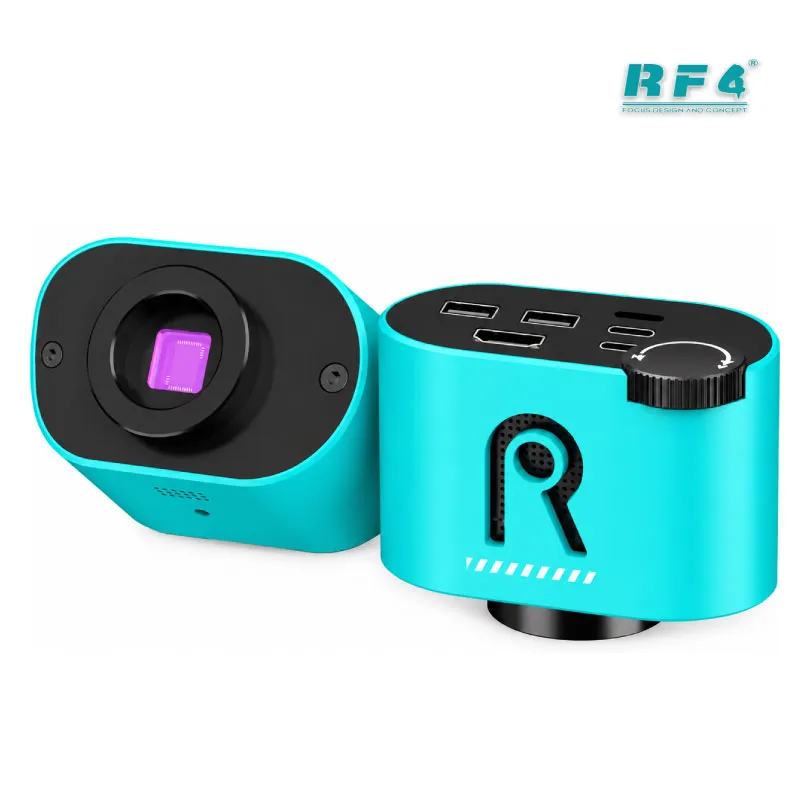
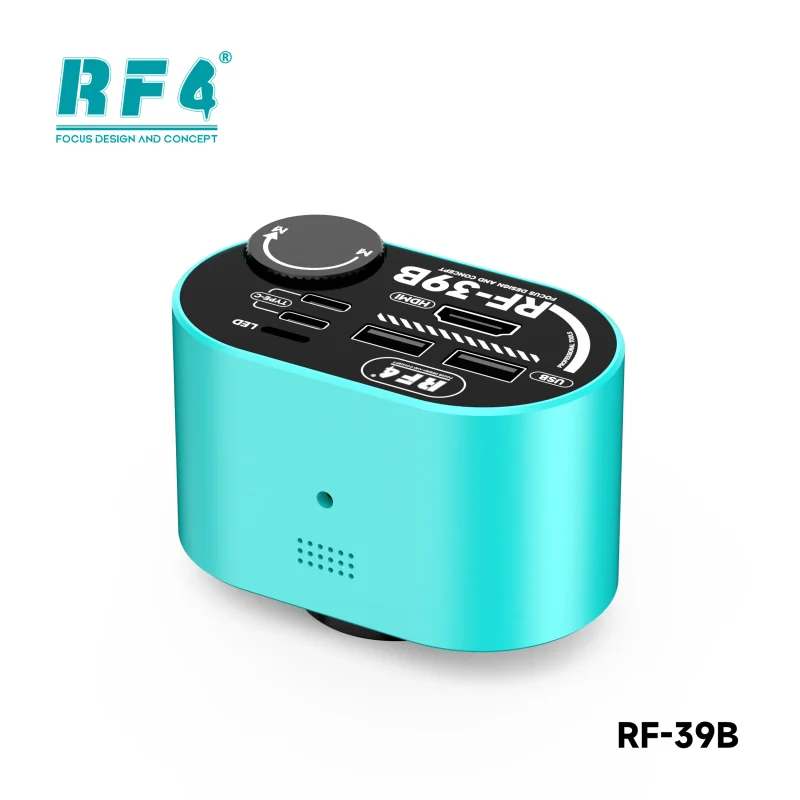
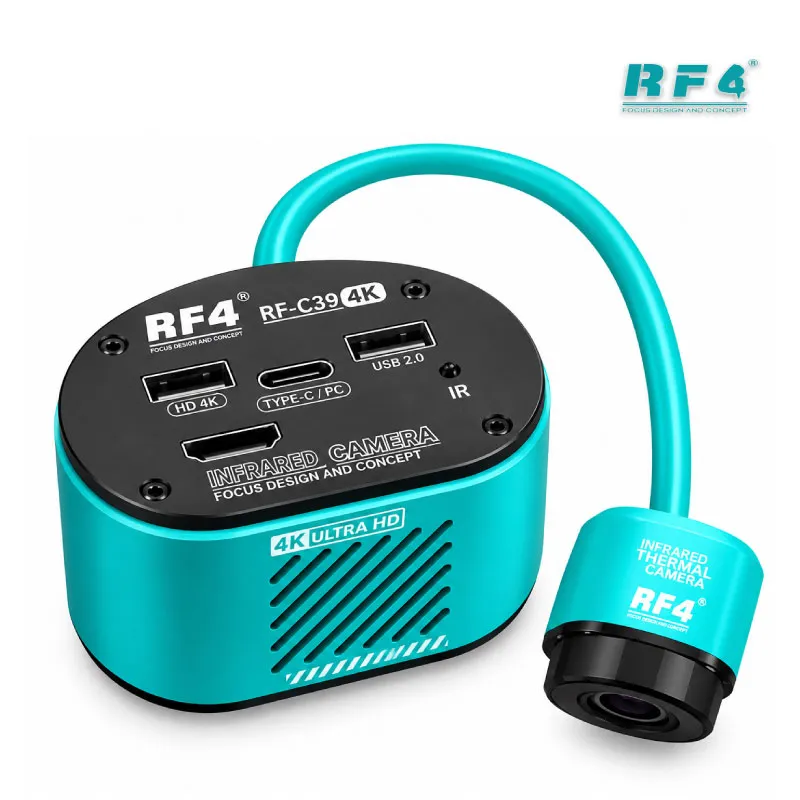
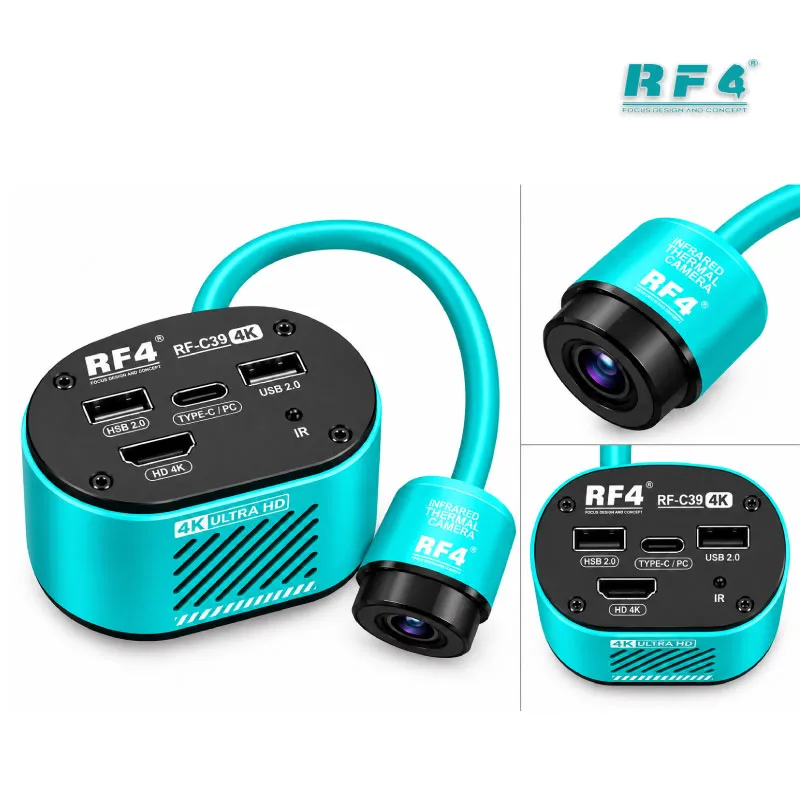
Two USB 2.0 ports take a USB flash drive and a mouse. Save your captures to the drive and navigate the on-screen menu with the mouse. Power comes through a Type-C input at DC 5V 2A, so a standard 5V 2A adapter runs it. Menu languages include English, Chinese, Traditional Chinese, and Spanish.
Eight crosshair lines let you mark and align your view, and you adjust their color and position. Use the center crosshair as a reference when you align a BGA chip on its pads. Flip the image horizontally or vertically if your microscope mount reverses the view.
The lens interface is CS, which makes this a CS mount microscope camera. Confirm your lens or adapter matches a CS or C-mount thread before you order. RF4 lists the RF-39B family as compatible with most trinocular microscopes and C-mount lenses, so most shops can mount it on the microscope they already own.
Using a 4K Microscope Camera for Mobile Repair Jobs
On a repair bench, this camera supports inspection before, during, and after rework. When a dead phone arrives, scan the board for corrosion, burnt components, and cracked ICs before you power it on. Hardware fault boards with a charging issue or display problem often hide the damage near connectors and small filter parts, and the 4K view makes those parts easy to read.
IC change karna demands clean pad work. Watch the pads as you heat with your hot air station, confirm the old chip lifts cleanly, and check for lifted pads before you place the new part. Before jumper lagana on a damaged trace, zoom in and confirm the break. After reballing, inspect every ball for bridges and misalignment before you reflow.
Software-side repairs benefit too. When you solder fine ISP wires to test points on a dead after flash phone or a hang on logo board, the zoomed view helps you land each wire on the right pad. Your ISP pinout tools, eMMC programmers, and UFS adapters all demand steady, precise soldering, and a clear monitor image makes that work easier. Test boxes and multimeters tell you what the board measures. The camera shows you why.
Training institutes and busy shops gain a second benefit. Connect the HDMI output to a large monitor, and students or colleagues watch the same repair live instead of crowding the eyepieces.
Building a Complete Microscope Station Around the RF-39B
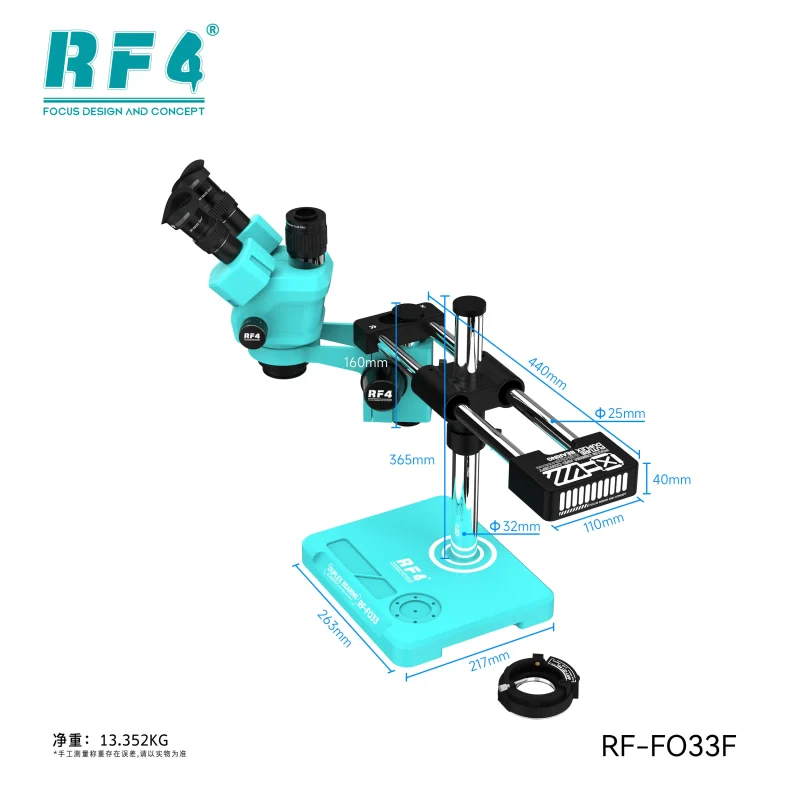
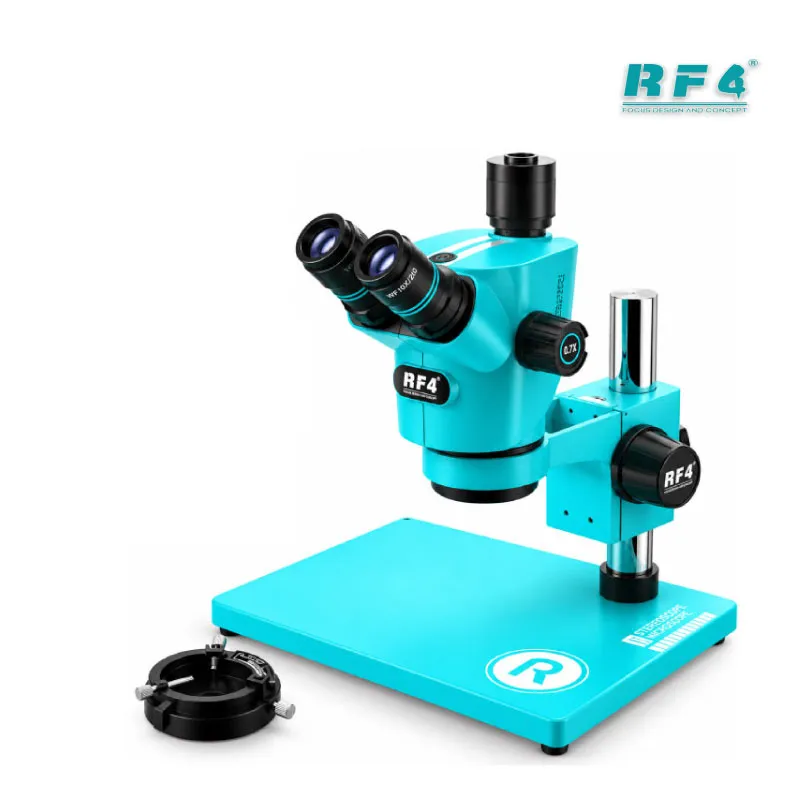
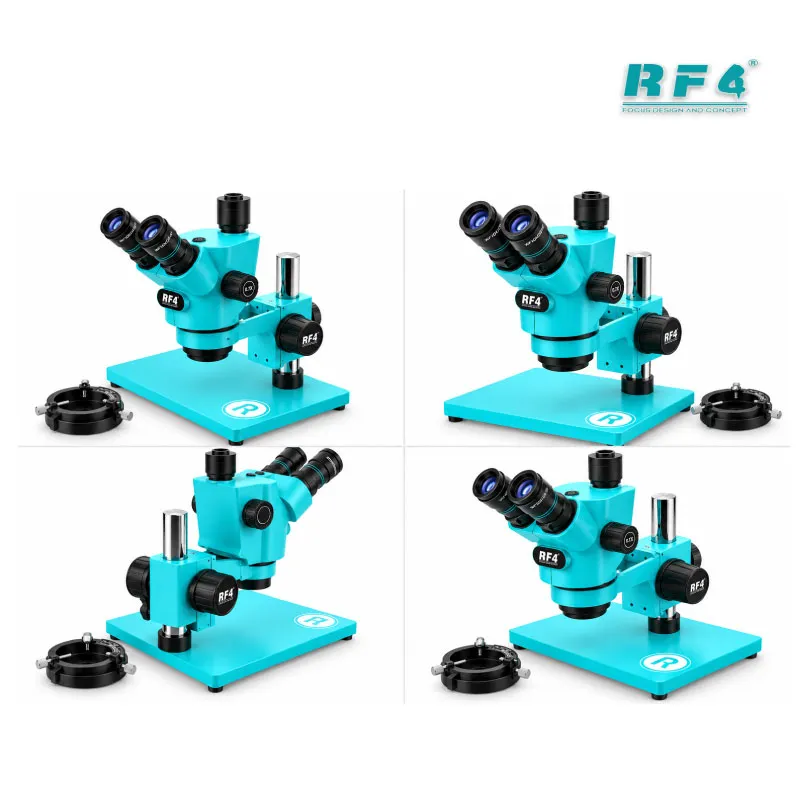
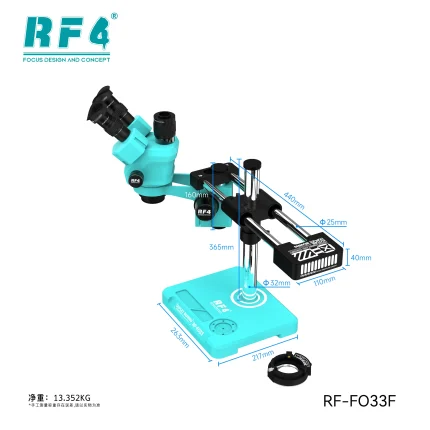
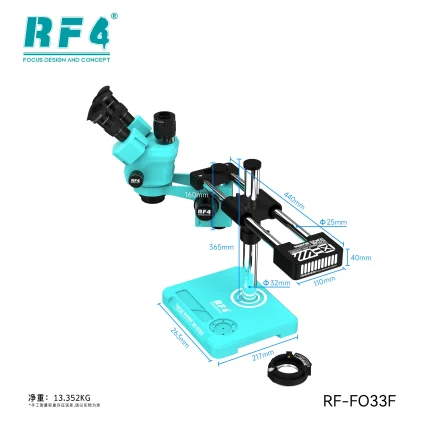
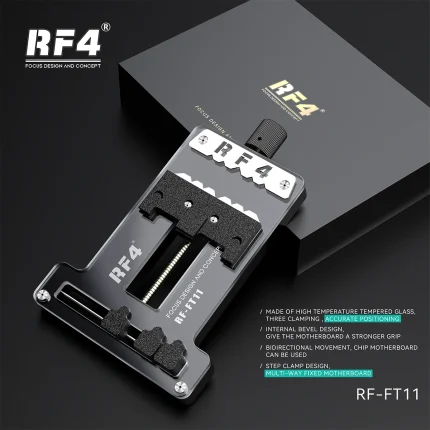
The camera works best inside a complete station. Pair it with a trinocular microscope that has a CS or C-mount camera port, a steady stand, and good lighting. Add a PCB holder so the board stays still while you work, a hot air station and soldering station for the rework itself, and a reballing kit for BGA jobs.
If you inspect through eyepieces only today, the RF-39B gives you a direct upgrade path to a screen-based setup. You keep your existing microscope, add the camera and a monitor, and move to 4K inspection. Browse the Microscopes category on RF4Tools for microscope options, then check Hot Air Stations and Soldering Stations to complete the rework side of your bench.
Repair shop owners, board-level technicians, and service centers in Pakistan get the most from this 4K microscope camera for mobile repair when daily work includes micro-soldering. It gives every technician on your team the same clear view of the board.
Reviews (0)
Q & A
Please login to post questions
Key Features
- Sony CMOS sensor with 1/1.8-inch surface
- 4K HDMI output at 3840×2160 / 30 frames, or 1080P at 60 frames
- Zoom handwheel for wide-angle to close-up viewing
- CS lens interface
- Two USB 2.0 ports for flash drive storage and mouse control
- Type-C power input at DC 5V 2A
- Auto and one-touch exposure and white balance
- Eight adjustable crosshair lines with horizontal and vertical flip
Specifications
| Brand | RF4 |
|---|---|
| Model | RF-39B |
| Category | Microscope Camera |
| Compatibility | CS lens interface; HDMI monitors; trinocular microscopes and C-mount lenses (per RF4 listing) |
| Supported Devices | Universal inspection tool, not phone-model specific |
| Technology | Sony CMOS sensor, 1/1.8-inch sensor surface, 1.45μm × 1.45μm pixel size, HDMI output 3840×2160 at 30 frames / 1080P at 60 frames, USB 2.0 × 2 (flash drive and mouse) |
| Input Voltage | DC 5V 2A (Type-C) |
Common Repair Uses
- Motherboard inspection on dead phone cases
- IC removal and replacement monitoring
- BGA reballing inspection
- Micro-soldering and jumper wire work
- ISP wire soldering on test points
- Charging port and connector area inspection
- Corrosion and liquid damage checks
- Live training and repair demonstration
Compatible Devices
- Samsung phone motherboards
- Oppo and Vivo phone motherboards
- Infinix and Tecno phone motherboards
- iPhone logic boards
- HDMI monitors and TVs
- Trinocular microscopes with a C/CS camera port
- CS-interface and C-mount lenses
- USB flash drives and USB mice
FAQ
What is the product name?
The product name is RF4 RF-39B 4K Microscope Camera with Zoom Handwheel.
What is the brand of this product?
The brand of this product is RF4.
What is the model of this product?
The model of this product is RF-39B.
What is this product used for?
This product is used for board-level inspection and rework monitoring on mobile phone motherboards and other electronic PCBs.
Which devices are compatible with this product?
This product is compatible with HDMI monitors, trinocular microscopes with a C/CS camera port, CS-interface and C-mount lenses, and USB flash drives and mice.
Who should use this product?
This product is suitable for mobile repair technicians, repair shops, service centers, and professional users.
Does the RF4 RF-39B output 4K video over HDMI?
Yes. The HDMI output runs at 3840×2160 at 30 frames, or at 1080P at 60 frames.
What lens interface does the RF4 RF-39B use?
The RF-39B uses a CS lens interface. RF4 lists the camera family as compatible with most trinocular microscopes and C-mount lenses.


Reviews
There are no reviews yet.