




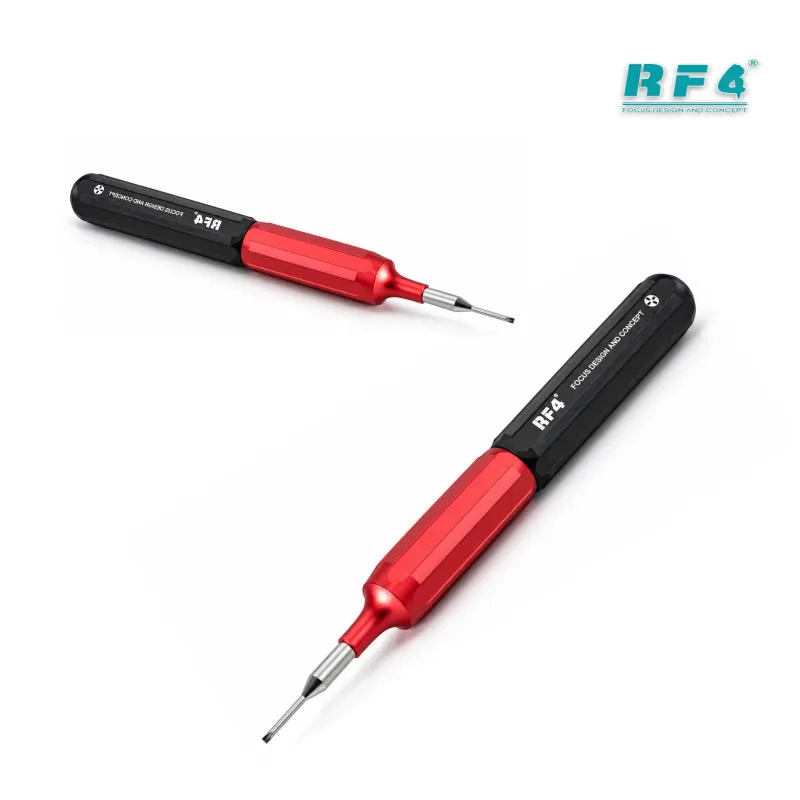
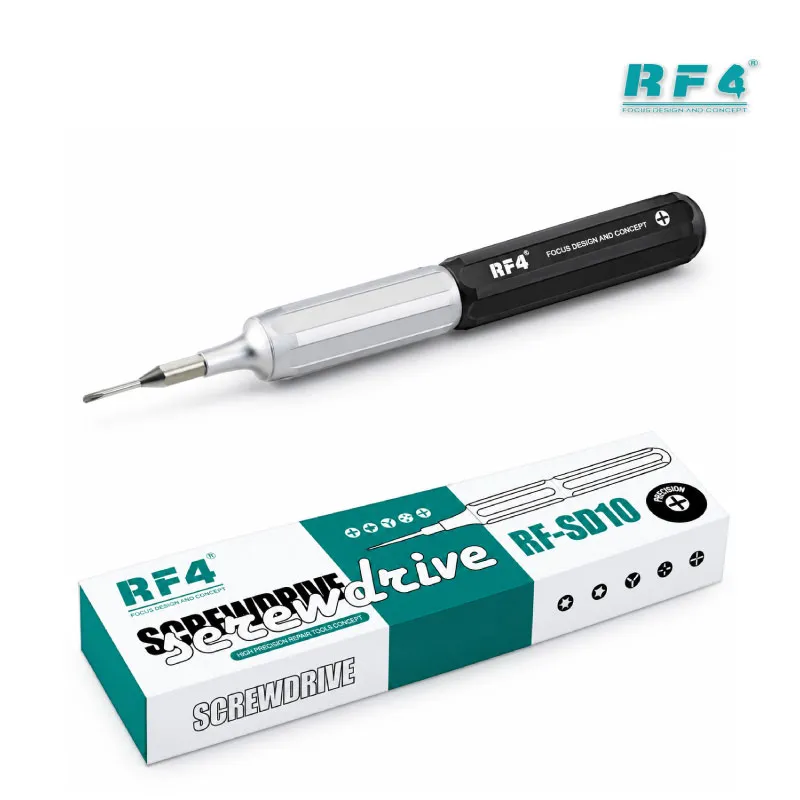
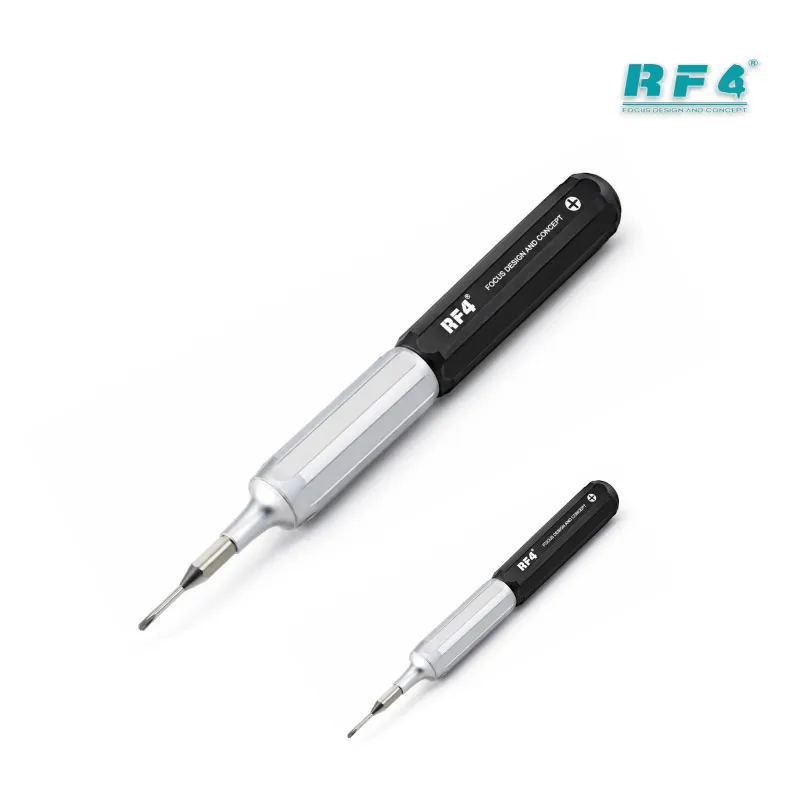
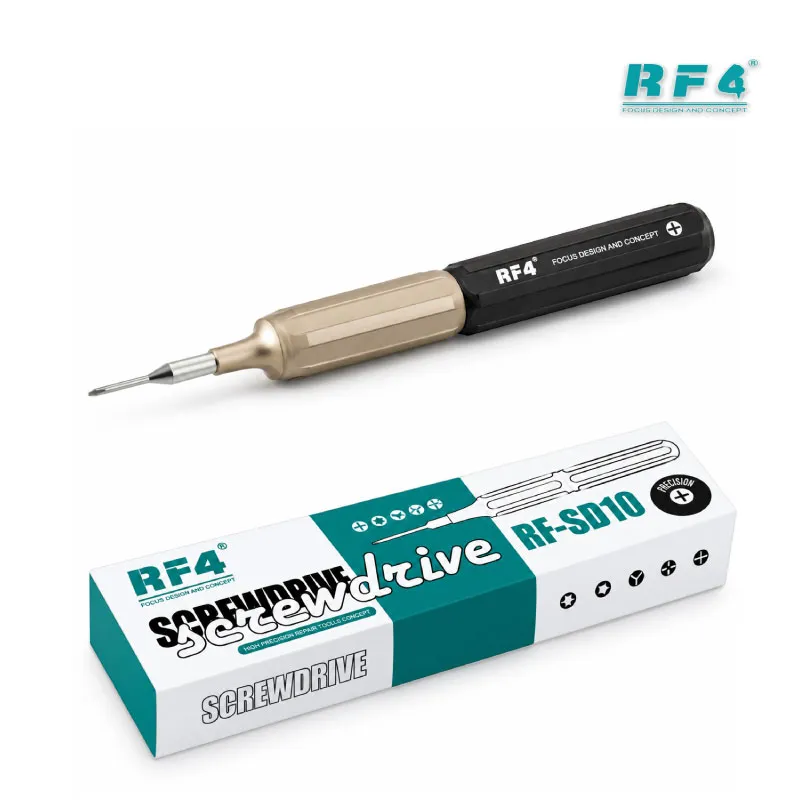




















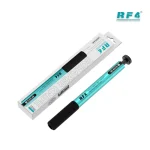
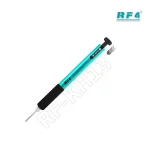
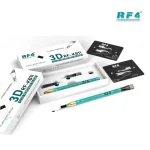
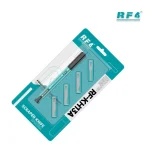
RF4 RF-KH13 Quick Release Pressing Handle
₨1,200
Quick Release Pressing Handle for Repair Blades
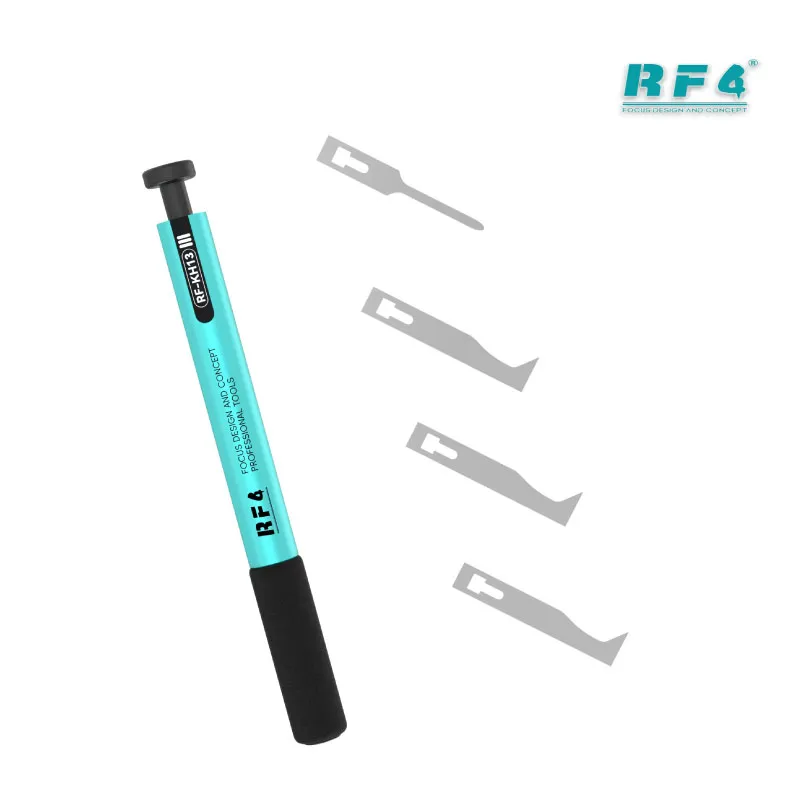
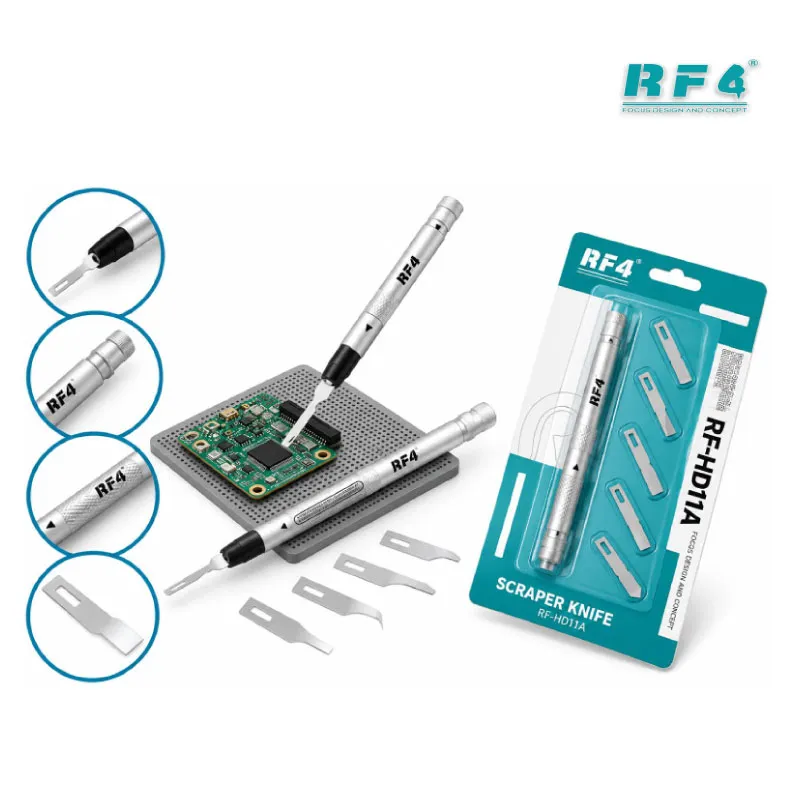
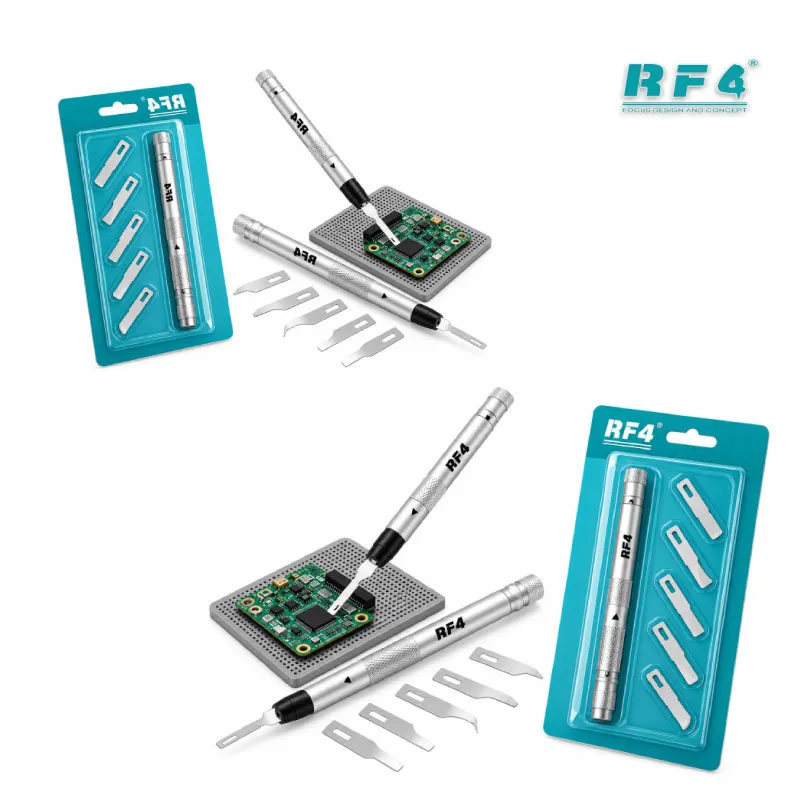
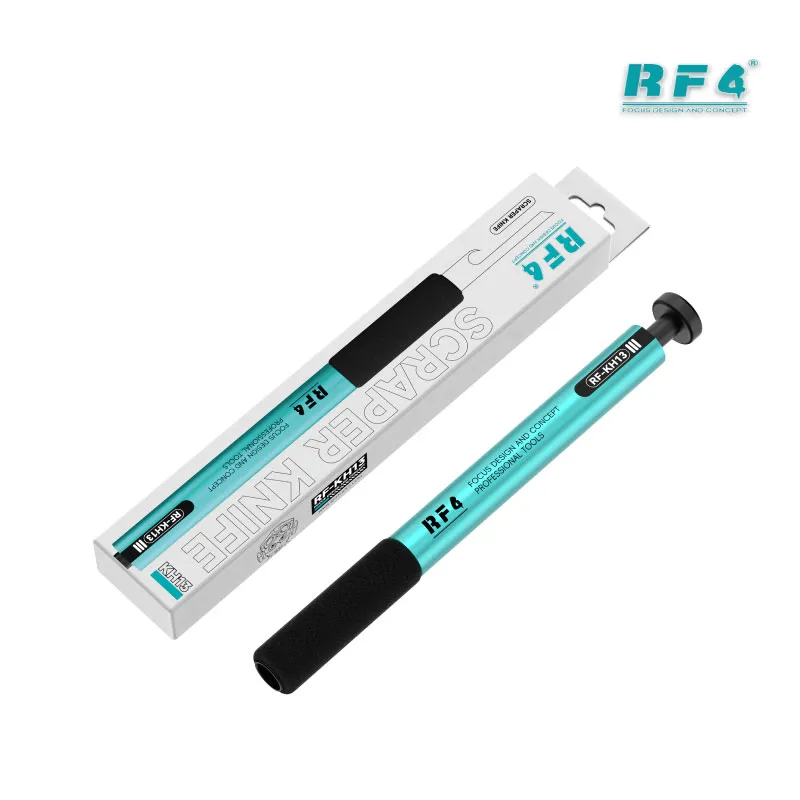
The RF4 RF-KH13 quick release pressing handle gives you a firm, fatigue-free grip for every blade job on your repair bench. Press the button once and the blade swaps in about one second. The knife tip locks in place, so the blade stays steady while you scrape solder, pry open a casing, or separate a screen. The anti-slip cotton sleeve keeps your hand comfortable through long disassembly sessions. RF4 sells the RF-KH13 as a handle only, so you choose the blades that fit your workflow.
| Weight | 0.1 kg |
|---|
10 in stock
Description
RF4 RF-KH13: A Quick Release Pressing Handle Built for Blade Work
The RF4 RF-KH13 is a quick release pressing handle for technicians who swap blades all day. You open a glued phone, scrape old solder, then cut adhesive near a CPU, and each job asks for a different blade. This handle lets you change the blade, not the grip. One press releases the tip, and the next blade locks in place. RF4 builds it in metal and adds a cotton sleeve, so it feels solid and stays comfortable through long sessions. Whether you fix a dead phone or a hang on logo case caused by a hardware fault, the first step is careful disassembly, and this handle speeds it up.
How the Push Button Release Works
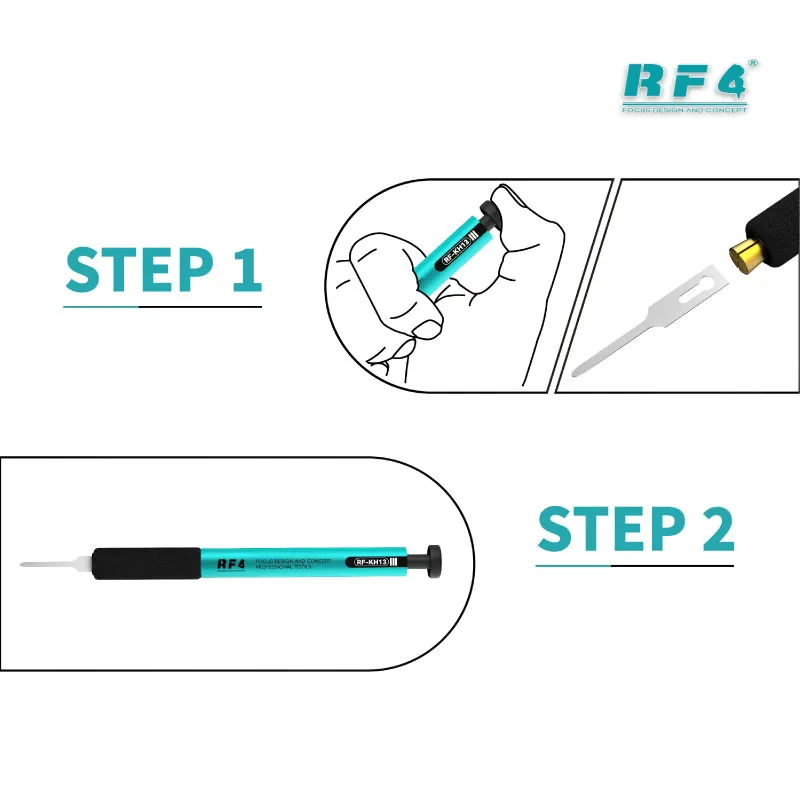
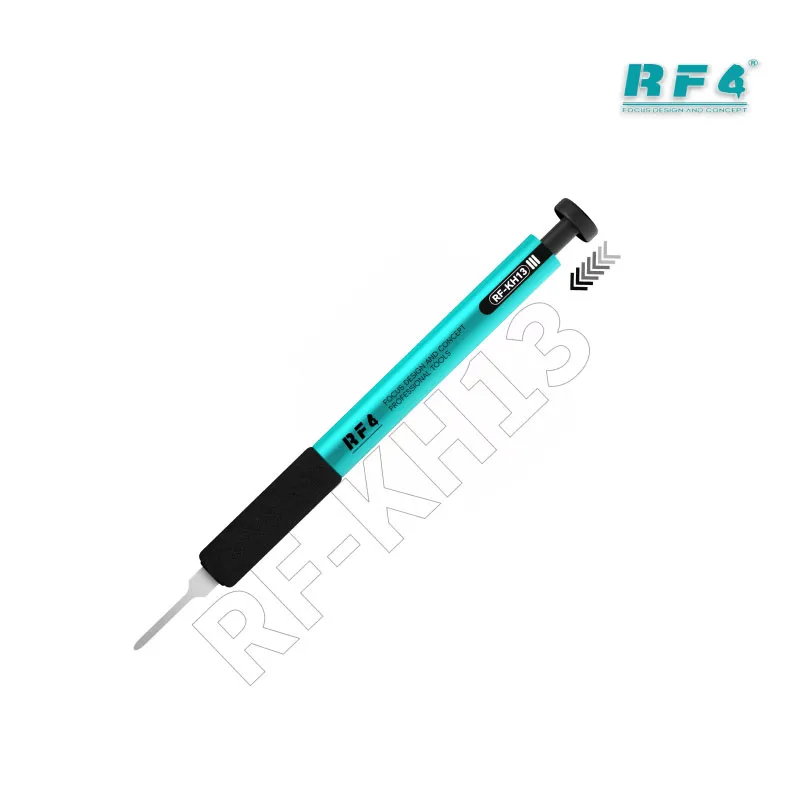
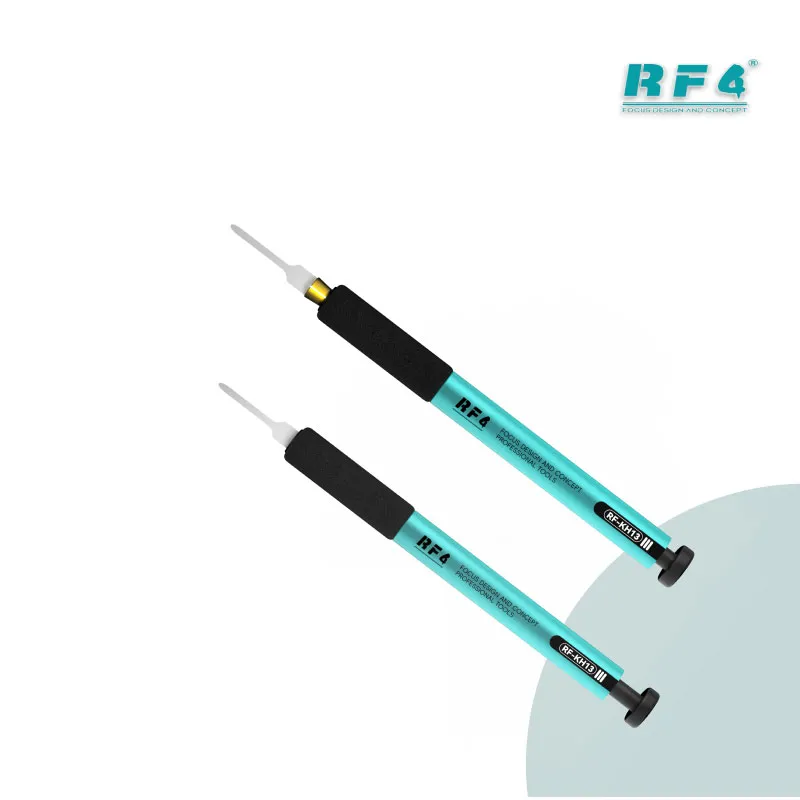
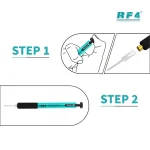
Traditional blade holders need a screw or a twist for every tip change. The RF-KH13 removes that delay with one push button. You press, pull the blade out, slide the next one in, and the knife tip locks. RF4 lists the swap time at one second. The locked tip keeps the blade steady when you push near a board or a display flex. Different clamping mechanisms let the handle take different blades, so one handle covers your whole blade range.
Think about a typical day. Morning brings three screen replacements. Afternoon brings a board with a glued CPU. You swap blades a dozen times. With a screw holder, those seconds add up and a loose tip adds risk. With the RF-KH13, each swap costs one press, and the lock gives you confidence before you apply force.
Where It Fits in Your Repair Workflow
Most repair jobs start with opening the phone. You pry the casing, separate the screen, and clear the glue before you touch the board. The RF-KH13 covers those first steps. With the board out, you scrape solder and lift adhesive around the CPU or IC before IC change karna. Keep the handle beside your hot air station and soldering station so you grab it between heat cycles.
Under a microscope, a locked blade gives you better control near small pads. After rework, you clean leftover glue from the board area before you set it in a PCB holder or start a reballing job. Charging issue, display problem, network issue: the opening and cleaning steps look the same, and so does the handle you use.
Comfort, Build and Buying Notes
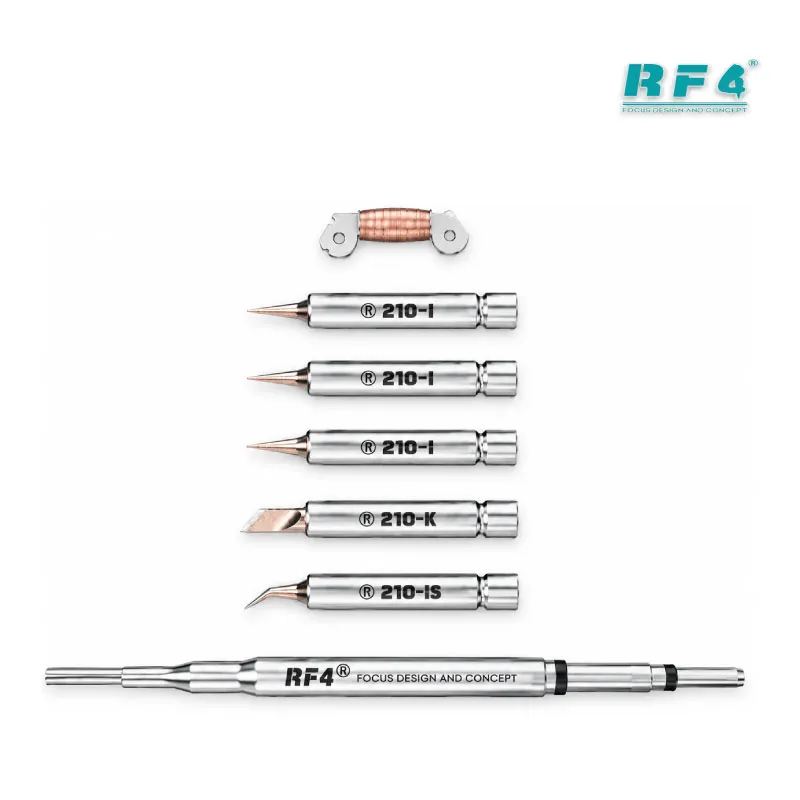
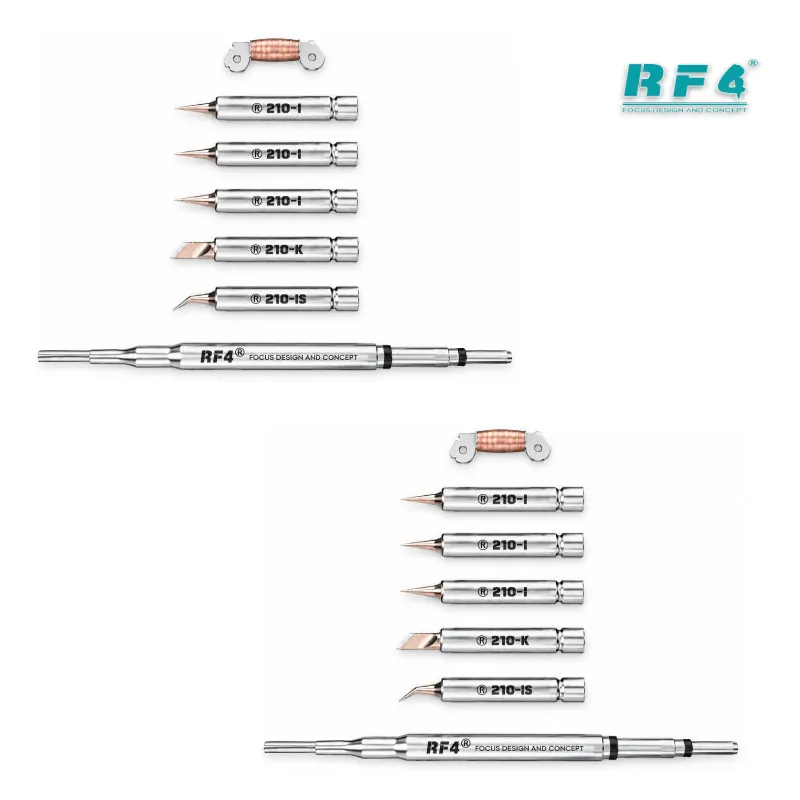
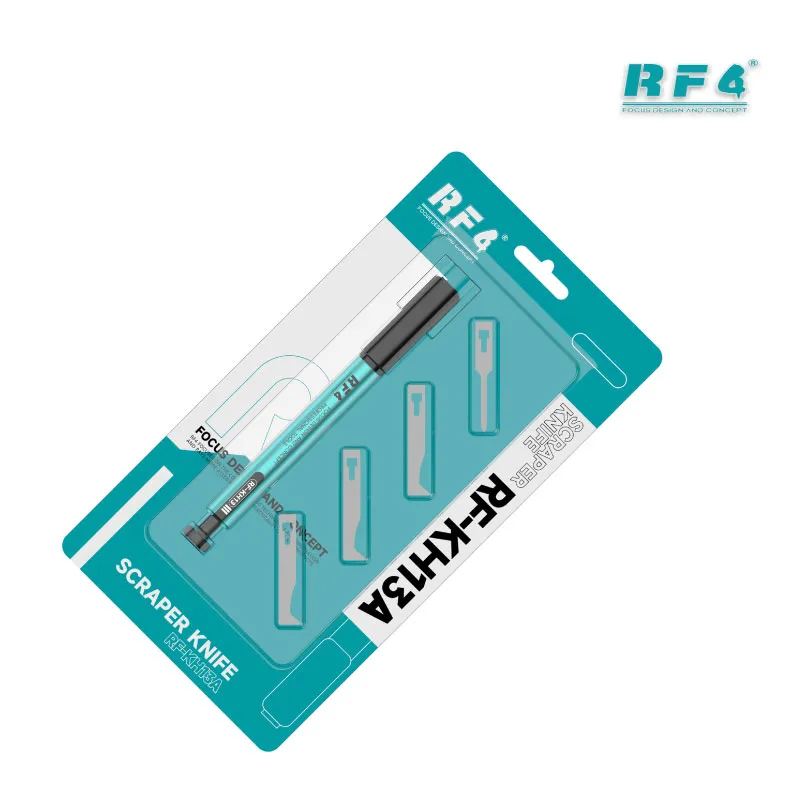
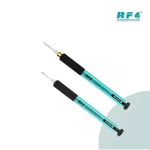
The anti-slip cotton sleeve cuts grip fatigue during long disassembly sessions, and the metal body handles daily workshop use. Check the model before you order. The RF-KH13 is the handle only. The RF-KH13A is the same handle with four commonly used blades. If you already own blades that fit the clamp, the RF-KH13 is enough. If you start from zero, the RF-KH13A saves you a second order.
Repair shops and service centers gain the most, because several technicians can share one blade system and change tips in seconds. Pair the handle with the rest of your bench: a multimeter for board checks, a test box for software jobs, and a PCB holder for stable rework. The handle does the mechanical prep work, and those tools finish the job. Keep spare blades on the bench, since blades wear out faster than the handle.
Reviews (0)
Q & A
Please login to post questions
Key Features
- One-press quick-release push button
- Blade swap in about one second
- Knife tip locks in place for secure handling
- Anti-slip cotton sleeve against hand fatigue
- Metal construction for daily workshop use
- Clamping mechanism accepts various blades
- Sold as handle only (RF-KH13); RF-KH13A adds 4 blades
- Fits scraping, prying and adhesive-cutting tasks
Specifications
| Brand | RF4 |
|---|---|
| Model | RF-KH13 |
| Category | Mobile Phone Repair Hand Tools (Blade Handle) |
| Compatibility | Accepts different blades through its clamping mechanism; works with RF4 RF-KH13A blades |
| Supported Devices | Universal hand tool, not device-specific |
| Technology | Quick-release push button mechanism |
| Material | Metal body with anti-slip cotton sleeve |
Common Repair Uses
- Scraping off solder
- Prying open phone casings
- Disassembling screens
- Cutting and removing adhesive
- Removing glue from the PCB area
- CPU and IC prying before IC change karna
Compatible Devices
- Android smartphones (general disassembly work)
- iPhone models (general disassembly work)
- Phone screen assemblies and frames
- Phone back covers and casings
- Phone mainboards with glued CPU or IC
- RF4 RF-KH13A blade heads
FAQ
What is the product name?
The product name is RF4 RF-KH13 Quick Release Pressing Handle.
What is the brand of this product?
The brand of this product is RF4.
What is the model of this product?
The model of this product is RF-KH13.
What is this product used for?
This product is used for holding repair blades during solder scraping, casing prying, screen disassembly and adhesive removal.
Which devices are compatible with this product?
This product is a universal hand tool. It is not device-specific and supports blade work on Android phones, iPhones and phone mainboards.
Who should use this product?
This product is suitable for mobile repair technicians, repair shops, service centers, and professional users.
What is the difference between RF-KH13 and RF-KH13A?
The RF-KH13 is the handle only. The RF-KH13A is the same handle with 4 commonly used blades.
Does the blade stay locked while prying a phone casing or CPU?
Yes. The knife tip locks in place after you press the button and insert the blade, which keeps the blade secure during prying and scraping.
Reviews
There are no reviews yet.