









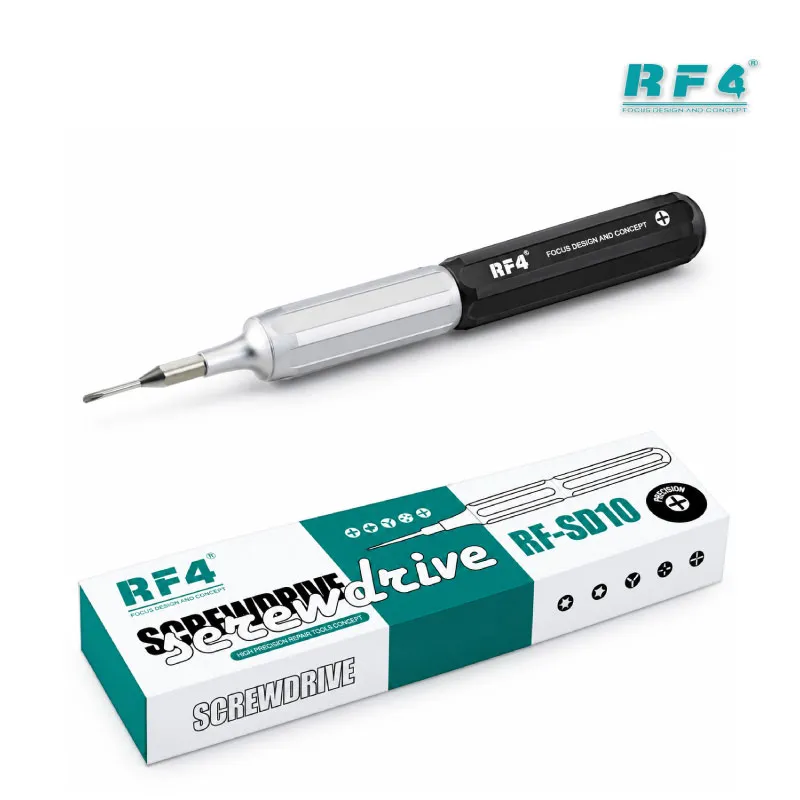
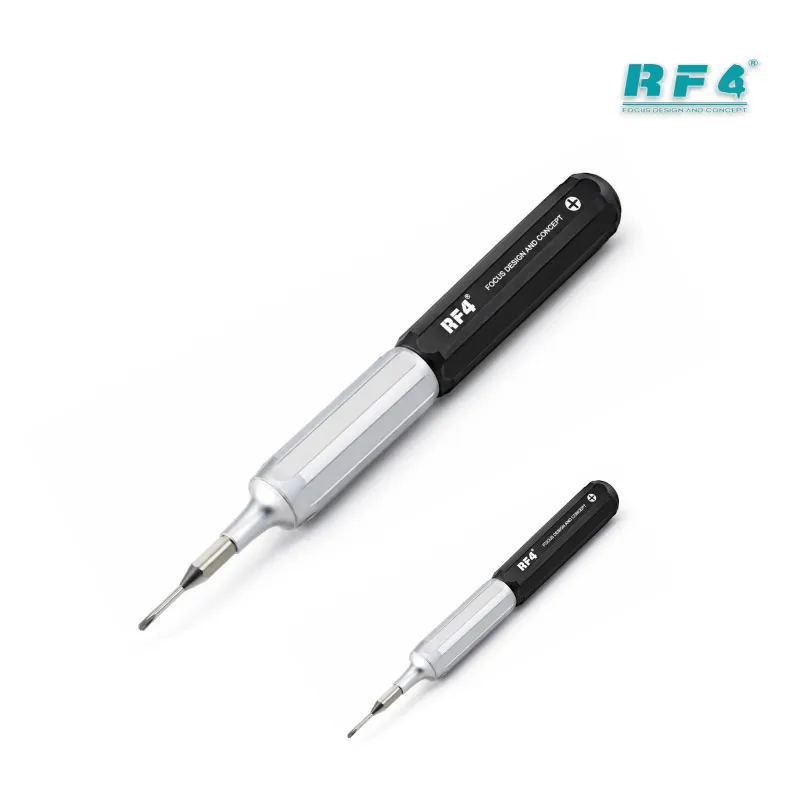
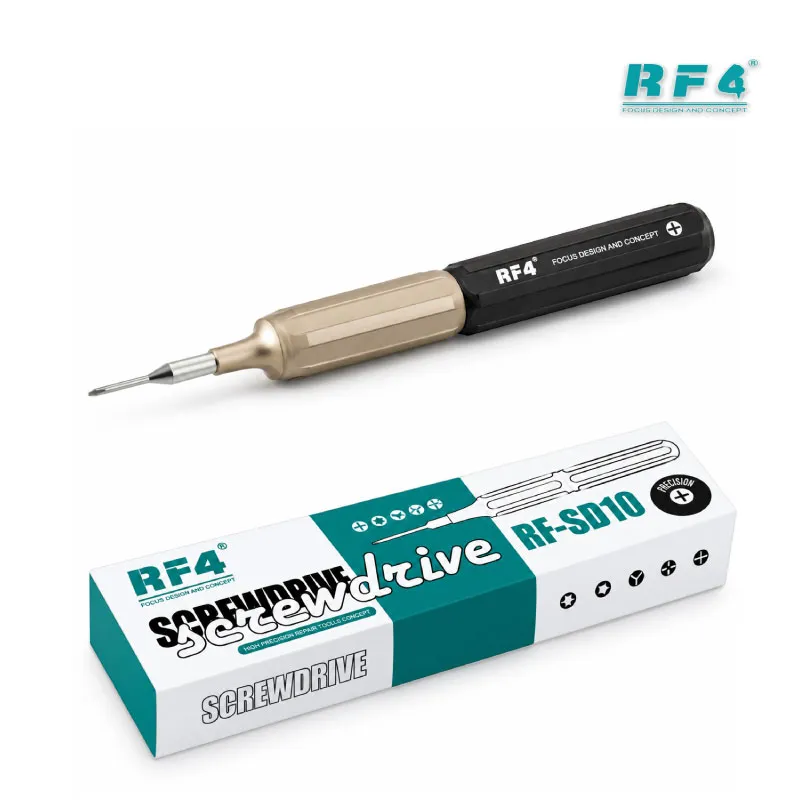
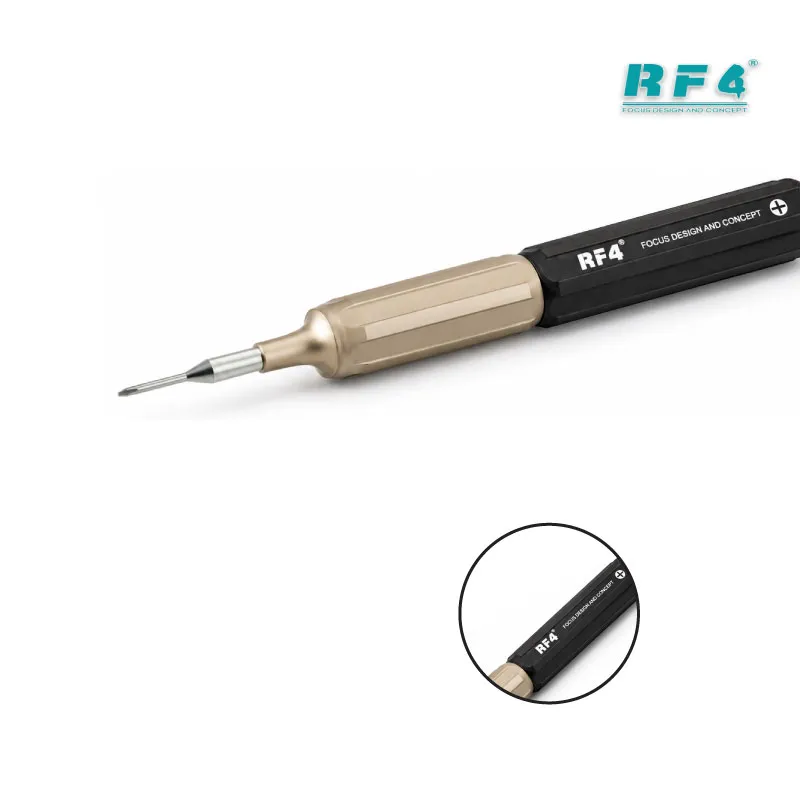




































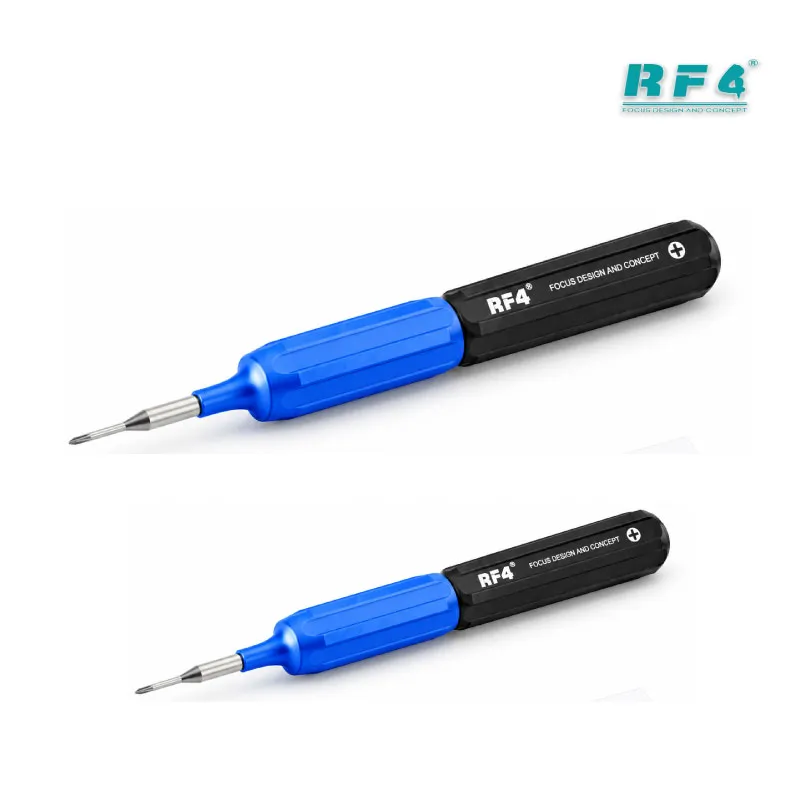
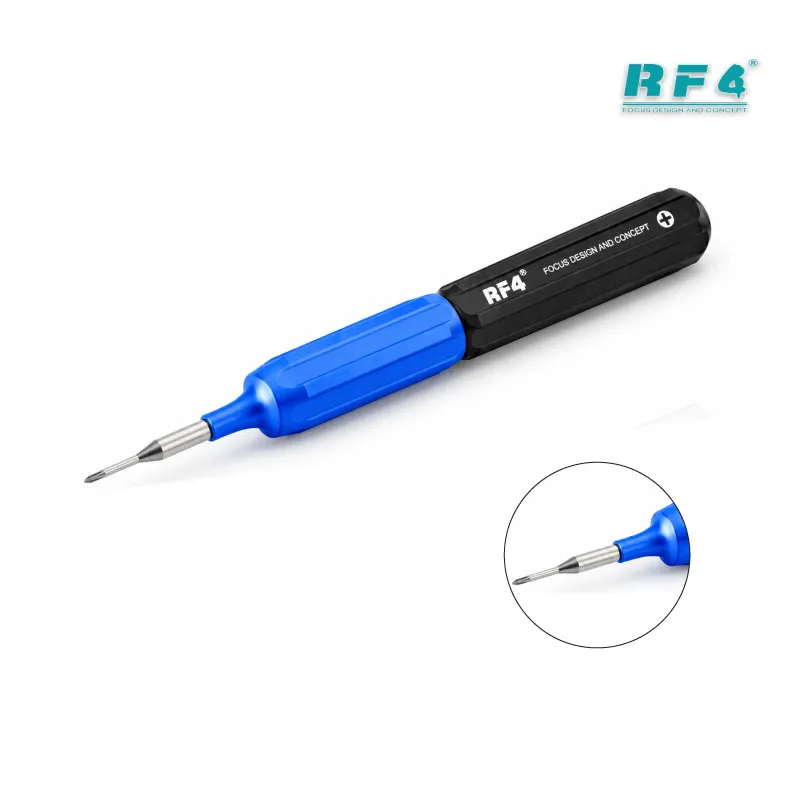
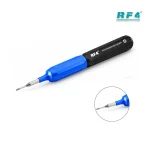

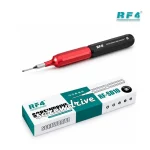
RF4 RF-SD10 Professional Pentalobe Screwdriver
₨1,100
Pentalobe Screwdriver for iPhone Repair
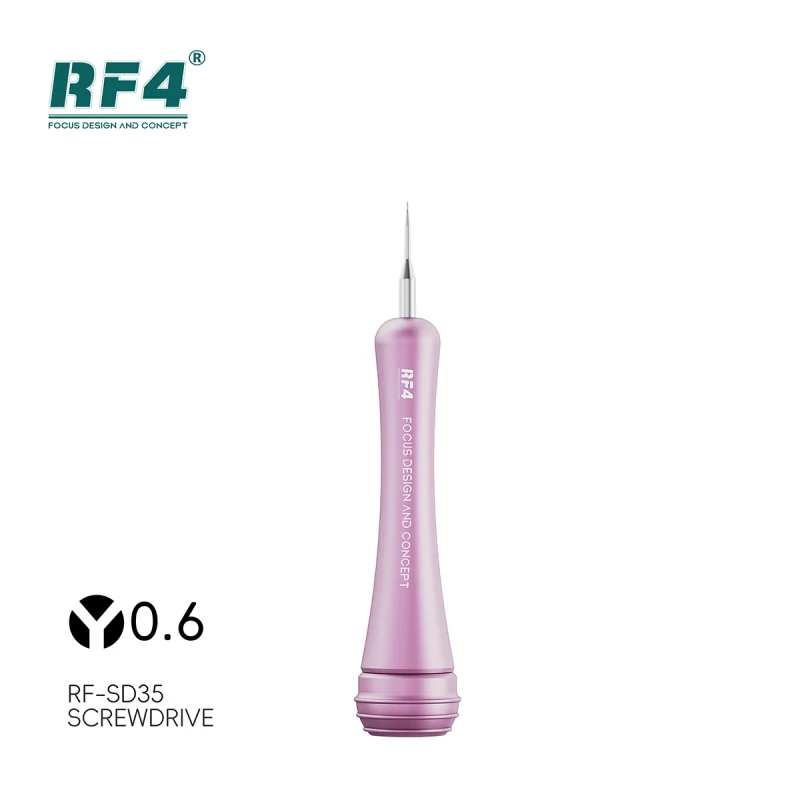
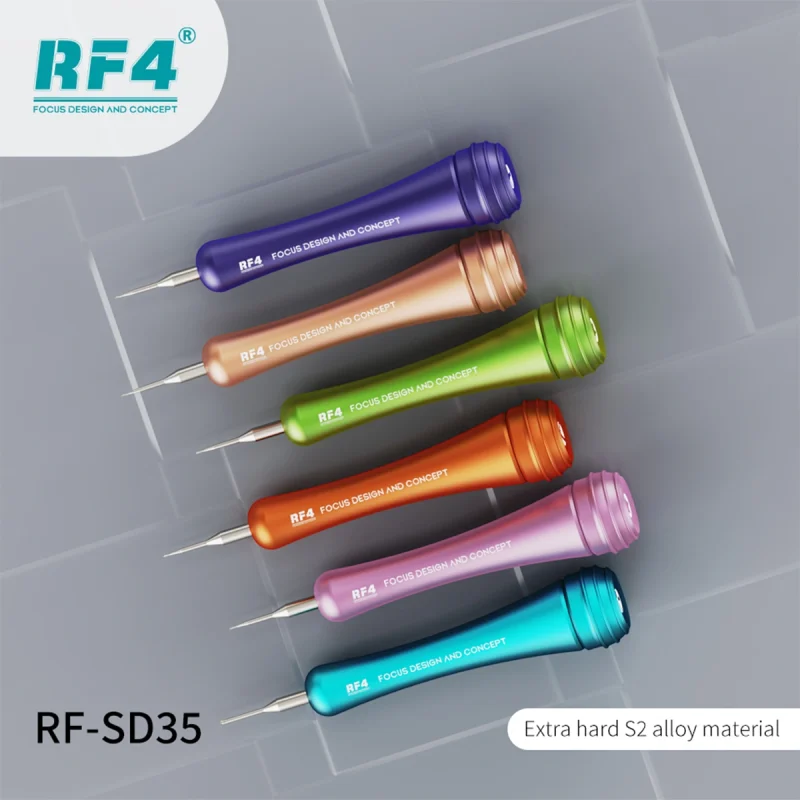
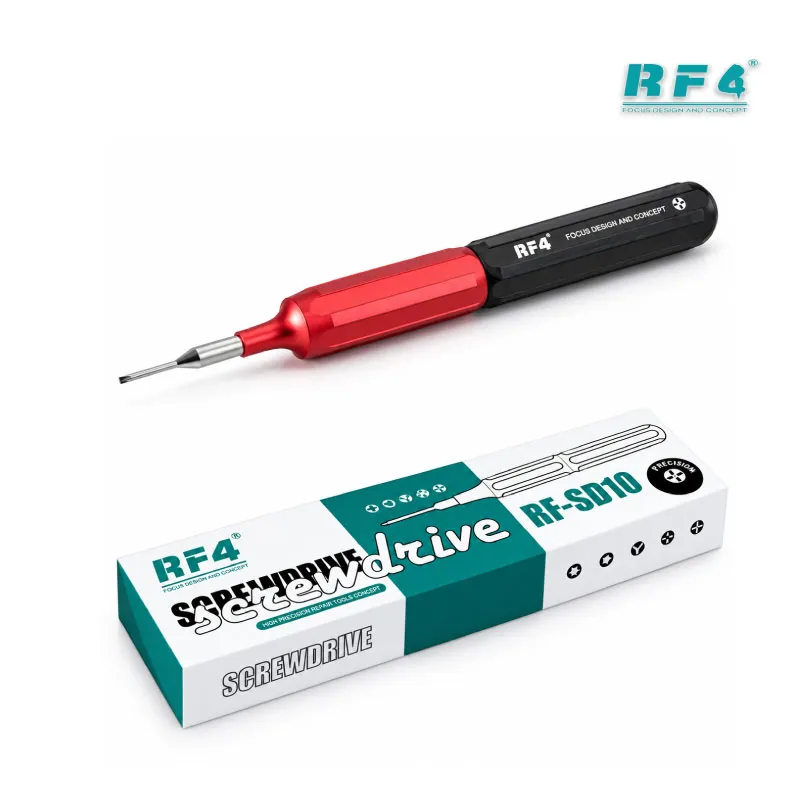
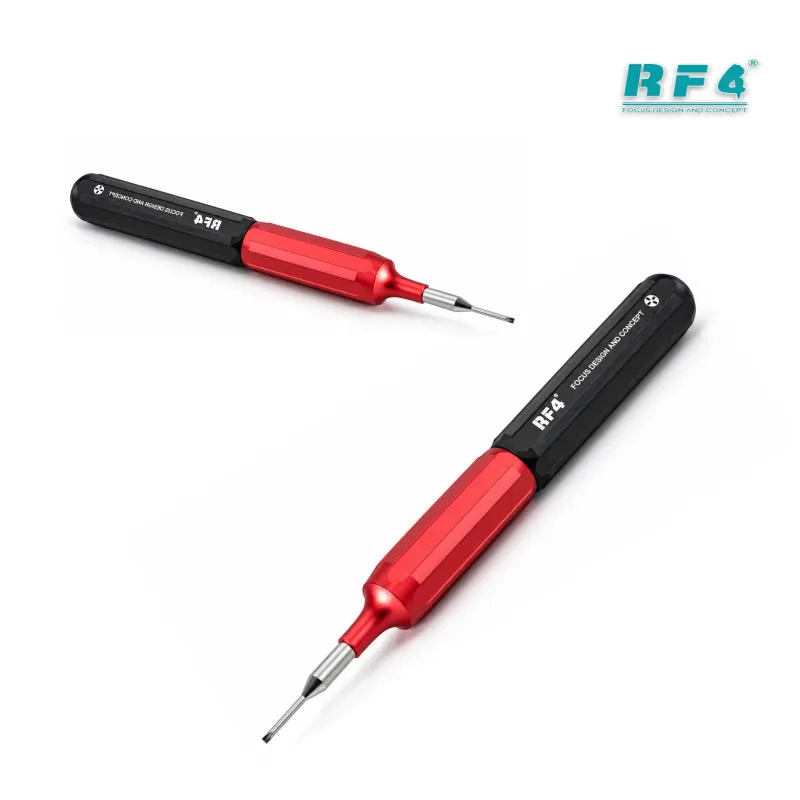
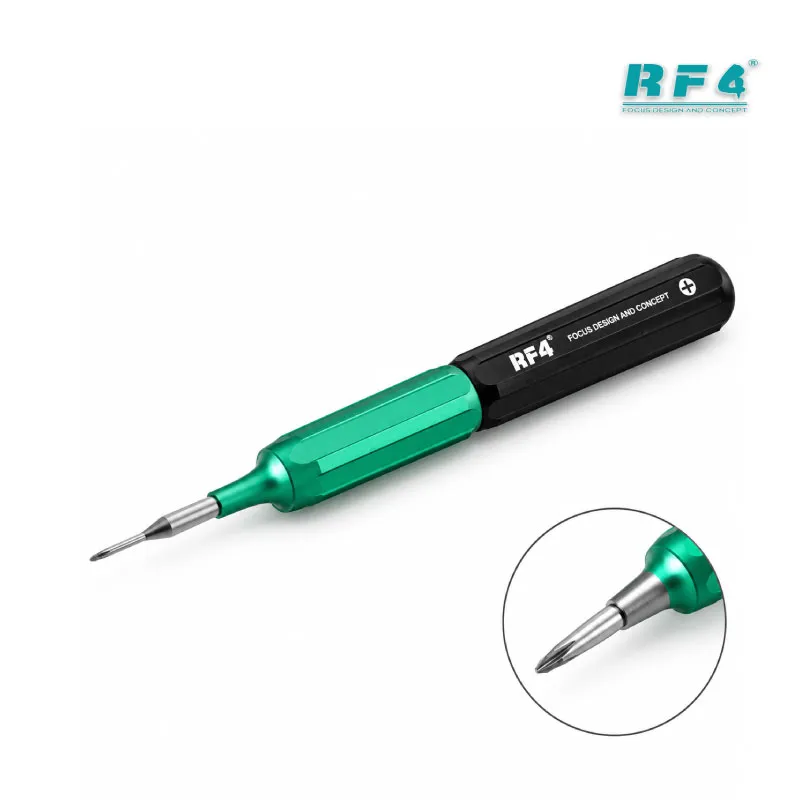
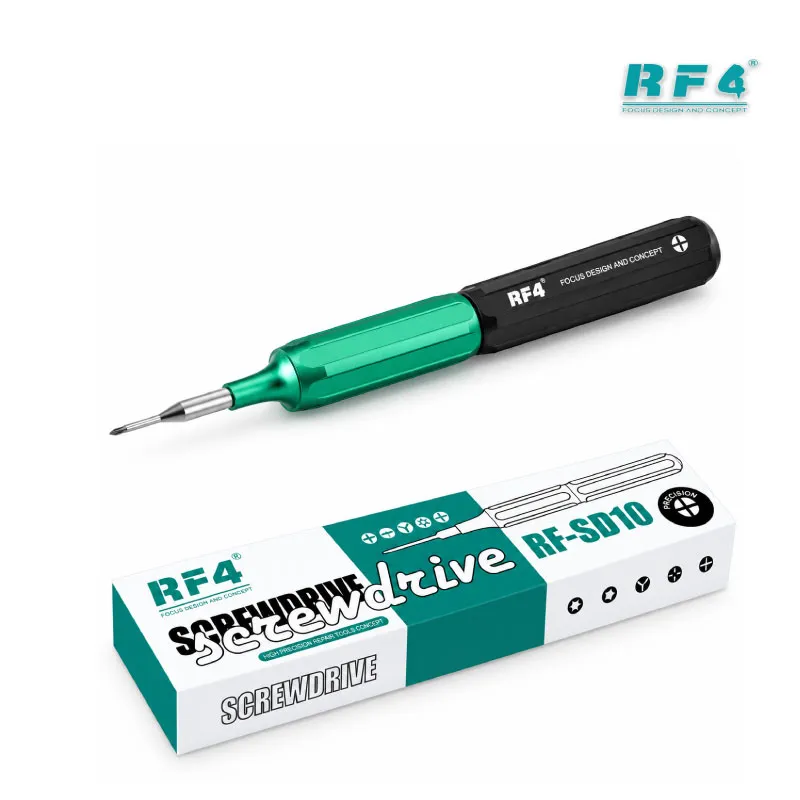
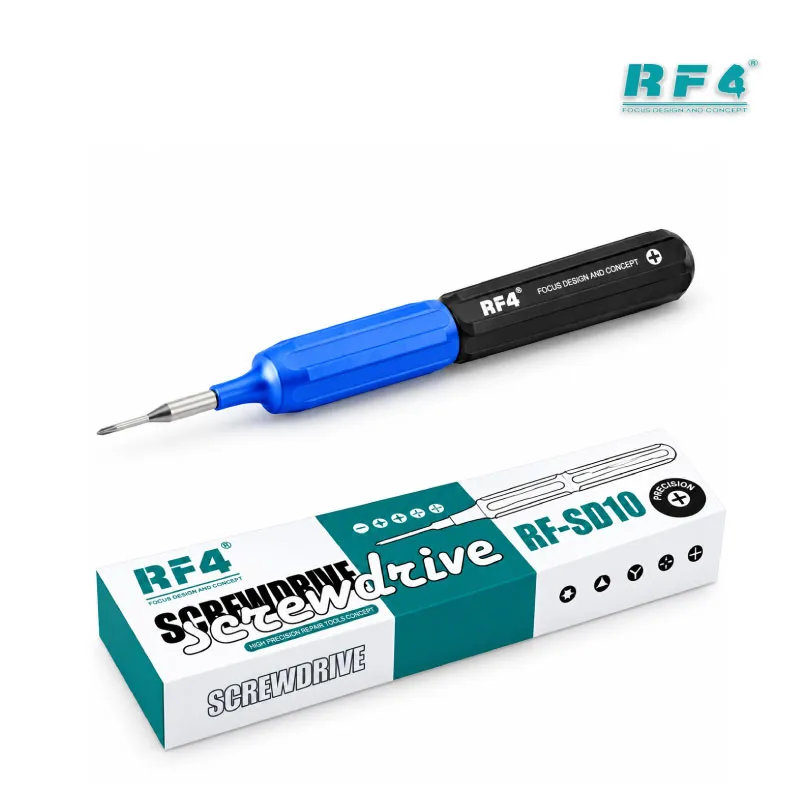
The RF4 RF-SD10 is a professional pentalobe screwdriver built for Apple repair work. An internal bearing regulates precision, and an ergonomic grip keeps your hand steady through long bench sessions. You open, process, and close iPhone and Apple Watch repairs with one dedicated driver. It fits the daily jobs of a Pakistani repair shop: display problem repairs, battery swaps, and charging issue fixes. The tip bites into pentalobe screws cleanly, so you keep the screw heads intact and the case ready to close. Order the RF-SD10 from RF4Tools Pakistan for your Apple repair bench.
| Weight | 0.09 kg |
|---|
10 in stock
Description
Professional Pentalobe Screwdriver for Apple Repair Benches
The RF4 RF-SD10 is a professional pentalobe screwdriver for technicians who open Apple devices every day. Every iPhone repair starts at the same two bottom screws. A weak driver rounds the tip, strips the head, and turns a ten-minute display problem into a slow rescue job. The RF-SD10 gives you a precision pentalobe tip, an internal bearing, and an ergonomic grip, so the first turn stays clean.
Bearing and Grip: Control at the Screw Head
The internal bearing regulates precision and gives you steady control as you turn. You press down with one finger and rotate with another, and the shaft stays centered on the screw. That matters on tamper-resistant pentalobe screws, where a tilted driver chews the five-point recess in seconds.
The ergonomic grip fits your hand through a full shift. Battery swaps, charging port cleaning, and screen replacements stack up fast in a busy shop. A comfortable grip keeps your pressure even from the first phone to the thirtieth.
Where It Fits in Your Repair Workflow
Apple repair follows three stages: open, process, close. The RF-SD10 covers the first and last stage. You remove the bottom pentalobe screws, lift the screen assembly, and reach the battery, charging port, and logic board. After the repair, you drive the same screws back with the same control.
The middle stage depends on your other bench tools. A hot air station softens the adhesive and handles IC change karna jobs on the board. A soldering station and a reballing kit cover hardware fault repair at component level. Under a microscope, you inspect pads and connectors before you close the device. A PCB holder keeps the board still while you work, and a multimeter confirms the charging circuit before you refit the screen.
Many repairs go wrong at the opening stage, before the real fault gets any attention. A stripped screw slows you down and leaves a visible mark the customer notices. A dedicated pentalobe driver removes that risk. Whether a dead phone arrives with a swollen battery or a clean unit arrives for a routine charging issue check, you open it the same way every time.
Choosing a Dedicated Driver for Apple Work
General screwdriver sets rarely match pentalobe screws well. Loose-fitting tips slip, and slipping tips strip heads. A driver made for this screw type seats fully and turns with full contact. You save the screws, protect the case edge, and avoid the scratches that cost you customer trust.
RF4 positions the RF-SD10 as a precision tool for the iPhone and Apple Watch range. If your shop handles Apple devices weekly, this driver earns its place on the bench. Repair shop owners benefit most. Every technician on your team gets the same reliable opening tool, and your screw-loss rate drops across the workshop.
Pair the RF-SD10 with the rest of your Apple workflow. Test boxes and multimeters support diagnosis, and microscopes support board inspection. Hot air stations and soldering stations handle the rework. This driver sits at the front of that chain and sets the pace for every job that follows.
Reviews (0)
Q & A
Please login to post questions
Key Features
- Pentalobe tip for Apple tamper-resistant screws
- Internal bearing that regulates precision
- Ergonomic grip for long bench sessions
- Covers opening, processing, and closing across the Apple range
- Precision control that protects screw heads
- Suited to iPhone repair
- Suited to Apple Watch repair
- Compact hand tool for any repair bench
Specifications
| Brand | RF4 |
|---|---|
| Model | RF-SD10 |
| Category | Precision Screwdriver (Apple Repair Tool) |
| Compatibility | Apple iPhone and Apple Watch |
| Supported Devices | Apple iPhone and Apple Watch |
| Technology | Internal bearing precision mechanism with ergonomic grip |
| Tip Type | Pentalobe |
Common Repair Uses
- Removing iPhone bottom pentalobe screws
- Screen replacement
- Battery replacement
- Charging port repair
- Speaker and microphone cleaning
- Board access for IC and hardware fault repair
- Refitting case screws after repair
- Opening Apple Watch units
Compatible Devices
- Apple iPhone 5 and 5S
- Apple iPhone 6 and 6 Plus
- Apple iPhone 6S and 6S Plus
- Apple iPhone 7 and 7 Plus
- Apple iPhone 8 and 8 Plus
- Apple iPhone X and XS series
- Apple iPhone 11 series
- Apple Watch (per supplier listing)
FAQ
What is the product name?
The product name is RF4 RF-SD10 Professional Pentalobe Screwdriver.
What is the brand of this product?
The brand of this product is RF4.
What is the model of this product?
The model of this product is RF-SD10.
What is this product used for?
This product is used for opening, processing, and closing Apple devices by turning pentalobe screws.
Which devices are compatible with this product?
This product is compatible with Apple iPhone and Apple Watch.
Who should use this product?
This product is suitable for mobile repair technicians, repair shops, service centers, and professional users.
Which iPhone screws does a pentalobe screwdriver open?
It opens the five-point pentalobe screws on the bottom edge of many iPhone models, beside the charging port.
Can I use the RF-SD10 to open an iPhone for a charging issue repair?
Yes. Remove the two bottom pentalobe screws first, then lift the screen assembly to reach the charging port and battery.


Reviews
There are no reviews yet.