


























Sold out
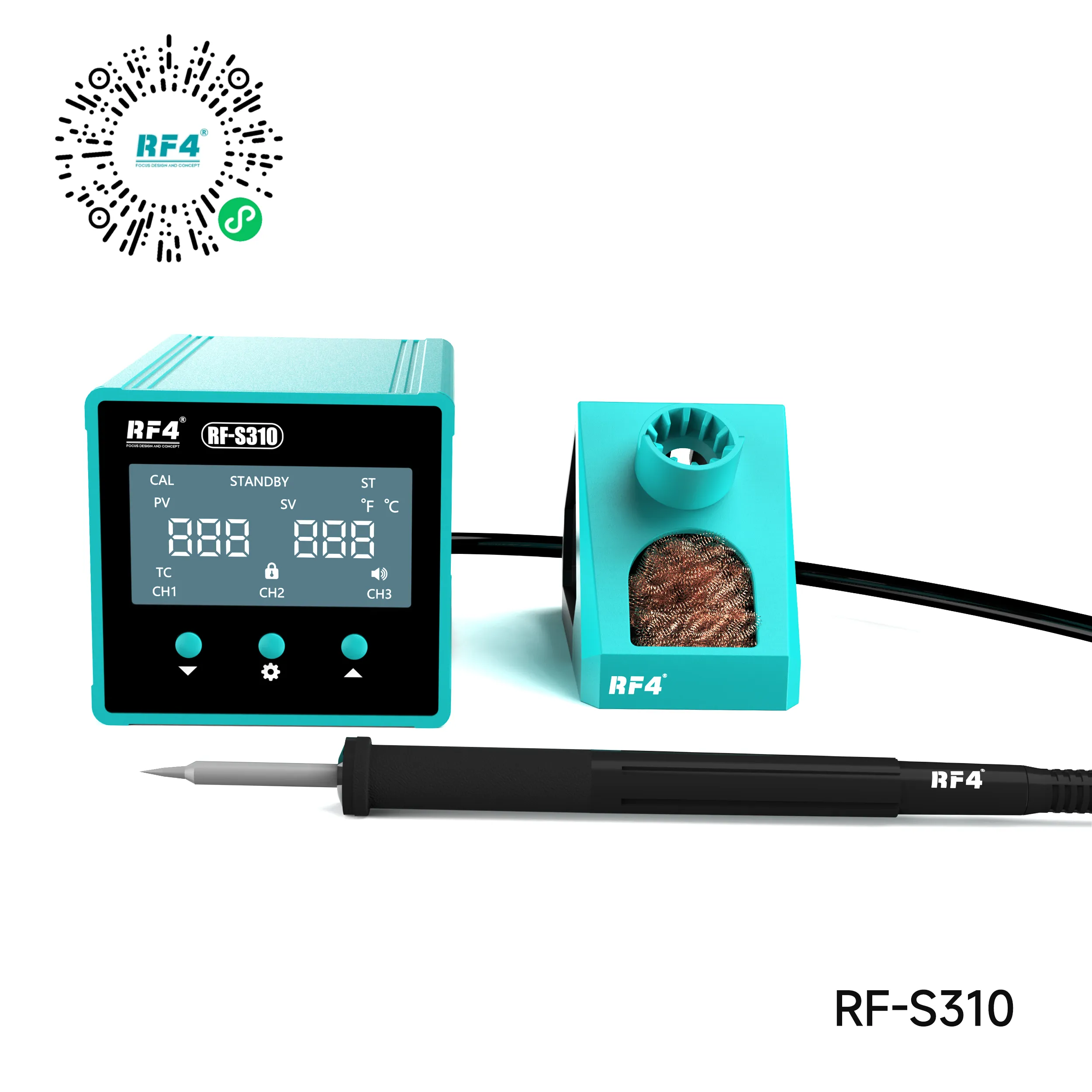
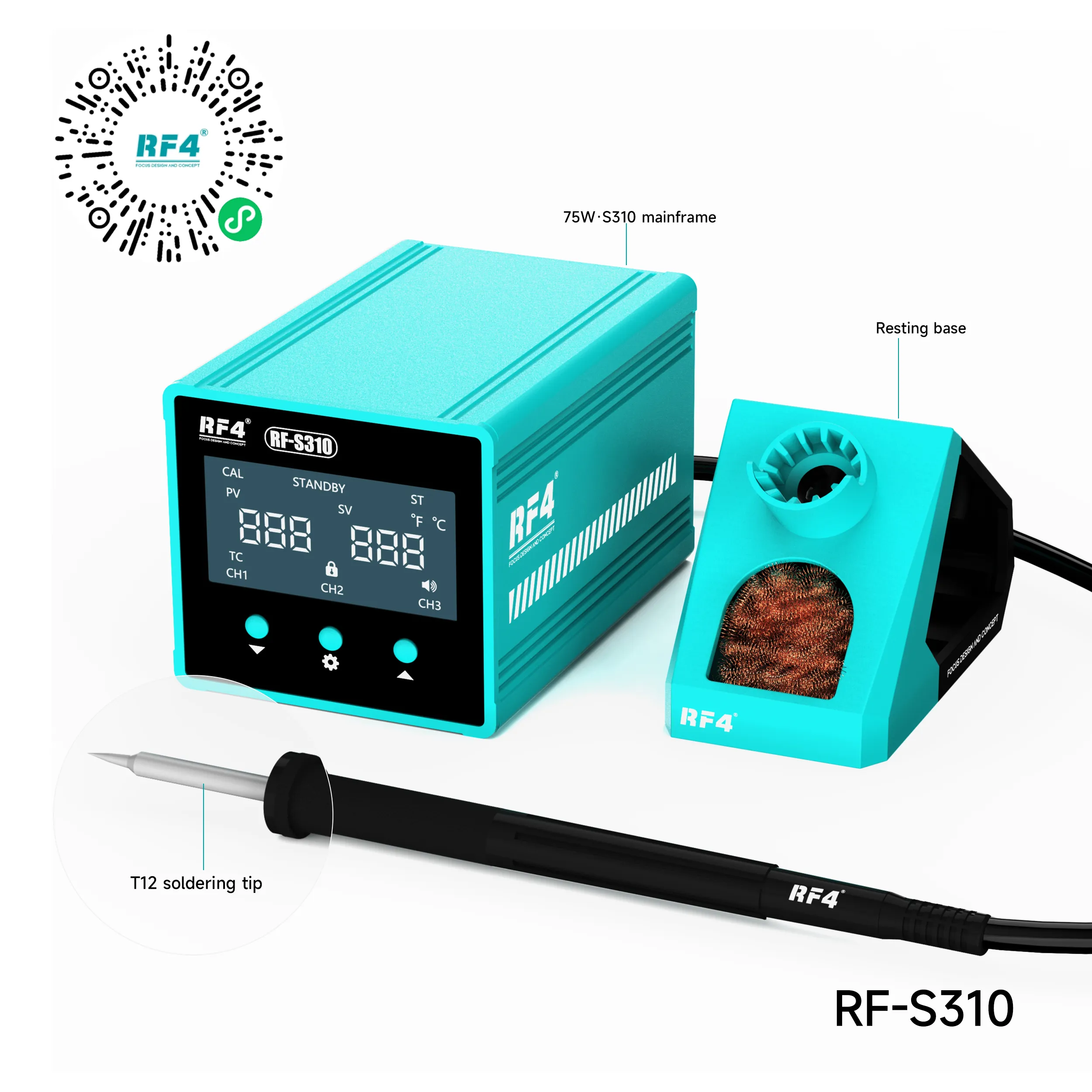
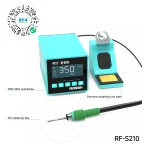
RF4 RF-S310 T12 Soldering Station 75W 3-Channel
₨5,000
RF4 RF-S310 75W T12 Soldering Station
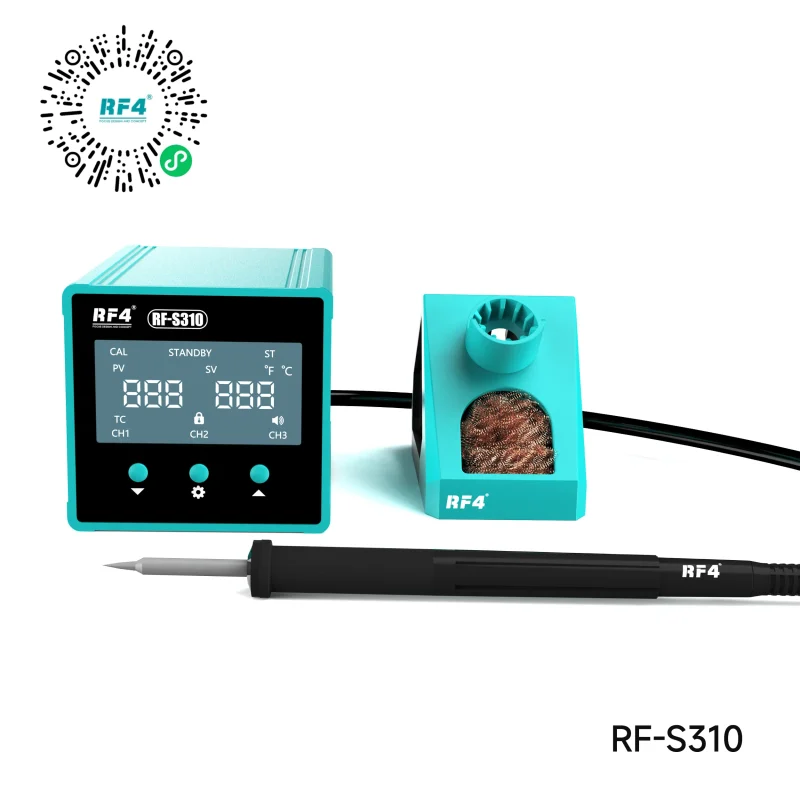
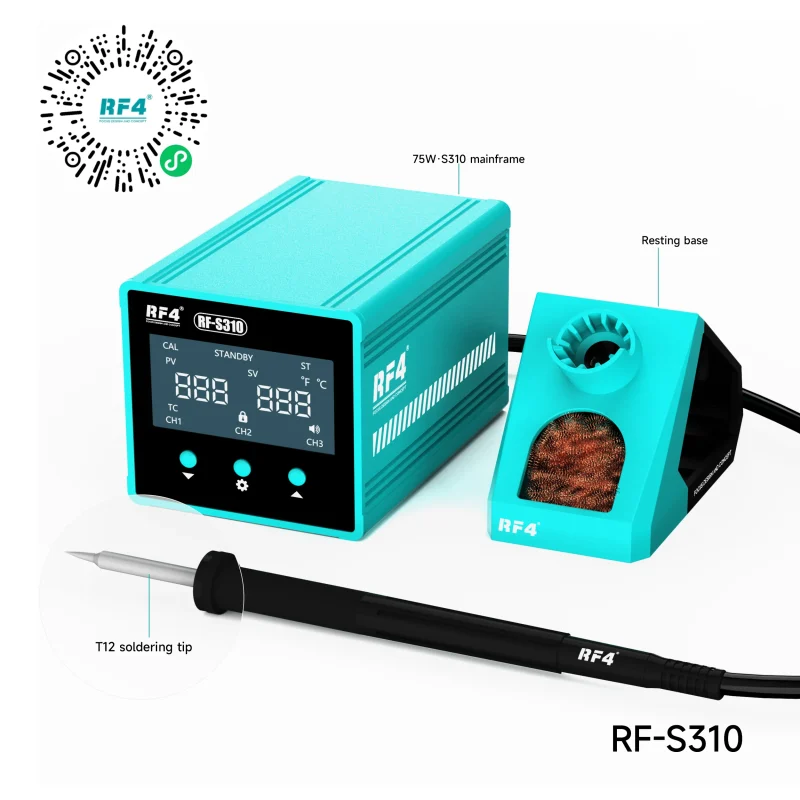
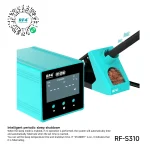
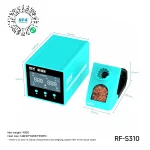
The RF4 RF-S310 is a 75W T12 soldering station for mobile board repair. Its cartridge tips combine heater, sensor, and tip in one piece, so heat reaches the joint fast and recovers quickly on ground pads. You get a 150°C to 480°C range, ±5°C stability, and three memory channels preset at 320°C, 350°C, and 380°C. Countdown standby protects tip life during idle time, and the anti-static design keeps sensitive ICs safe. Use it for charging port swaps, battery connector work, jumper repair, and pad preparation after an IC change.
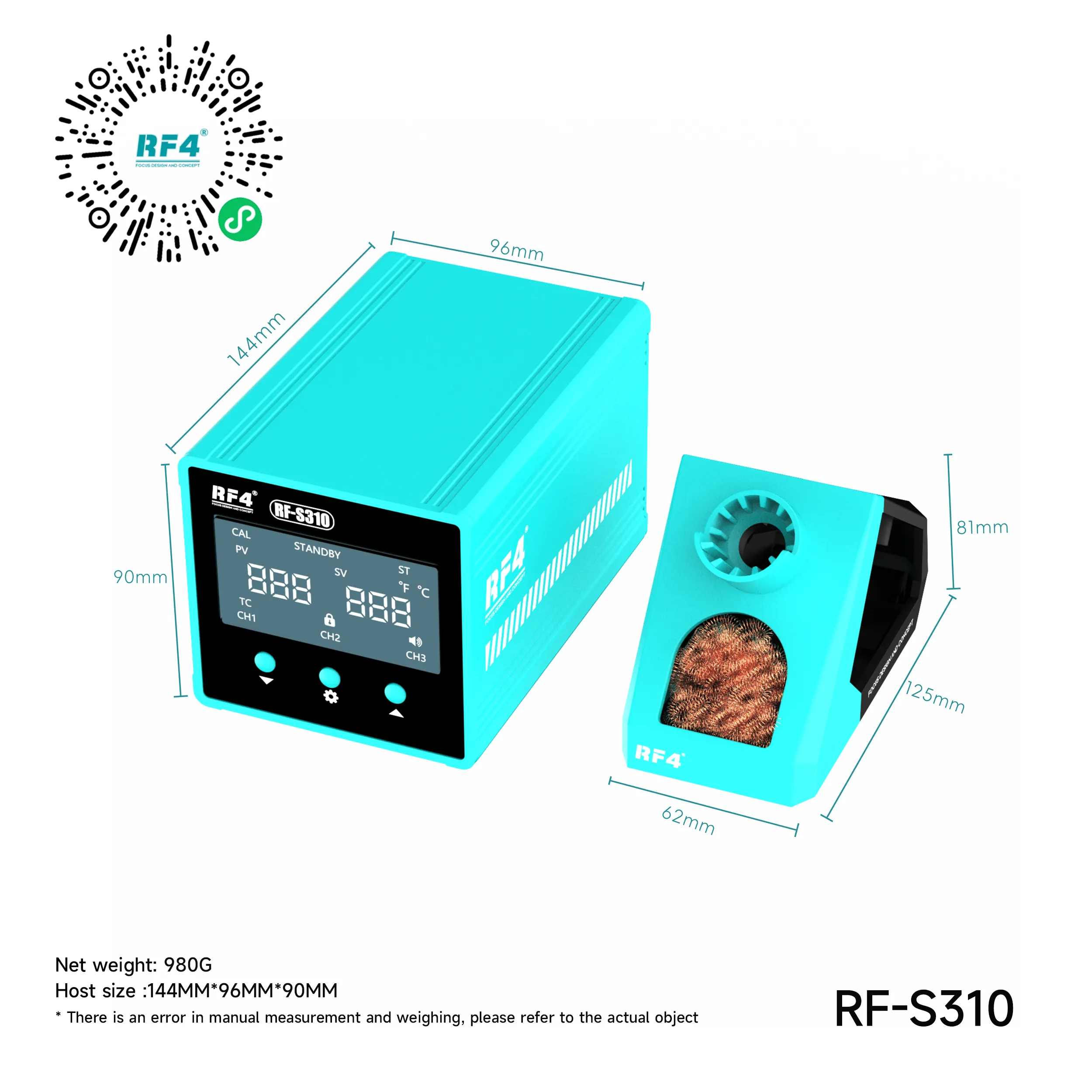
| Weight | 1.8 kg |
|---|
Out of stock
Description
RF4 T12 Soldering Station Built for Fast Micro-Soldering Work
The RF4 RF-S310 is a 75W RF4 T12 soldering station for technicians who solder on phone boards all day. It runs T12 cartridge tips, where the heater, sensor, and tip sit in one piece. That design puts heat right at the joint and brings the tip back to temperature fast after each pad. You get a 150°C to 480°C range, ±5°C stability, three memory channels, and a countdown sleep timer in one compact unit. For a bench that handles charging issue jobs, connector swaps, and jumper work daily, the RF-S310 covers the core iron work without wasted time.
Why T12 Cartridge Heating Matters on a Repair Bench
Conventional ceramic-core irons place the heater behind a separate tip. Heat has to cross that gap before it reaches the solder, so the tip drops temperature on large ground planes. A T12 cartridge removes that gap. The heating element and temperature sensor sit inside the tip body itself.
The station reads the real tip temperature and corrects it quickly. When you drag solder across the shell pins of a USB-C port or a battery connector tied into a thick ground layer, the tip recovers instead of stalling. Cold joints drop, and you hold heat on the board for less time. Shorter dwell time also protects nearby SMD capacitors and the solder mask around the pad.
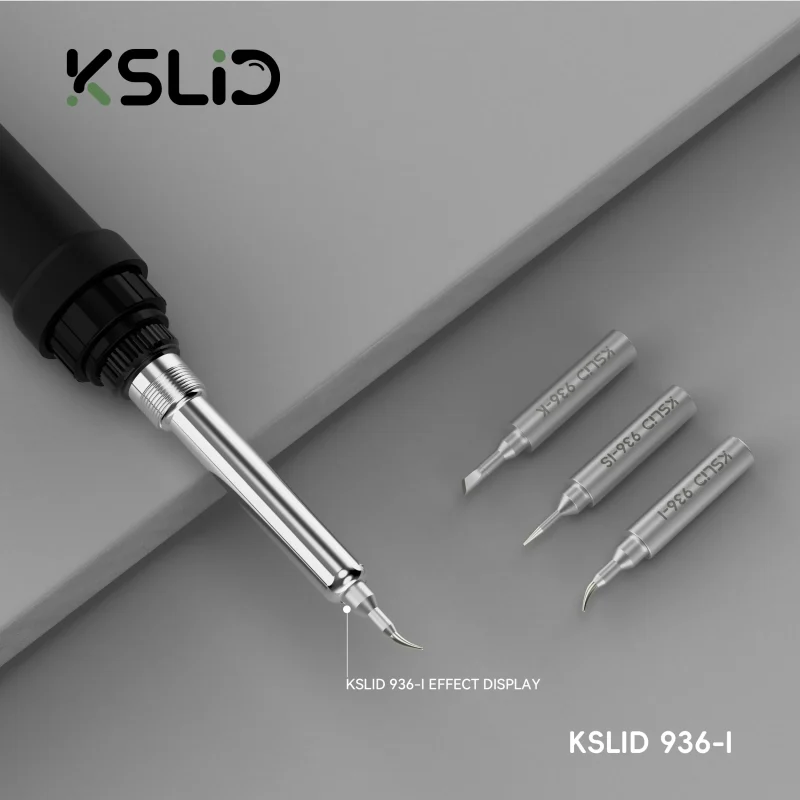
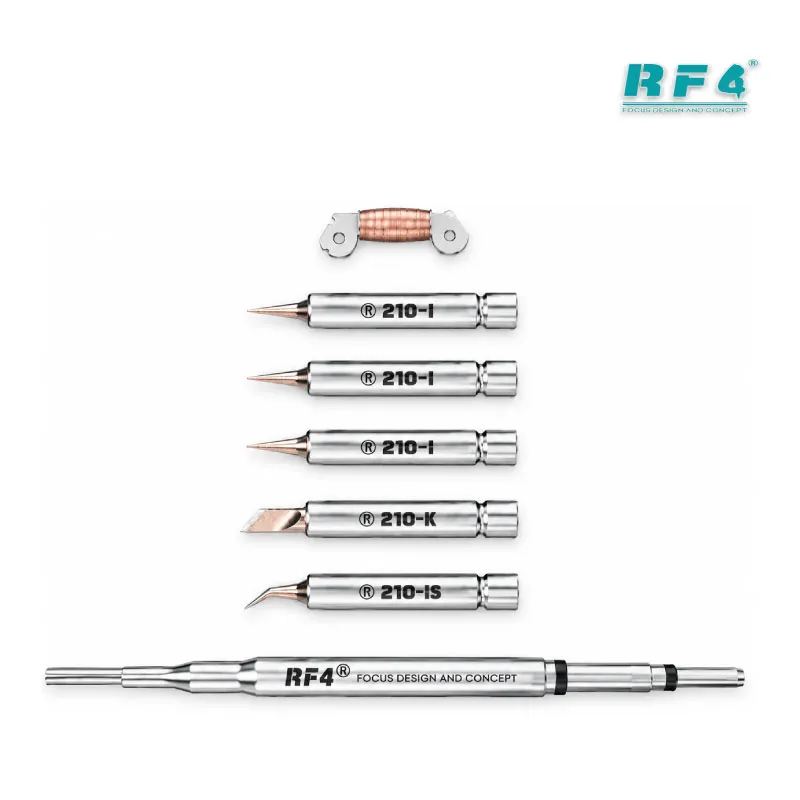
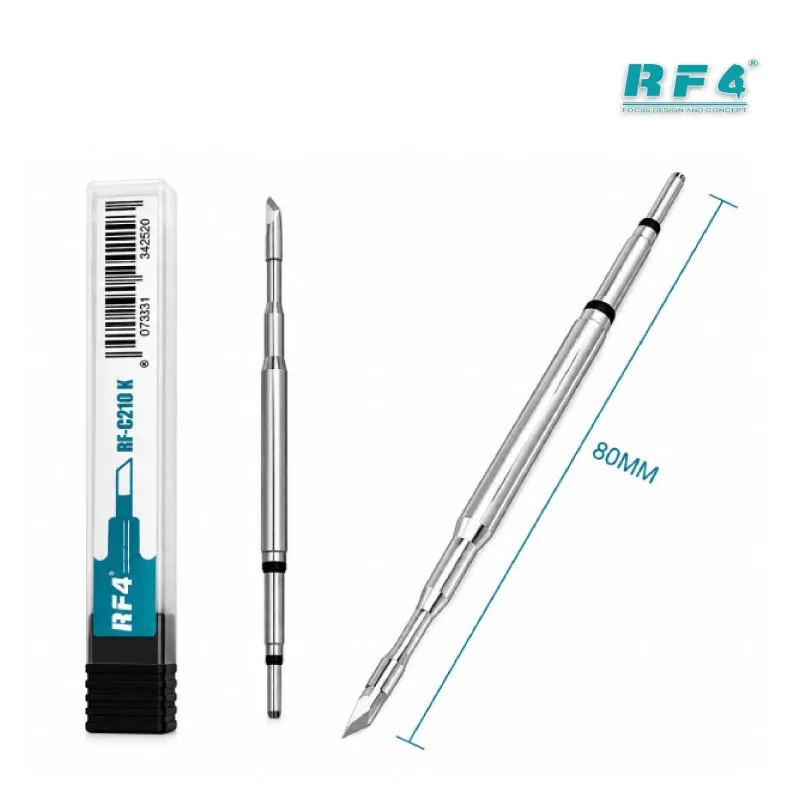
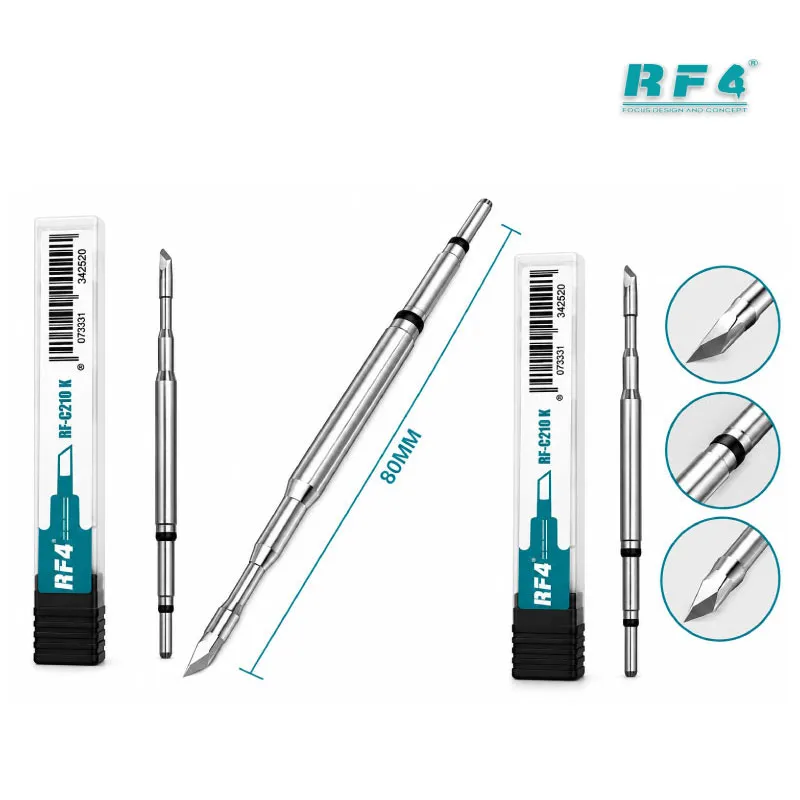
Changing tip geometry takes seconds. Pull one cartridge out, push the next one in, and keep working. Keep a fine conical tip for tiny passive components, a knife tip for connector rows, and a chisel tip for shield and ground work, then switch between them inside the same job.
Three Memory Channels for Repeatable Temperatures
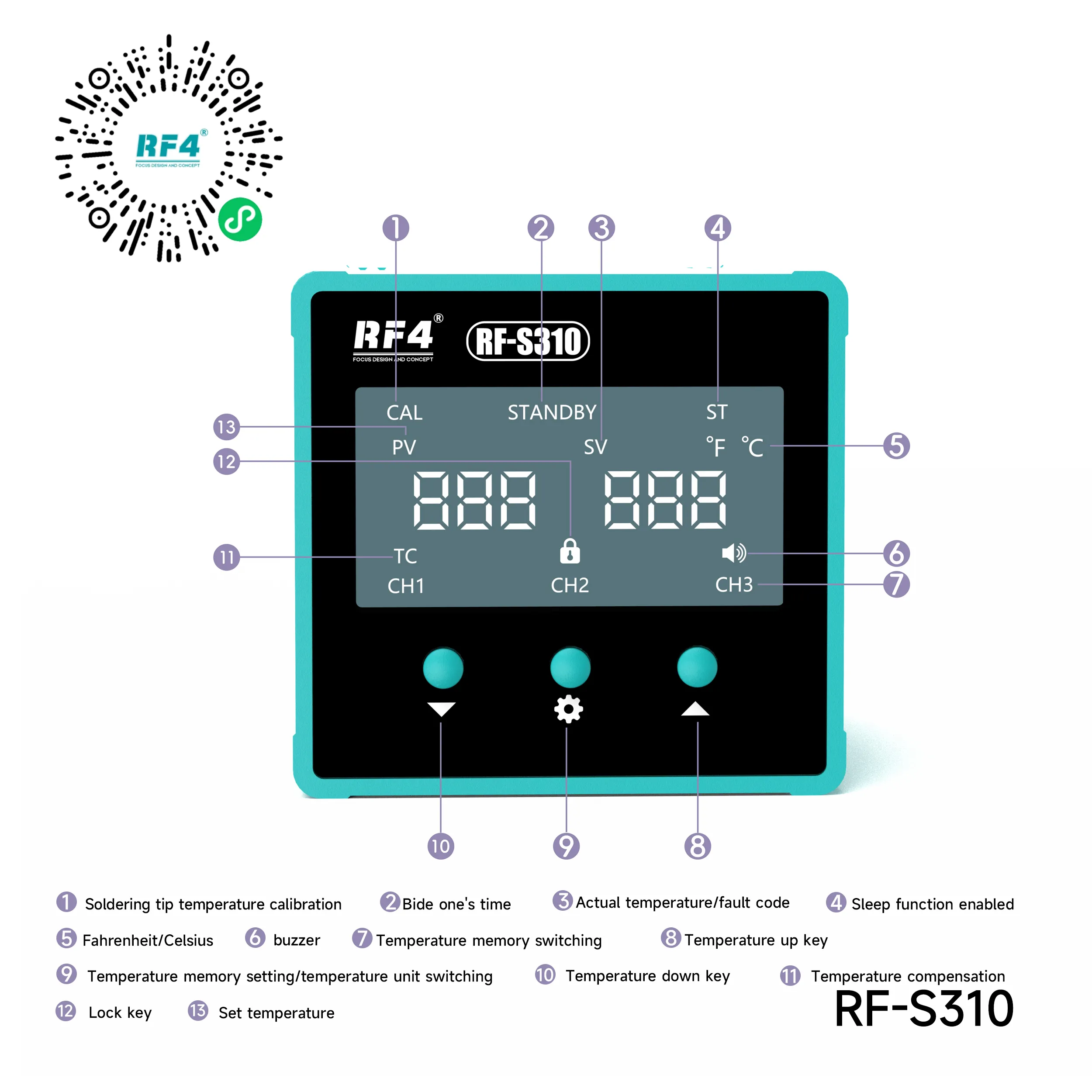
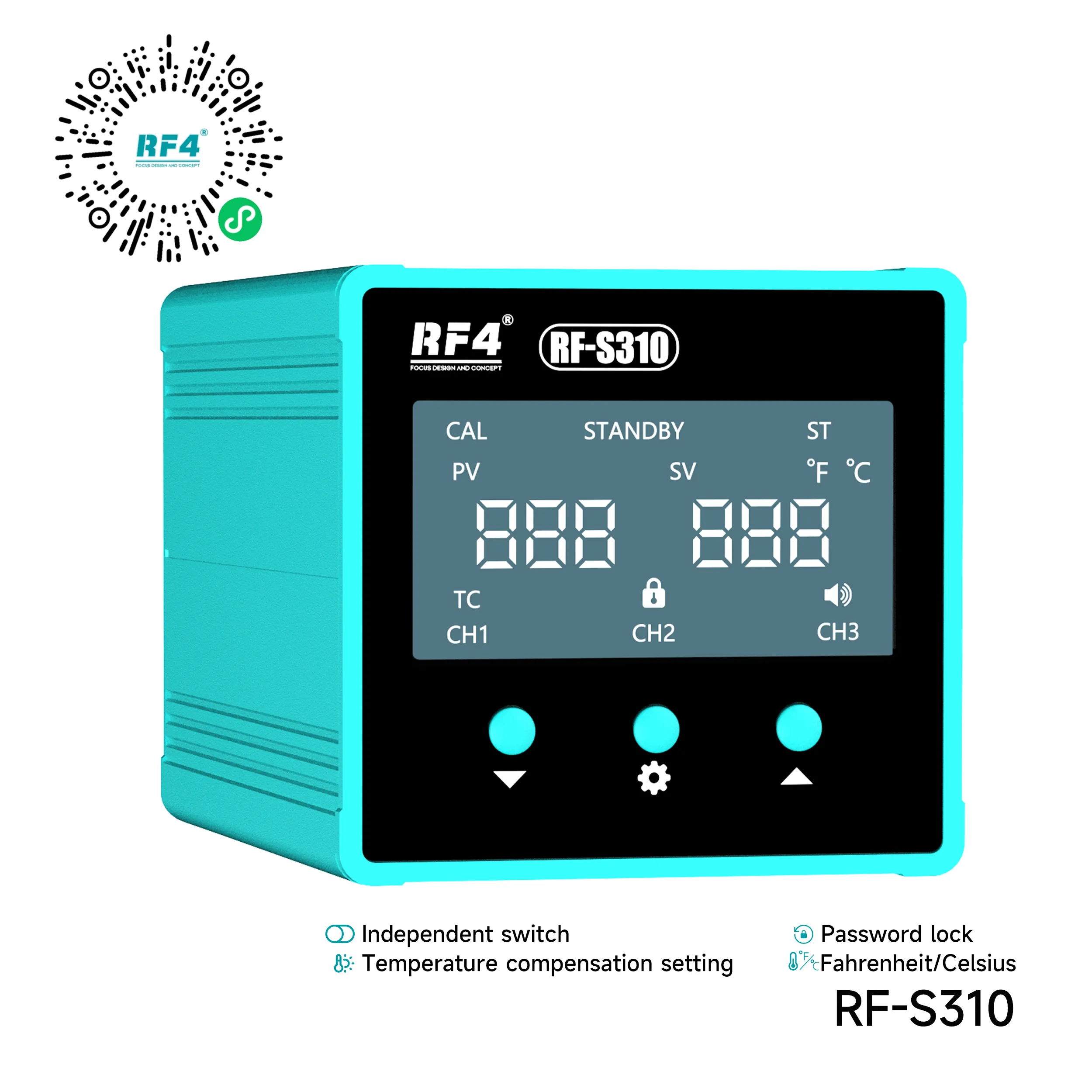
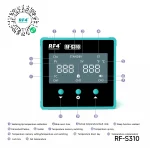
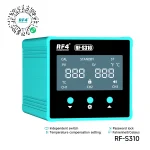
The RF-S310 stores three temperature presets. Out of the box, CH1 sits at 320°C, CH2 at 350°C, and CH3 at 380°C. One press moves you between them, so you never scroll through degrees mid-repair.
A practical setup looks like this. Use CH1 for leaded solder and heat-sensitive flex cable joints. Keep CH2 as your general board temperature for resistors, capacitors, and coil work. Save CH3 for lead-free joints and pads tied into large ground planes, where the board pulls heat away fast.
Set your values once and the station keeps them. Every technician on a shared bench gets the same repeatable result, and trainees stop guessing at temperature.
Temperature Control, Stability, and Countdown Sleep
The digital controller holds the set temperature within ±5°C across the full 150°C to 480°C range. The low end suits delicate flex joints. The high end gives you headroom for heavy ground pads and stubborn lead-free solder on older boards.
The anti-static design protects sensitive ICs while you work near a PMIC, charging IC, or audio IC. Static damage often surfaces later as a dead phone or a fresh hardware fault, so ESD-safe heating matters on every board.
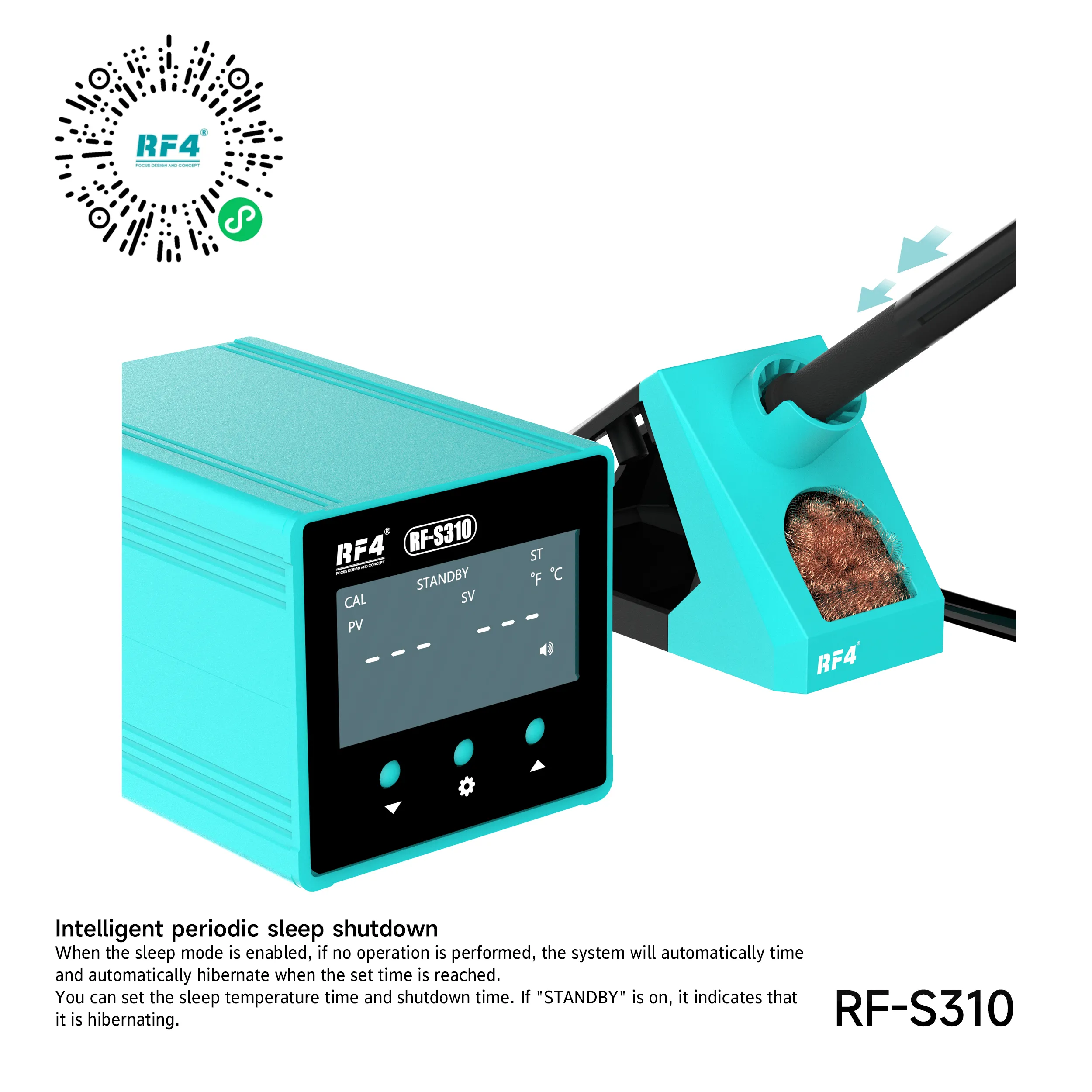
Countdown standby drops the tip temperature after the iron sits idle for its countdown period. The tip spends less time oxidizing at full heat, which extends cartridge life. Your bench also stays cooler and safer during long shifts with breaks between jobs.
Where the RF4 T12 Soldering Station Fits in Your Workflow
Board-level repair runs in stages: diagnosis, component removal, pad preparation, soldering, and testing. The RF-S310 owns the pad preparation and soldering stages. Pair it with a Hot Air Station for IC removal and a Microscope for inspecting fine joints.
Typical jobs on this RF4 T12 soldering station include charging port replacement, battery connector re-soldering, and jumper wire repair on broken traces behind network issue and charging issue faults. You also use it to clean and tin pads with wick after an IC change, rebuild FPC connector joints behind a display problem, and solder speaker, microphone, and vibration motor contacts.
For a complete bench, add a PCB Holder to lock the board flat, a Multimeter to confirm continuity after jumper work, and a Reballing Kit for BGA jobs that follow the iron work. Technicians who move into dense fine-pitch work daily can step up to the RF4 RF-S410, a 100W station built around the smaller C210 heating core.
Who Should Choose the RF-S310
The RF-S310 suits repair shops that want T12 tip variety, fast recovery, and simple preset control at a mid power level. Training institutes benefit from fixed presets and countdown sleep, which limit tip damage from beginner habits. Service centers get a dependable iron for connector and ground work beside the hot air station. Order the 220V version for standard Pakistani mains supply.
Reviews (0)
Q & A
Please login to post questions
Key Features
- 75W output with T12 cartridge tips for fast heat delivery
- Integrated heater and sensor inside each tip for quick temperature recovery
- 150°C to 480°C adjustable temperature range
- ±5°C constant temperature accuracy
- Three memory channels preset at 320°C, 350°C, and 380°C
- Countdown standby to protect tip life during idle time
- Anti-static design for safe work near sensitive ICs
- Tool-free T12 cartridge swaps for fast tip changes
Specifications
| Brand | RF4 |
|---|---|
| Model | RF-S310 |
| Category | Soldering Station |
| Compatibility | T12 series soldering tips |
| Supported Devices | Mobile phone, tablet, and small electronics PCBs |
| Technology | T12 cartridge heating with digital temperature control, 150°C–480°C range, ±5°C accuracy, three memory channels, countdown standby |
| Input Voltage | 220V AC (110V AC version available) |
| Power Rating | 75W |
Common Repair Uses
- Charging port replacement and re-soldering
- Battery connector removal and re-soldering
- Jumper wire repair on broken traces
- Pad cleaning and tinning with wick after an IC change
- FPC and display connector joint repair
- Speaker, microphone, and vibration motor soldering
- Resistor, capacitor, and coil replacement
- Lead-free joint rework on ground-heavy pads
Compatible Devices
- Android smartphone motherboards
- iPhone logic boards
- iPad and Android tablet boards
- Keypad and feature phone PCBs
- Smartwatch and wearable boards
- Bluetooth earbud and speaker boards
- Power bank and charger PCBs
- General SMD electronics boards
FAQ
What is the product name?
The product name is RF4 RF-S310 T12 Soldering Station.
What is the brand of this product?
The brand of this product is RF4.
What is the model of this product?
The model of this product is RF-S310.
What is this product used for?
This product is used for micro soldering on mobile phone and tablet boards, including connector replacement, jumper repair, and SMD component work.
Which devices are compatible with this product?
This product is compatible with any mobile phone, tablet, or small electronics PCB, since it works as a universal soldering tool and does not depend on a specific device.
Who should use this product?
This product is suitable for mobile repair technicians, repair shops, service centers, and professional users.
Which soldering tips does the RF4 RF-S310 use?
The RF-S310 uses T12 series cartridge tips. Each cartridge holds the heater and sensor inside the tip, so you change tip shape by swapping the whole cartridge.
What temperature should I use on the RF-S310 for lead-free solder?
Use the CH3 preset at 380°C for lead-free joints and ground-heavy pads. Use CH1 at 320°C for leaded solder and CH2 at 350°C for general component work.

Reviews
There are no reviews yet.