



























Sold out
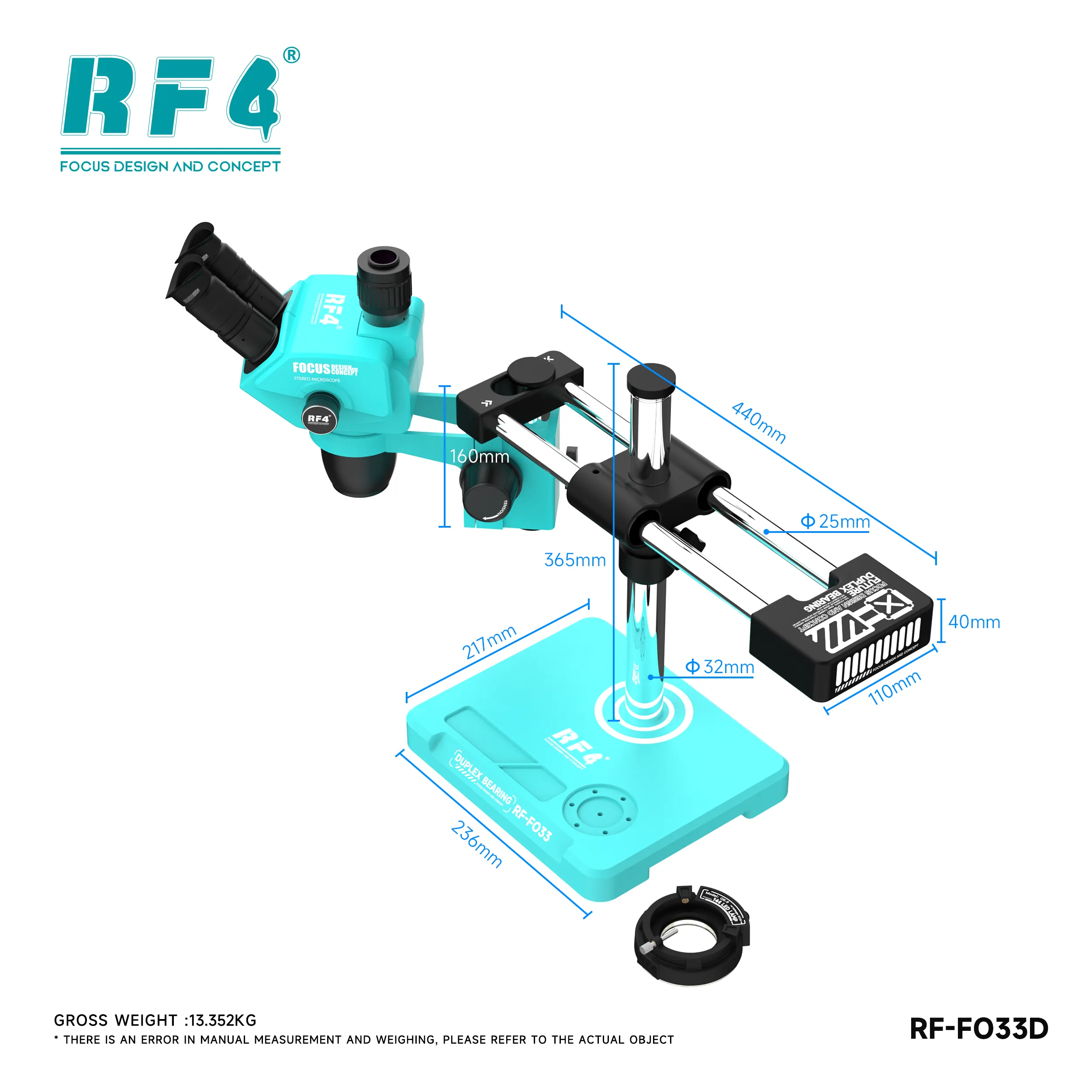
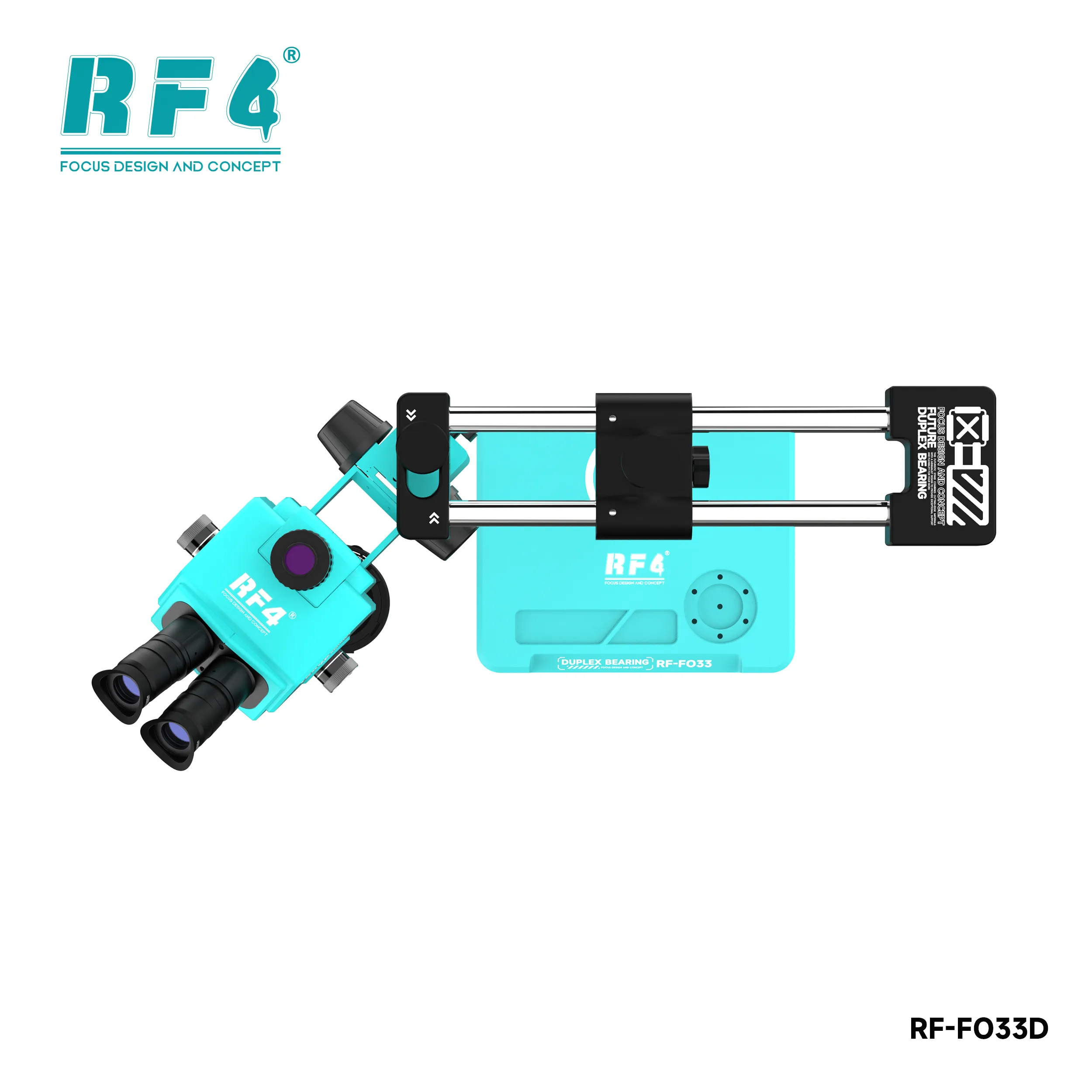
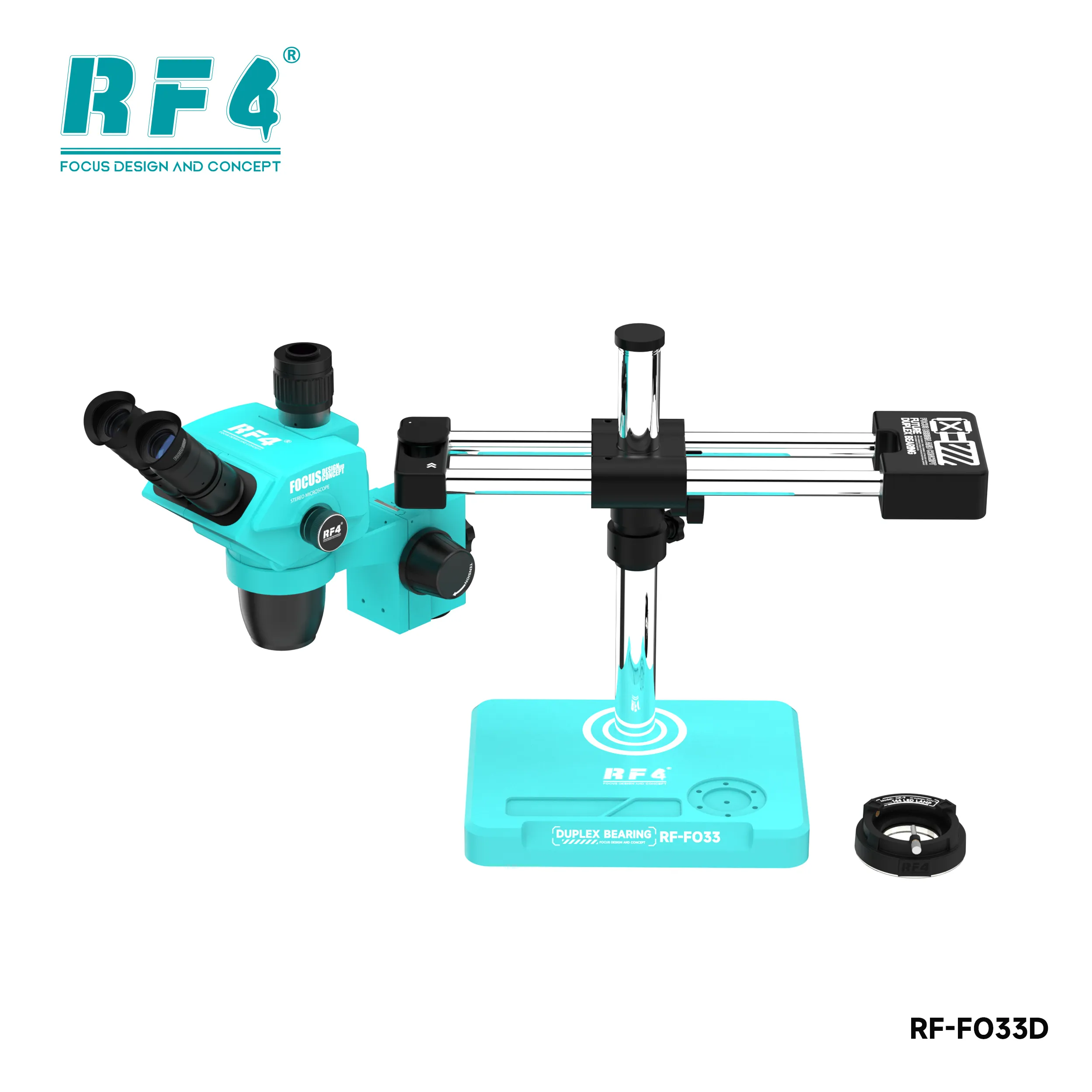
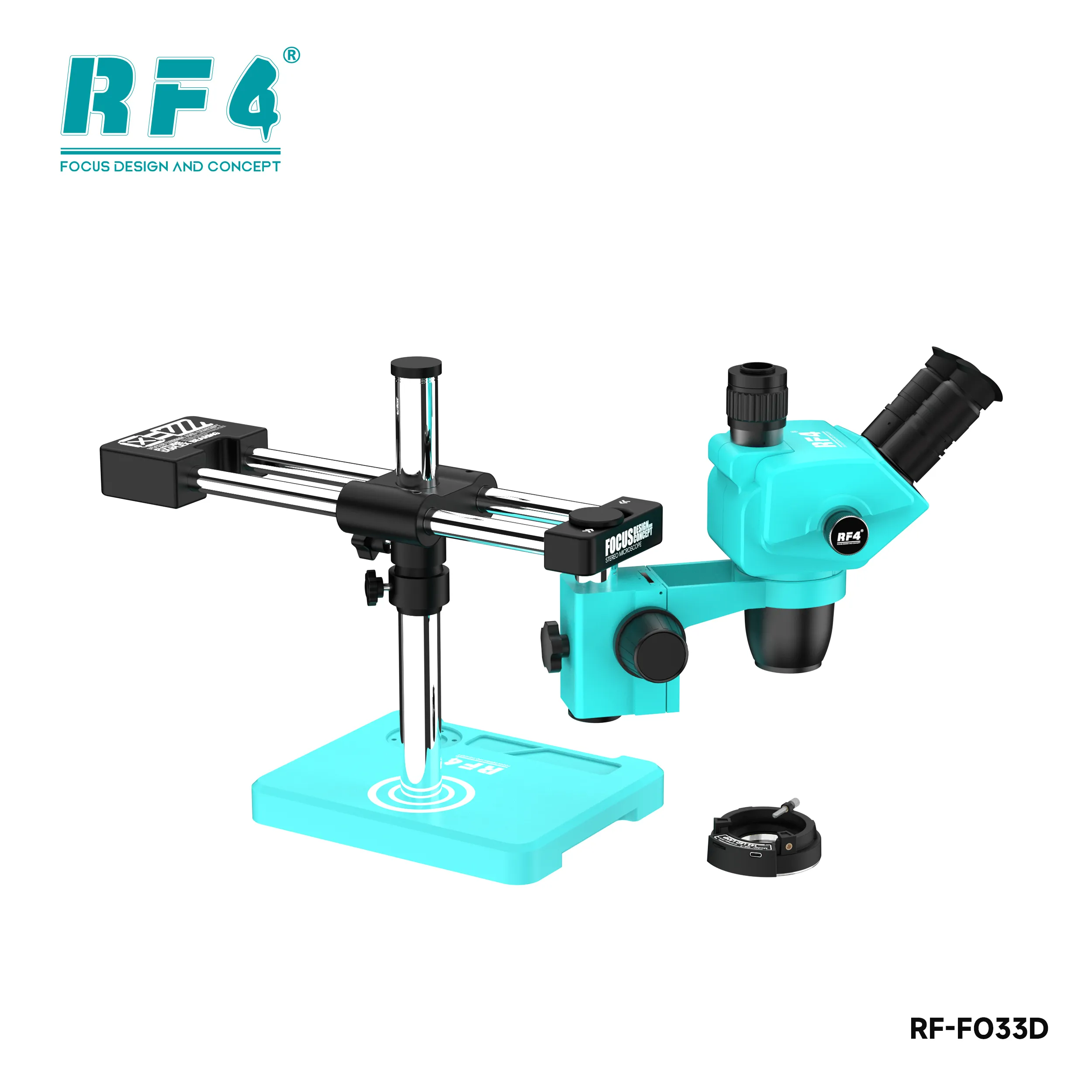
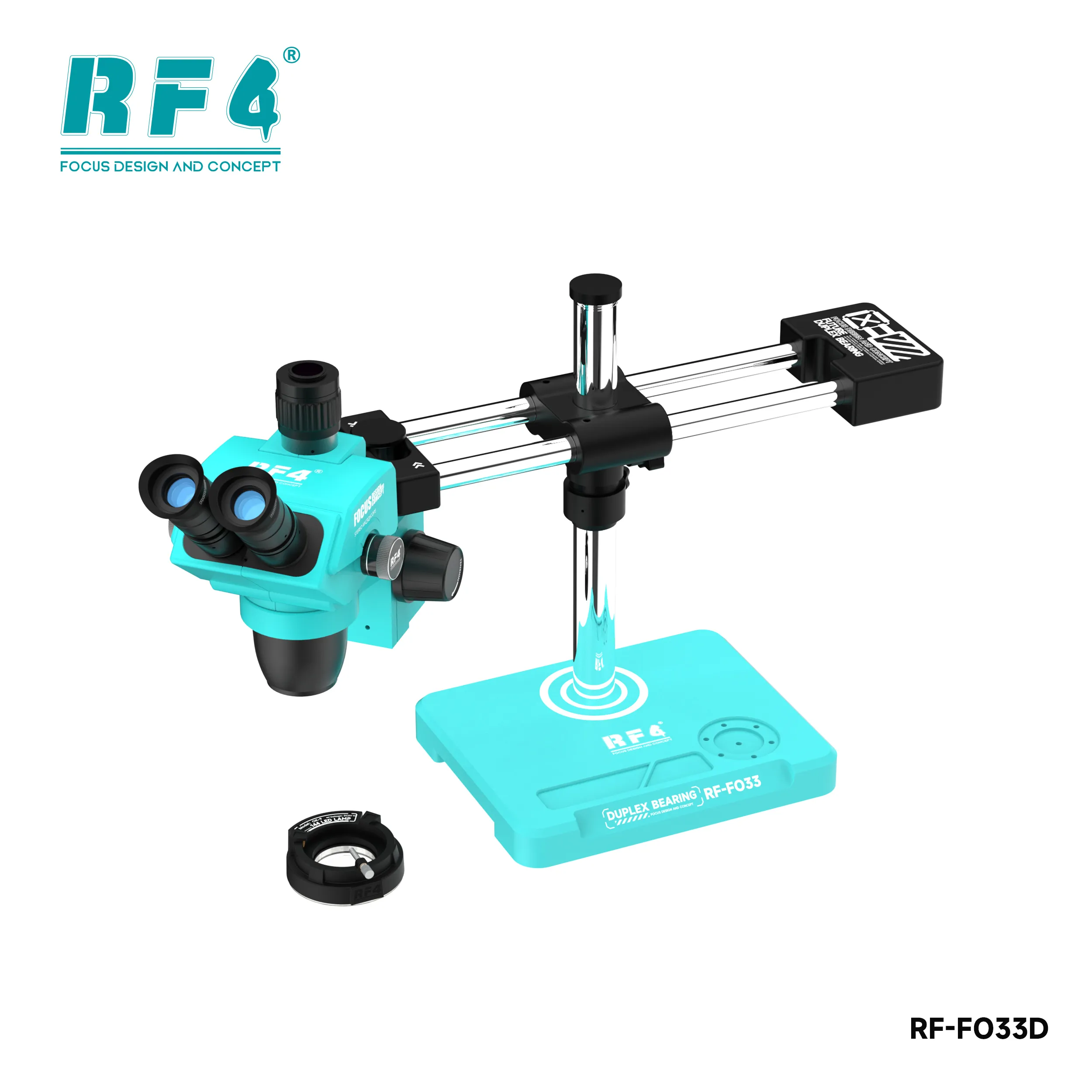
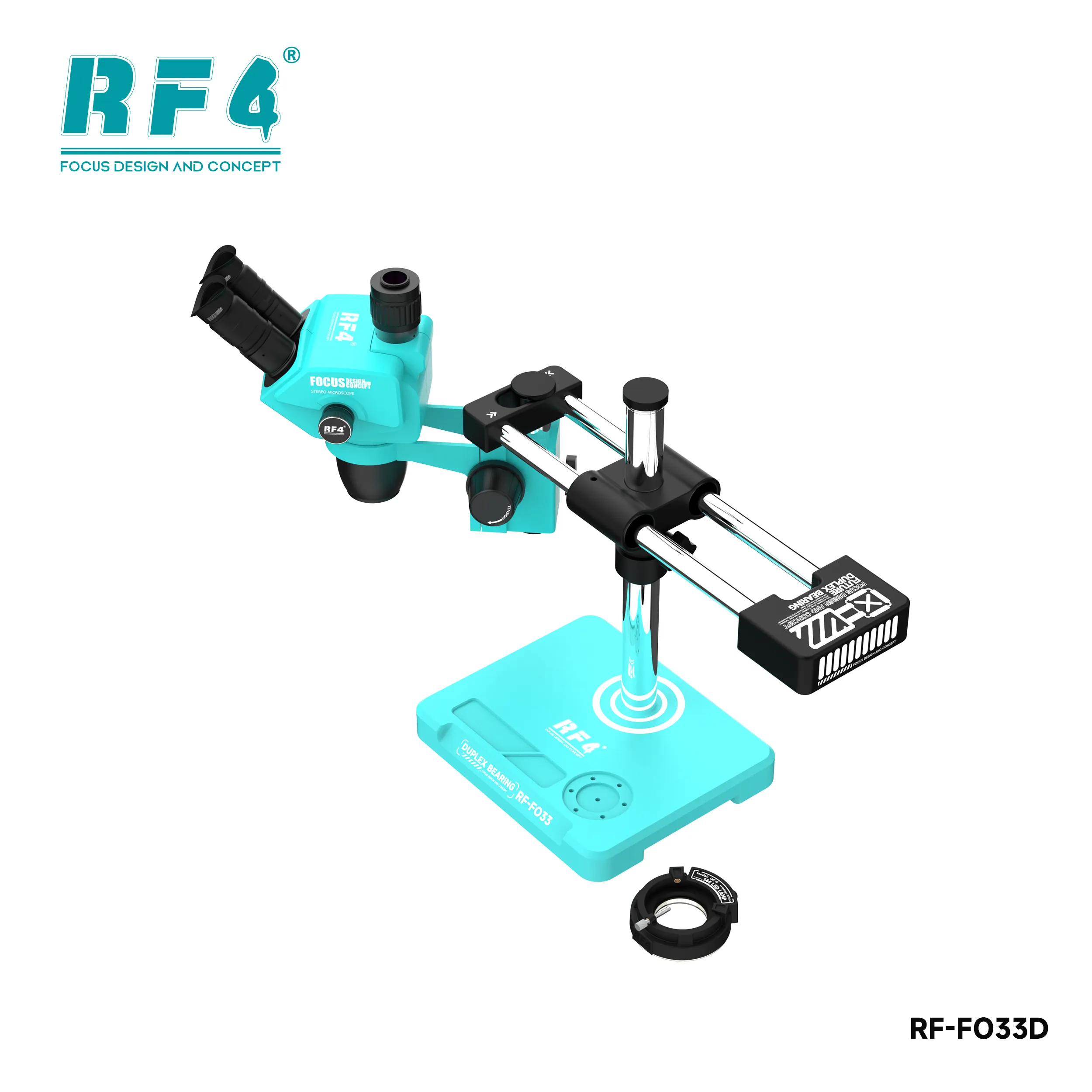
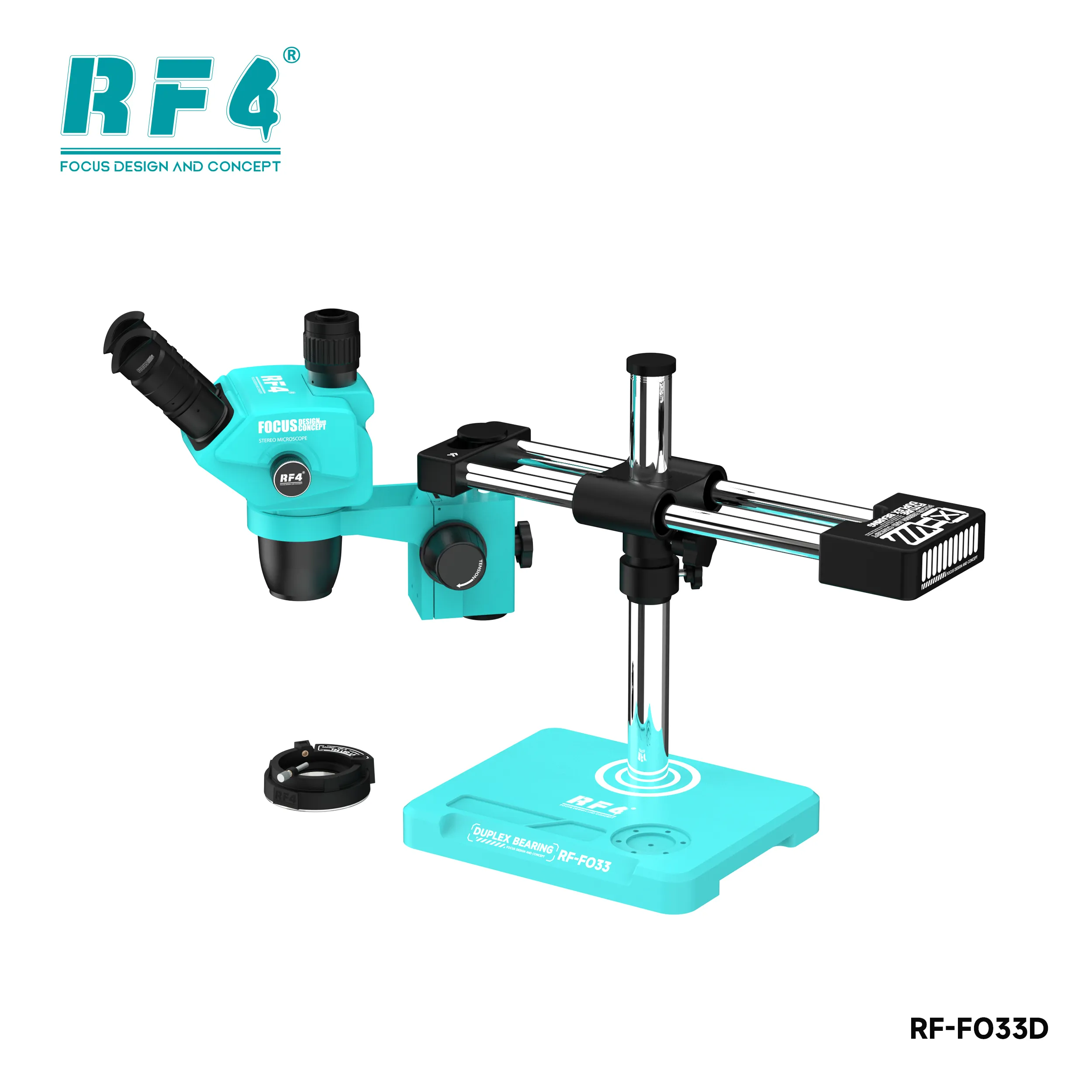
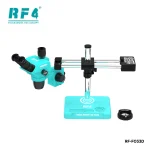

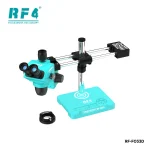
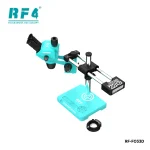
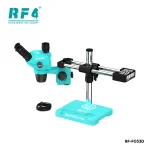
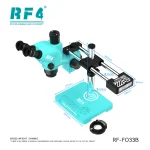
RF4 RF-FO33D 6.5-65X Trinocular Stereo Microscope
₨5,000
Trinocular Stereo Microscope for Mobile Repair
The RF4 RF-FO33D gives your repair bench a 6.5X–65X continuous zoom trinocular head on a large double arm base. The synchronous zoom keeps your eyepiece and monitor in step, so your reballing, tracing, and jumper work stay in the same view. A 144 LED ring light, WF10X/22mm eyepieces, and a 360-degree swivel head complete the setup. Use it for BGA inspection, charging IC changes, FPC connector work, and dead phone fault tracing. Your hands stay steady and your view stays sharp. Order it for stable, high-magnification PCB repair.
| Weight | 19.0 kg |
|---|
Out of stock
Description
RF4 RF-FO33D: Trinocular Stereo Microscope for Mobile Repair
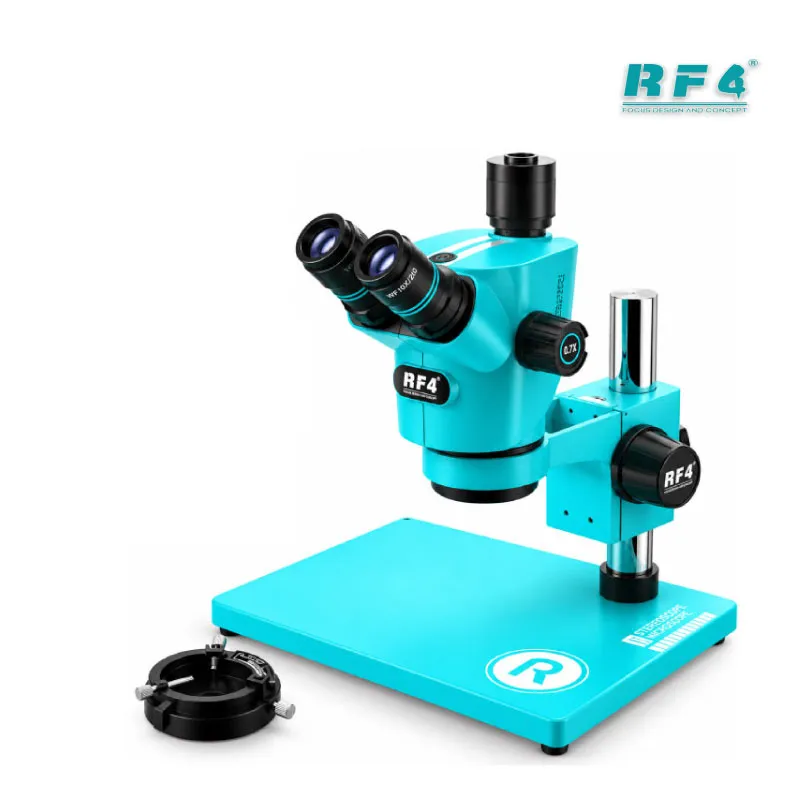
The RF4 RF-FO33D is a trinocular stereo microscope for mobile repair benches that run long micro-soldering sessions. It pairs a 6.5X–65X continuous zoom head with a large double arm base, so the image stays steady while your iron touches the board. You get an eyepiece view and a synchronized monitor feed from the same head. That matters when you reball a CPU, trace a broken line on a dead phone, or record a repair for your customer. This page covers the optics, the stand, the light, and the place this unit takes in your PCB repair workflow.
6.5X–65X Optics and Trinocular Head
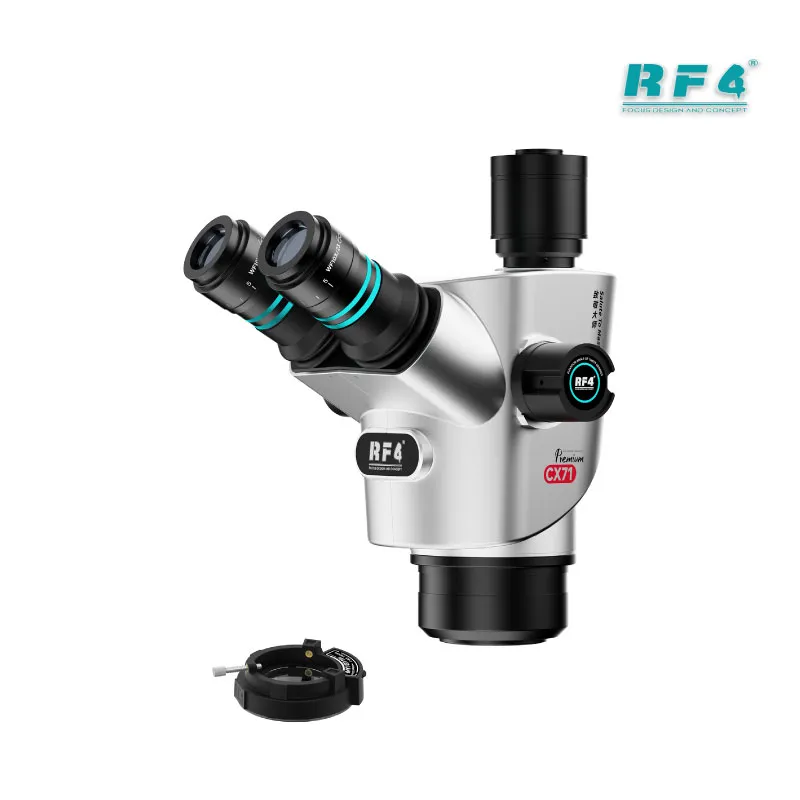
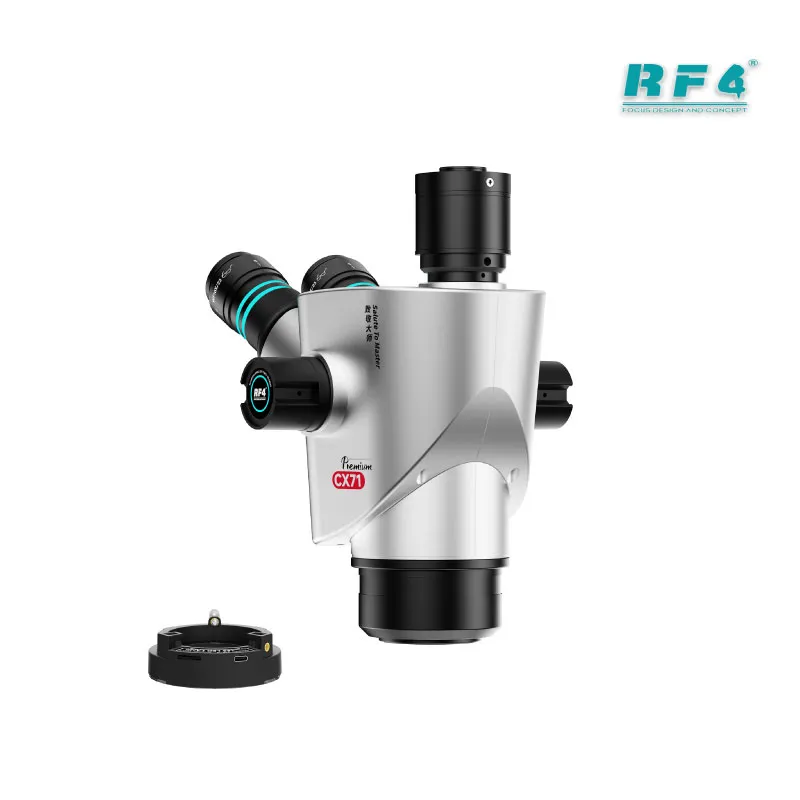
The head zooms continuously from 6.5X to 65X. Paired with the WF10X/22mm wide-angle eyepieces and the 0.65X–6.5X objective, it covers a full board at low power and closes in on a single SMD pad at high power. The 45-degree inclined head swivels 360 degrees, so you can turn it toward a colleague without moving the base. You set the viewing angle that suits your posture.
The third tube feeds a camera. The CTV adapter holds a transparent mirror inside, and that mirror lets the eyepiece and the monitor zoom together. You stop zooming the monitor separately every time you change magnification. The adapter body uses aluminum alloy with a copper chrome-plated bayonet, and you focus the camera side manually through the adapter ring.
Use the 6.5-65X zoom microscope in steps. Start at 6.5X to locate the fault area on a motherboard, then raise the zoom as you narrow down the suspect component. Use mid-range magnification for connectors and passives. Keep the top end for pad inspection, micro-cracks, and jumper wire placement. That progression saves time on every job.
Large Double Arm Base Microscope Stability
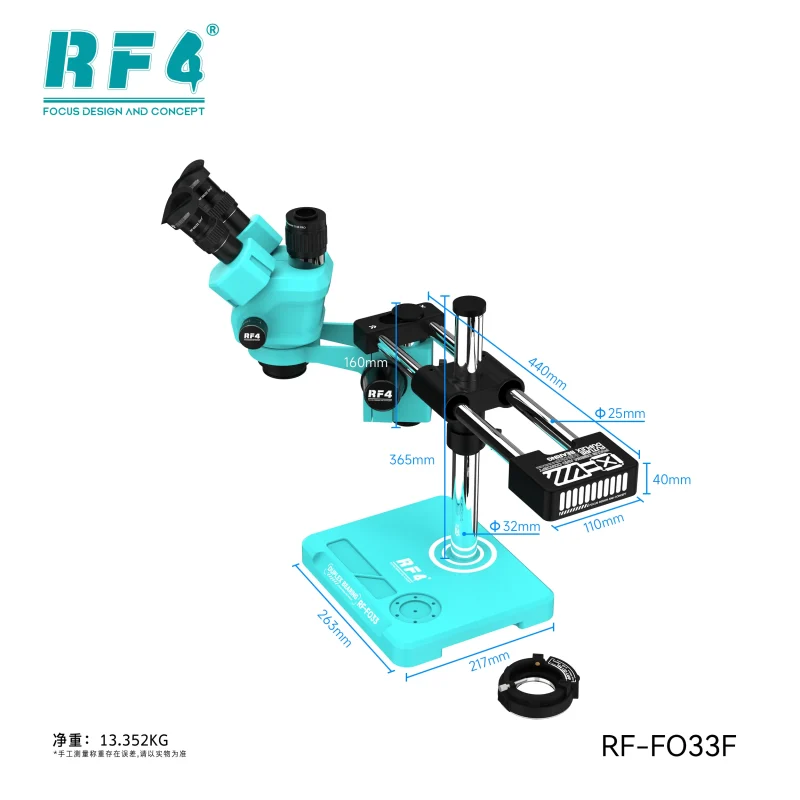
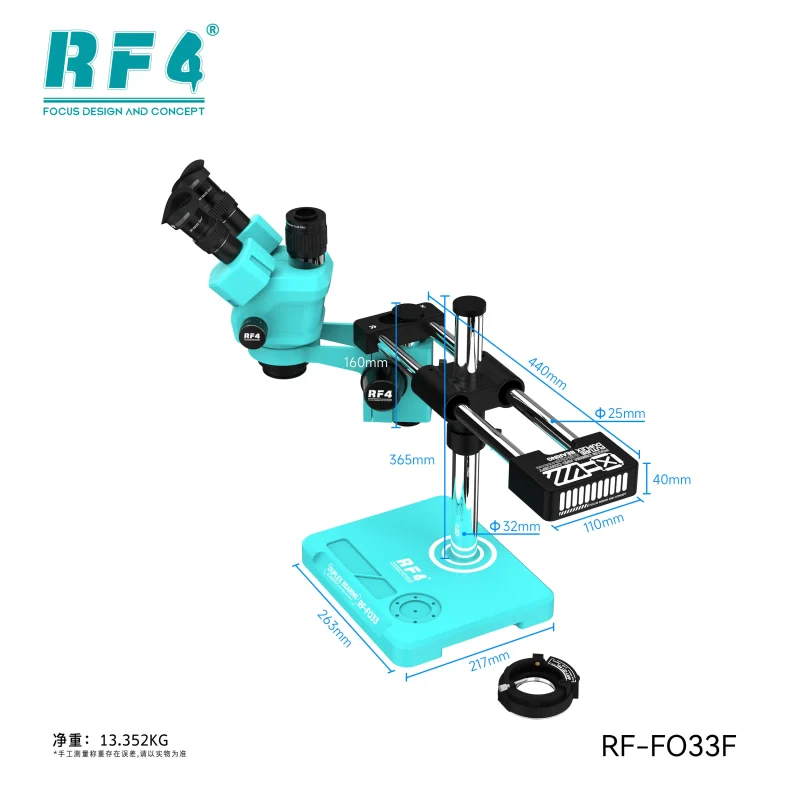
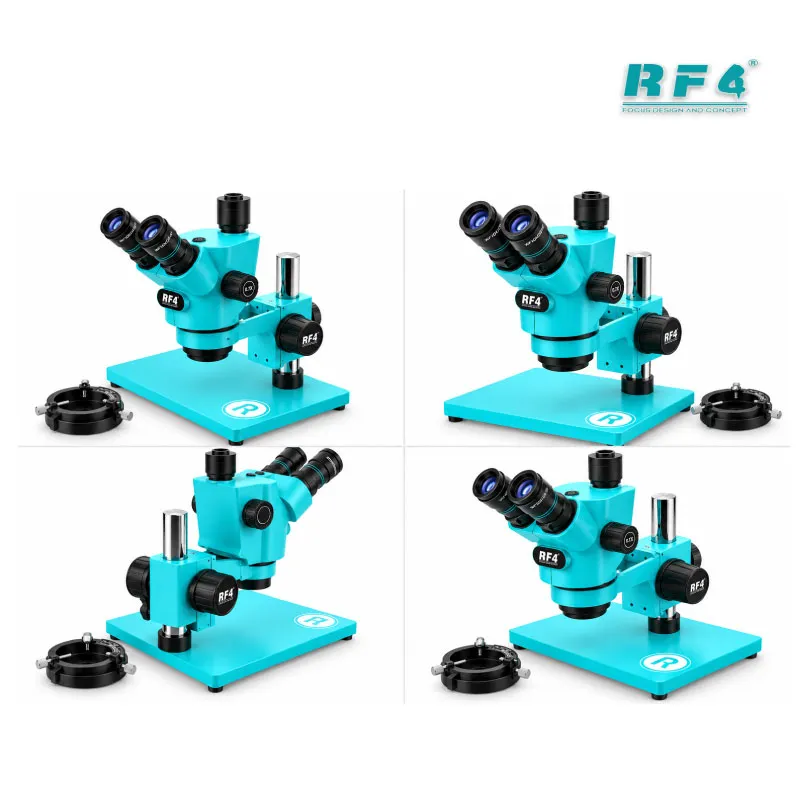
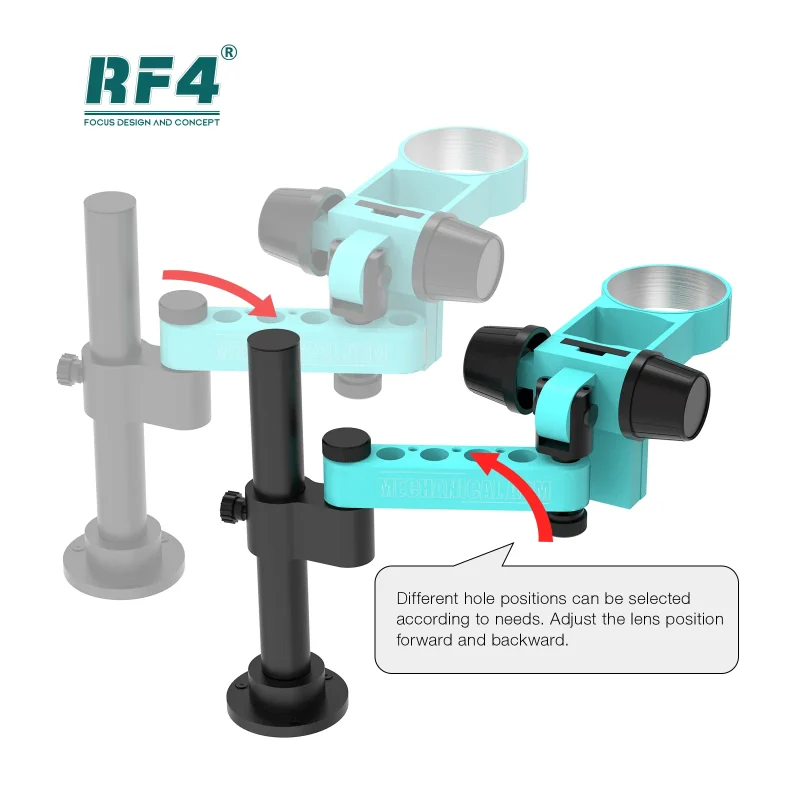
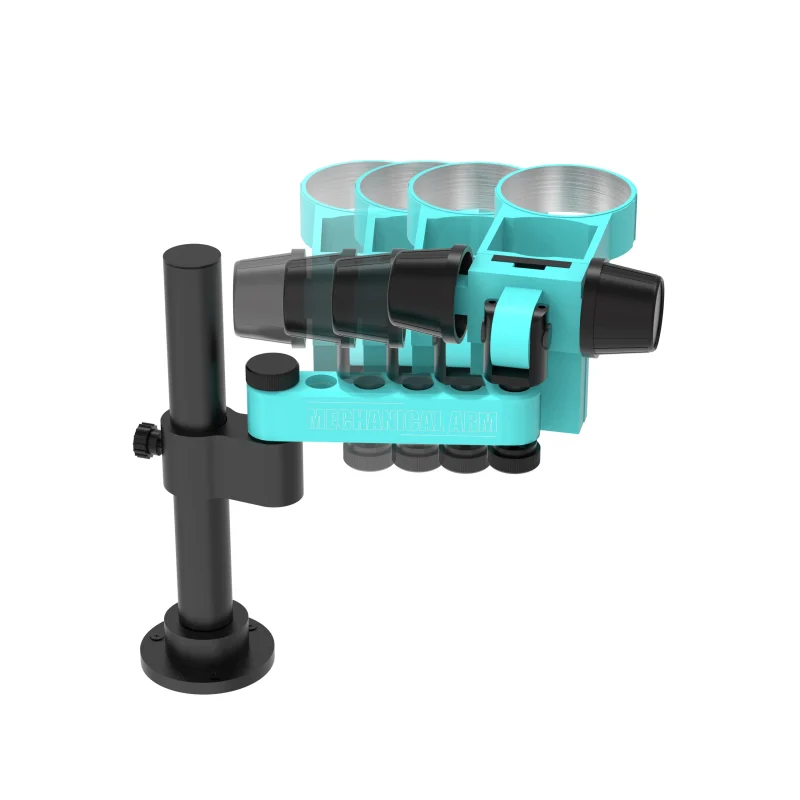
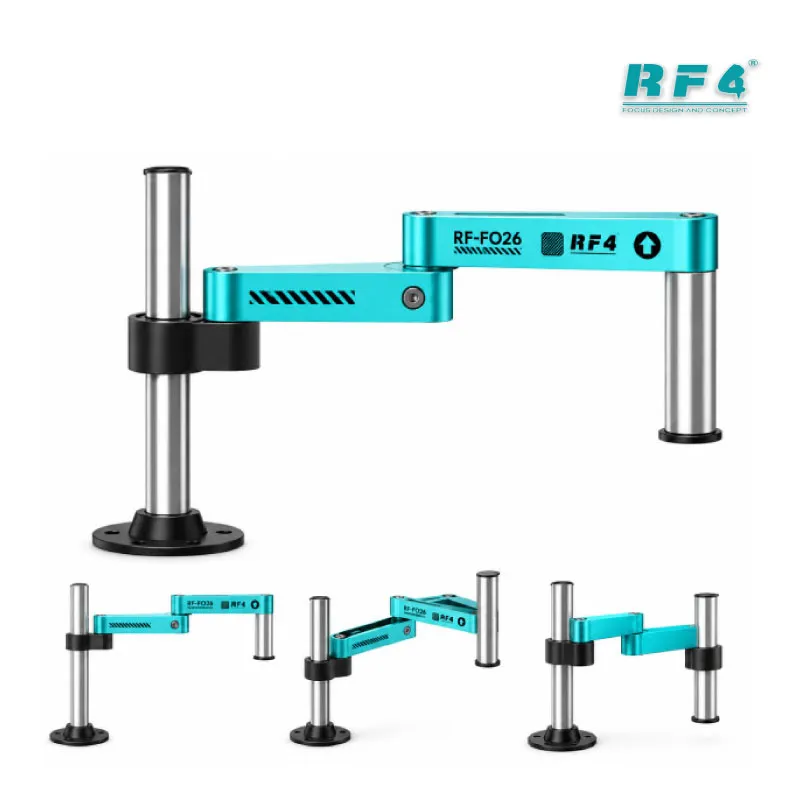
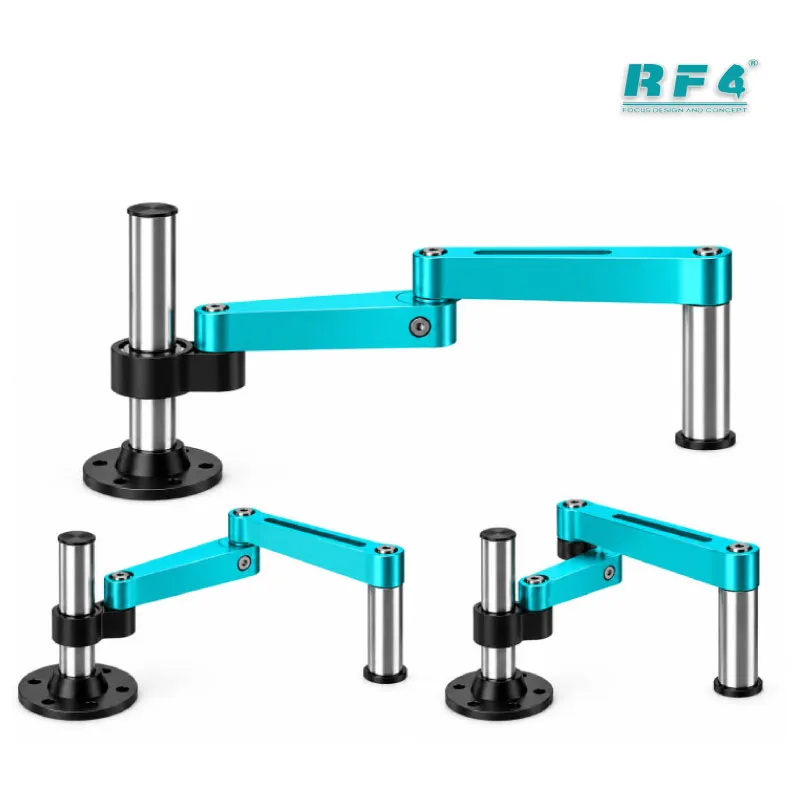
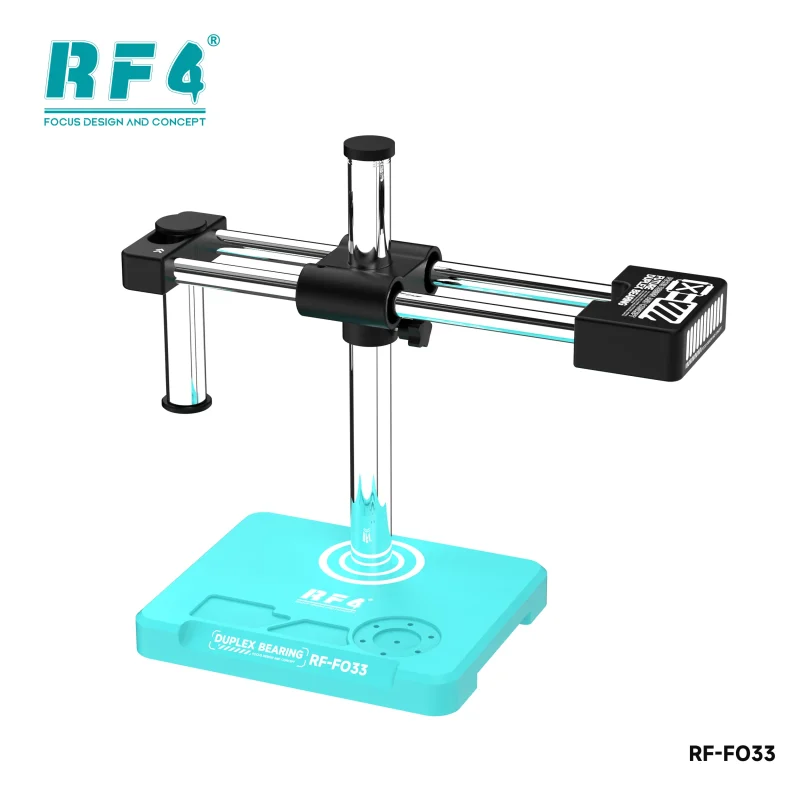
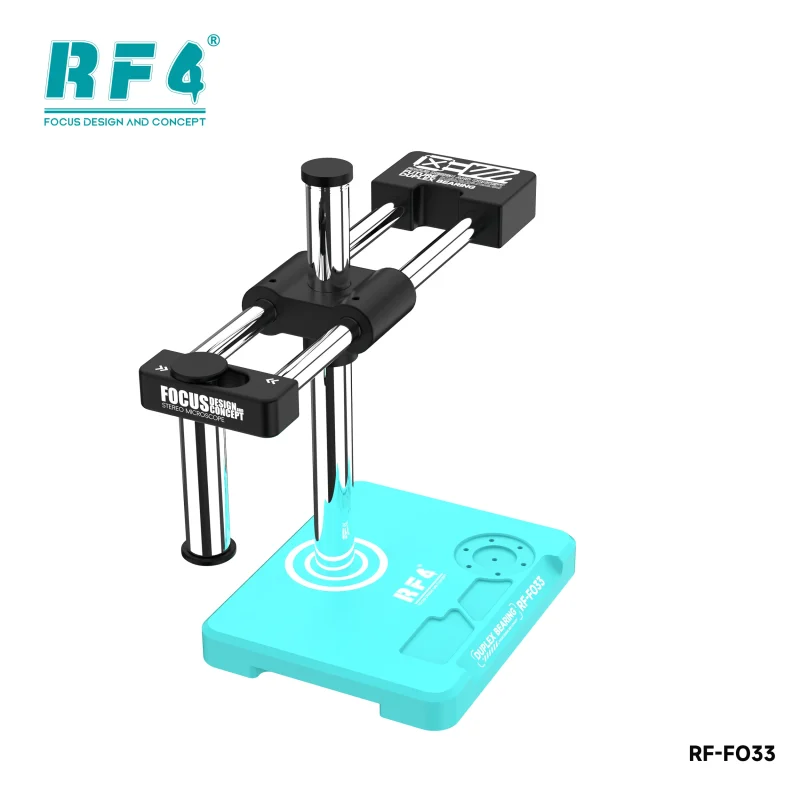
A shaky stand ruins micro-soldering. The RF-FO33 platform uses a newly designed large double arm base, and the swing arm and base keep the head steady while you work. The column measures Φ32mm and stands 365mm on a 250 × 180mm base. These numbers decide your bench layout, so check them against your table before you order.
The lens holder takes a Φ76mm head. Center distance reaches 155mm and the lifting range covers 50mm. That reach gives you room to hold a board in a PCB fixture and swing a hot air nozzle in under the lens. The lifting range lets you raise the head clear of tall parts. A mechanical gear zoom lock knob stops the zoom at precise multiples, so each gear returns the same view after you lift the head to change an IC.
A double arm base microscope also helps your hands. When the head holds position, you stop fighting the stand. Set the swing arm over the work area, lock your zoom, and keep your tweezers and iron in the same field of view.
144 LED Ring Light and Dustproof Lens
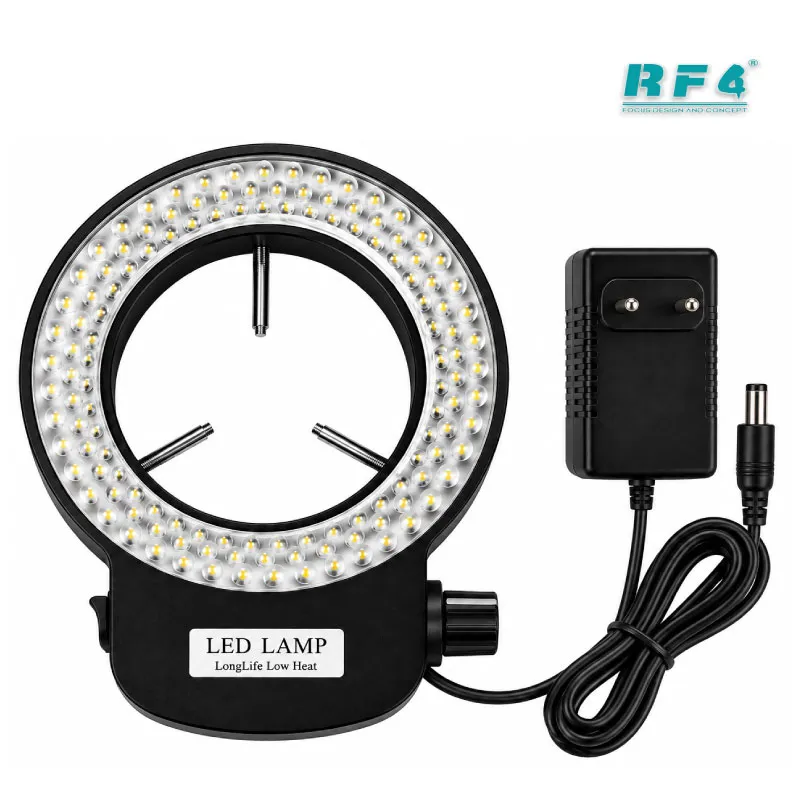
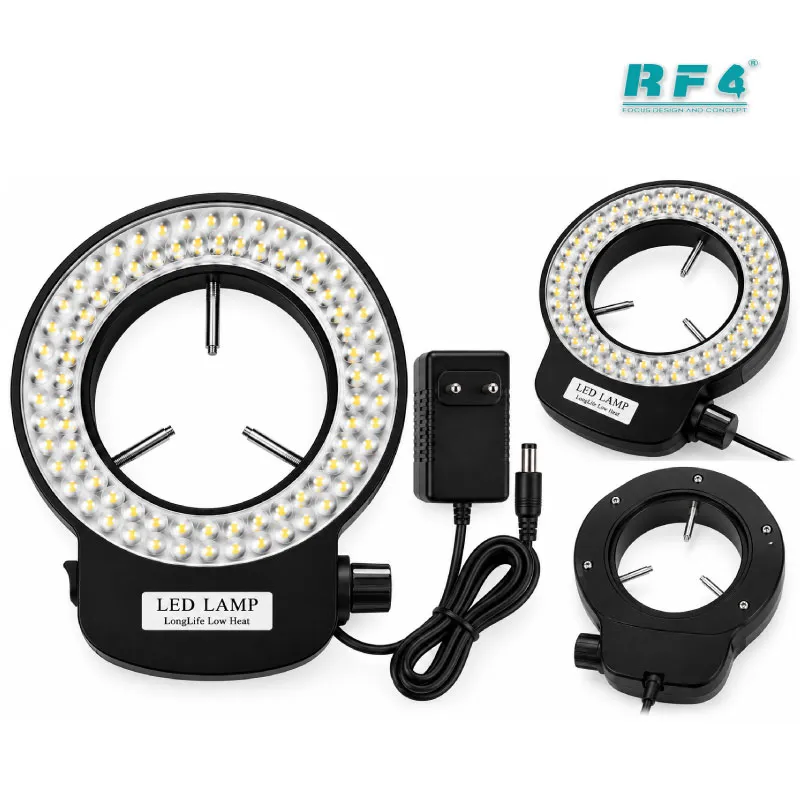
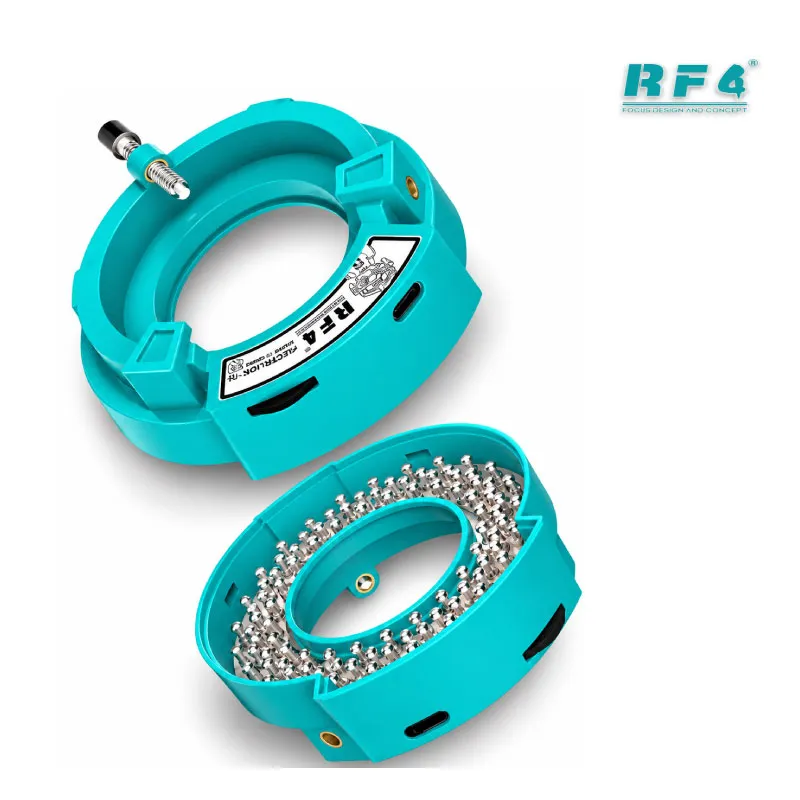
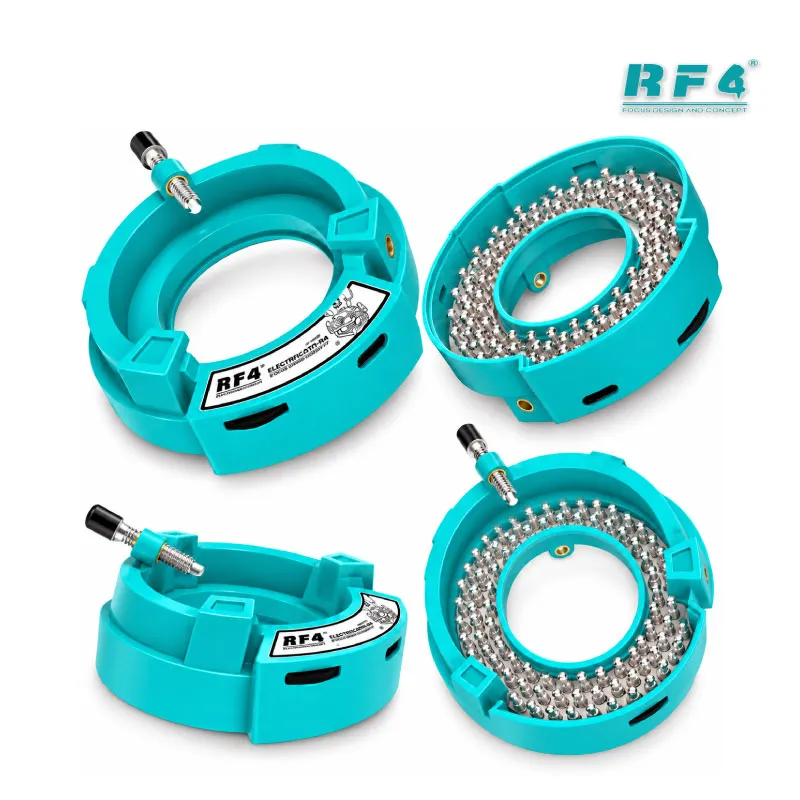
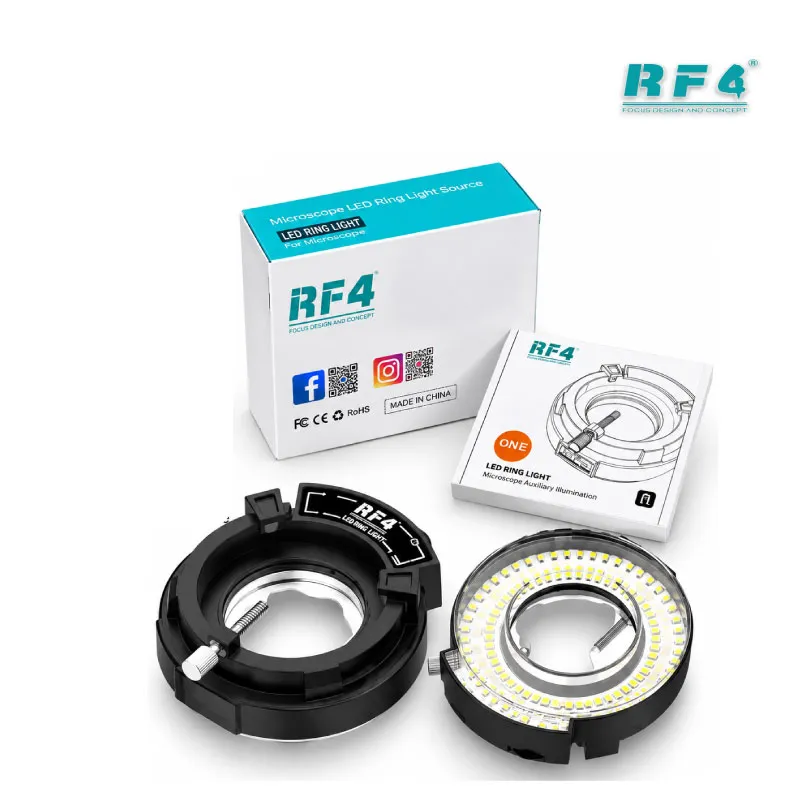
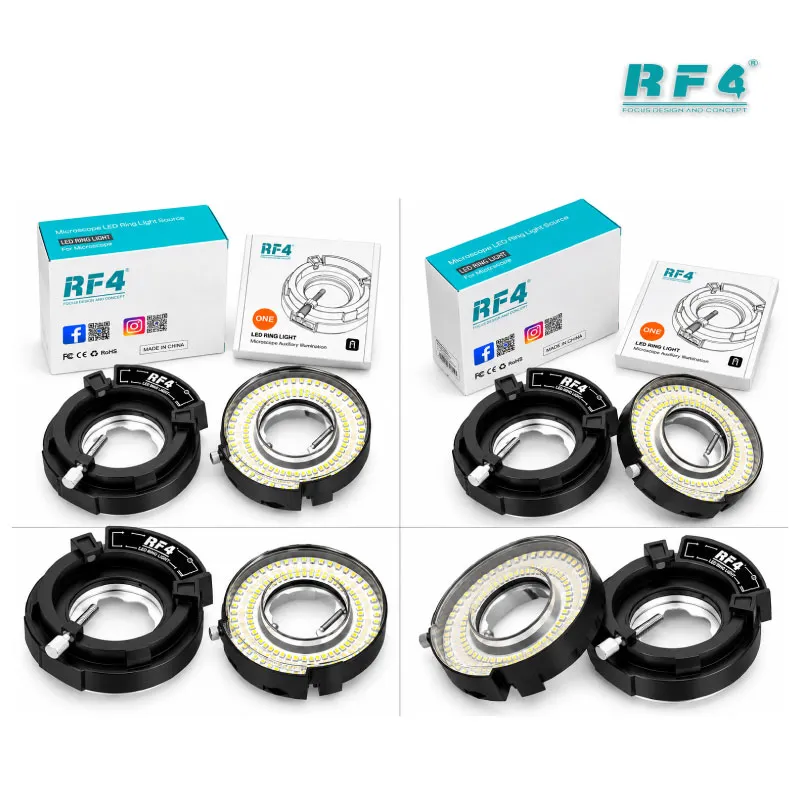
The kit includes a 144 LED white ring light with a 60mm inside diameter and adjustable brightness. It takes AC 100–240V, 50/60Hz input and delivers DC 12V at up to 700mA. That input range covers Pakistani mains, though a stabilizer or UPS still protects the unit during voltage swings in your shop. White light makes flux residue, corrosion, and burnt traces easier to read on a liquid-damaged board.
Position the ring light around the objective so the light falls evenly across the board. Tall components cast hard shadows under a single-direction light, and a ring light reduces them. Check the angle when you switch between ICs and connectors.
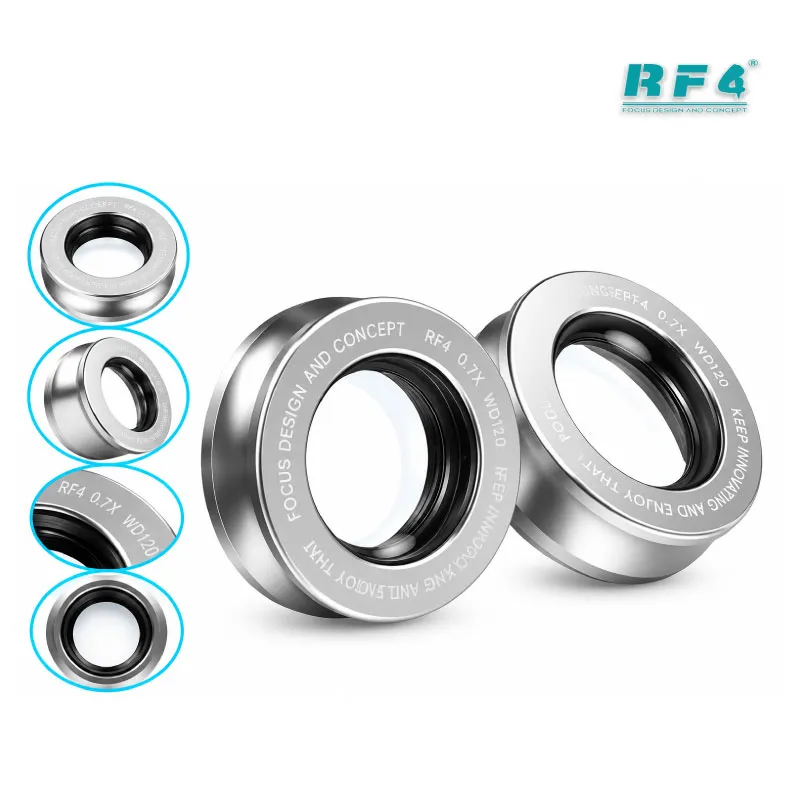
The dustproof lens cover protects the optics between shifts. Dust on the objective shows up in every camera frame and every eyepiece view, so cap the lens at the end of the day. Wipe the eyepieces with a lens cloth, not a shop rag.
Where This 6.5-65X Zoom Microscope Fits Your Repair Workflow
Place the RF-FO33D, a trinocular stereo microscope for mobile repair, at the center of your PCB repair bench. Use it first for diagnostics. Inspect the board for corrosion, bent connector pins, lifted pads, and cracked components before you power it. Check the same board again after your repair, and look at every joint before you close the phone.
It supports rework as well. Watch solder reflow on a BGA edge while your hot air station heats the chip, then look for bridges after reballing. Charging issue jobs, where you change a charging IC, need that clarity. So do display problem jobs, where you re-seat or replace an FPC connector. On a dead phone, you trace a broken line and add a jumper wire under magnification. IC change karna and jumper lagana both depend on a steady head and clear zoom.
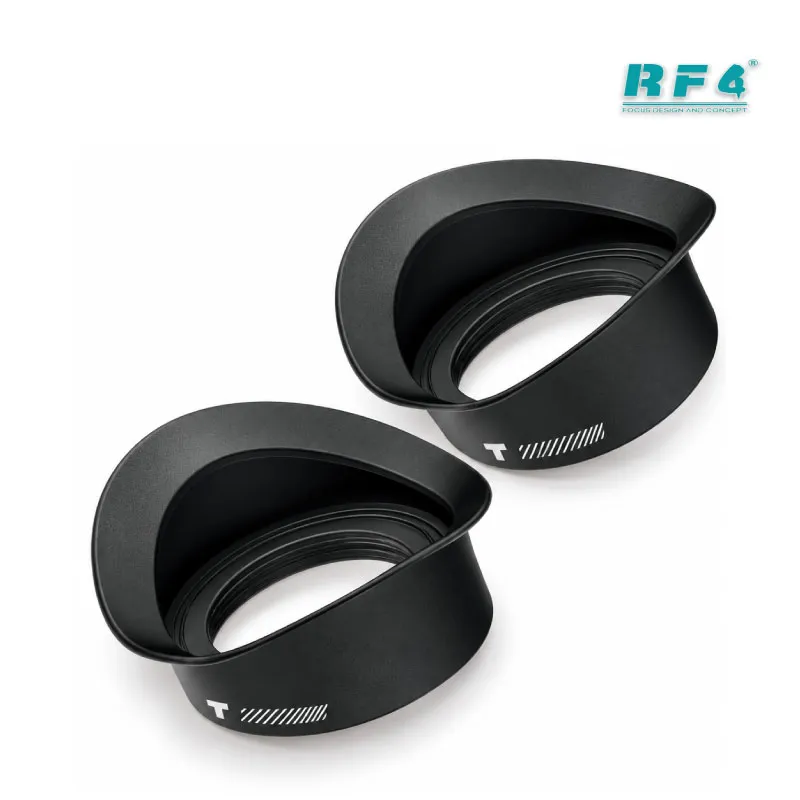
Pair the microscope with a soldering station, a hot air station, a reballing kit, and a PCB holder from the RF4 range. Browse the Microscopes category to compare other RF4 setups, and check Microscope Accessories for add-ons such as eyecups. If you want to record repairs, add a compatible camera to the trinocular port.
Camera Output, Training, and Package Contents
The trinocular port turns your trinocular stereo microscope for mobile repair into a recording station. Capture a before-and-after of a repaired trace so your customer sees the work. Show a trainee exactly what you see while you reball, instead of describing it. Training institutes and service centers can use a synchronized monitor to teach hand placement and flux control on live boards.
Record at the same magnification you use at the bench. Review the footage when a repair fails, and you see whether a joint cracked, a pad lifted, or flux stayed behind. That habit builds a faster fault-finding routine across your whole team.
The package includes the microscope, the large double arm, the 144 LED light, the dustproof lens, the CTV lens, the column, and the base. The listing does not include a camera or monitor, so add your own to use the display feed. Assemble the column into the base, mount the double arm, then seat the head and ring light. Plan the bench position before you tighten anything, because the 250 × 180mm base and the arm sweep need clear table space.
Reviews (0)
Q & A
Please login to post questions
Key Features
- 6.5X–65X continuous zoom trinocular head
- 45-degree inclined head with 360-degree swivel
- WF10X/22mm wide-angle eyepieces and 0.65X–6.5X objective
- Synchronous zoom for eyepiece and monitor
- Large double arm base for stable operation
- Mechanical gear zoom lock knob with precise zoom steps
- 144 LED white ring light, 60mm inside diameter, AC 100–240V input
- Dustproof lens and all-metal CTV adapter
Specifications
| Brand | RF4 |
|---|---|
| Model | RF-FO33D (6565Pro) |
| Category | Microscopes — Trinocular Stereo Microscope |
| Compatibility | Universal — not device-specific |
| Technology | 6.5X–65X continuous zoom, 45-degree inclined 360-degree swivel trinocular head, WF10X/22mm eyepieces, 0.65X–6.5X objective, synchronous eyepiece and monitor zoom, 144 LED ring light |
| Material | CTV adapter in aluminum alloy with copper chrome-plated bayonet |
| Input Voltage | AC 100–240V, 50/60Hz (ring light) |
| Output Voltage | DC 12V, max 700mA (ring light) |
| Dimensions | Base 250 × 180mm; pillar 365mm, Φ32mm; lens aperture Φ76mm; center distance 155mm; lifting range 50mm |
Common Repair Uses
- Inspecting BGA and CPU solder joints before and after reballing
- Changing a charging IC on a charging issue board
- Re-seating or replacing FPC connectors on display problem jobs
- Tracing broken lines and placing jumper wires on a dead phone
- Checking liquid-damaged boards for corrosion and burnt traces
- Spotting solder bridges and lifted pads after hot air rework
- Checking flux residue and joint quality before final assembly
- Recording repairs for customer proof and technician training
Compatible Devices
- Android smartphone motherboards, any brand
- iPhone logic boards
- Tablet logic boards
- Laptop and small-electronics PCBs
- SMD passives such as capacitors, resistors, and coils
- BGA and CSP ICs during inspection and reballing
- FPC and board-to-board connectors
- Camera and monitor setups through the CTV adapter
FAQ
What is the product name?
The product name is RF4 RF-FO33D (6565Pro) Trinocular Stereo Microscope.
What is the brand of this product?
The brand of this product is RF4.
What is the model of this product?
The model of this product is RF-FO33D (6565Pro).
What is this product used for?
This product is used for high-magnification inspection and micro-soldering work on mobile phone and PCB boards.
Which devices are compatible with this product?
This product is a universal bench microscope. It is not device-specific and inspects any board that fits under the head.
Who should use this product?
This product is suitable for mobile repair technicians, repair shops, service centers, and professional users.
What is the magnification range of the RF-FO33D microscope?
The RF-FO33D zooms continuously from 6.5X to 65X, using WF10X/22mm eyepieces and a 0.65X–6.5X objective.
Can I connect a camera and monitor to the RF-FO33D for mobile repair?
Yes. The trinocular head feeds a camera through the CTV adapter, and the eyepiece and monitor zoom together. The package does not list a camera or monitor.
Related products
-17% Sold out

Reviews
There are no reviews yet.