






































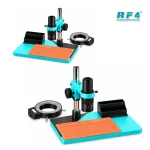

RF4 RF-KB105 Microscope Without Camera
₨32,000
RF-KB105 Monocular Microscope
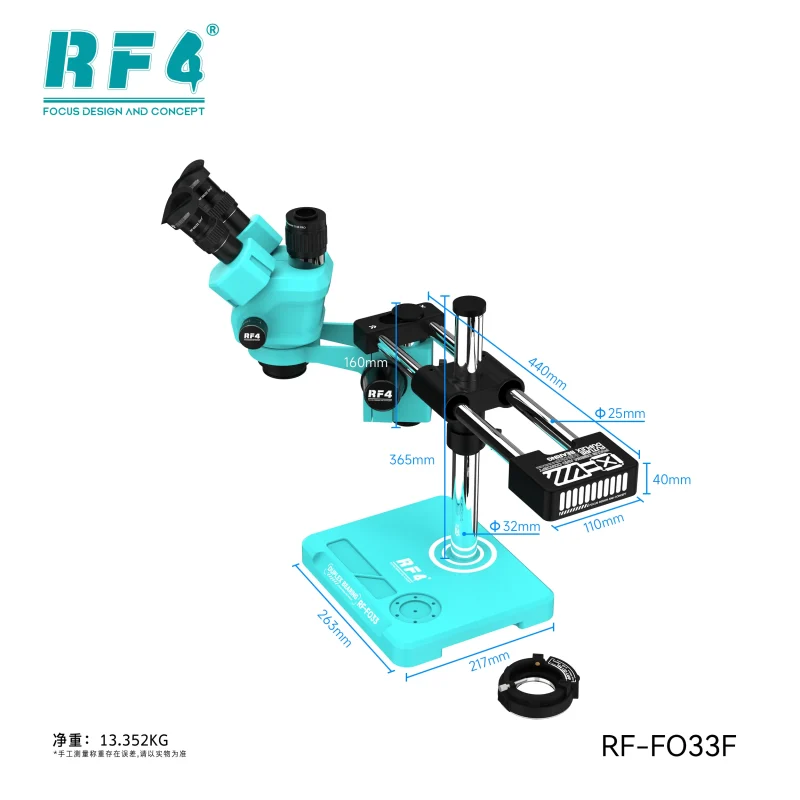
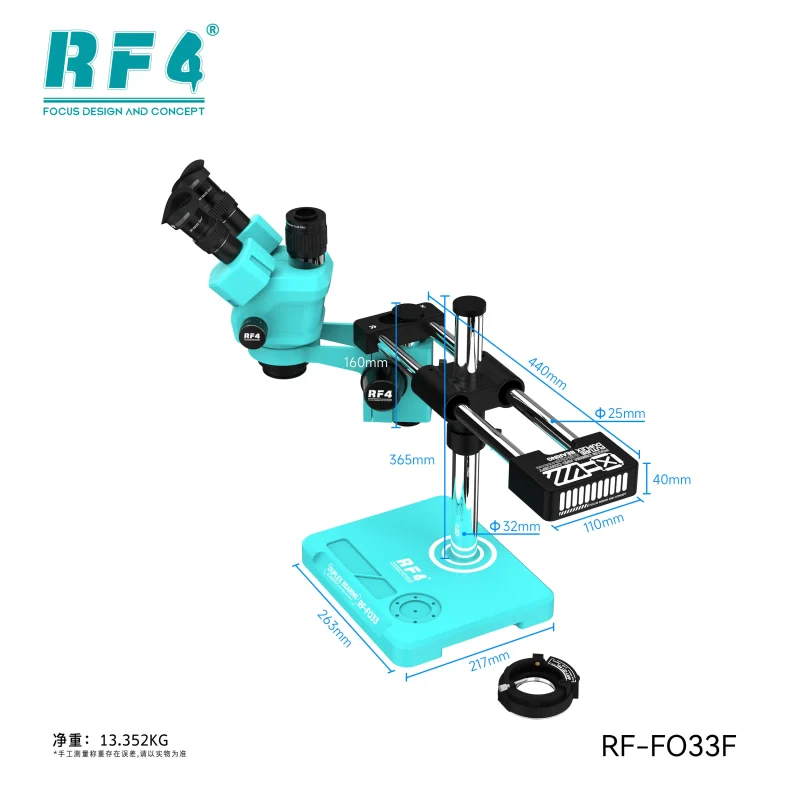
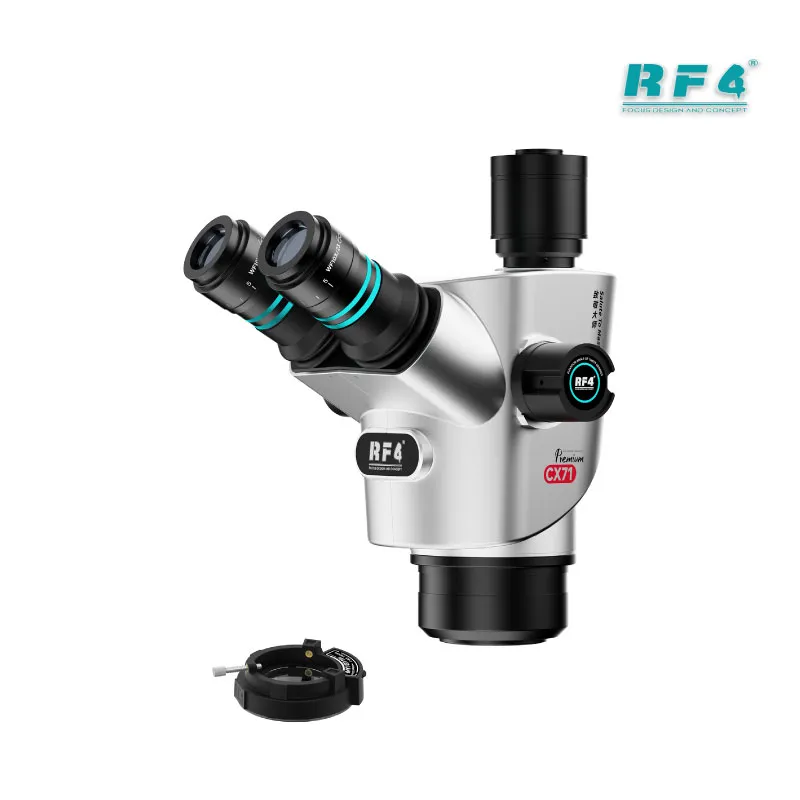
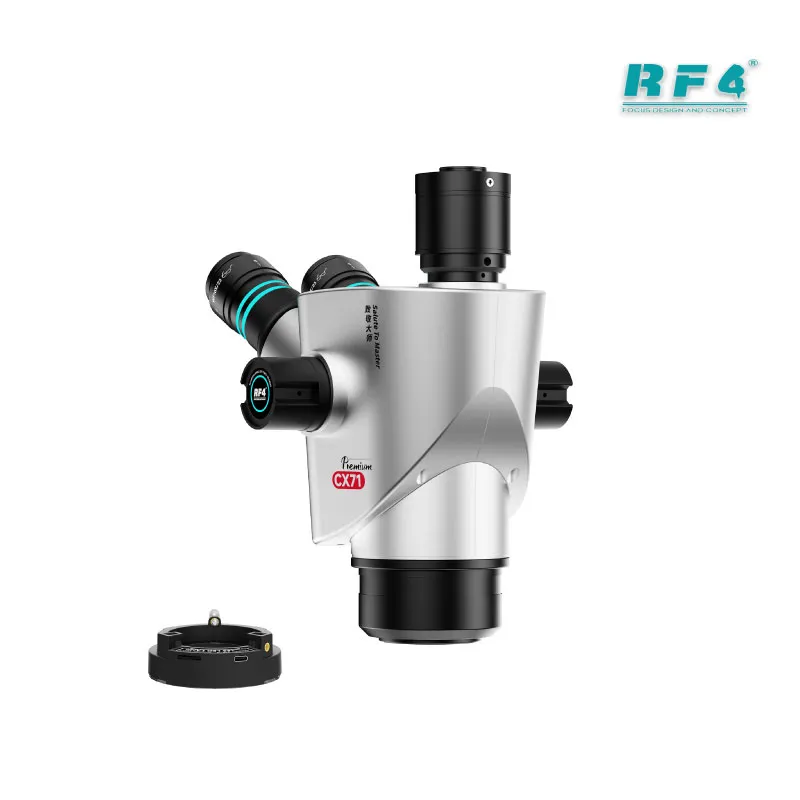
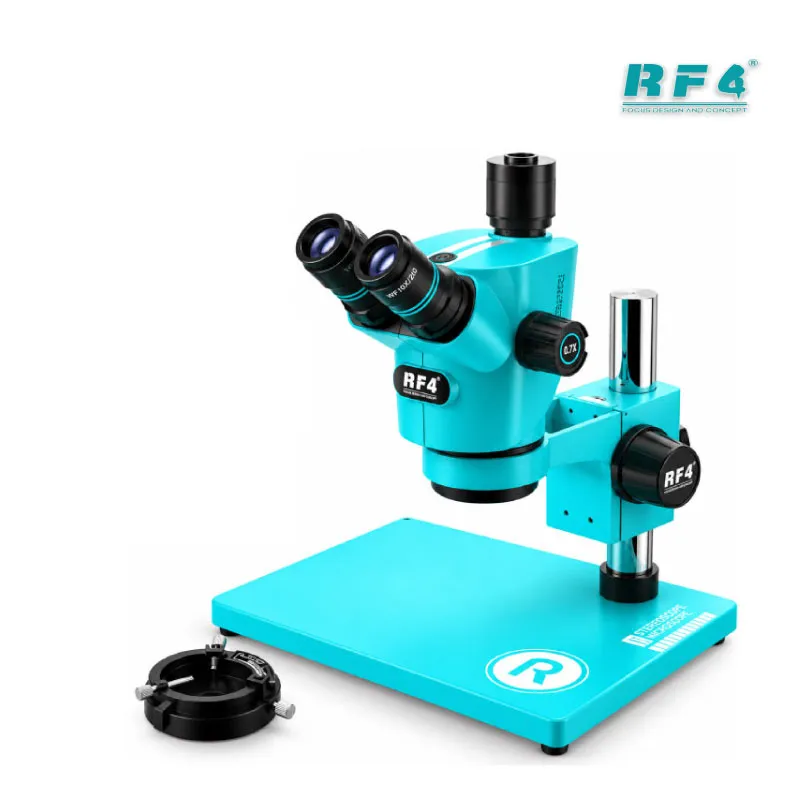
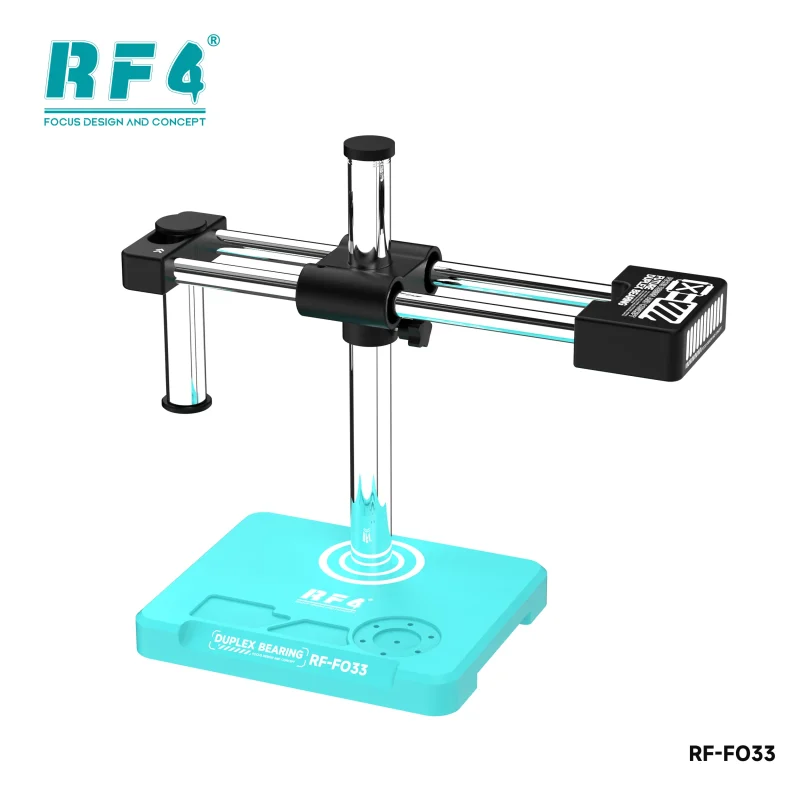
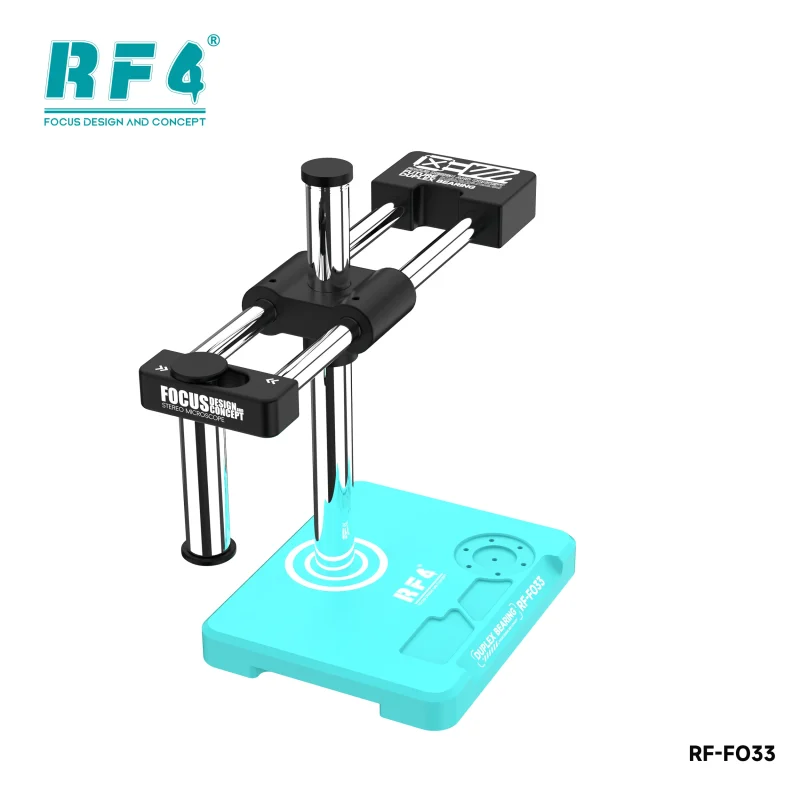
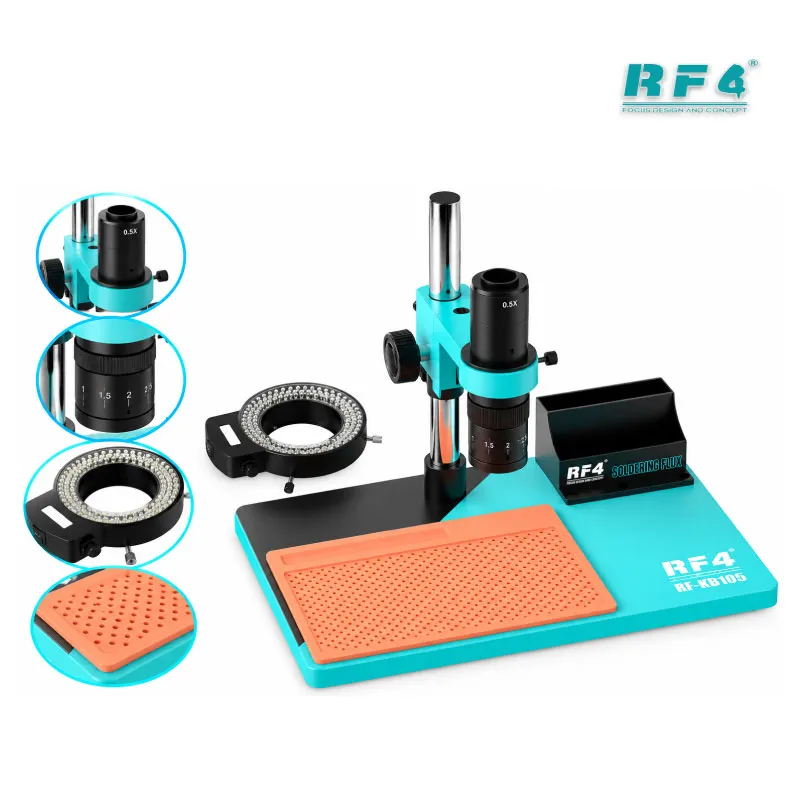
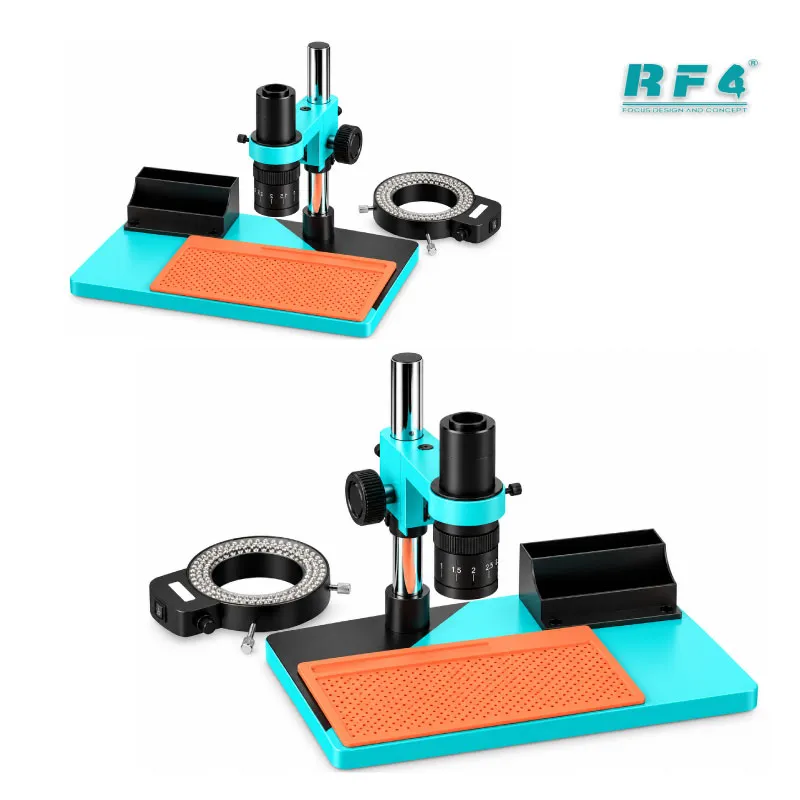
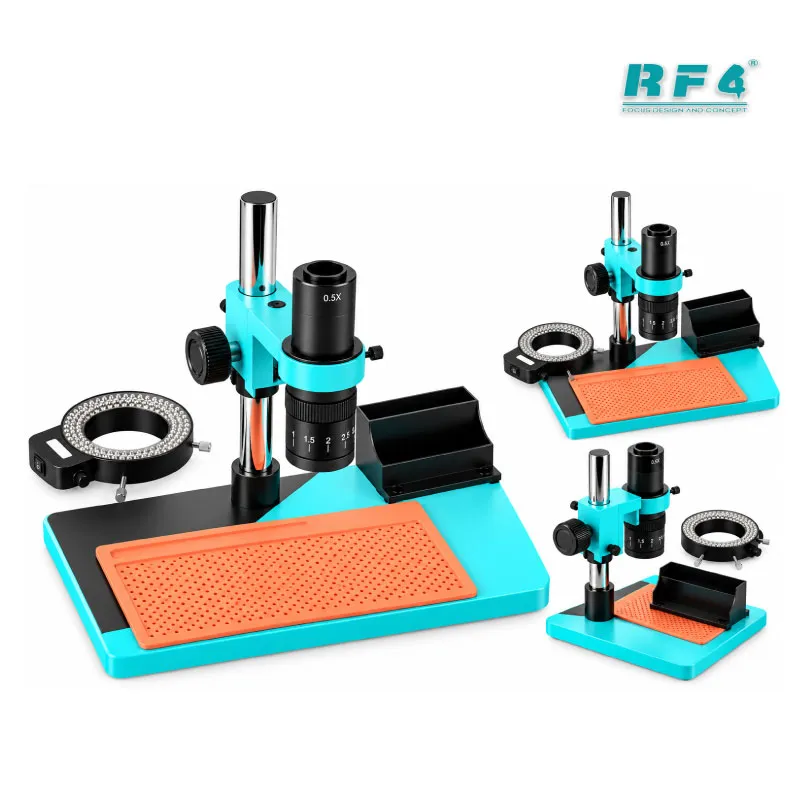
The RF4 RF-KB105 monocular microscope gives your repair bench 7X to 45X optical magnification, a 144 LED lamp, and a 260 x 375mm base. You inspect pads, joints, and tiny passives straight through the eyepiece, with no screen lag and no software setup. The wide base holds a full phone motherboard in a PCB holder, so you reball a CPU, trace a short, or solder ISP wires without repositioning the board. This version ships without a camera, which suits technicians who want a clean optical setup first. RF4 also sells the same model in camera bundles when you need on-screen viewing.
| Weight | 5.0 kg |
|---|
10 in stock
Description
RF-KB105 Monocular Microscope for Board-Level Repair
The RF4 RF-KB105 monocular microscope handles the inspection step that decides every board-level job. You see the fault before you touch the hot air gun. The unit gives you 7X to 45X optical magnification, a 144 LED lamp, and a 260 x 375mm base. This listing covers the version without a camera, so you work directly through the eyepiece. If your shop handles hardware fault boards every day, this microscope belongs at the center of your bench.
Optical Magnification From 7X to 45X
Start at 7X to take in a wide section of the motherboard. Follow a power line from the battery connector toward the PMIC, or scan a flex connector row for a bent pin. Move toward 45X when you need BGA pad detail, solder joint texture, or a hairline crack beside a charging IC. A monocular head sends the image to one eye, so you get a direct view with no display delay. That suits steady micro-soldering, where a half-second of lag ruins a joint. This 7-45X PCB repair microscope gives you the full inspection range without paying for a camera you may not use yet.
144 LED Lamp for Shadow-Free Inspection
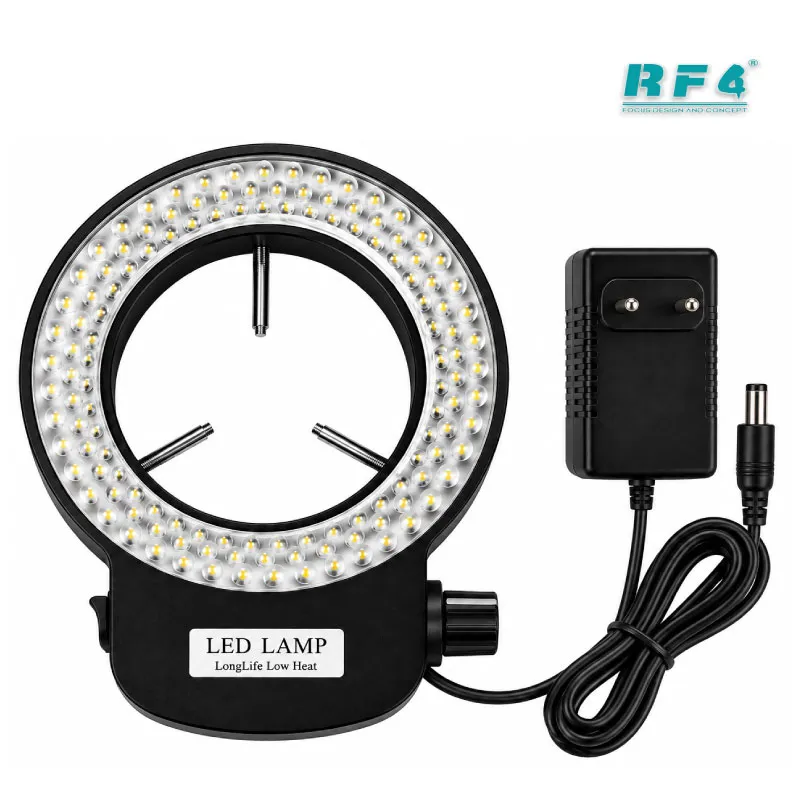
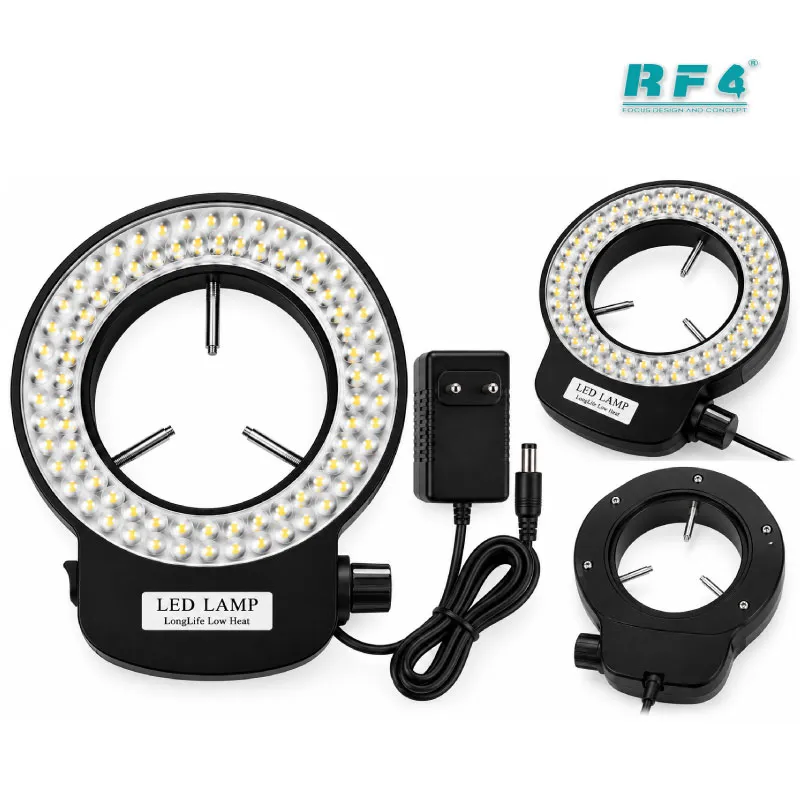
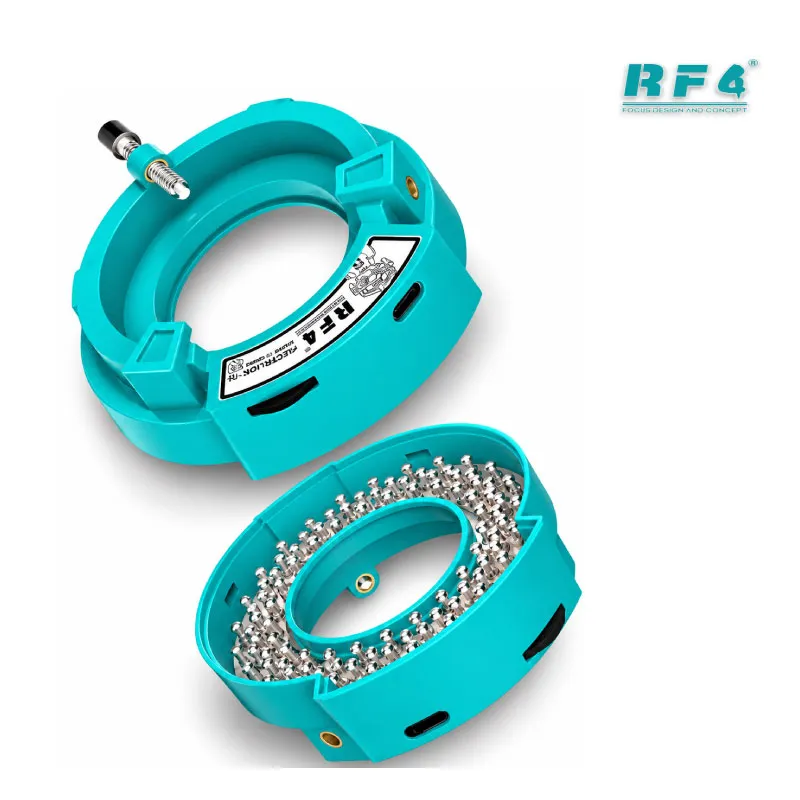
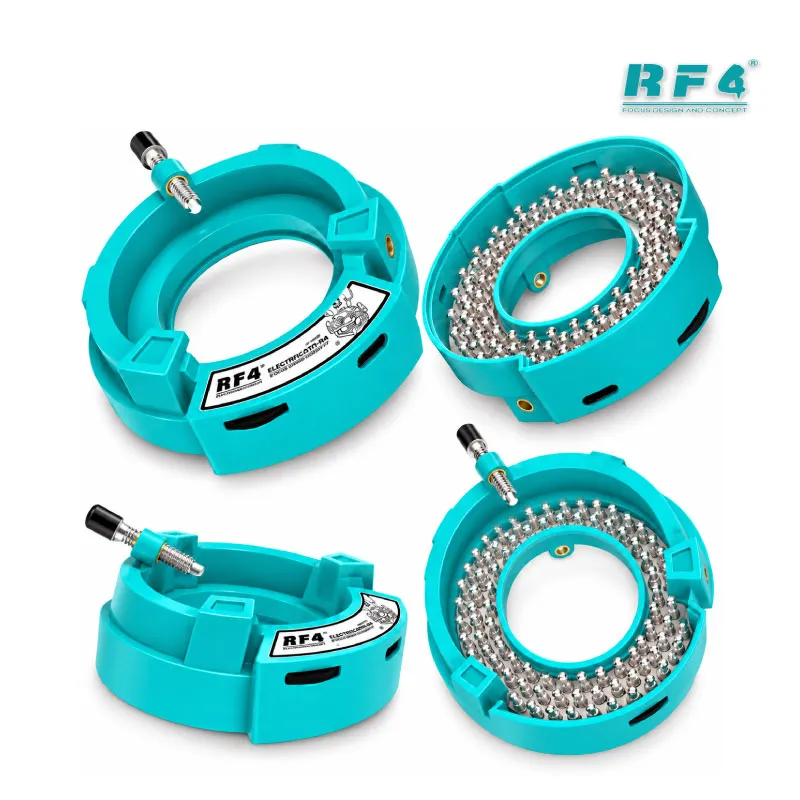
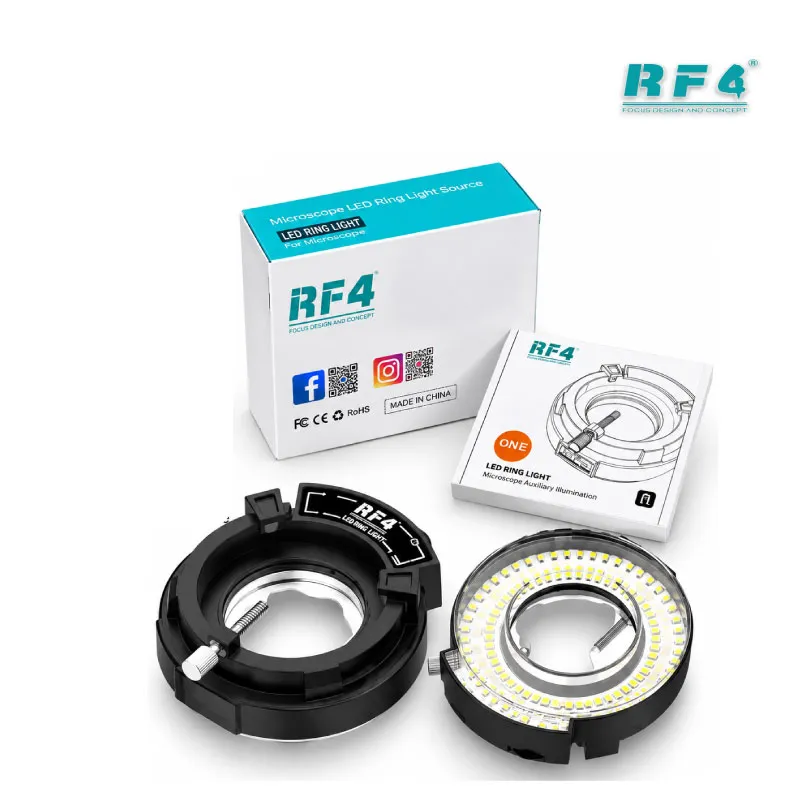
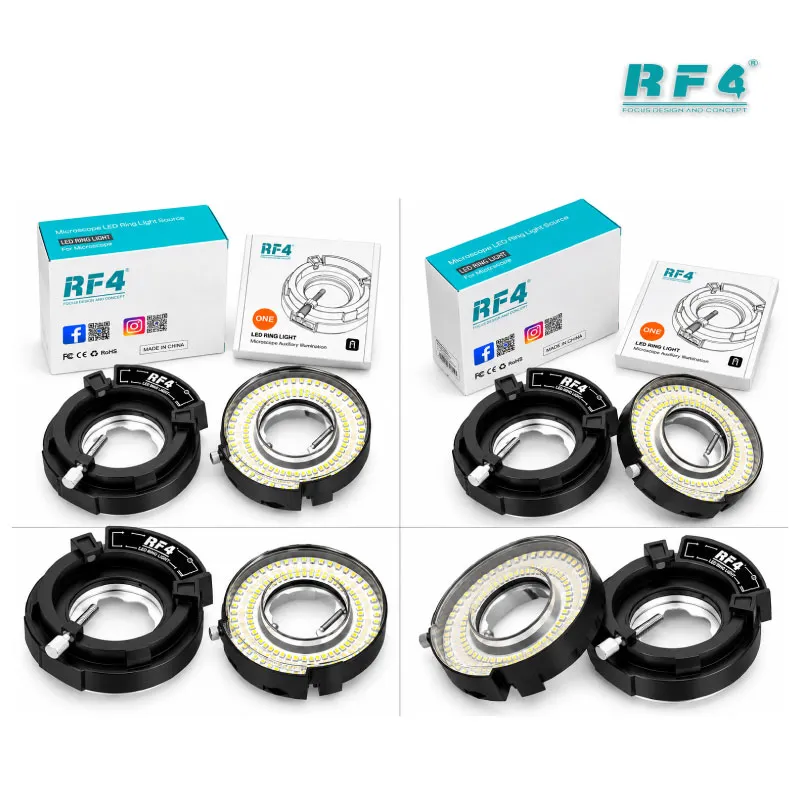
Shields, inductors, and tall connectors throw hard shadows under an ordinary bench lamp. The 144 LED lamp spreads dense light across the work area and cuts those shadows. Cracked joints, flux residue, burnt spots, and corrosion stand out where a single lamp hides them. You spot water damage creeping under a chip faster, and you confirm a clean pad before you place the new IC.
Base Space for Real Bench Work
The 260 x 375mm base holds a phone motherboard clamped in a PCB holder and leaves room for tweezers, solder wick, and a hot air nozzle. Tablet boards and opened sandwich boards fit as well. A broad base gives the stand a stable footprint, so you keep your focus when your hand brushes the bench during a long reball.
Where It Fits in Your Repair Workflow
Diagnosis starts with a DC power supply and a multimeter. Once you find a short on a main rail, the microscope shows you the heating or damaged capacitor, so you stop lifting parts at random. During rework you remove the faulty chip with a hot air station, clean the pads with a soldering station and wick, and inspect every pad before you place the new part. IC change karna and CPU reballing both depend on that pad check. After rework, you scan the chip edges for stray balls, bridges, and leftover flux.
Software-side jobs need the same eyes. A dead phone after flash, a hang on logo, or a boot loop often sends you to ISP access. You locate the CMD, CLK, and DATA test points on a crowded board, then solder thin wires to them for your eMMC programmer, UFS adapter, or test box. ISP pinout tools only help when you can see the points. Everyday faults benefit too: a charging issue from a cracked port joint, a display problem from a damaged FPC pin, or a network issue from a lifted RF component. Jumper lagana on a broken track or lifted pad also demands this level of magnification.
Why Choose the Version Without Camera
Pick this version if you want optical viewing first, already own a camera, or prefer a lower entry point. You keep your hands and eye on the board, and you add a camera later if your shop needs a monitor view. RF4 sells the RF-KB105 in bundles with the RF-C68 and MC1 cameras for that step. Technicians who still work with a desk magnifier get a clear upgrade path here. Pair it with a hot air station, a temperature-controlled soldering station, a PCB holder, a multimeter, and a reballing kit, and you cover the core of a hardware repair bench.
Reviews (0)
Q & A
Please login to post questions
Key Features
- 7X to 45X optical magnification range
- Monocular head for direct, lag-free eyepiece viewing
- 144 LED lamp that cuts shadows around shields and connectors
- 260 x 375mm base for full phone and tablet boards
- Room for a PCB holder, tweezers, and hot air tools on the base
- Camera-free configuration for a clean optical setup
- Wide board view and close BGA pad detail in one microscope
- Available in RF4 camera bundles when you want monitor viewing
Specifications
| Brand | RF4 |
|---|---|
| Model | RF-KB105 |
| Category | Mobile Repair Microscope |
| Compatibility | Universal — not device-specific |
| Supported Devices | Mobile phone and tablet PCBs that fit the 260 x 375mm base |
| Technology | Optical monocular microscope, 7X to 45X magnification, 144 LED lamp |
| Dimensions | Base 260 x 375mm |
| Camera | Not included |
Common Repair Uses
- Pad and joint inspection before and after IC change karna
- CPU and BGA reballing with stencils and reballing kits
- Short tracing and locating damaged capacitors on power lines
- ISP wire soldering to eMMC/UFS test points on dead phones
- Charging port, FPC connector, and flex socket soldering
- Jumper lagana on broken tracks and lifted pads
- Checking liquid-damaged boards for corrosion under components
- Final check for solder bridges, stray balls, and flux residue after rework
Compatible Devices
- Samsung motherboards
- Oppo motherboards
- Vivo motherboards
- Infinix motherboards
- Tecno motherboards
- Xiaomi motherboards
- iPhone logic boards
- Tablet motherboards
FAQ
What is the product name?
The product name is RF4 RF-KB105 Microscope Without Camera.
What is the brand of this product?
The brand of this product is RF4.
What is the model of this product?
The model of this product is RF-KB105.
What is this product used for?
This product is used for magnified inspection and micro-soldering on mobile phone and tablet boards, including IC replacement, reballing, ISP wiring, and short tracing.
Which devices are compatible with this product?
This product works with any phone or tablet PCB that fits its 260 x 375mm base. It is universal and not device-specific.
Who should use this product?
This product is suitable for mobile repair technicians, repair shops, service centers, and professional users.
What magnification range does the RF4 RF-KB105 microscope offer?
The RF-KB105 offers 7X to 45X optical magnification, from a wide motherboard view down to BGA pad and solder joint detail.
Can I use the RF-KB105 for ISP wire soldering on dead phones?
Yes. At high magnification you see the CMD, CLK, and DATA test points clearly and solder thin wires to them. The microscope handles the viewing only. Your eMMC programmer, UFS adapter, or test box handles the programming.

Reviews
There are no reviews yet.