











































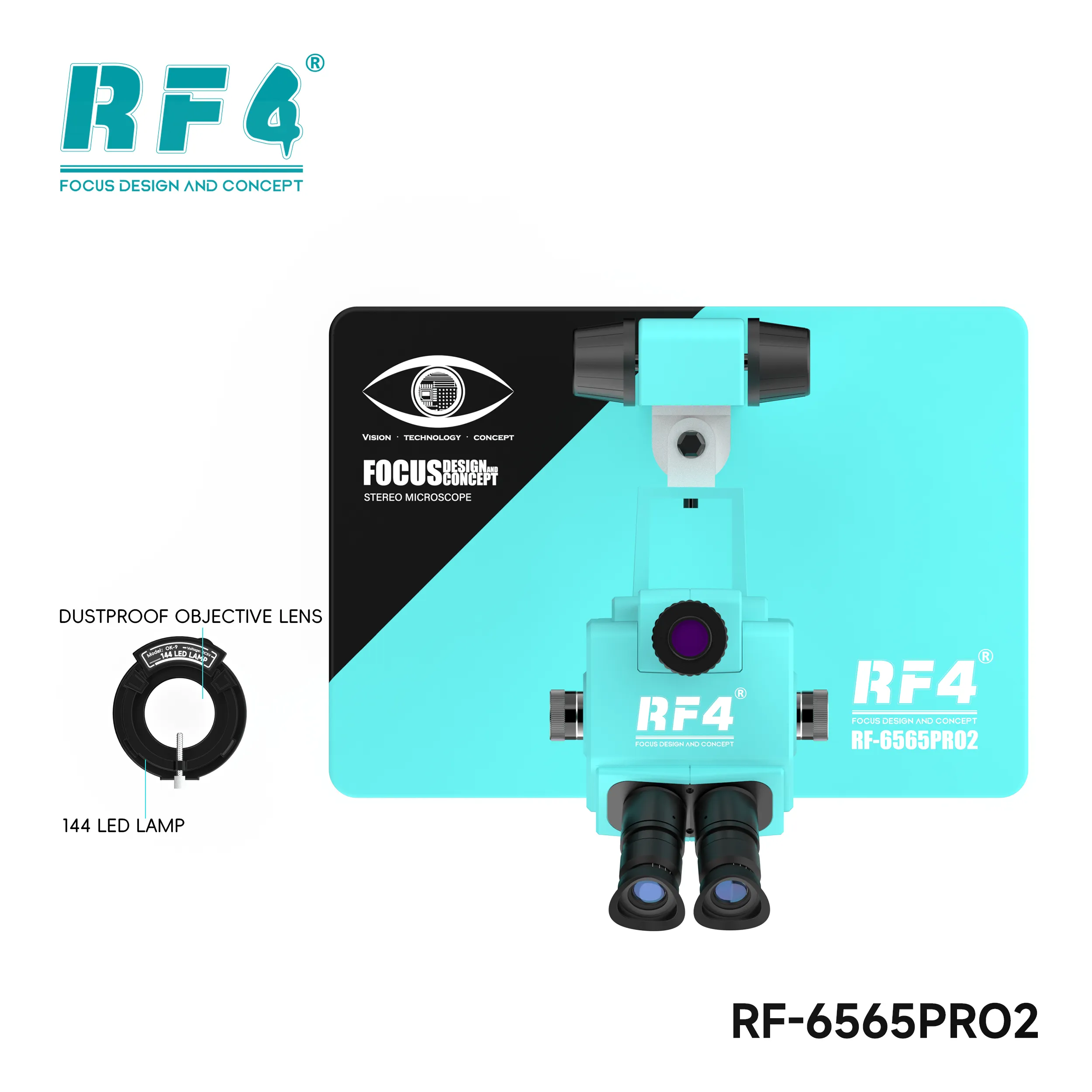
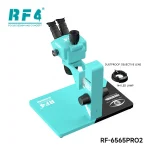
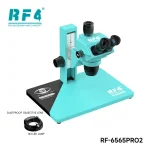
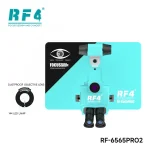

RF4 RF6565Pro2 Trinocular Microscope Focus Bracket
₨102,000
RF6565Pro2 Trinocular Microscope
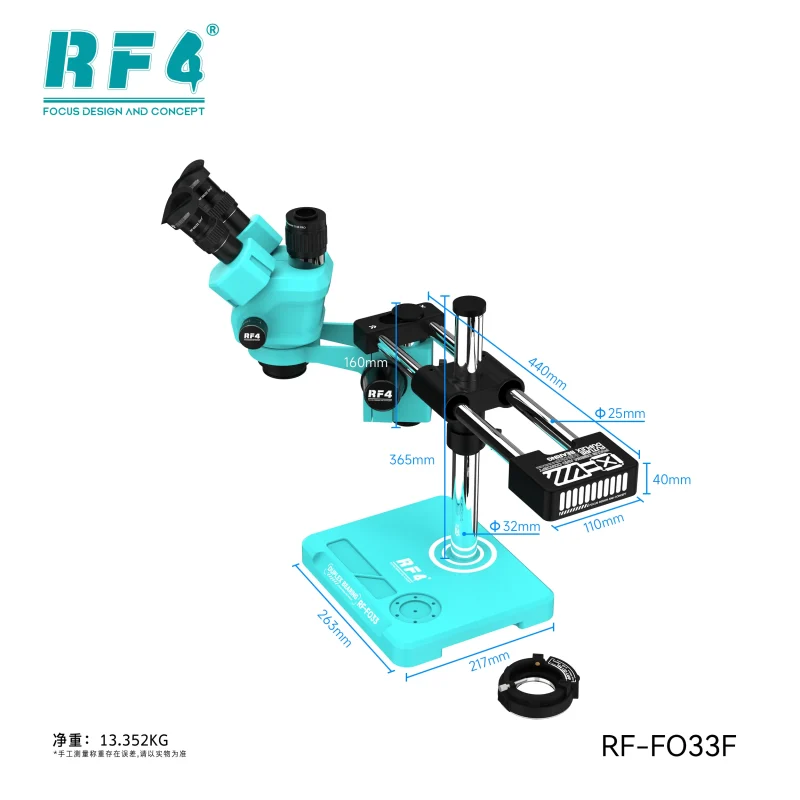
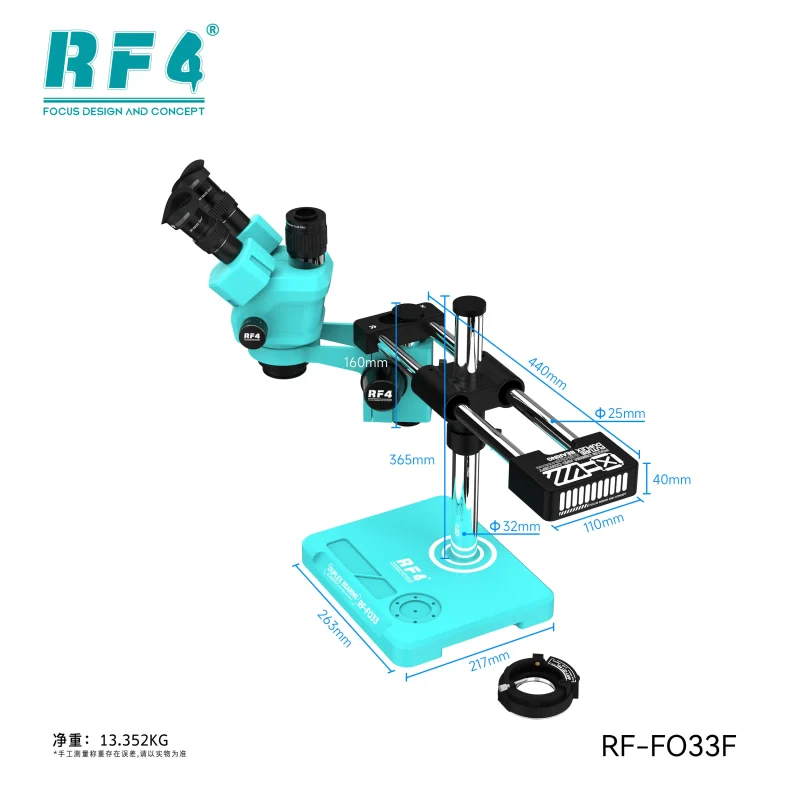
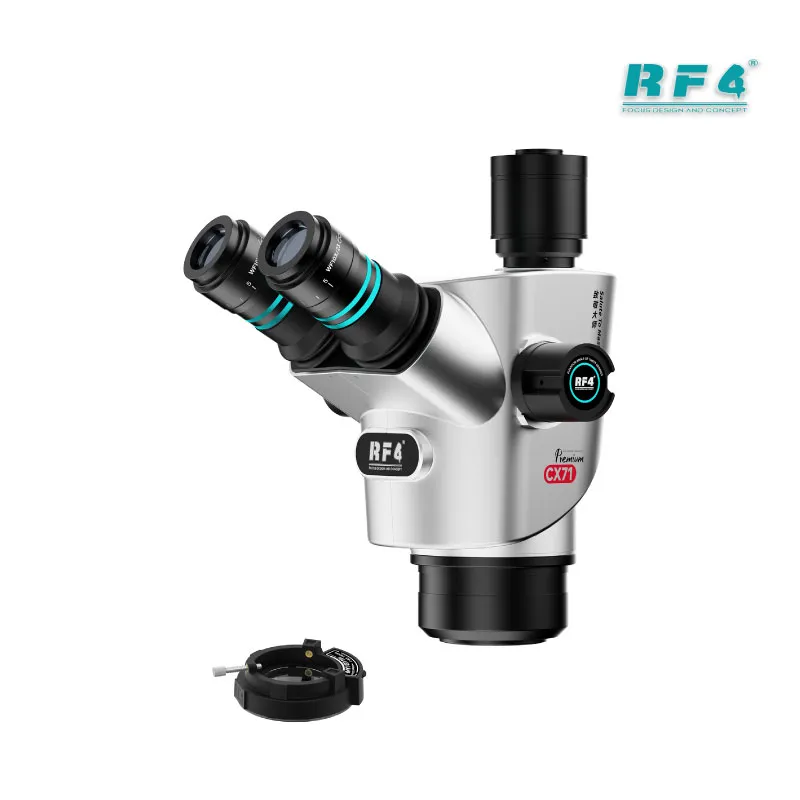
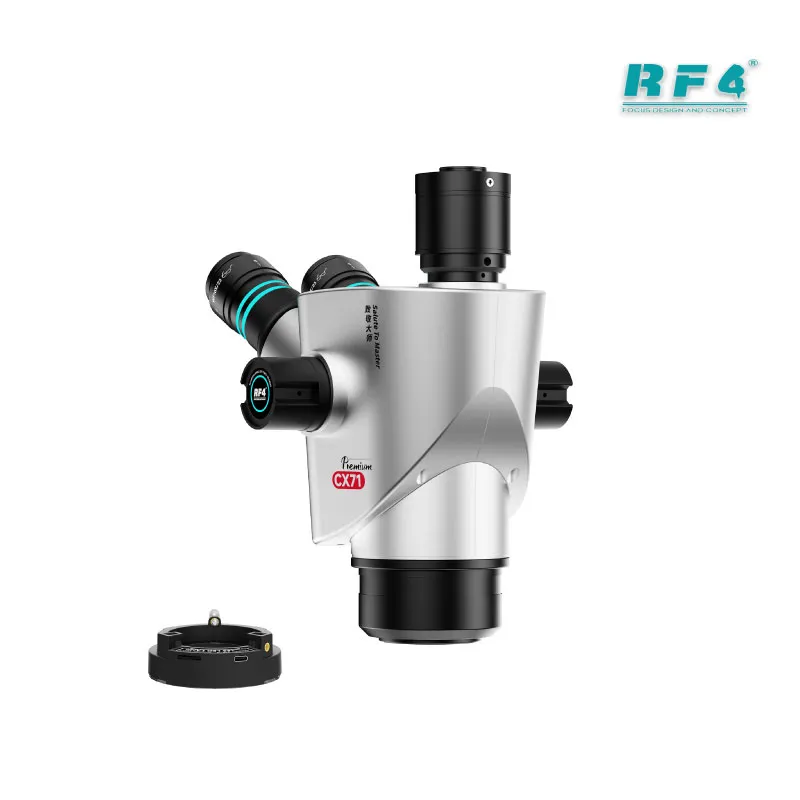
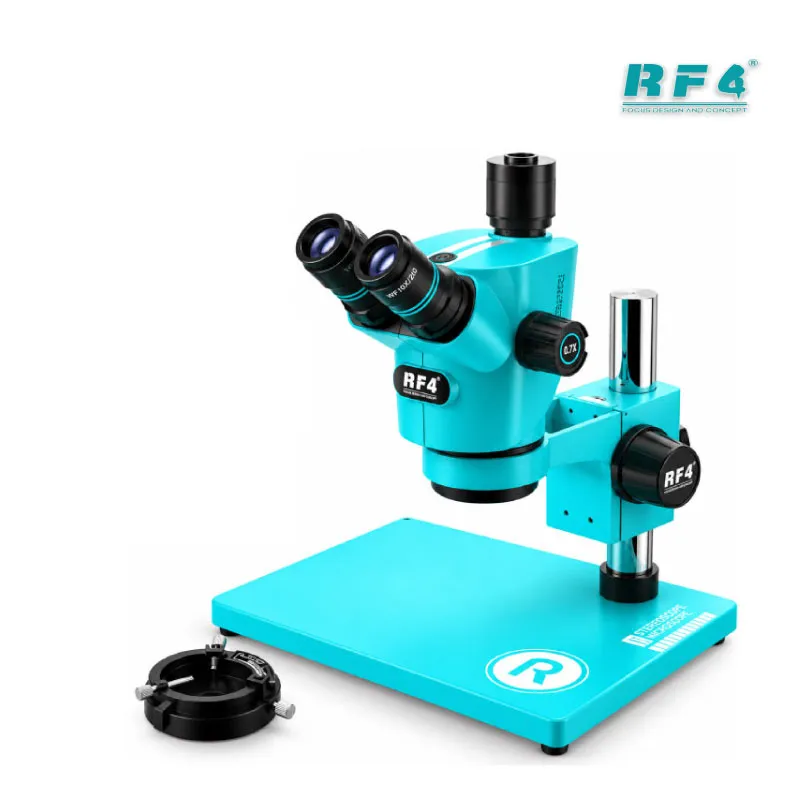
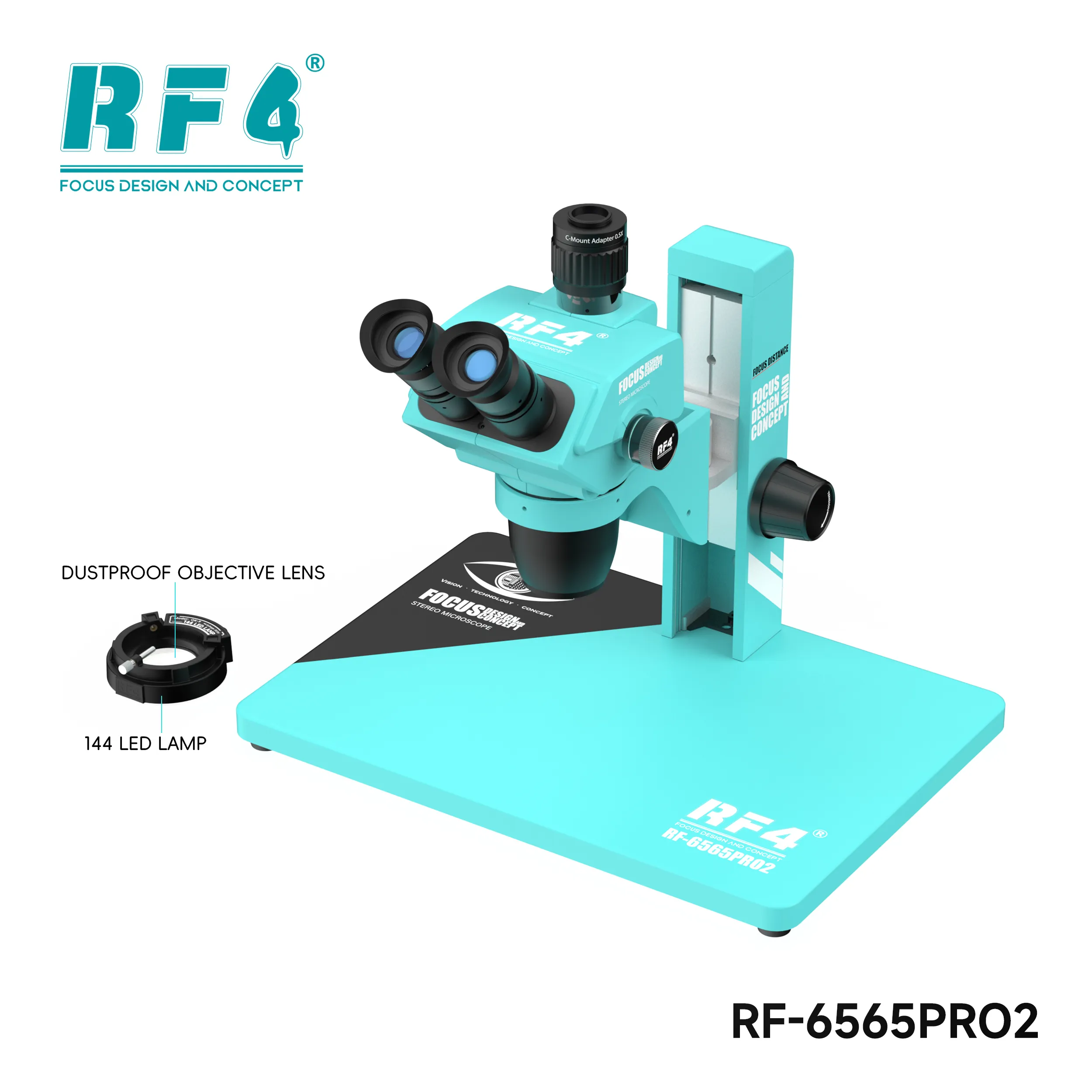
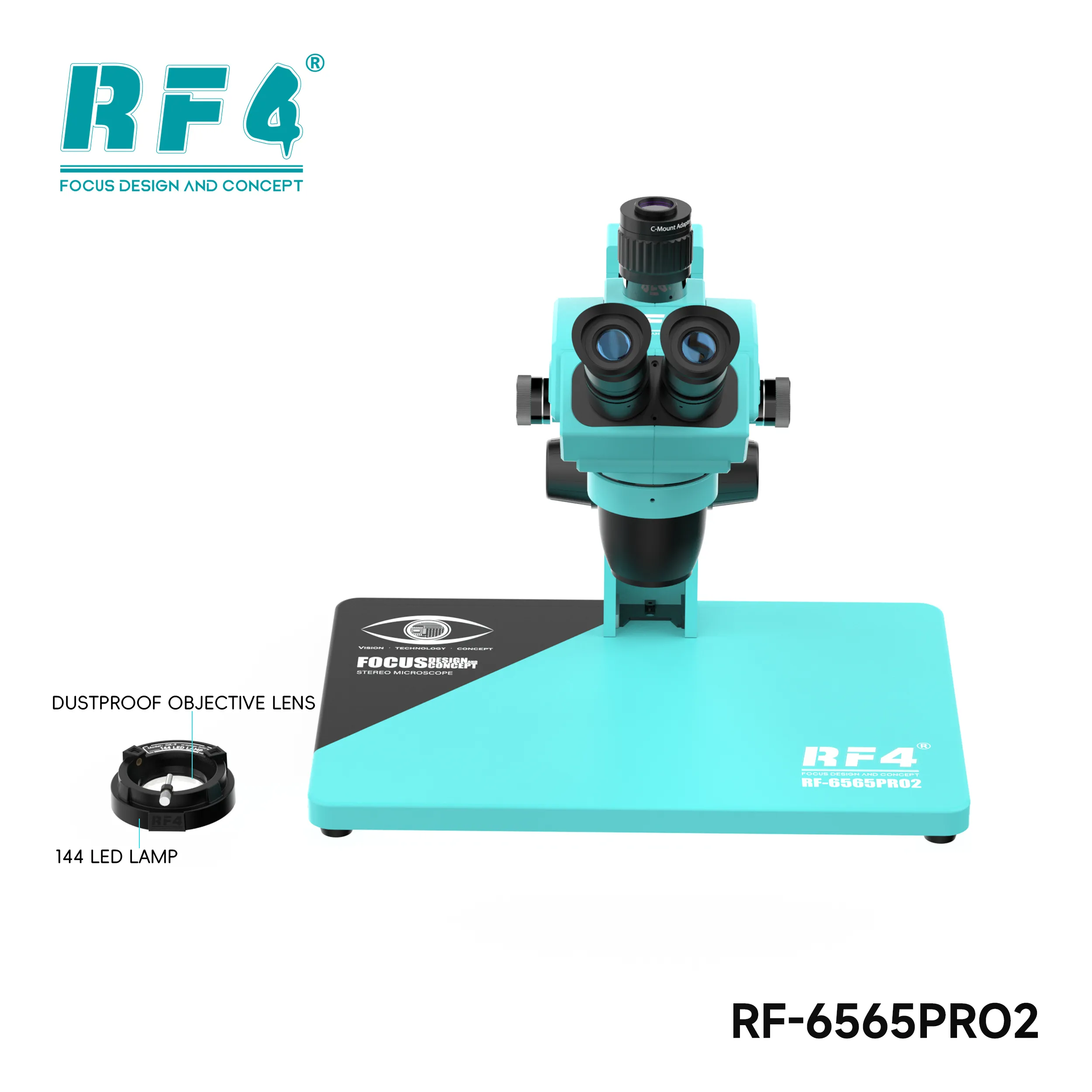
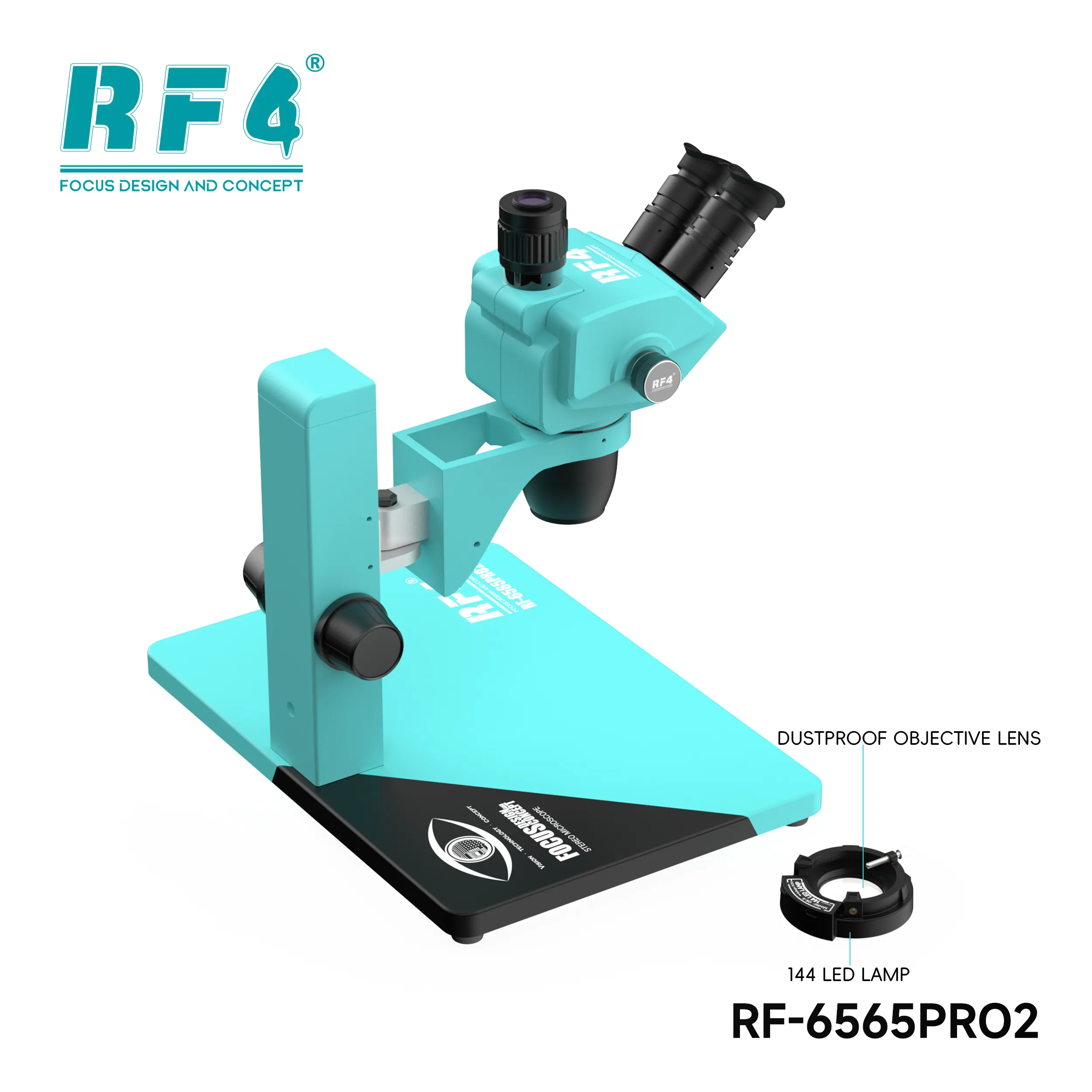
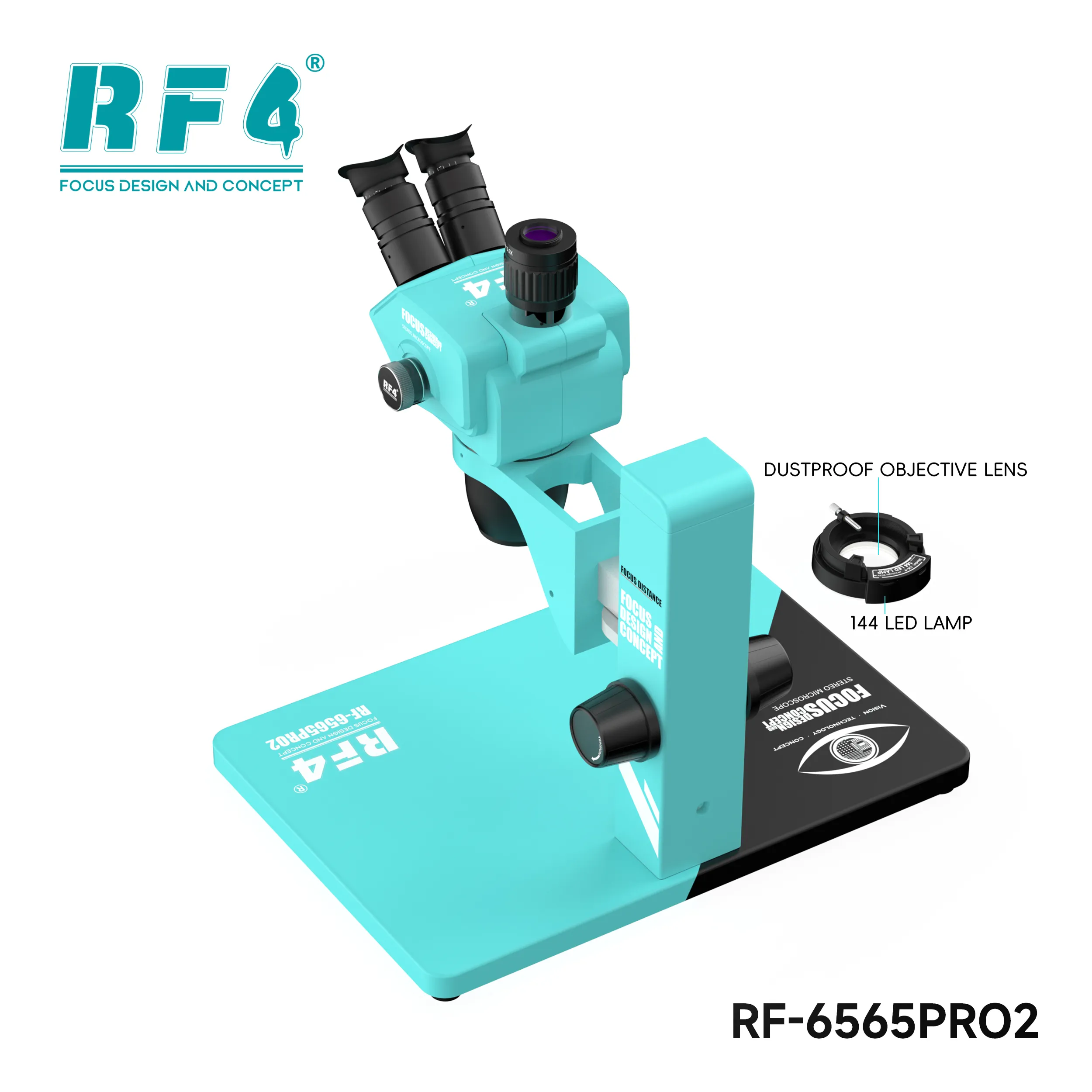
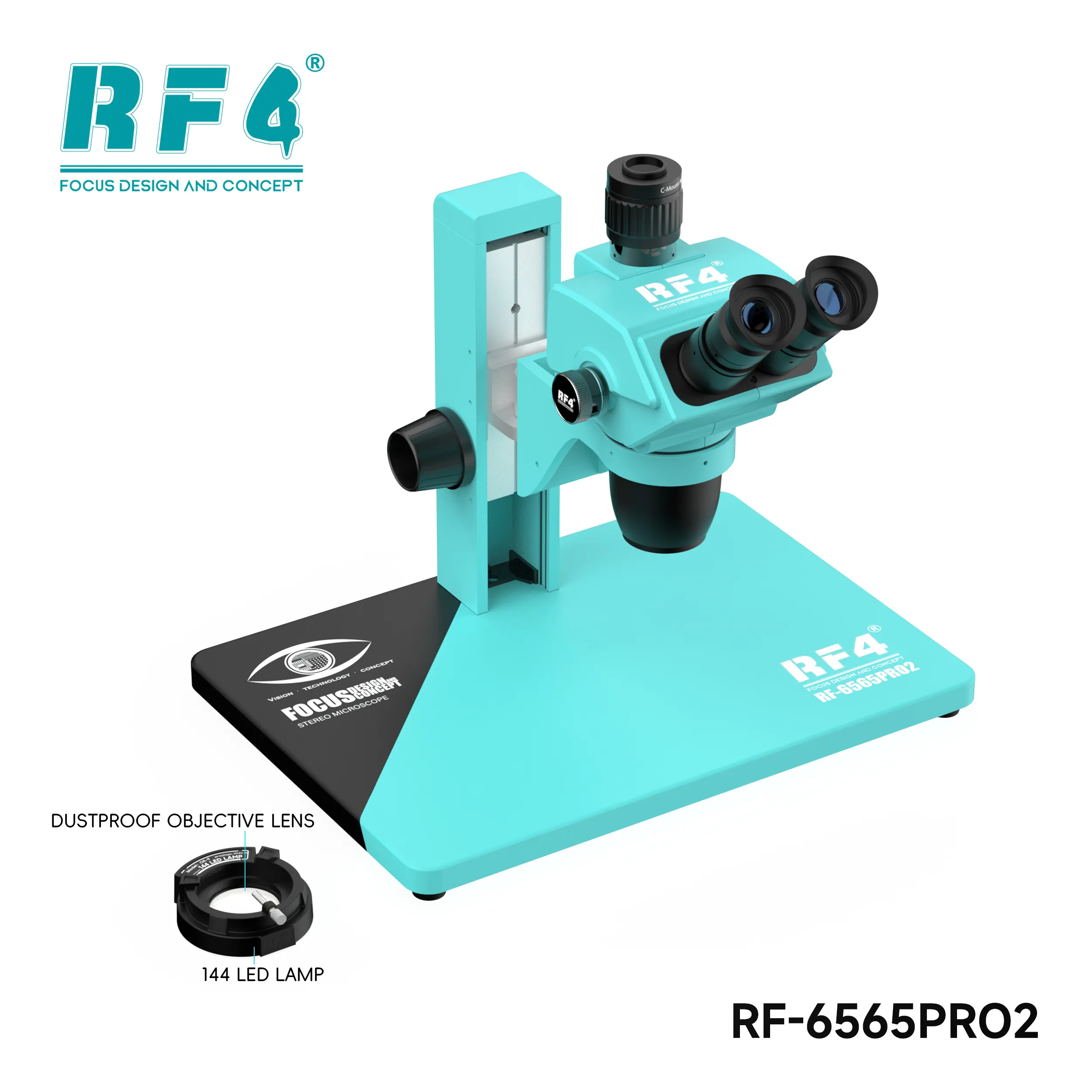
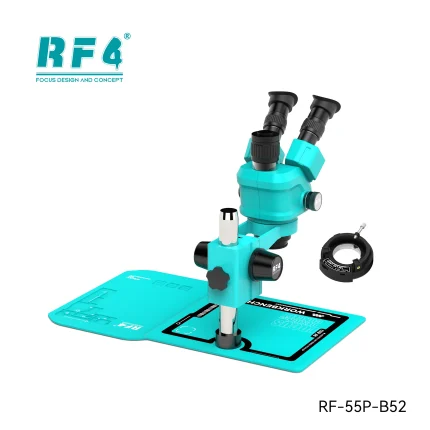
The RF6565Pro2 trinocular microscope from RF4 covers 6.5X to 65X continuous zoom on a 45-degree head that swivels 360 degrees. A mechanical gear zoom lock knob holds your magnification, and the focus lifting bracket moves the head up and down to bring the board into sharp view. Use it for BGA reballing, IC change karna, micro jumper work and corrosion checks on dead phone boards. The third port takes a camera, so you can view the job on a monitor. RF4Tools Pakistan lists it for technicians and shops that want specialist optics at the repair bench.
| Weight | 6.0 kg |
|---|
10 in stock
Description
RF6565Pro2 Trinocular Microscope for Serious Board Work
The RF6565Pro2 trinocular microscope from RF4 gives your bench a 6.5X to 65X continuous zoom range on a 45-degree inclined head that swivels 360 degrees. You get a third port for camera work, a mechanical gear zoom lock knob, and a focus lifting bracket that raises and lowers the head. If you do IC change karna, BGA reballing or micro jumper work on dead phone boards every day, this scope sits at the centre of your workflow. RF4Tools Pakistan lists it for technicians who want a dedicated repair microscope instead of a general lab scope.
Optics and Zoom Range
Continuous zoom lets you stop at any magnification between 6.5X and 65X instead of snapping between fixed steps. Start low to scan the whole board for a burnt trace or lifted pad. Zoom in on one BGA corner to judge solder ball alignment. The stereo design gives each eye its own image, so you see depth. Depth matters when you place a jumper on a pad that measures a fraction of a millimetre, or when you check pad damage after a hot air pass. RF4 states it redesigned its stereo zoom optics to reduce eye strain, which counts when you spend eight hours a day on charging issue and display problem boards. The mechanical gear zoom lock knob holds your chosen magnification, so the image stays put while your hands work.
Trinocular Head and Camera Port
The head tilts at 45 degrees and swivels 360 degrees. You turn it to suit your posture, or to share the view with a second technician, without moving the board. The third port makes the scope trinocular. Fit a compatible camera and adapter, and you send the live view to a monitor. A monitor view helps you train a junior technician, record a reballing job, or keep your neck straight on long repairs. Camera, adapter and monitor come as separate parts, so confirm what your order includes before you plan the setup. Use the eyepieces for fine soldering and the monitor for review and documentation.
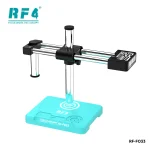
Focus Lifting Bracket and Stable Focus
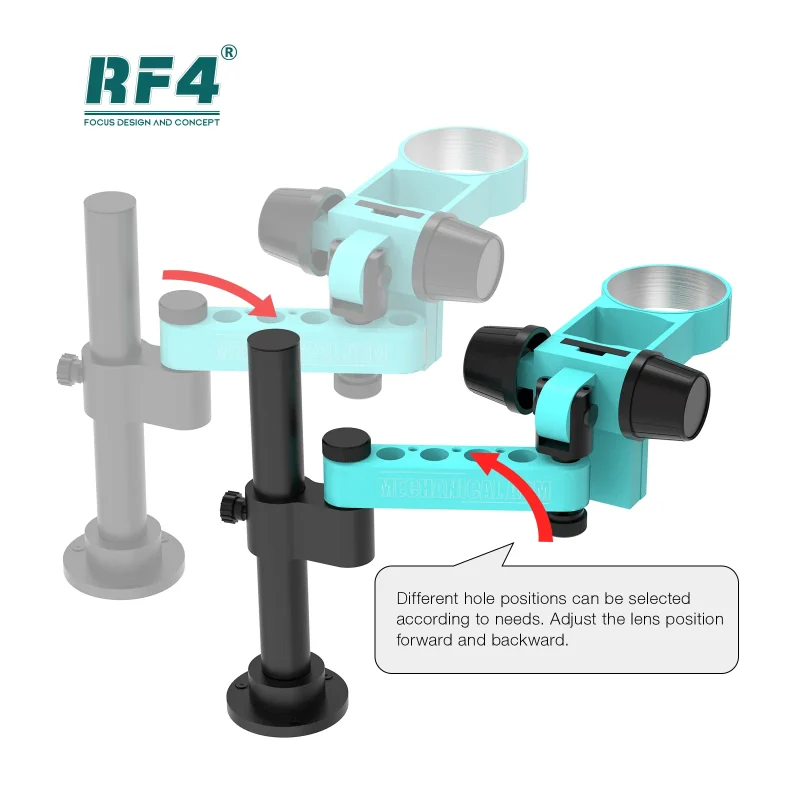
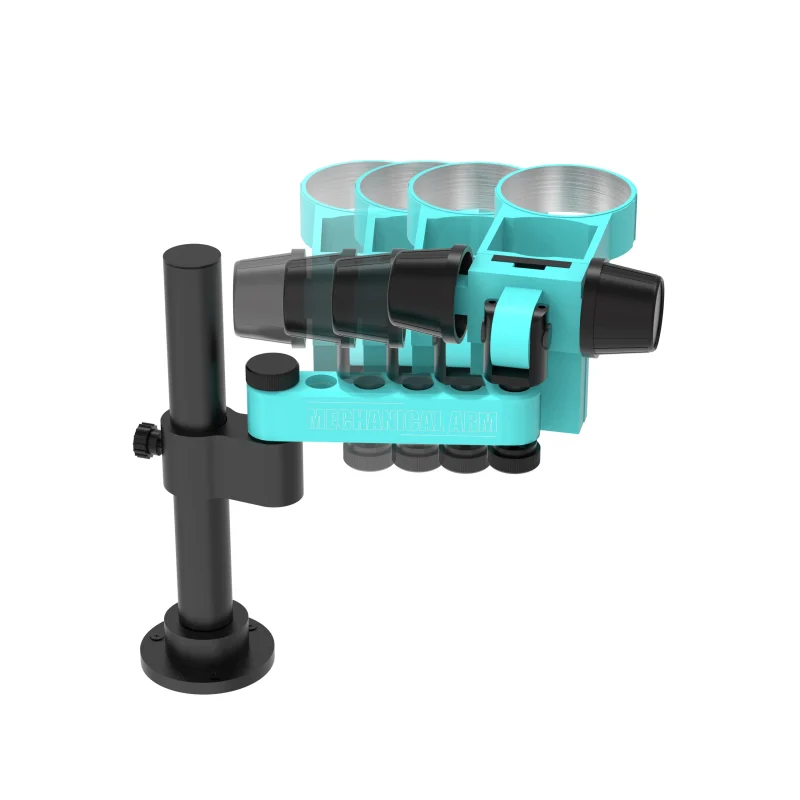
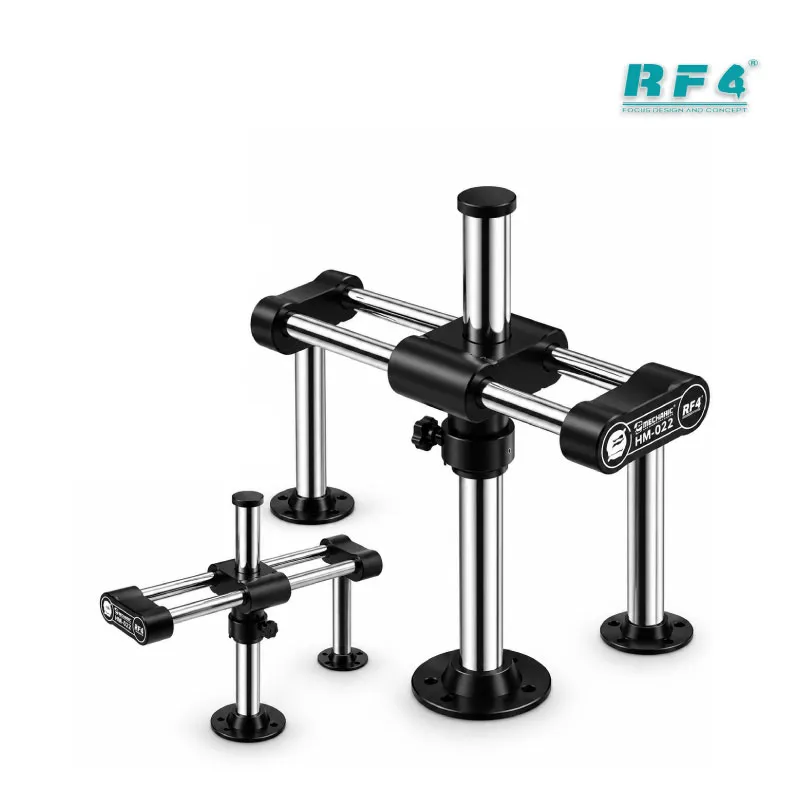
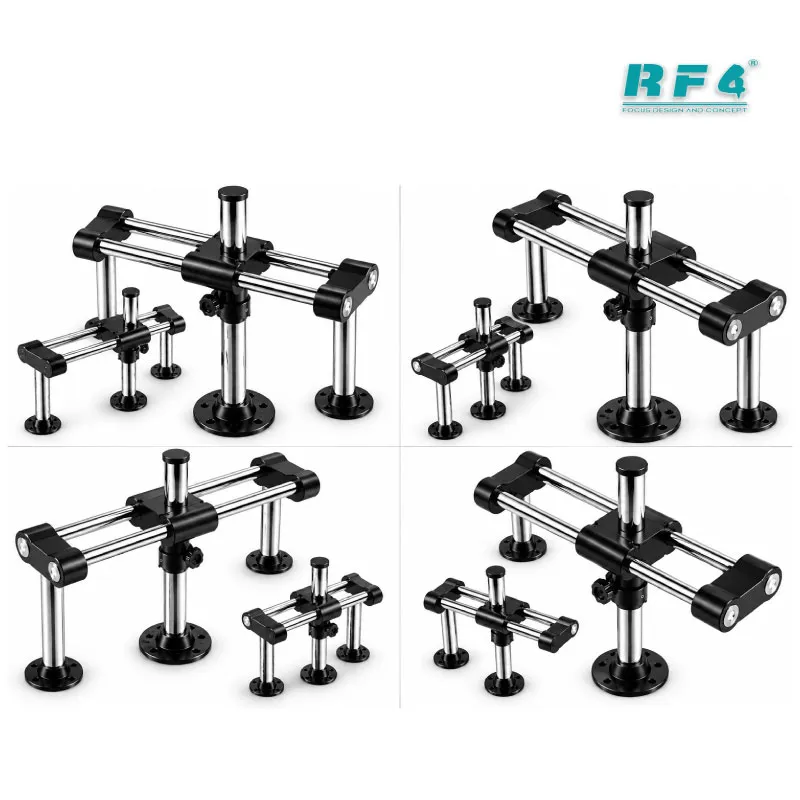
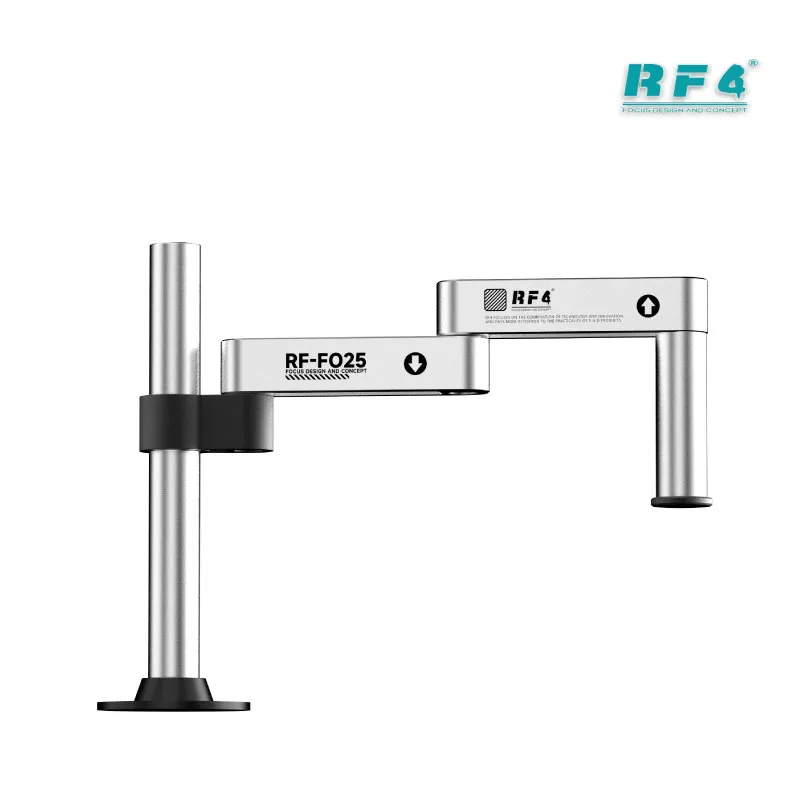
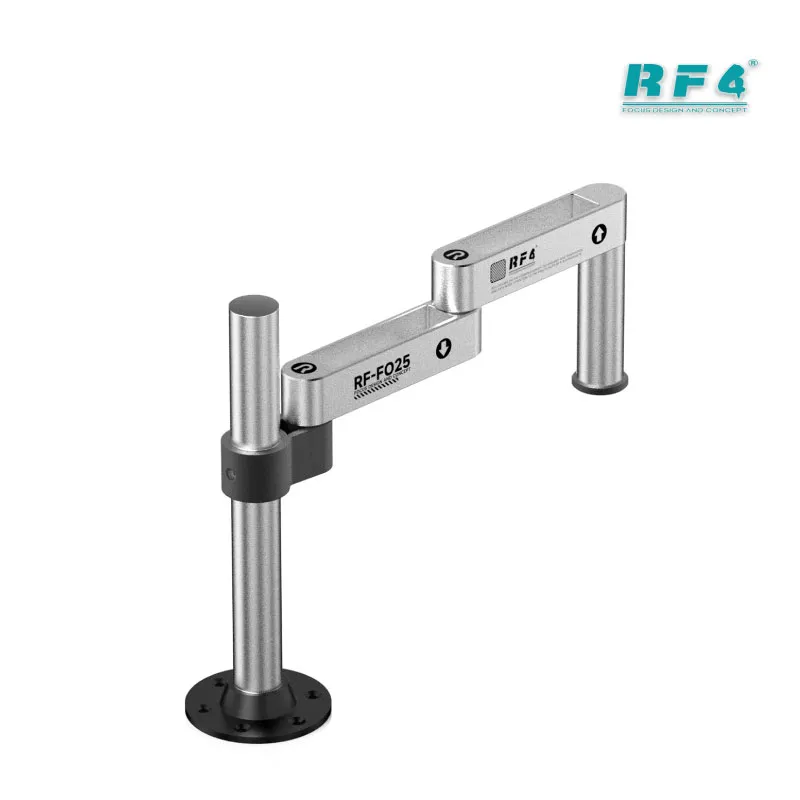
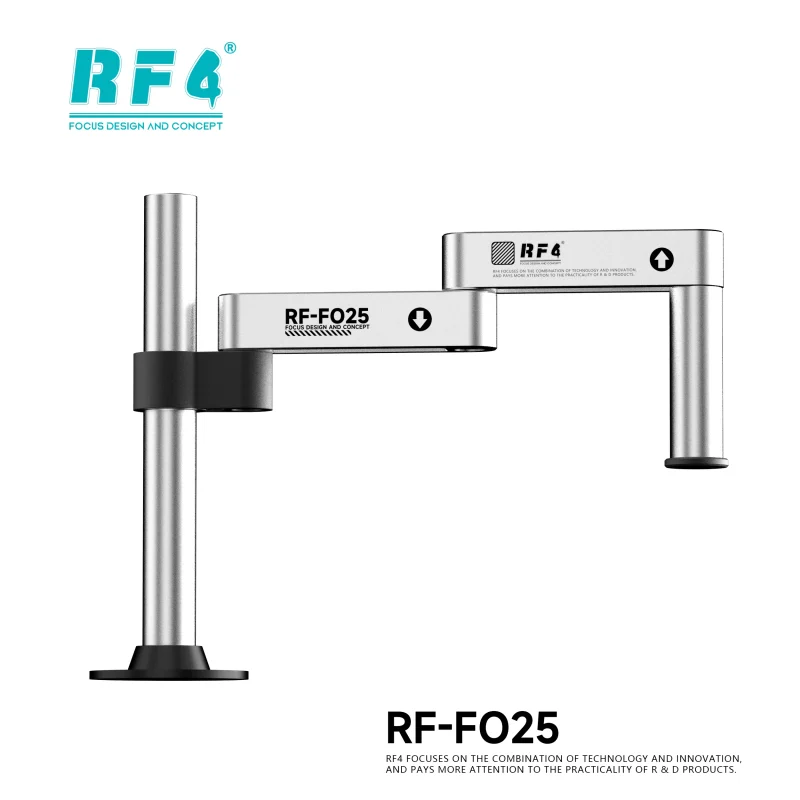
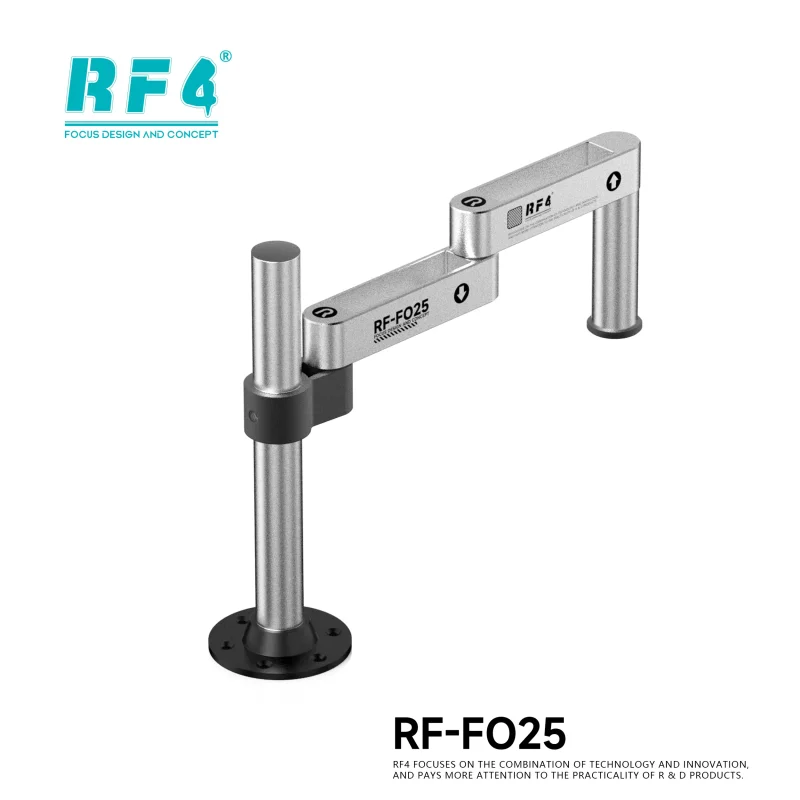
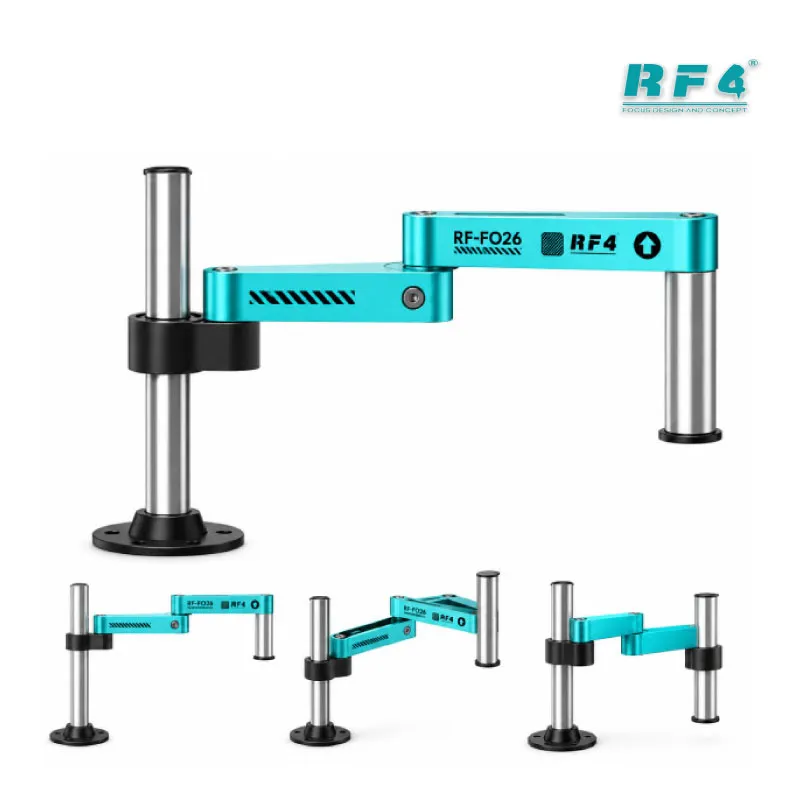
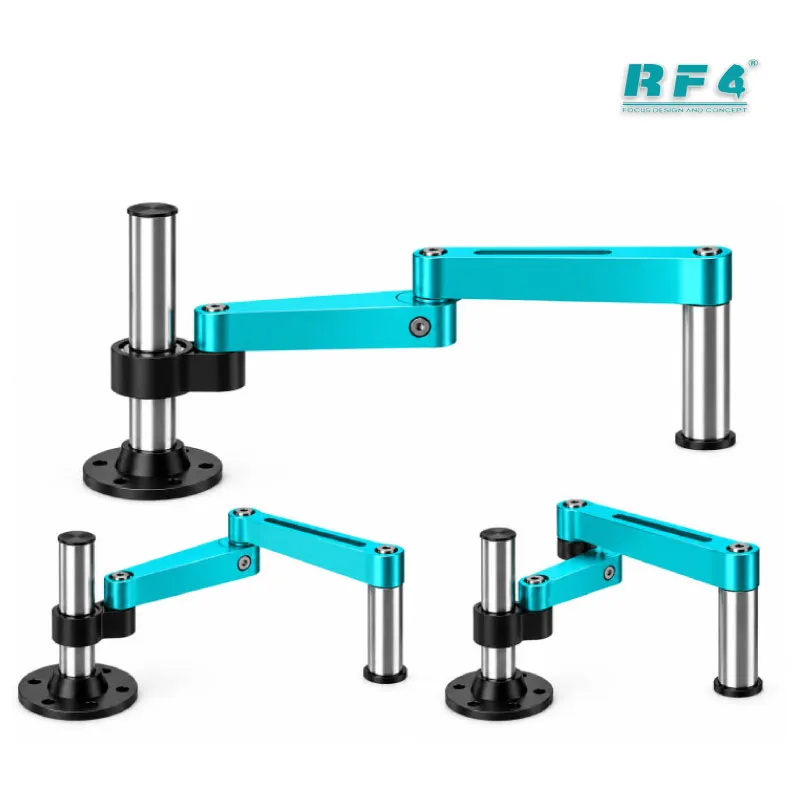
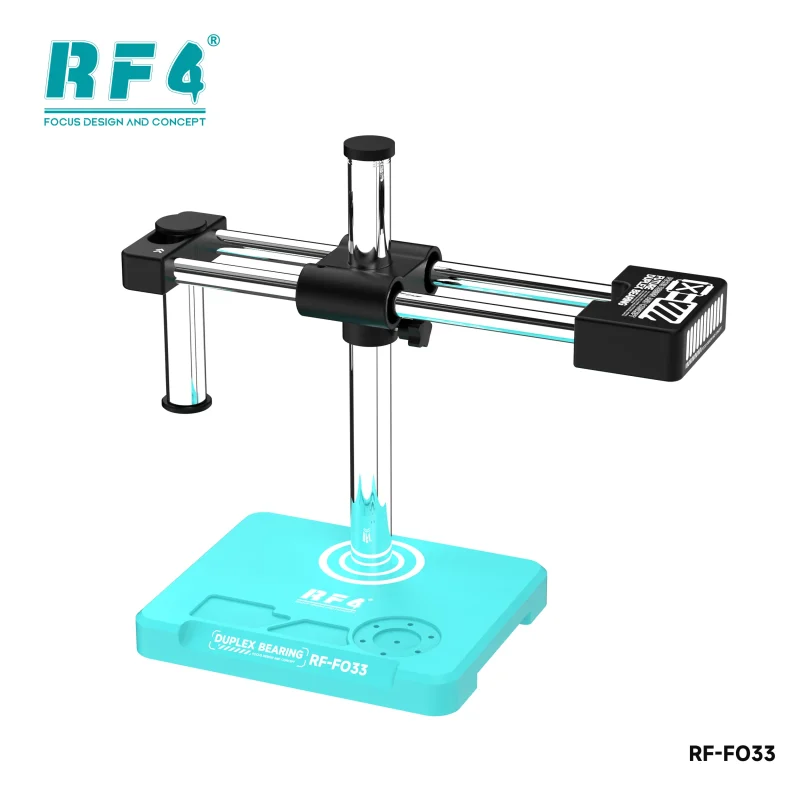
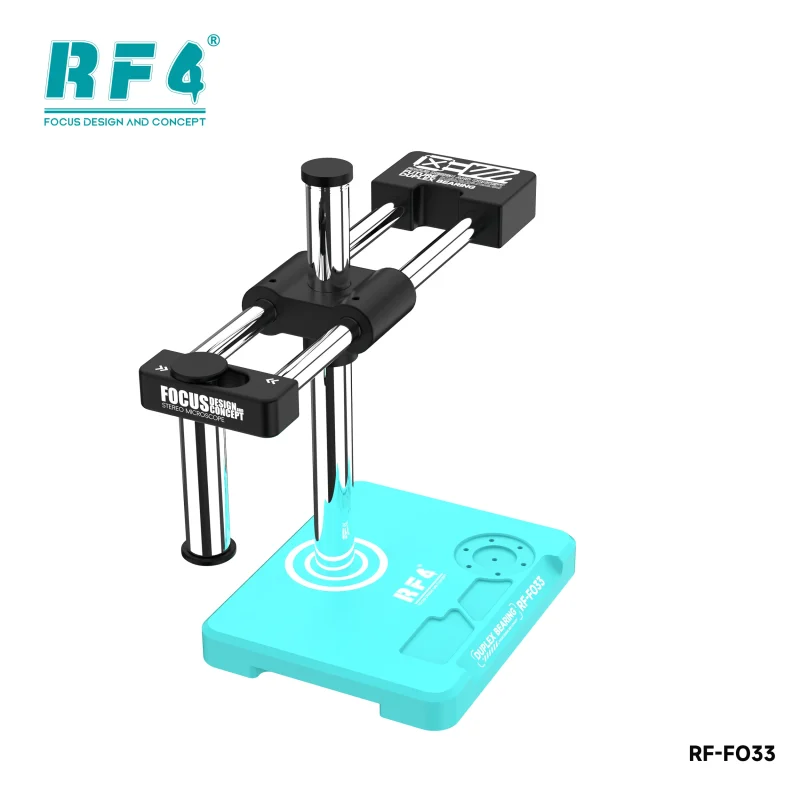
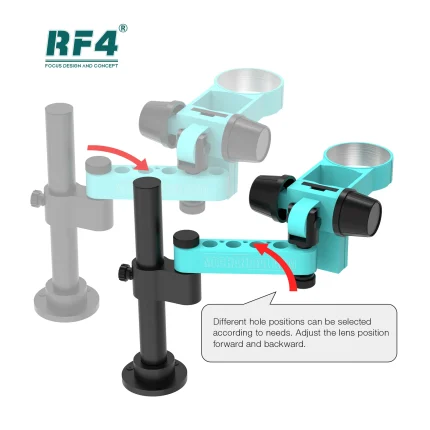
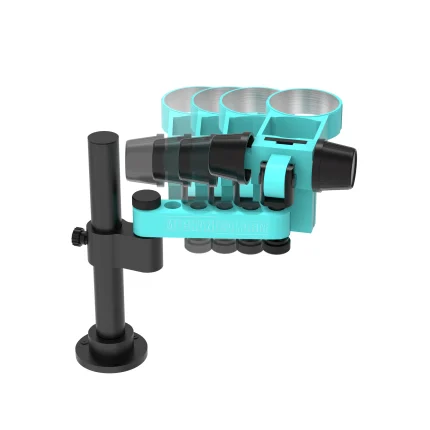
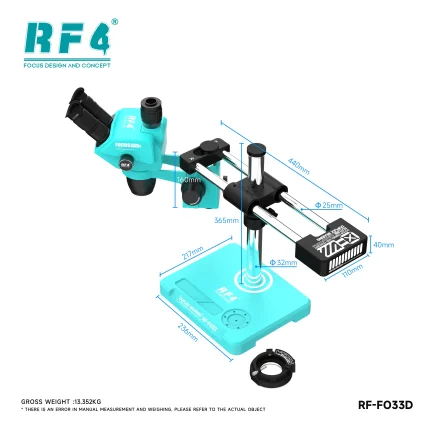
The focus lifting bracket carries the head along the support column. You adjust it, the head travels, and the board snaps into focus. You refocus often: a flat motherboard sits at one height, a board with shields and stacked components sits at another. A bracket that holds its position matters more than any line on a spec sheet, because tweezers, hot air and board handling all push on your bench. Pair the scope with a solid base and a PCB holder, and the whole station stays steady. The bracket comes with this listing, so you skip the hunt for a separate focus rack that may not match your head.
Where It Fits in Your Repair Workflow
Every board that reaches your bench starts with a look. On a dead phone, check for corrosion, burnt parts and lifted pads at low zoom before you touch a multimeter probe. On a hang on logo or dead after flash job, inspect the eMMC or UFS area, then locate ISP pad points before you solder wires. After you remove a CPU or eMMC with a hot air station, return to the scope to confirm pad condition, clean the pads and check your reballing result. Charging issue boards often hide a cracked charging IC or a damaged pad that your eye misses unaided. Display problem jobs need a close look at FPC connectors and tiny capacitors. The microscope repairs nothing by itself. It makes every other tool on your bench more accurate.
Building the Station Around It
Place your soldering station and hot air station within arm’s reach. Hold the board in a PCB holder and keep a multimeter ready for continuity checks. For ISP and storage work, browse ISP pinout tools, eMMC programmers, UFS adapters and test boxes in the same catalog. A reballing kit completes the setup for CPU and eMMC jobs. Shops that start with this scope can step up later to a camera and monitor combination from the Microscopes category, and keep the same head for daily work.
Reviews (0)
Q & A
Please login to post questions
Key Features
- 6.5X to 65X continuous zoom range
- 45-degree inclined head with 360-degree swivel
- Trinocular design with a third port for camera work
- Mechanical gear zoom lock knob that holds your magnification
- Focus lifting bracket for fast, controlled focusing
- Stereo view with real depth for fine soldering
- Optical system RF4 redesigned to reduce eye strain
- Built for mobile phone and PCB repair benches
Specifications
| Brand | RF4 |
|---|---|
| Model | RF6565Pro2 |
| Category | Trinocular Stereo Microscope |
| Compatibility | Universal bench microscope, not device-specific |
| Supported Devices | Mobile phone and PCB boards of all brands |
| Technology | Continuous zoom stereo optics, 6.5X to 65X, 45-degree inclined 360-degree swiveling trinocular head, mechanical gear zoom lock knob, focus lifting bracket |
Common Repair Uses
- BGA reballing alignment and result checks
- IC removal and replacement (IC change karna)
- eMMC and UFS pad inspection before ISP wiring
- Micro jumper wire soldering (jumper lagana)
- Charging port and charging IC repair
- Corrosion and liquid damage inspection
- FPC connector and display flex inspection
- Pad cleaning and solder joint quality checks
Compatible Devices
- Samsung motherboards
- Oppo and Realme motherboards
- Vivo motherboards
- Infinix and Tecno motherboards
- Xiaomi and Redmi motherboards
- iPhone logic boards
- Huawei and Honor motherboards
- Laptop, tablet and other PCB boards
FAQ
What is the product name?
The product name is RF4 RF6565Pro2 Trinocular Microscope With Focus Lifting Bracket.
What is the brand of this product?
The brand of this product is RF4.
What is the model of this product?
The model of this product is RF6565Pro2.
What is this product used for?
This product is used for inspecting and repairing mobile phone and PCB boards at 6.5X to 65X, including BGA reballing, IC removal and micro soldering.
Which devices are compatible with this product?
This product is compatible with any mobile phone or PCB board that fits under the head. It is a universal bench microscope, not device-specific.
Who should use this product?
This product is suitable for mobile repair technicians, repair shops, service centers, and professional users.
What magnification range does the RF6565Pro2 cover?
It covers continuous zoom from 6.5X to 65X, so you can stop at any magnification in that range.
Can I connect a camera and monitor to the RF6565Pro2?
Yes. The trinocular head has a third port for a camera. Camera and adapter ship separately unless your order lists them, so check before you buy.


Reviews
There are no reviews yet.