


















Sold out
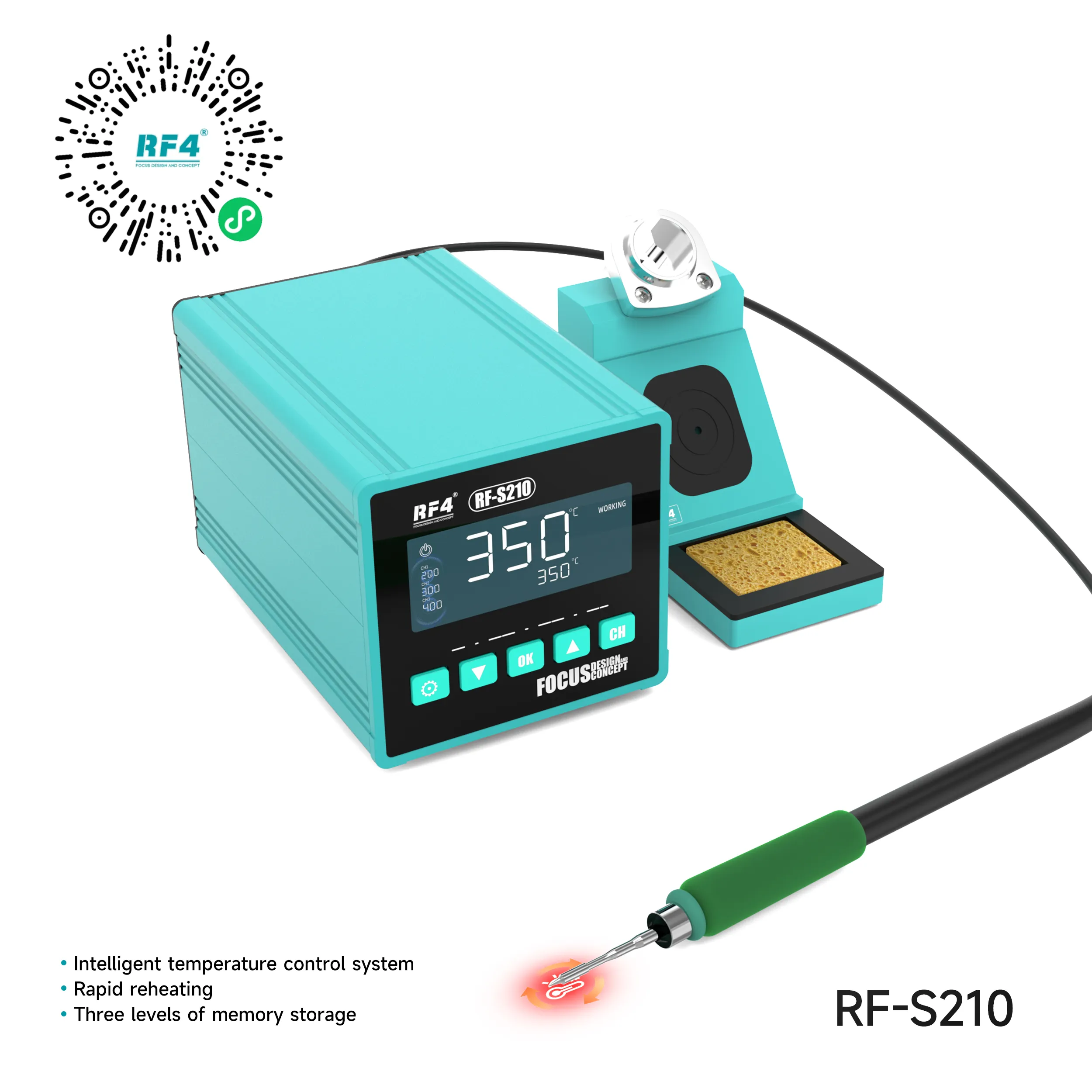
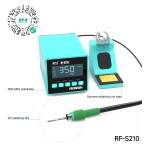
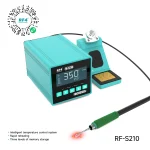
RF4 RF-S210 72W C210 Smart Soldering Station
₨5,000
72W C210 Soldering Station for Micro-Soldering
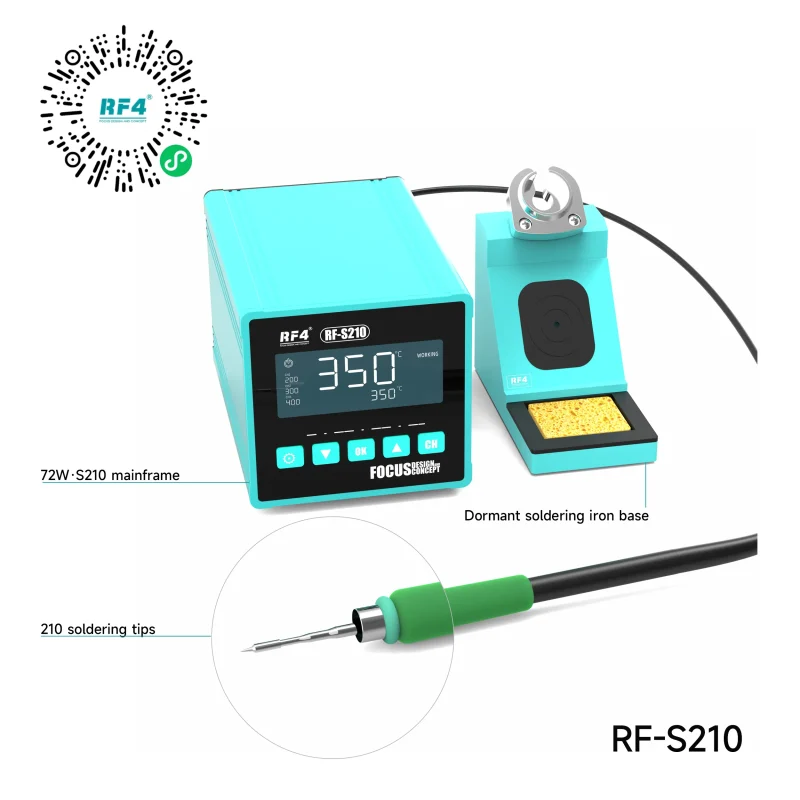
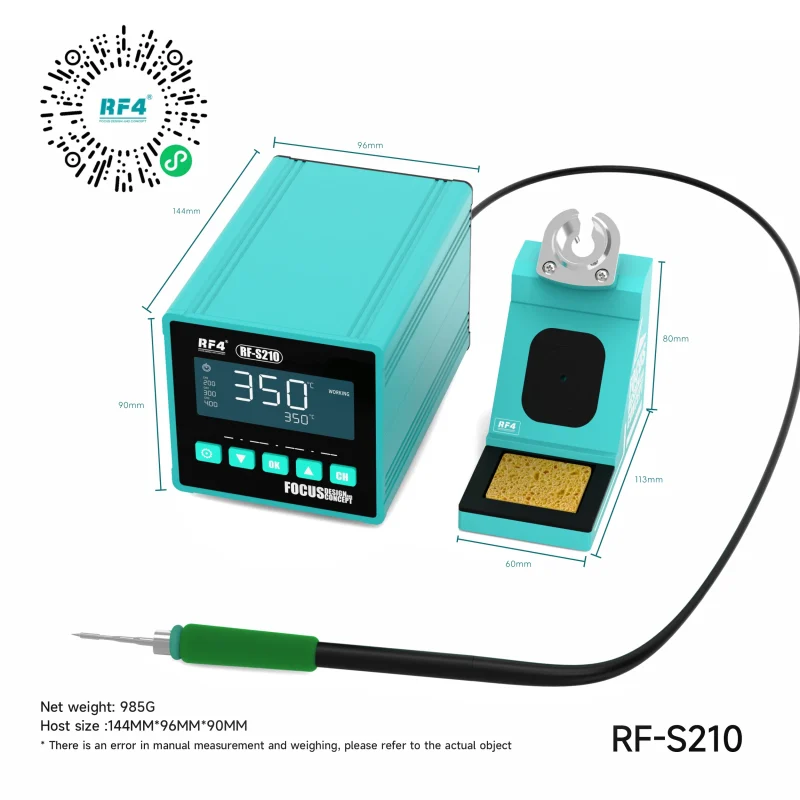
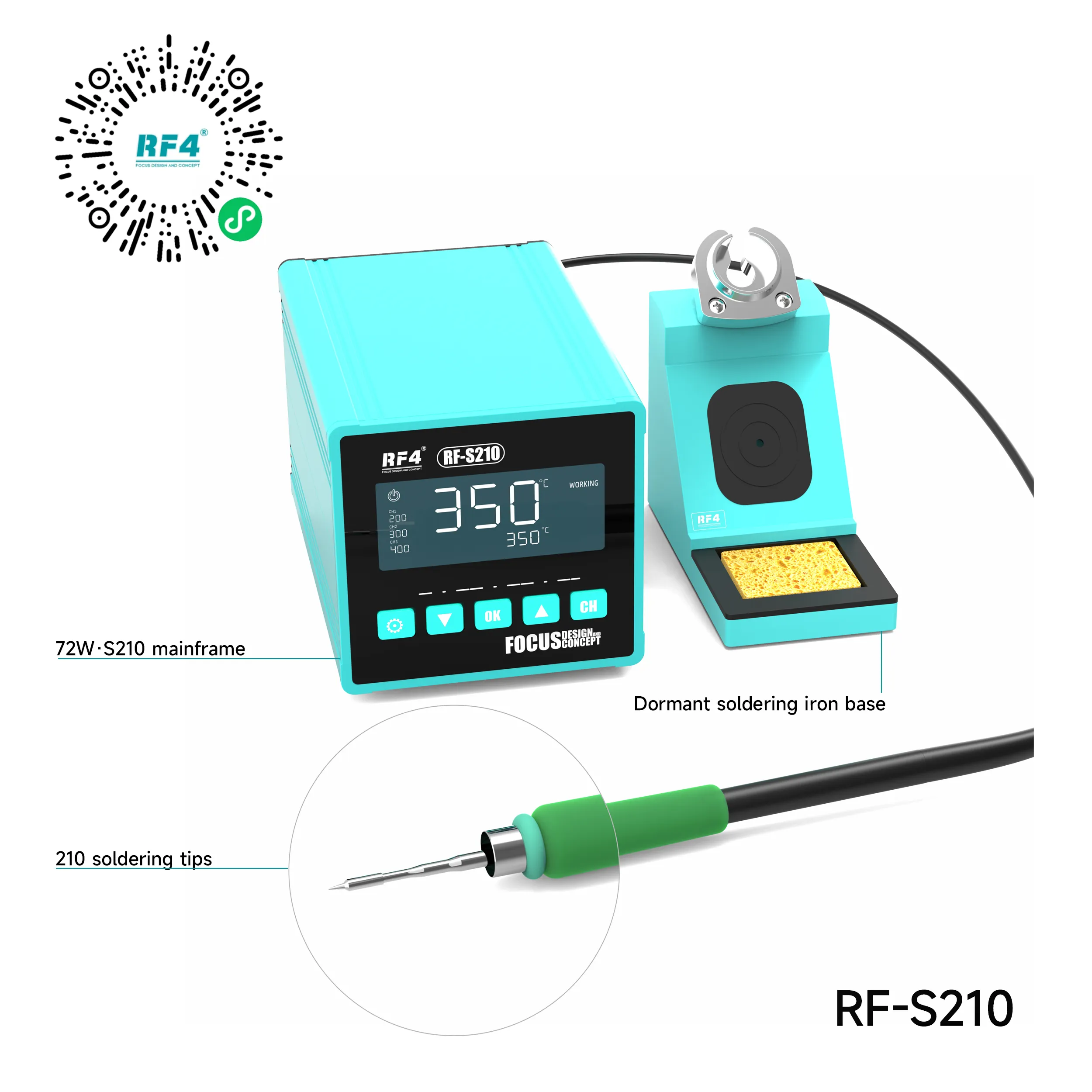
The RF4 RF-S210 runs a C210-format tip on 72W of power, with a 100°C to 500°C range and ±5°C constant temperature accuracy. Three memory channels default to 320°C, 350°C and 380°C, so one press changes your heat level instead of a dial routine between jobs. Inductive standby idles the iron the moment it rests in the holder, which protects tip life on long repair days. The compact 144 × 96 × 90 mm host fits a crowded bench and handles IC change karna, jumper lagana, connector reflow and pad cleaning on phone and tablet boards.
| Weight | 1.7 kg |
|---|
Out of stock
Description
RF4 RF-S210 Soldering Station for Board-Level Phone Repair
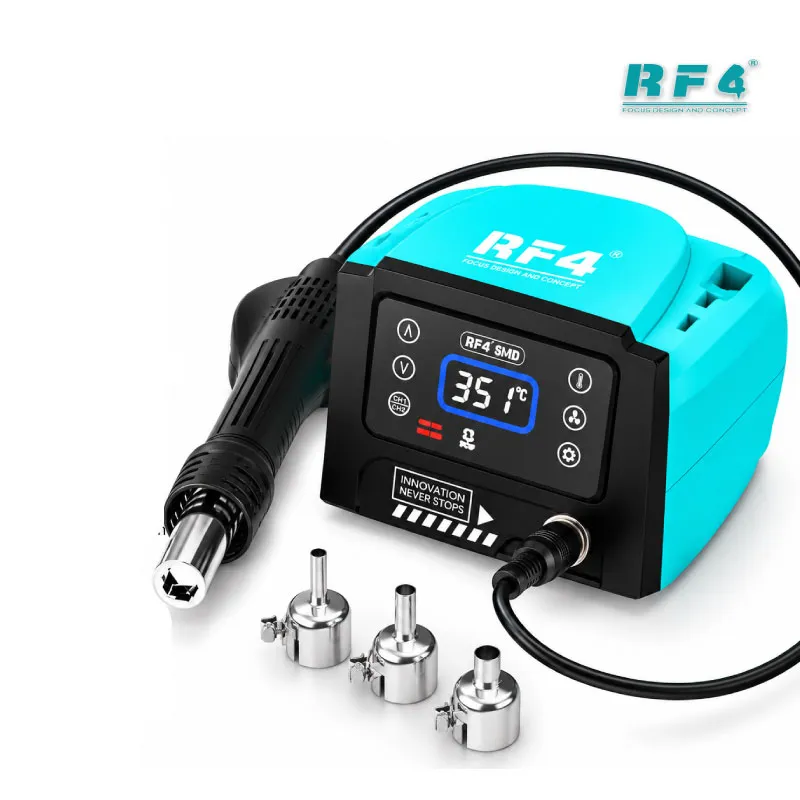
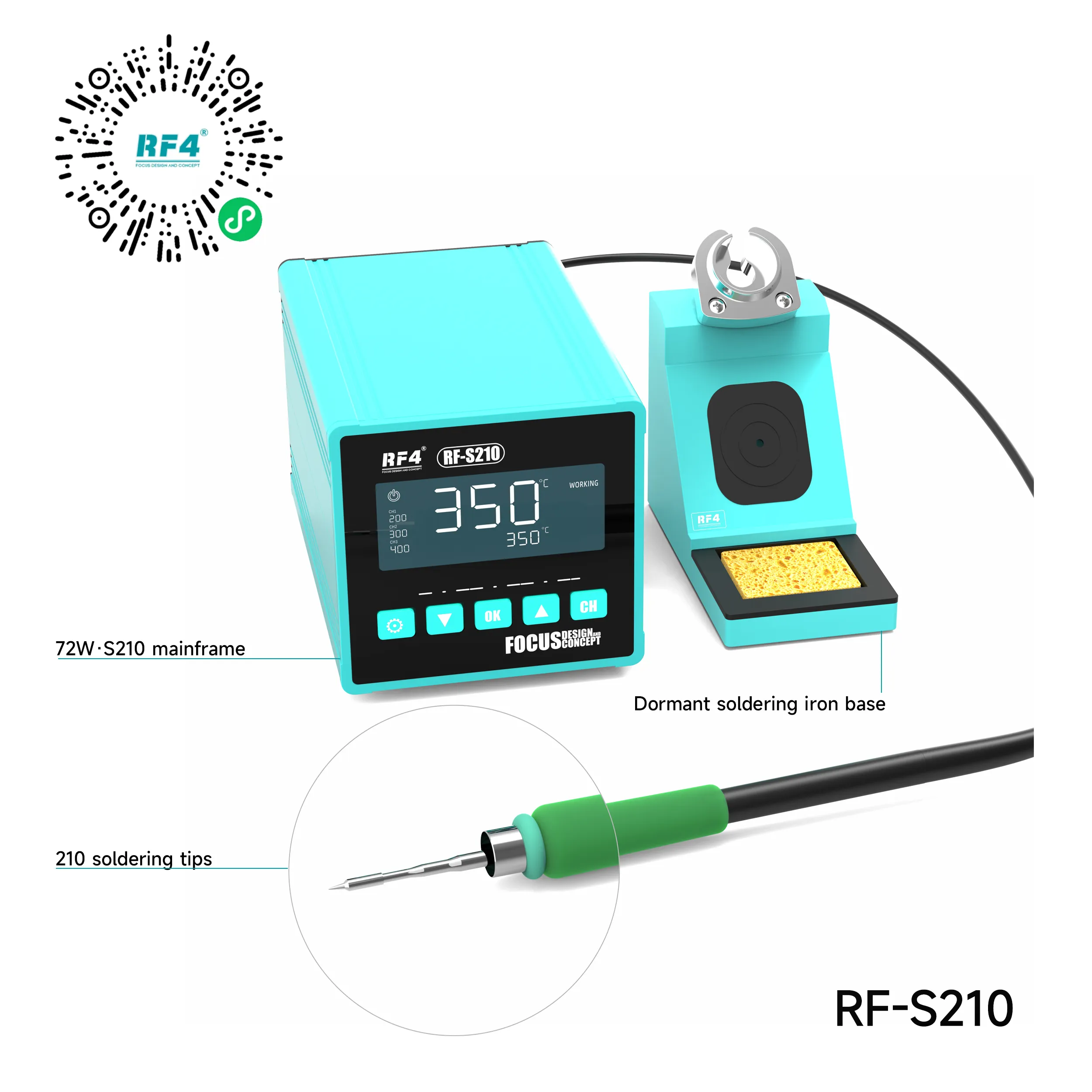
The RF4 RF-S210 soldering station drives a C210-format tip with 72W of power and holds your set temperature within ±5°C. You choose any point from 100°C to 500°C. Three memory channels sit at 320°C, 350°C and 380°C out of the box. Inductive standby idles the iron whenever it rests in its holder.
This is the iron side of a micro-soldering bench. It handles the jobs hot air cannot do cleanly: single-pin joints, pad tinning, jumper wires and small passives beside heat-sensitive parts. The spec sheet stays short because the job stays focused. Every function on this station serves precise, repeatable joints on dense boards.
C210 Soldering Station Heat Delivery on Dense Boards
A C210-format tip places the heating element directly behind the working end. Heat travels a short path to the joint. The tip reaches working temperature fast and recovers fast after each contact. That recovery decides the outcome on modern phone boards.
Ground pins, shield frames and wide copper pours pull heat away the moment the tip touches them. The RF-S210 backs its small tip with 72W, which gives you reserve to flow a ground-connected capacitor without parking the iron on the pad. Short dwell time protects the pad, the solder mask and every component around the joint. On a dead phone with a shorted rail, that margin separates a clean fix from a lifted pad.
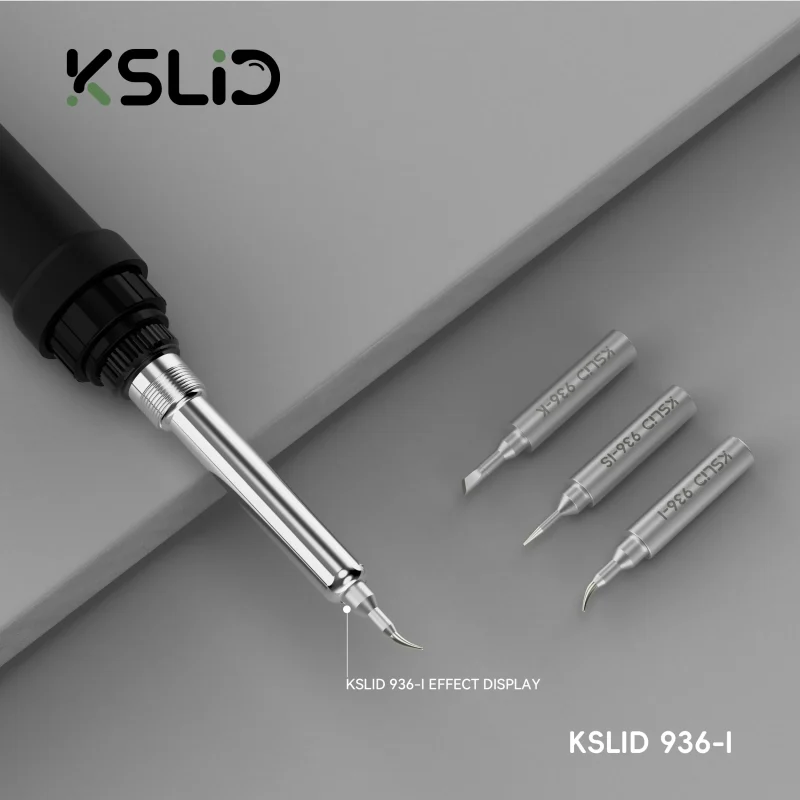
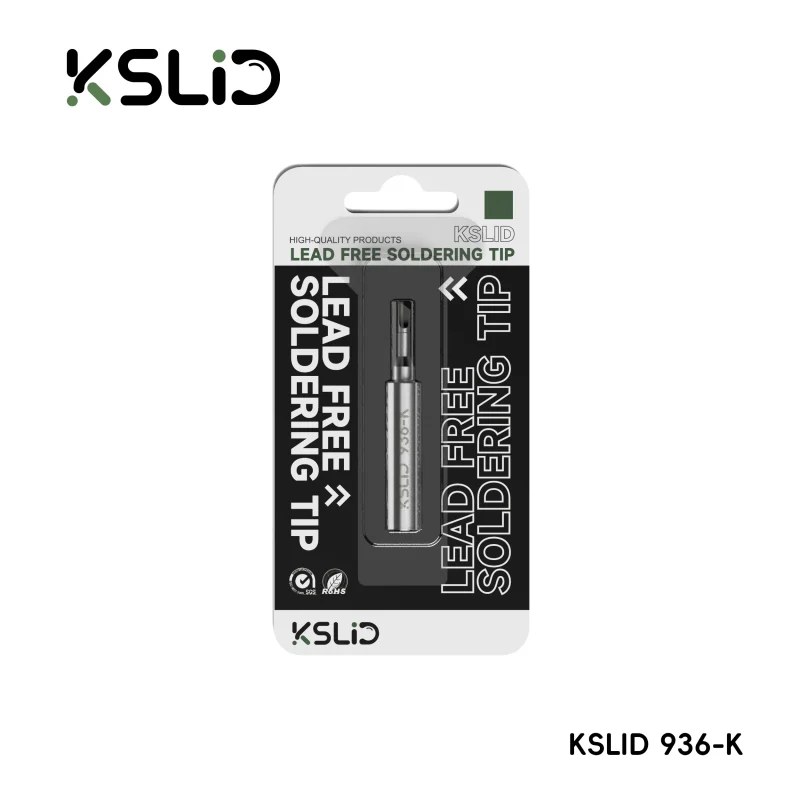
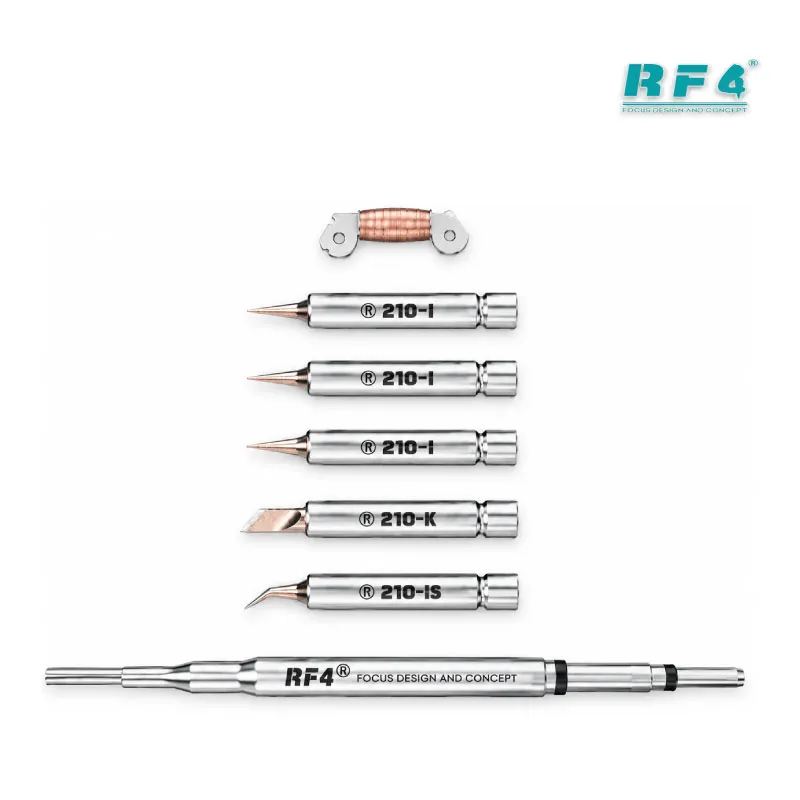
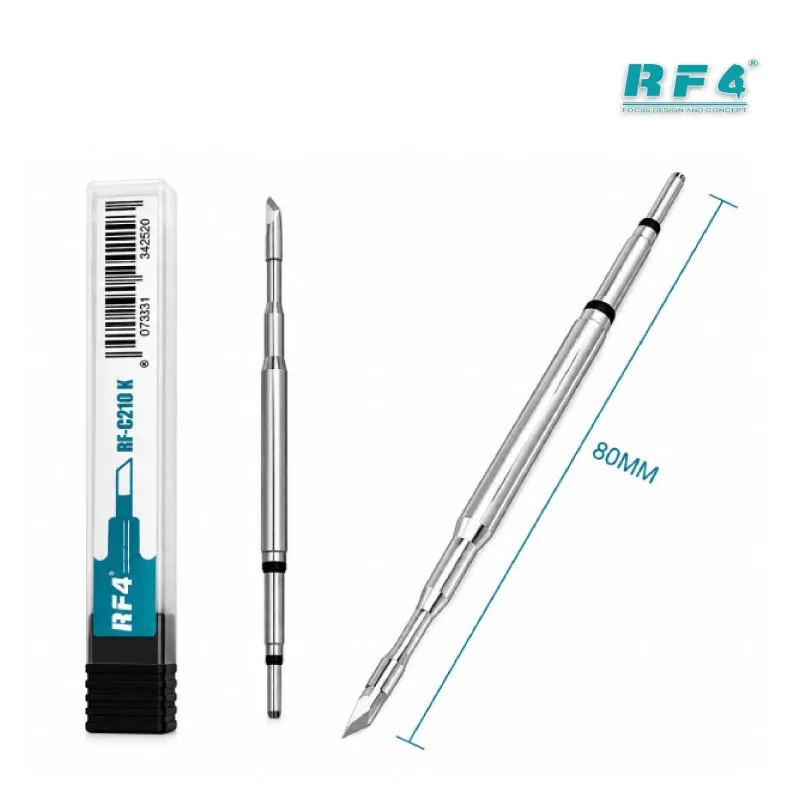
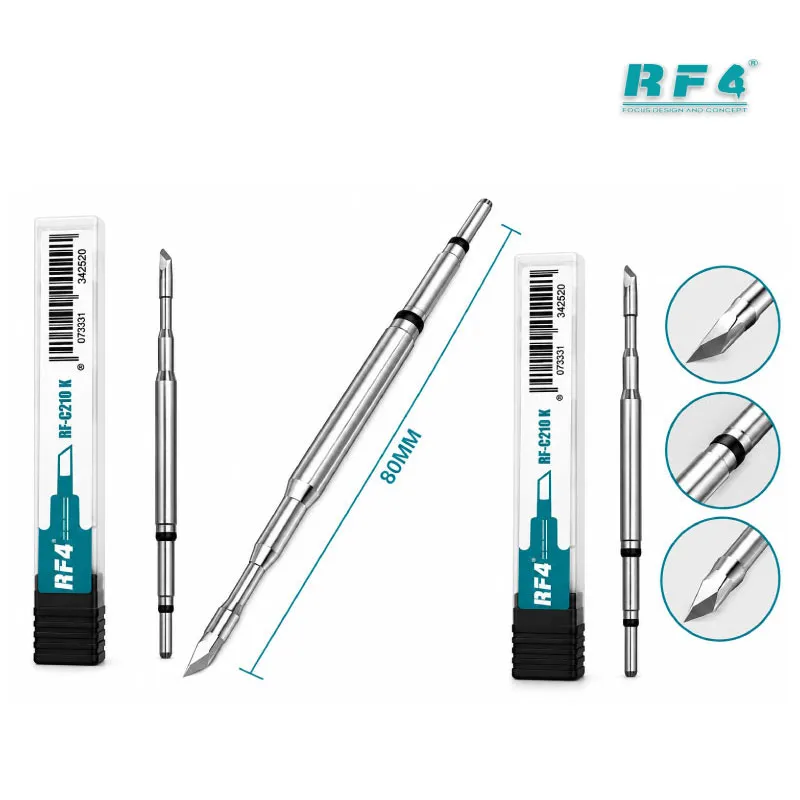
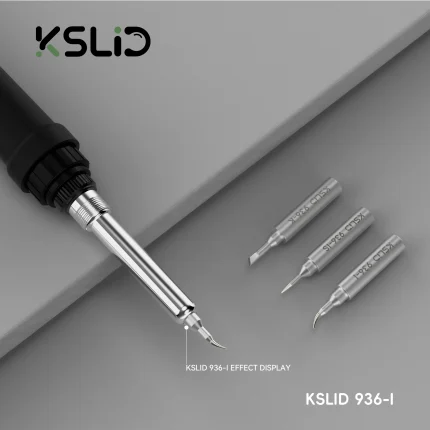
The station runs 210-series tips. Keep a pointed tip for fine pins and single passives. Use a bevel or knife profile for drag soldering and wick work on cleared IC pads. Matching tip shape to the joint matters as much as the temperature you set.
Tip care follows the same logic. Tin the tip before you set the iron down, and wipe it on brass wool rather than a soaked sponge during heavy sessions. A tinned, clean tip transfers heat properly. A dry, oxidized tip forces you to raise temperature, and higher temperature shortens tip life further.
Temperature Control and Three Memory Channels
The controller covers 100°C to 500°C with ±5°C constant temperature accuracy. That span runs from gentle work near plastic FPC sockets to heavy lead-free joints on ground planes. Fast temperature adjustment lets you shift the setpoint quickly when a joint demands more heat.
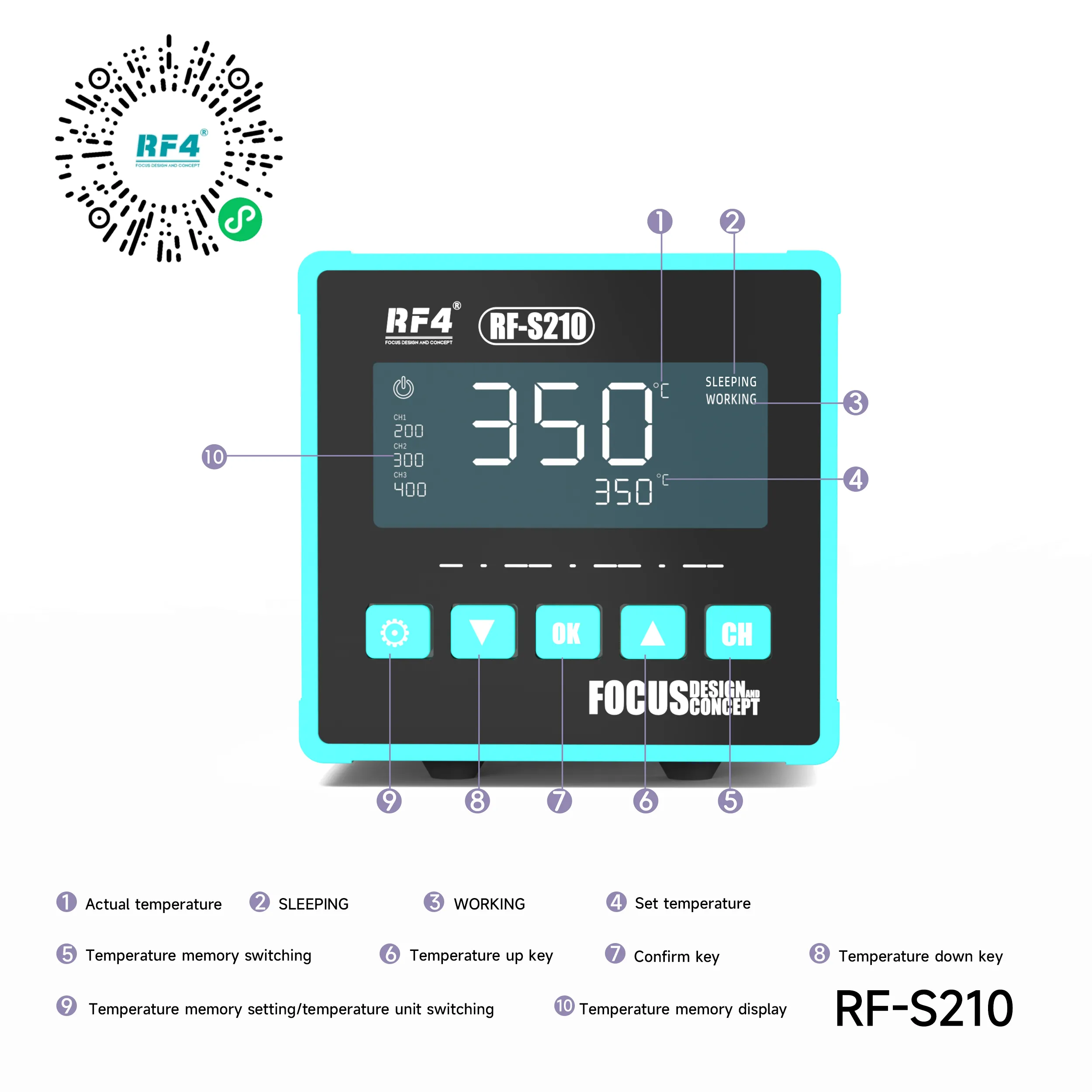
Three memory channels remove the dial routine. CH1 defaults to 320°C, CH2 to 350°C and CH3 to 380°C. One press moves you between them. You start every joint at a known temperature instead of a guess.
A Practical Channel Setup
Many technicians keep CH1 for leaded solder and small passives, CH2 for connector and general pad work, and CH3 for lead-free joints and ground-heavy areas. Adjust each preset to your solder alloy and tip profile. Save the settings once, and your whole day runs on the same three numbers.
Lead-free factory joints need more heat than leaded rework solder. Many technicians add a small amount of leaded solder to a stubborn lead-free joint first. The mix lowers the melting point, and the joint releases at a lower channel. This habit cuts dwell time and protects the pad underneath.
Where the RF4 RF-S210 Soldering Station Fits in Your Workflow
Board repair runs in stages, and this station owns the iron stages. Diagnosis comes first with a multimeter and a DC power supply. Once you trace a short on a dead phone, the iron lifts the shorted capacitor or diode. When a charging issue points to a damaged port or a failed charging IC, hot air lifts the part and the iron cleans and levels the pads afterward.
Jumper lagana on a broken trace needs precise, low-dwell heat on a fine wire. Many display problem jobs trace back to a cracked joint on an FPC connector, which you reflow with the iron and fresh flux. Network issue repairs often involve small passives in the RF section, where a fine tip keeps heat away from neighboring shields and modules.
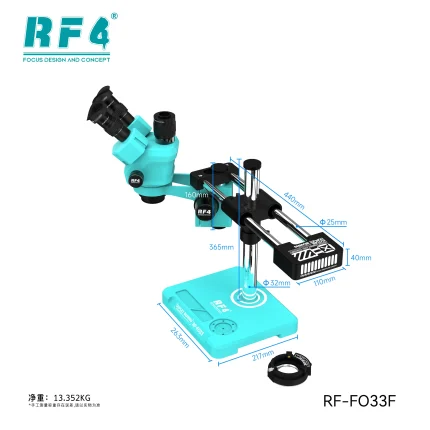
Pair the station with a microscope for visibility and a PCB holder for stability. Add a reballing kit when IC change karna moves to BGA level. Your hot air station removes the chip. The RF-S210 handles the pad preparation, cleanup and finishing joints that follow.
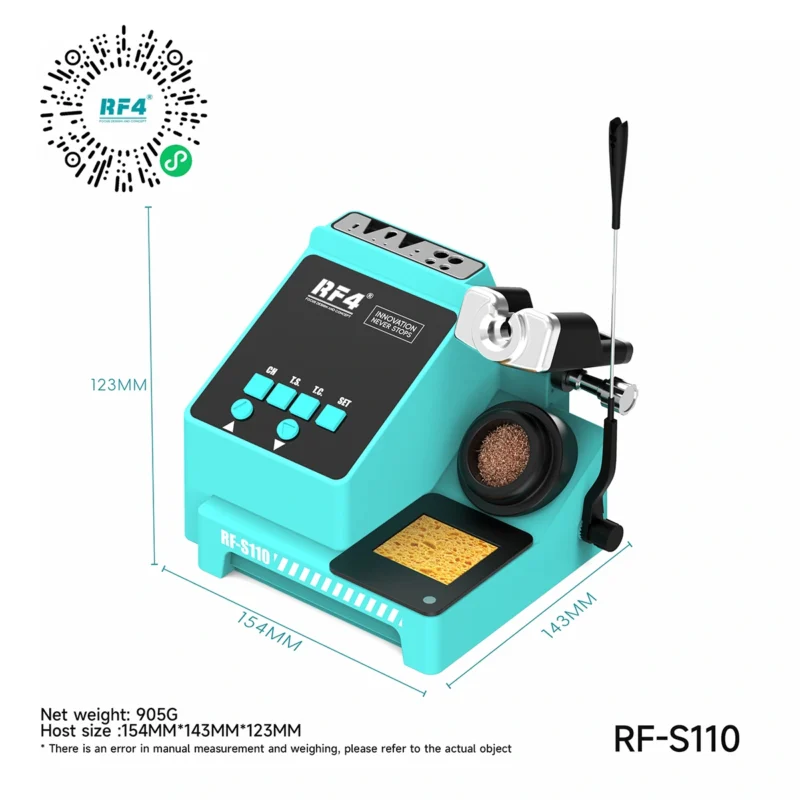
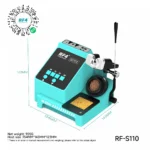
If your bench works heavy laptop ground planes all day, the 300W RF-S110 in the same RF4 series is the logical step up. For phone and tablet boards, the 72W micro soldering station format of the RF-S210 covers the daily load.
Standby, Anti-Static Design and Bench Fit
Inductive standby senses when the iron rests in its holder and drops it into idle. The tip stops sitting at full temperature between jobs. That slows oxidation and extends tip life. Pick the iron up, and fast heating brings it back to working temperature.
The station carries anti-static protection for sensitive ICs during tip contact. That matters on boards with exposed PMIC, CPU and memory areas. A static discharge creates a new hardware fault you never intended to repair.
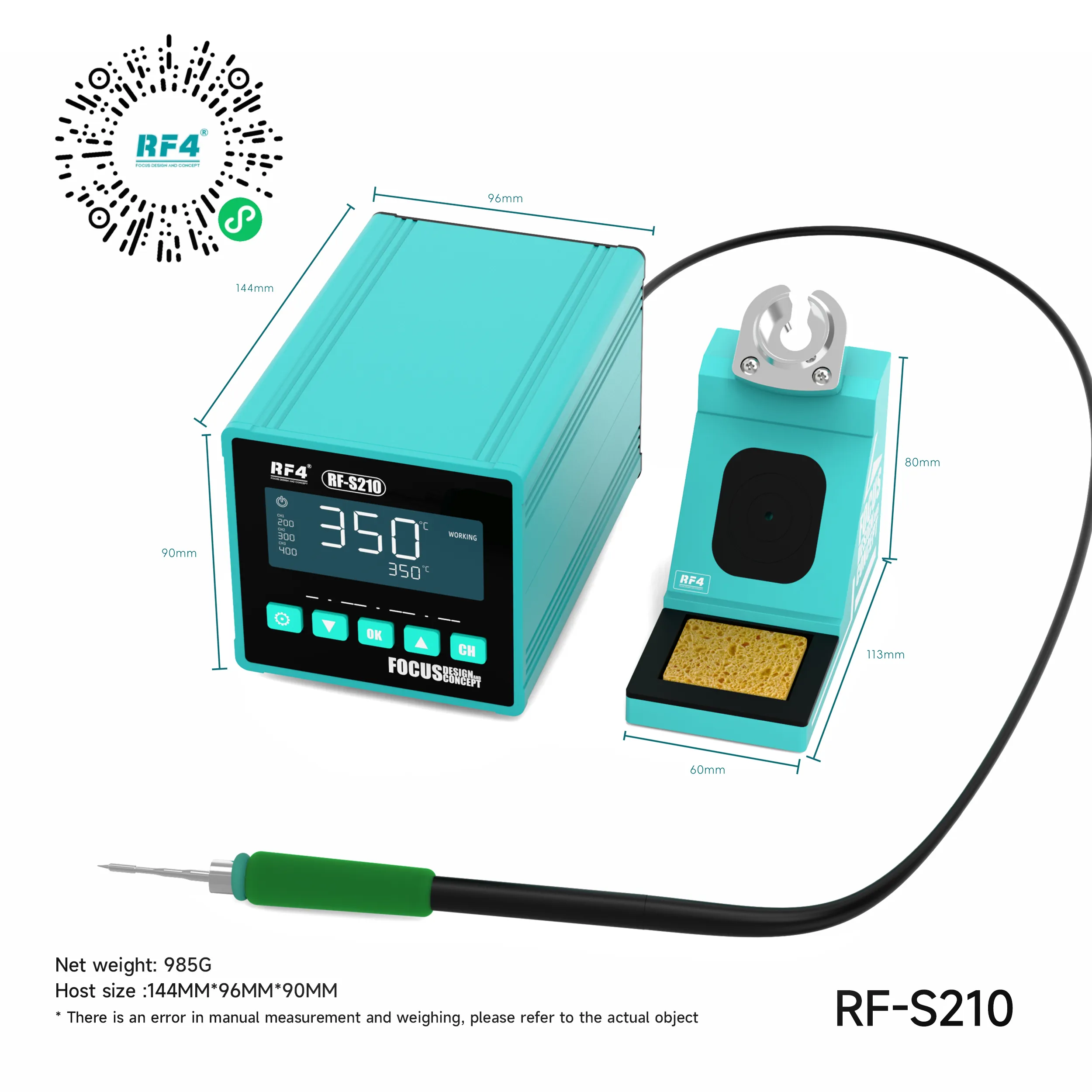
The host measures 144 × 96 × 90 mm and weighs 985 g net. It sits on a crowded bench without stealing space from the microscope base. The station runs on 220V AC, which matches standard Pakistani shop supply. A 110V AC version exists for other markets, so check the label on your unit before first power-on.
Who Gets the Most From This Station
Repair shop owners get a dependable daily iron that covers most board-level jobs without a larger rework setup. GSM hardware engineers get repeatable temperatures and consistent joint quality across hundreds of repairs. Training institutes get a station students learn quickly, with presets that build temperature discipline from day one.
Service centers running several benches gain uniformity. Every technician starts from the same three presets. Joint quality stays consistent across the team, and rework from bad joints drops.
The RF4 RF-S210 soldering station suits technicians who want a focused, precise iron rather than a combo unit full of functions they never use. Set your channels, keep your tips tinned, and the station handles the iron work on your bench every day.
Reviews (0)
Q & A
Please login to post questions
Key Features
- 72W heating power behind a C210-format tip for fast heat delivery
- 100°C to 500°C adjustable temperature range
- ±5°C constant temperature accuracy
- Three memory channels preset at 320°C, 350°C and 380°C
- Fast heating and fast temperature recovery on ground-heavy joints
- Inductive standby that idles the iron in the holder
- Anti-static design for sensitive ICs
- Compact 144 × 96 × 90 mm host, 985 g net weight
Specifications
| Brand | RF4 |
|---|---|
| Model | RF-S210 |
| Category | Soldering Stations |
| Compatibility | 210-series (C210-format) soldering tips |
| Supported Devices | Universal — not device-specific; any phone, tablet or electronic PCB |
| Technology | Intelligent temperature control, 100°C–500°C range, ±5°C constant temperature accuracy, three memory channels, inductive standby, anti-static design |
| Input Voltage | 220V AC (110V AC version available) |
| Power Rating | 72W |
| Dimensions | 144 × 96 × 90 mm (host) |
Common Repair Uses
- Removing shorted capacitors and diodes on dead phone boards
- Charging port replacement and charging issue repair
- Pad cleaning and leveling after IC removal with hot air
- Jumper lagana on broken traces and lifted pads
- FPC connector reflow for display problem jobs
- Small passive replacement in RF sections for network issue repair
- Pin and pad tinning before IC change karna
- General SMD resistor, capacitor and coil replacement
Compatible Devices
- iPhone motherboards
- Android smartphone motherboards (Samsung, Xiaomi, Oppo, Vivo, Infinix, Tecno and others)
- Qualcomm and MediaTek-based phone boards (PMIC, charging and peripheral areas)
- iPad and tablet mainboards
- Keypad and feature phone boards
- Charging port and sub-boards
- FPC connectors and display/battery flex sockets
- General electronic PCBs and small control boards
FAQ
What is the product name?
The product name is RF4 RF-S210 72W C210 Smart Soldering Station.
What is the brand of this product?
The brand of this product is RF4.
What is the model of this product?
The model of this product is RF-S210.
What is this product used for?
This product is used for micro-soldering on mobile phone, tablet and electronic PCBs, including SMD replacement, pad cleaning, jumper wiring and connector reflow.
Which devices are compatible with this product?
This product is compatible with any phone, tablet or electronic PCB, because it is a universal soldering station and not device-specific.
Who should use this product?
This product is suitable for mobile repair technicians, repair shops, service centers, and professional users.
Which tips does the RF4 RF-S210 soldering station use?
The RF4 RF-S210 uses 210-series C210-format soldering tips, available in pointed and other profiles for fine pins, passives and drag soldering.
What temperature should I set on the RF-S210 for lead-free solder?
Most technicians work lead-free joints between 350°C and 380°C, which matches the CH2 and CH3 presets, and adding a little leaded solder lets the joint release at a lower temperature.

Reviews
There are no reviews yet.