


















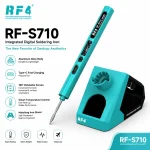
RF4 RF-S710 Portable Soldering Iron with Base
₨7,500
Type-C Soldering Iron for PCB Repair
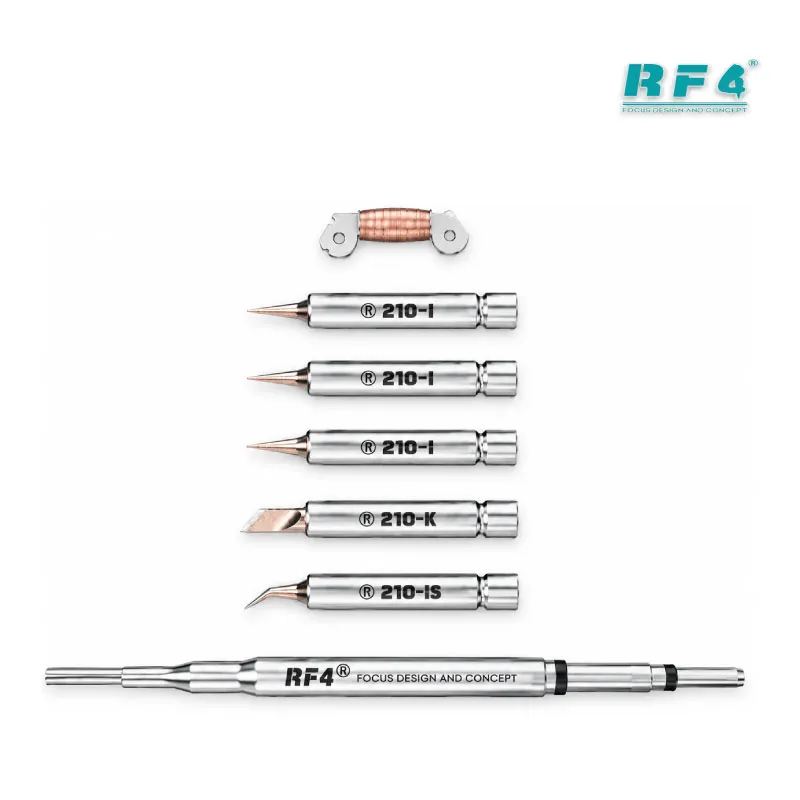
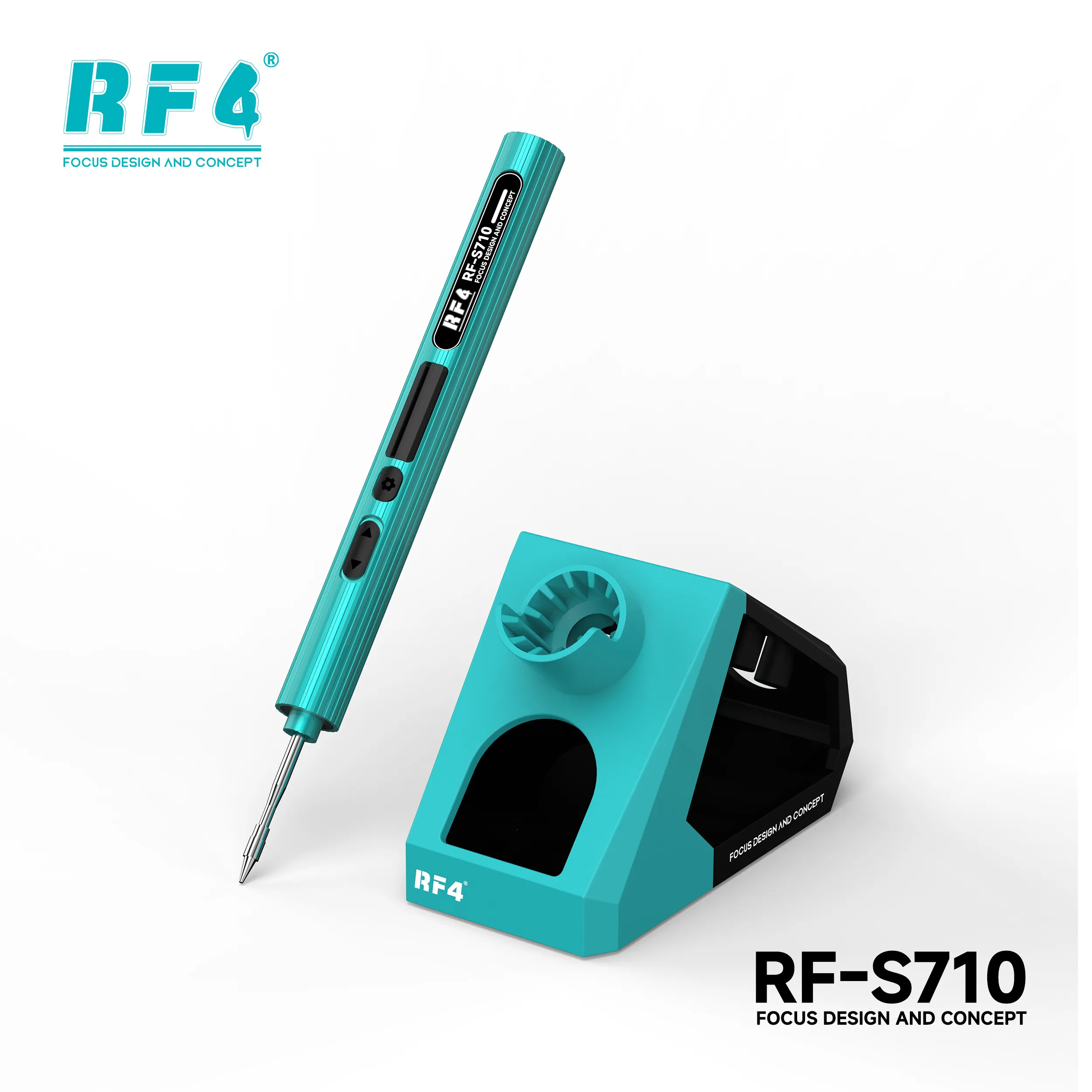
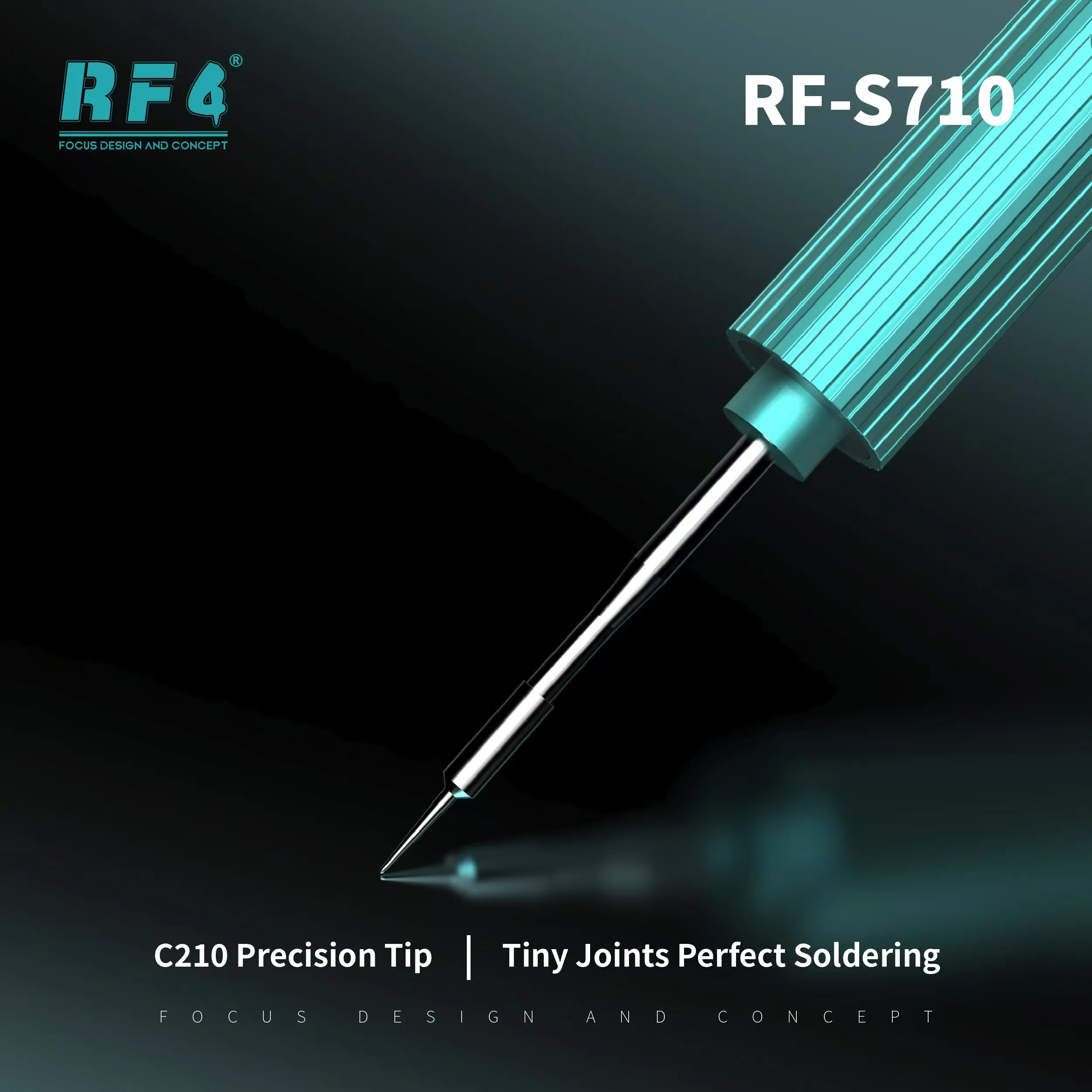
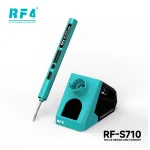
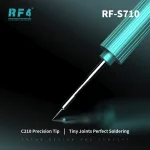
The RF4 RF-S710 is a professional portable soldering iron that runs on USB Type-C and fits any bench or repair bag. A C210 heating core delivers precise heat for PCB and SMD work. The live screen shows working status, voltage, power and temperature. You switch between Celsius and Fahrenheit, apply temperature compensation and rotate the display 180° to suit your grip. Power it from a Type-C charger rated above 2A, or pair it with RF4’s special 18V/75W high-power bracket. The package includes the handle, one tip and the handle base.
| Weight | 0.06 kg |
|---|
10 in stock
Description
Professional Portable Soldering Iron for PCB and SMD Repair
The RF4 RF-S710 is a professional portable soldering iron for technicians who solder away from a fixed station. It runs on USB Type-C, so you plug it into a compatible charger and start work at your bench, at the customer counter or on a site visit. A C210 heating core drives the tip. A built-in screen reports working status, voltage, power and temperature in real time. You carry one compact tool for charging port jobs, connector pads and small SMD work.
Type-C Soldering Iron Power and Charger Needs
The RF-S710 draws power through a USB Type-C port that supports a variety of fast charging protocols. That gives it a wider working-voltage range than an iron locked to one input. Run it alone and use a charging head with an output current above 2A. A weak adapter can leave the iron underpowered, so check the charger before you blame the tool. RF4 also recommends its special 18V/75W high-power bracket for use when heating up. Plan that bracket into your bench if the iron becomes your daily driver.
Display, Temperature Control and Auto Sleep
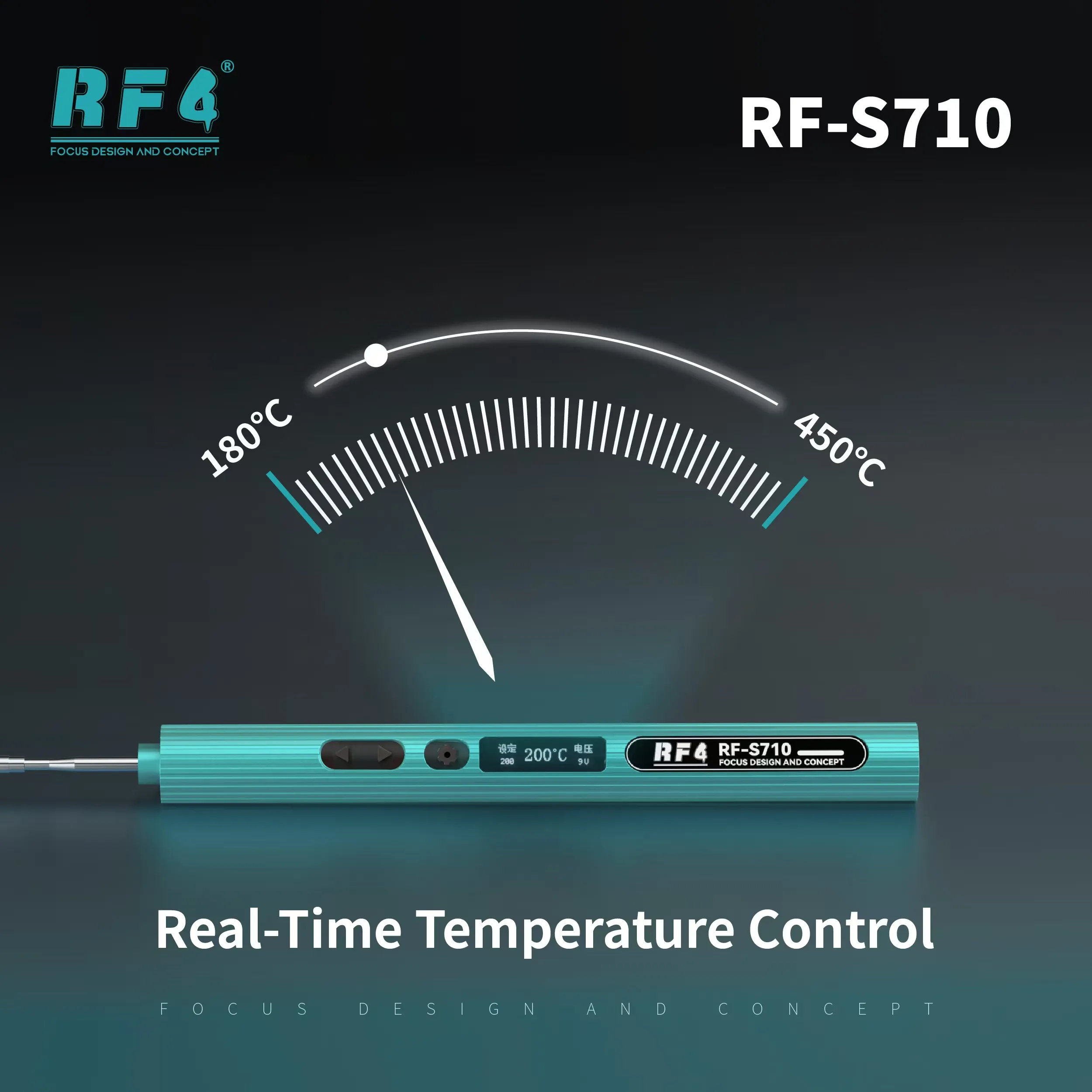
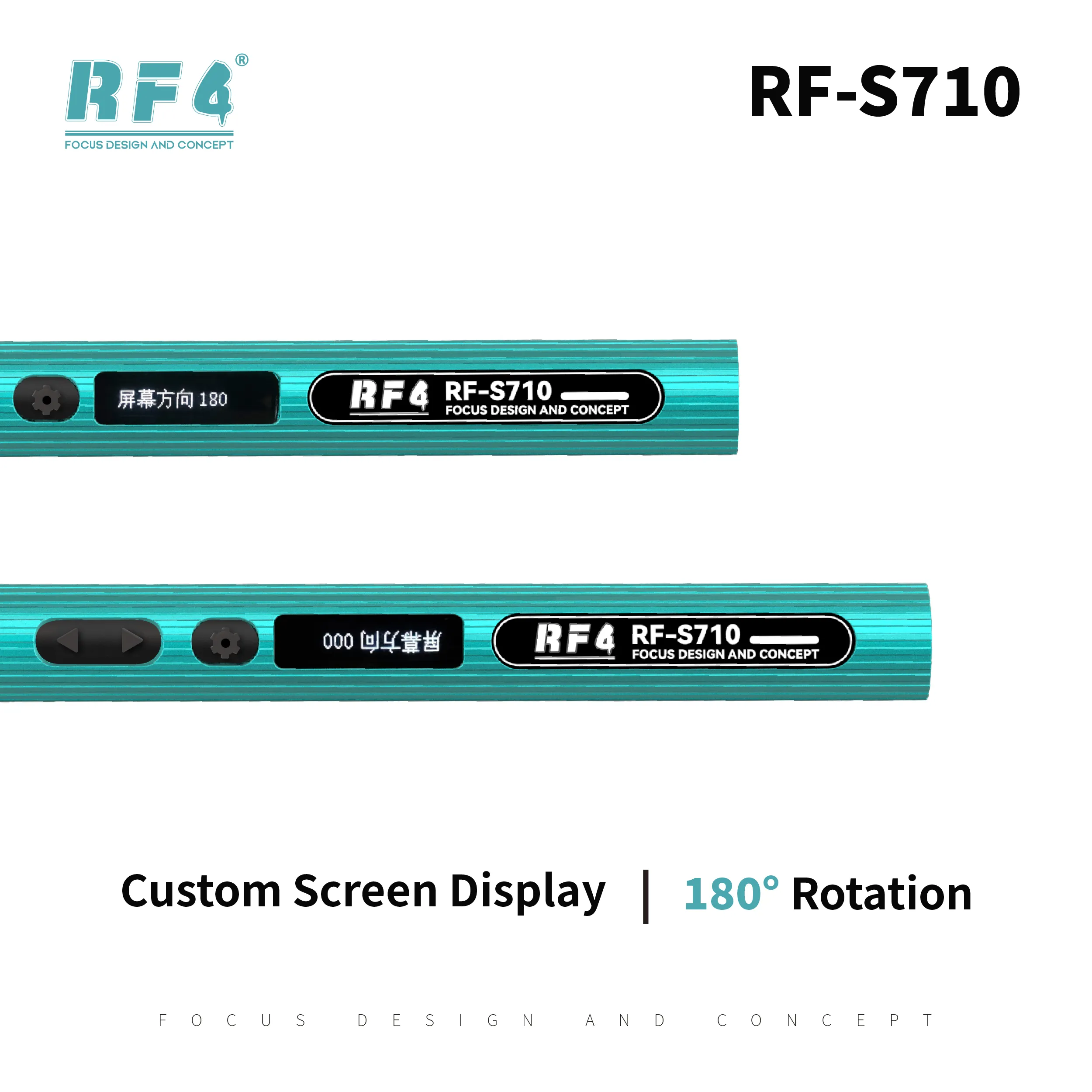
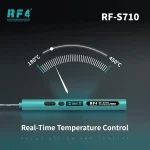
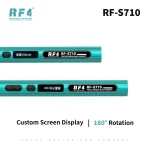
This digital soldering iron for PCB repair gives you numbers instead of guesses. The screen shows working status, working voltage and power, and tip temperature. Switch between Celsius and Fahrenheit with the built-in conversion. Use the temperature compensation function when a large joint pulls heat away from the tip. Rotate the display 180° to match left-hand or right-hand use. Auto sleep starts after the iron sits stationary for 10 seconds, so it stops running hot while you reach for flux or tweezers.
Where the RF-S710 Fits in Your Repair Workflow
Use this iron for the soldering side of the job and pair it with the tools around it. Dead phone with a charging issue? Clean the pads, remove the damaged charging port and solder in a new one. Hardware fault on the board? Trace the circuit with a multimeter, then repair tracks and test points or do small jumper lagana work with the iron. For IC change karna jobs, work under a microscope. Use a hot air station on larger packages and let this iron clean and tin the pads. Clamp the board in a PCB holder so both hands stay free.
Reballing kits, ISP pinout tools and eMMC programmers handle the jobs a soldering iron cannot, so keep them in the same workflow. When a phone hangs on logo or stays dead after flash because of a damaged component, a clean solder joint often starts the fix. The package gives you the handle, one tip and the handle base, and the base docks the handle between joints. Repair shops, service centers and training labs get a compact tool that works alone or on the bracket. Move up to a full soldering station and a hot air station as your rework volume grows.
Reviews (0)
Q & A
Please login to post questions
Key Features
- USB Type-C powered portable design
- C210 heating core for precise soldering
- Supports a variety of fast charging protocols
- Real-time display of status, voltage, power and temperature
- Celsius/Fahrenheit conversion
- Temperature compensation function
- Auto sleep after 10 seconds stationary
- 180° rotatable display with included handle base
Specifications
| Brand | RF4 |
|---|---|
| Model | RF-S710 |
| Category | Portable Digital Soldering Iron |
| Compatibility | C210 heating core; USB Type-C power input (use a charger above 2A when running alone); optional RF4 18V/75W high-power bracket |
| Technology | Type-C powered digital soldering iron with C210 heating core, real-time status display, temperature compensation and auto sleep |
| Material | Aluminum alloy |
Common Repair Uses
- Charging port replacement
- Charging issue repair at the connector pads
- Track repair and jumper lagana
- Small SMD component replacement
- Pad cleaning and tinning after IC removal
- Battery and display connector soldering
- Hardware fault repair on dead phones
- Mobile soldering on the go and on site visits
Compatible Devices
- Android phone motherboards
- iPhone motherboards
- Charging port sub-boards
- Display and battery connector pads
- Small SMD components on phone PCBs
- Test points and jumper wire pads
- Pad cleaning and tinning on rework boards
- General electronics PCBs
FAQ
What is the product name?
The product name is RF4 RF-S710 Portable Soldering Iron with Base.
What is the brand of this product?
The brand of this product is RF4.
What is the model of this product?
The model of this product is RF-S710.
What is this product used for?
This product is used for PCB and SMD soldering, charging port repair, pad tinning and small rework on mobile phone boards.
Which devices are compatible with this product?
This product is universal and not device-specific. It works on mobile phone PCBs and SMD components of any brand.
Who should use this product?
This product is suitable for mobile repair technicians, repair shops, service centers, and professional users.
Can the RF-S710 work without the bracket, and which charger does it need?
Yes. The soldering iron works alone through its USB Type-C port. Use a charging head with an output current above 2A. RF4 also recommends its special 18V/75W high-power bracket.
Which heating core does the RF-S710 use, and what does auto sleep do?
The RF-S710 uses a C210 heating core. Auto sleep starts after the iron sits stationary for 10 seconds.

Reviews
There are no reviews yet.