


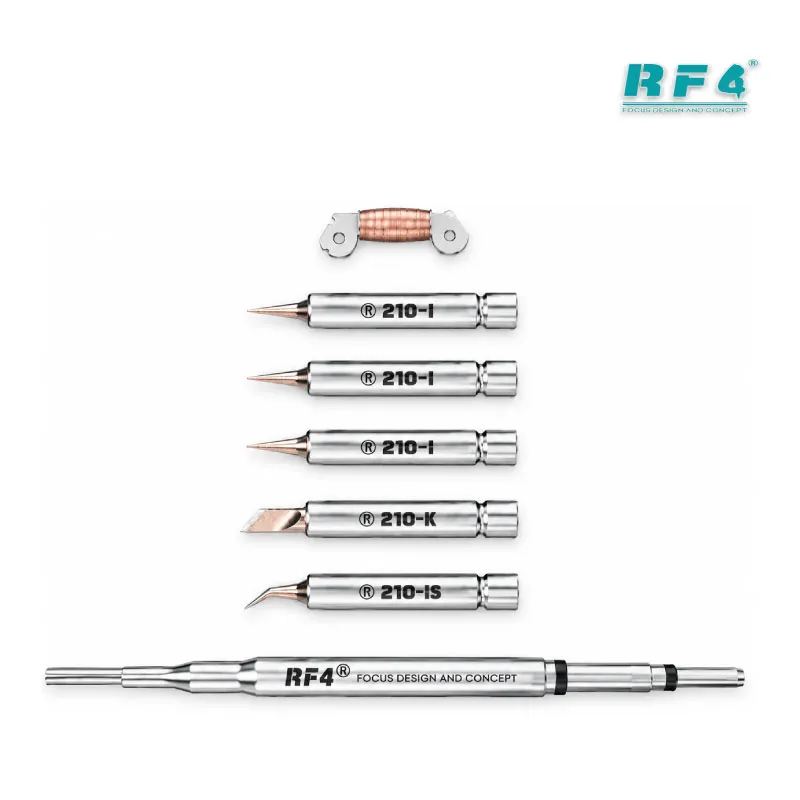
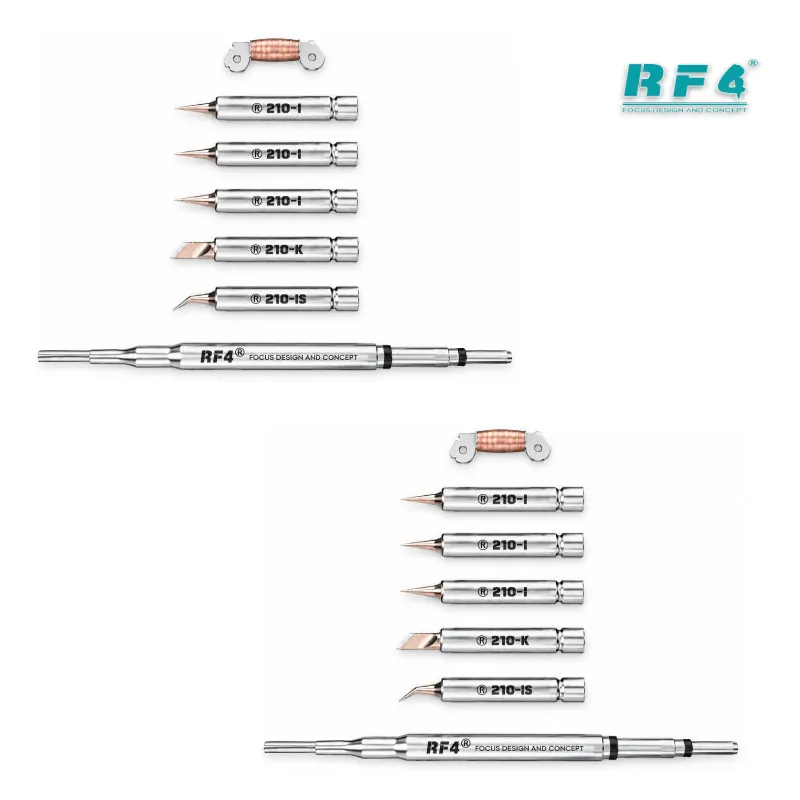

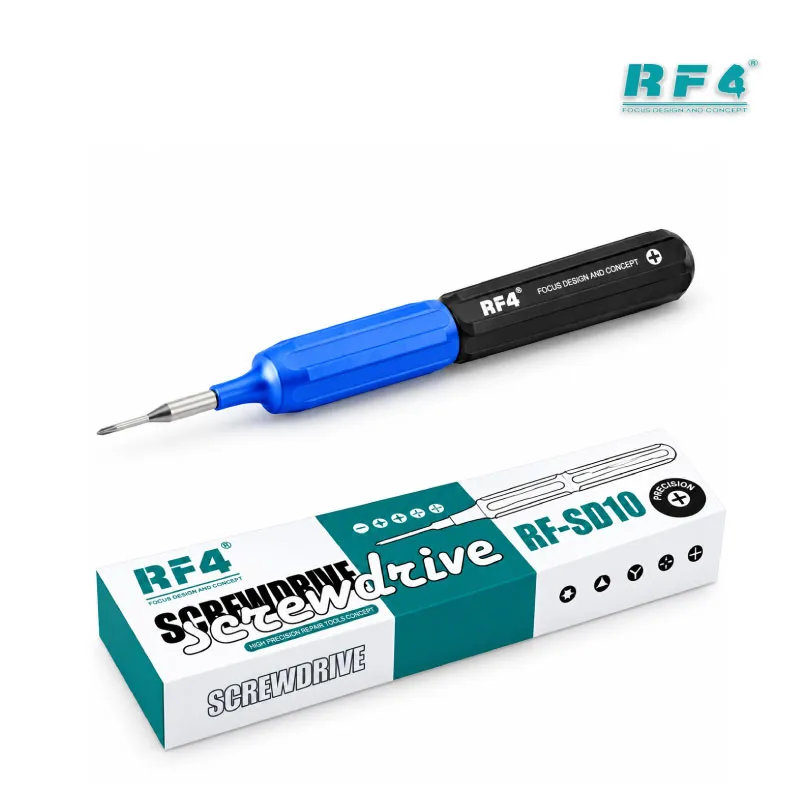
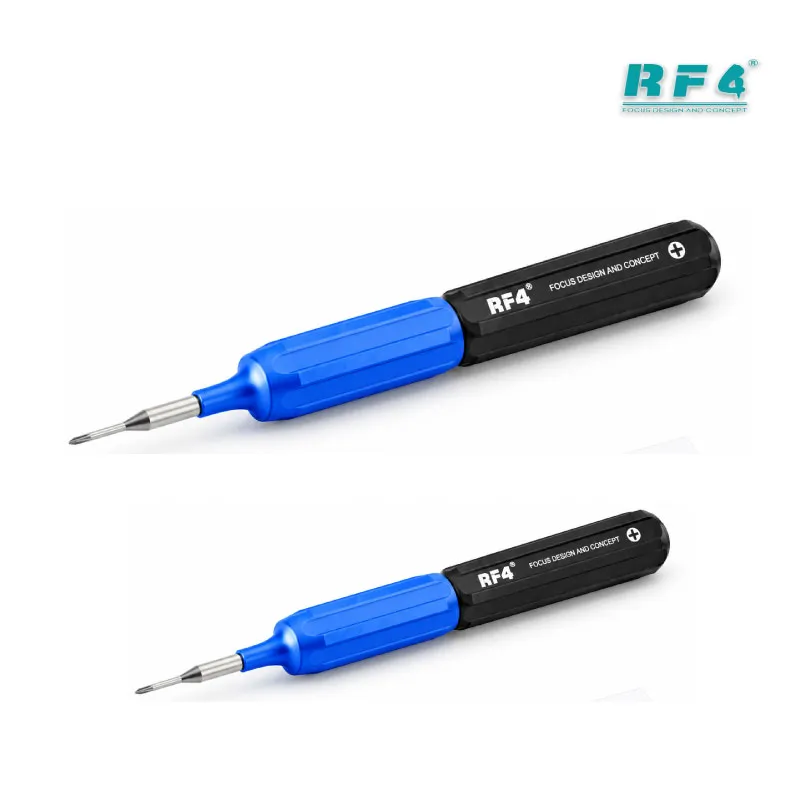
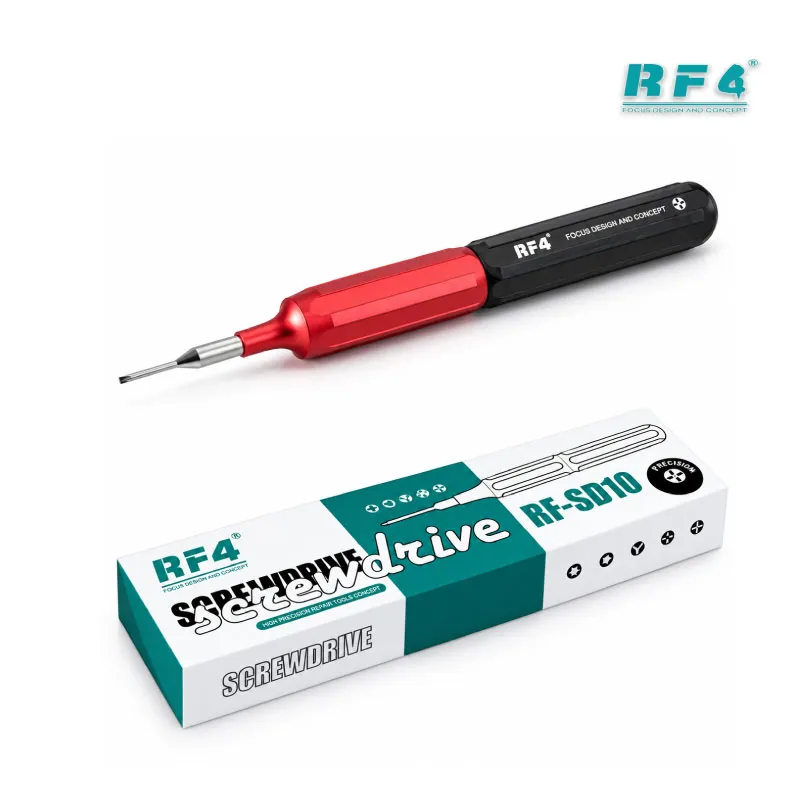
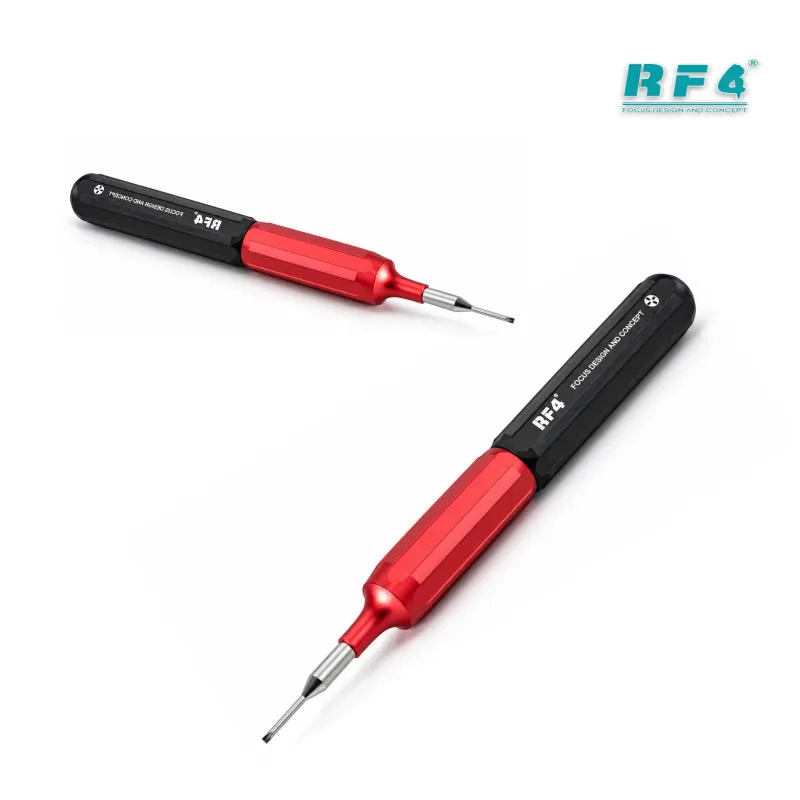
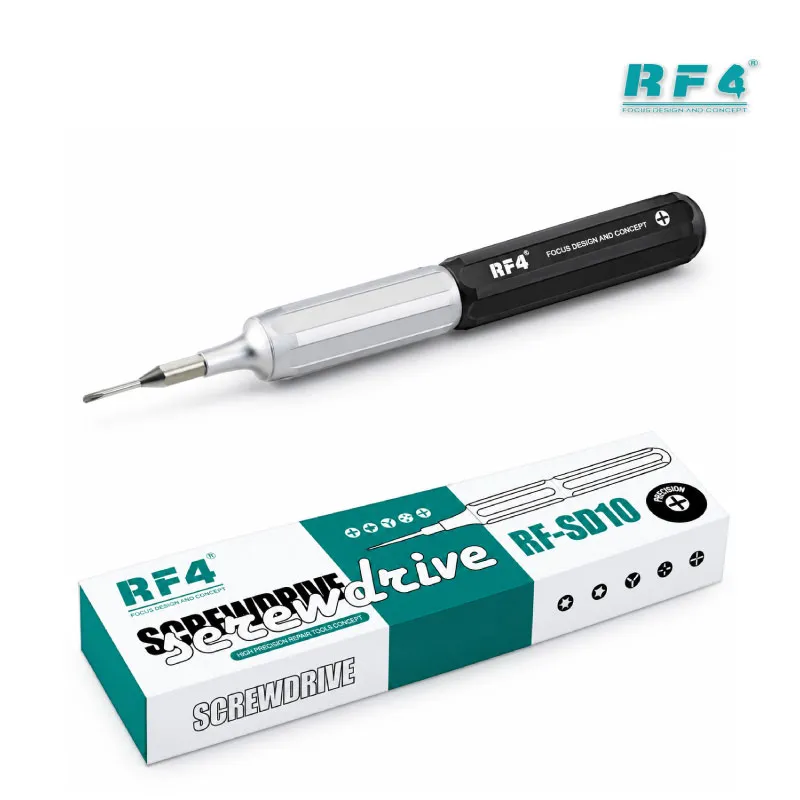
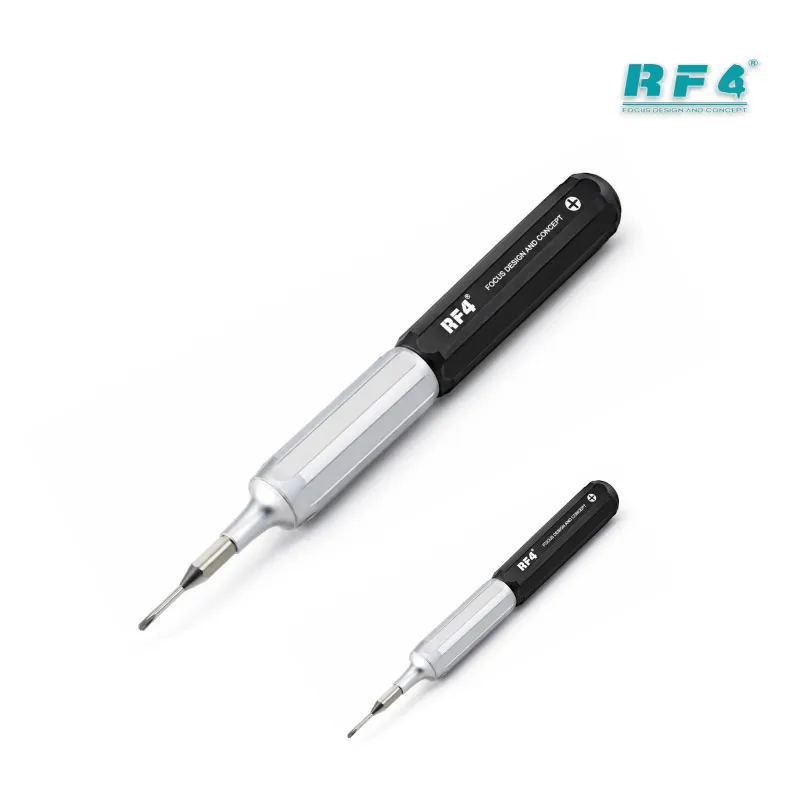
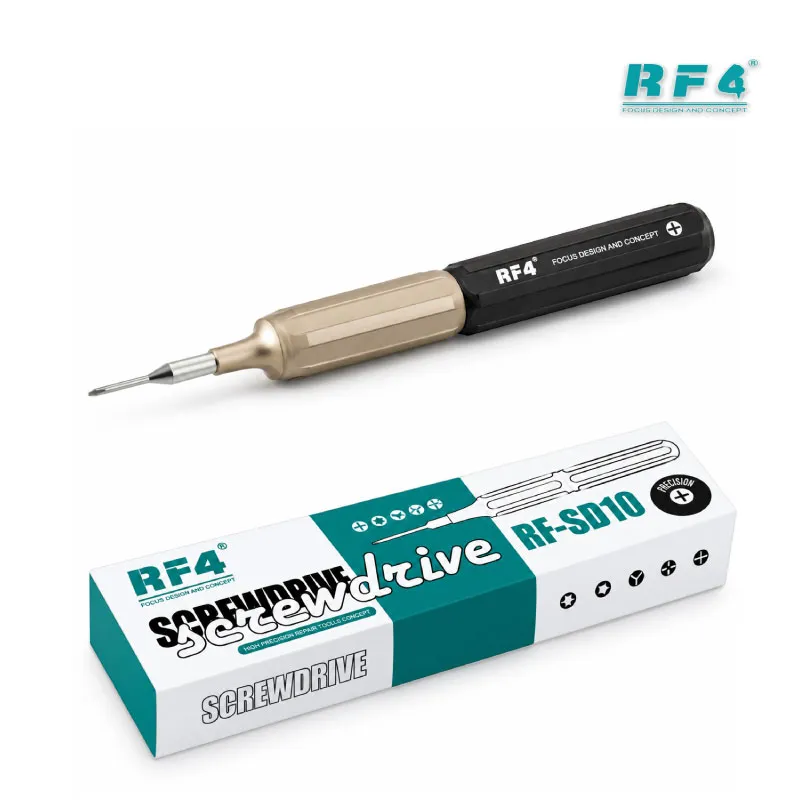
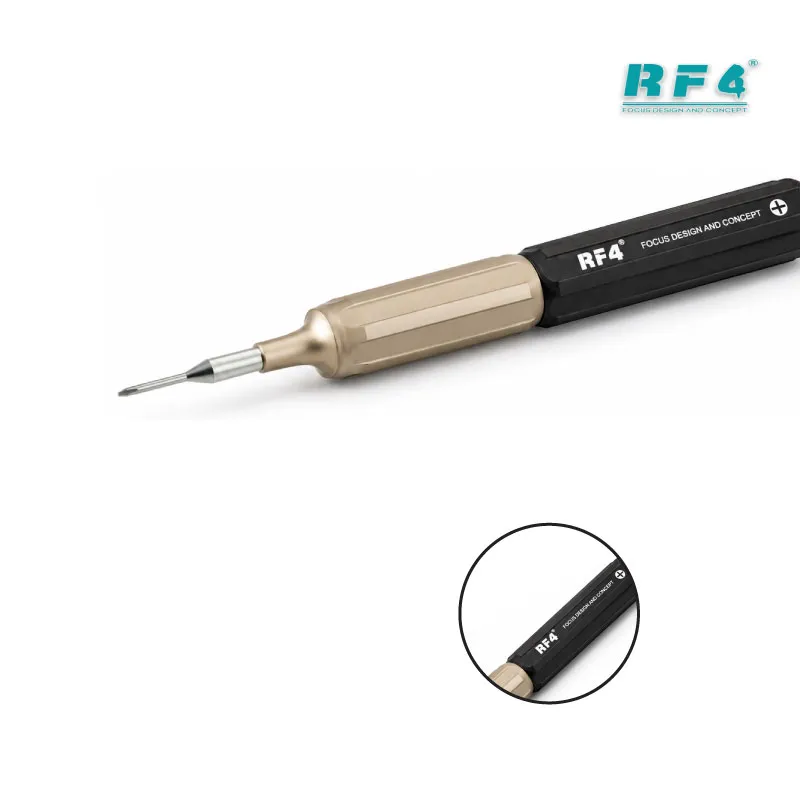











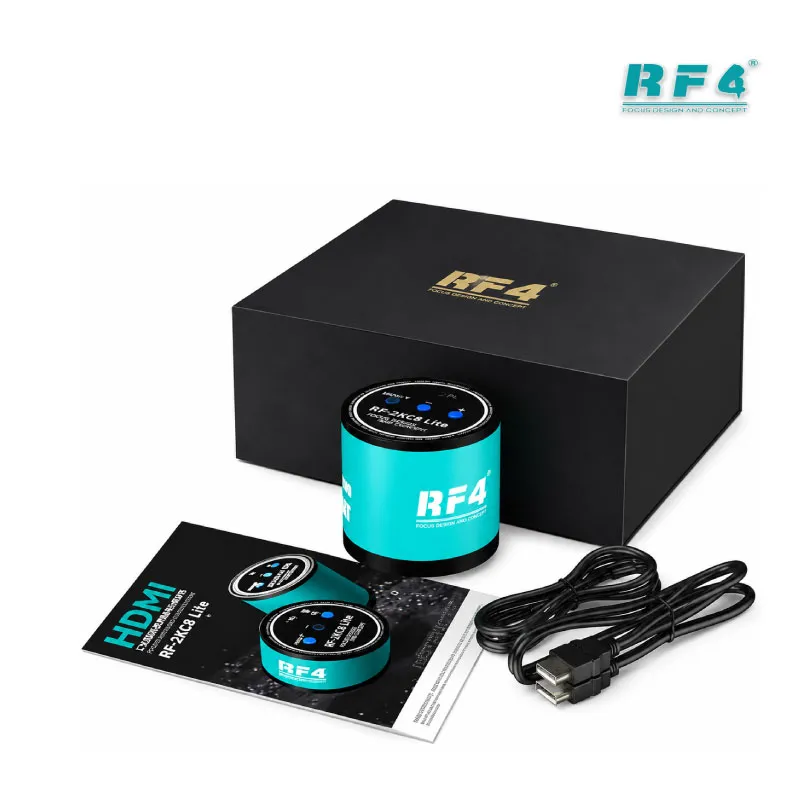
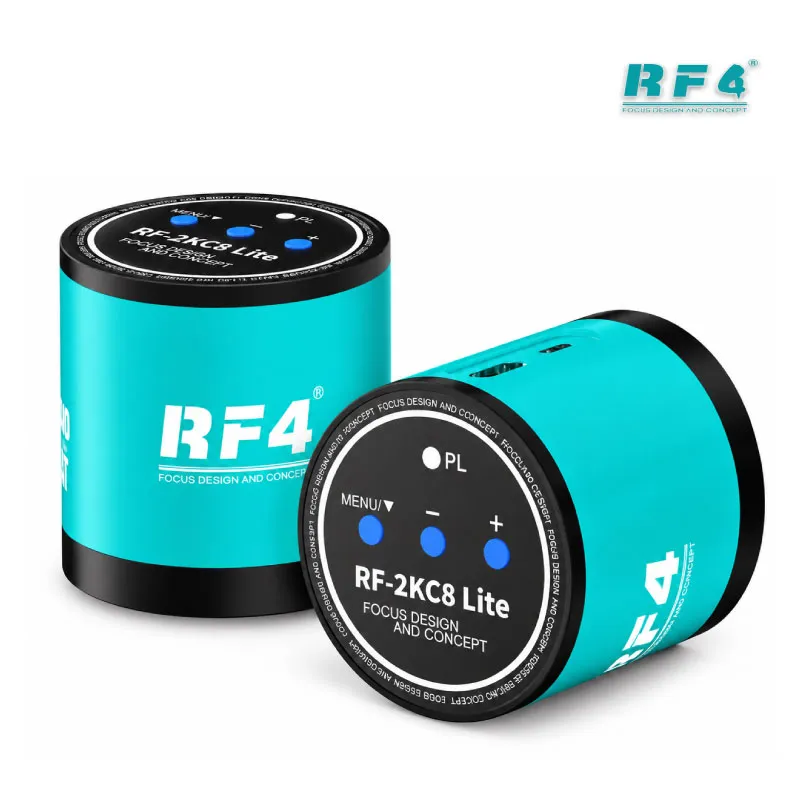
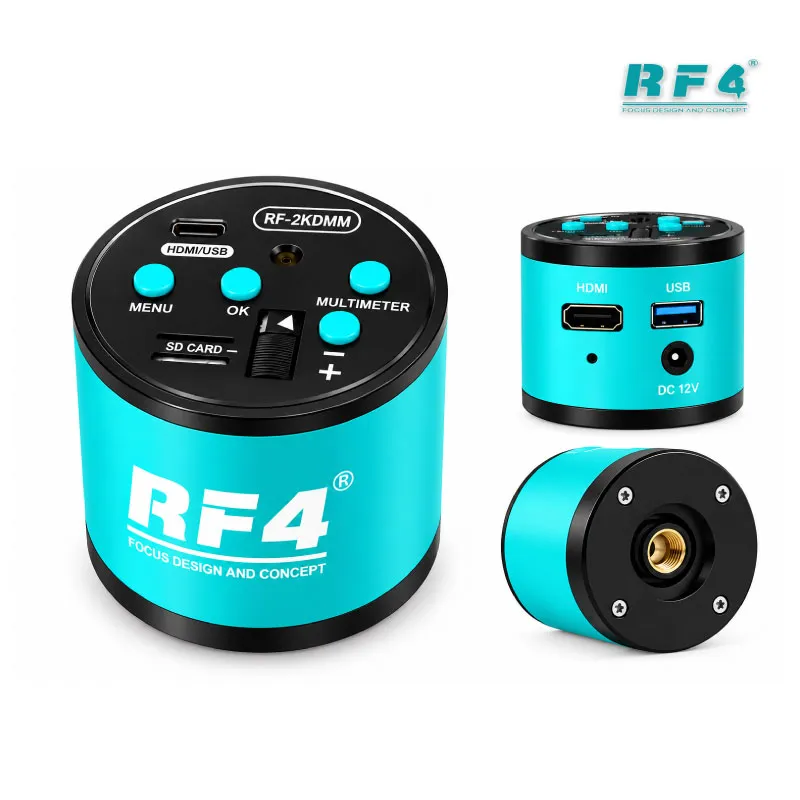
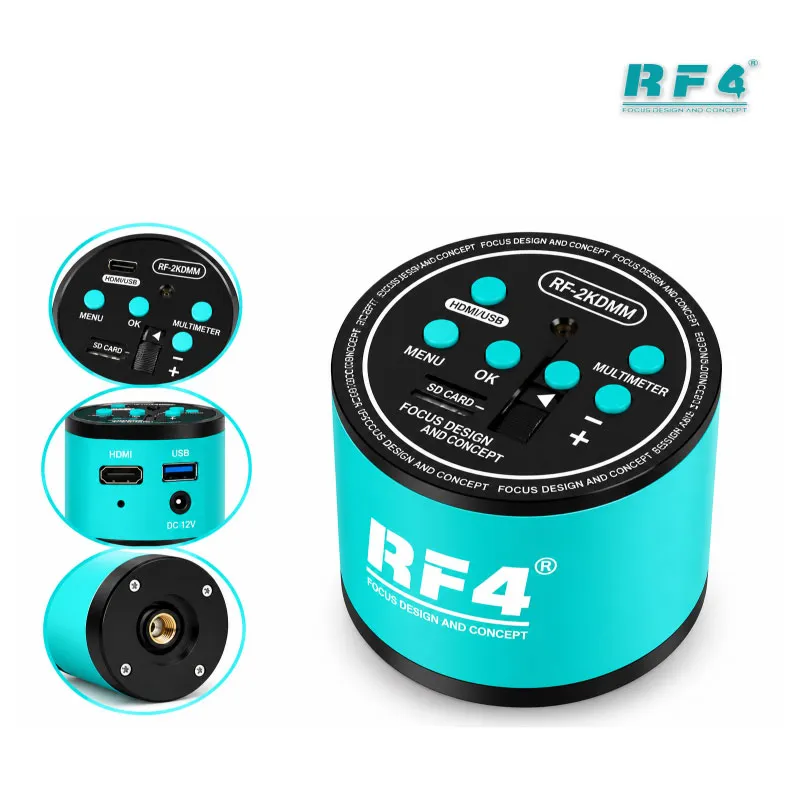



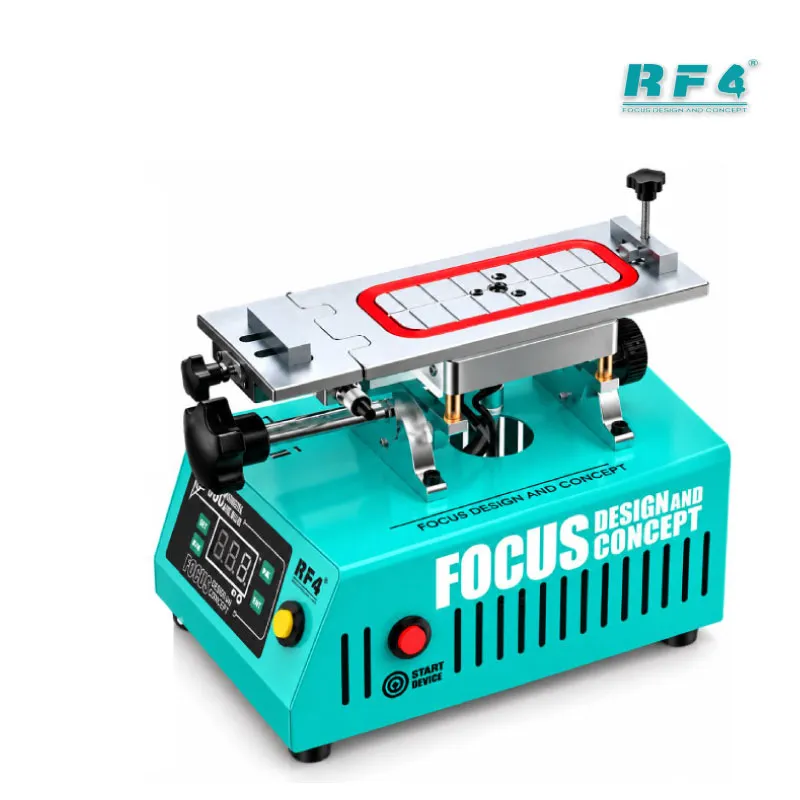
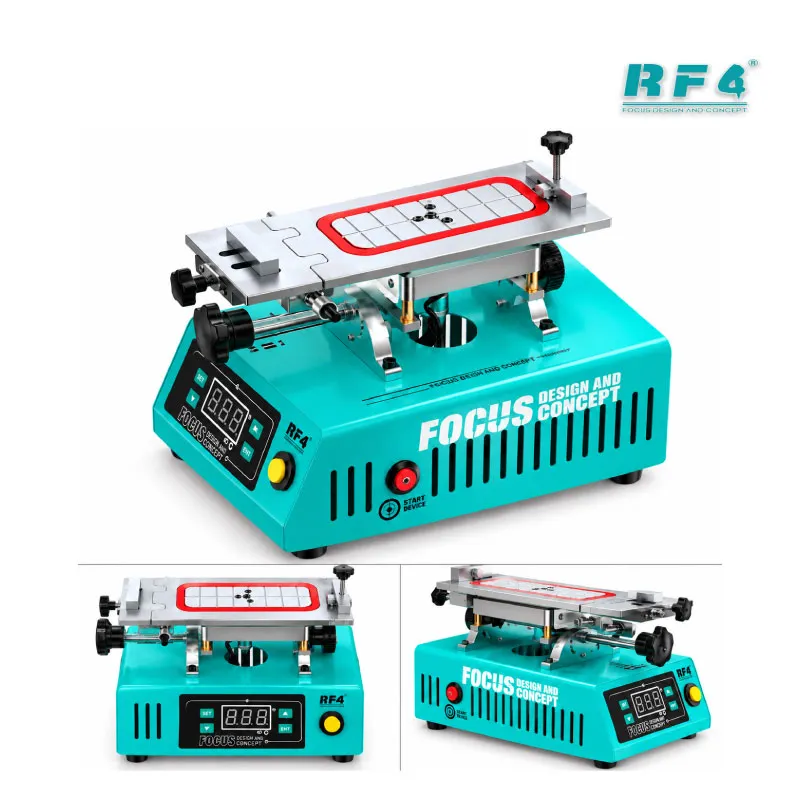
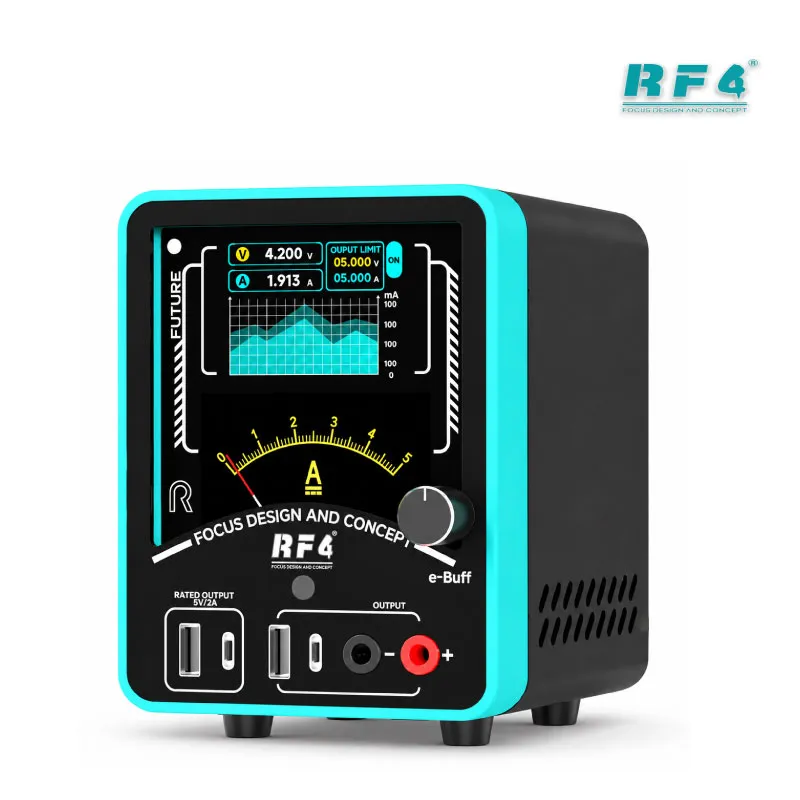
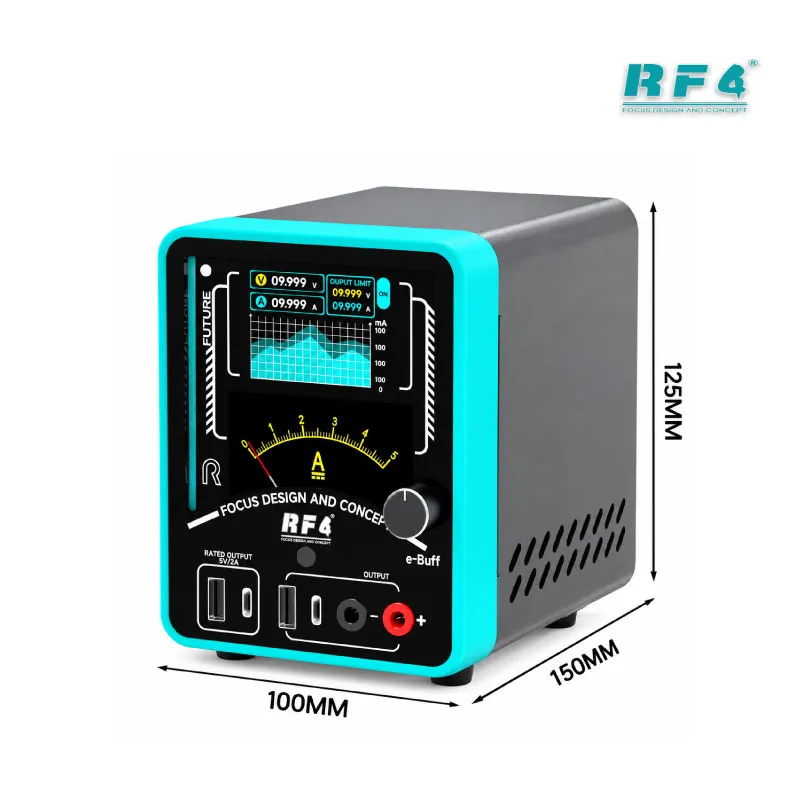


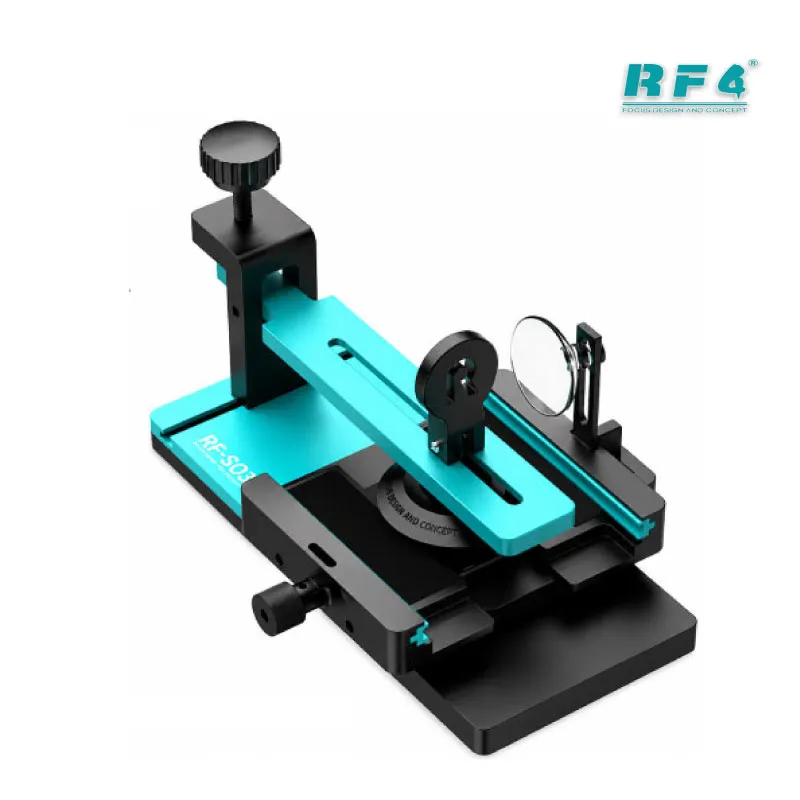
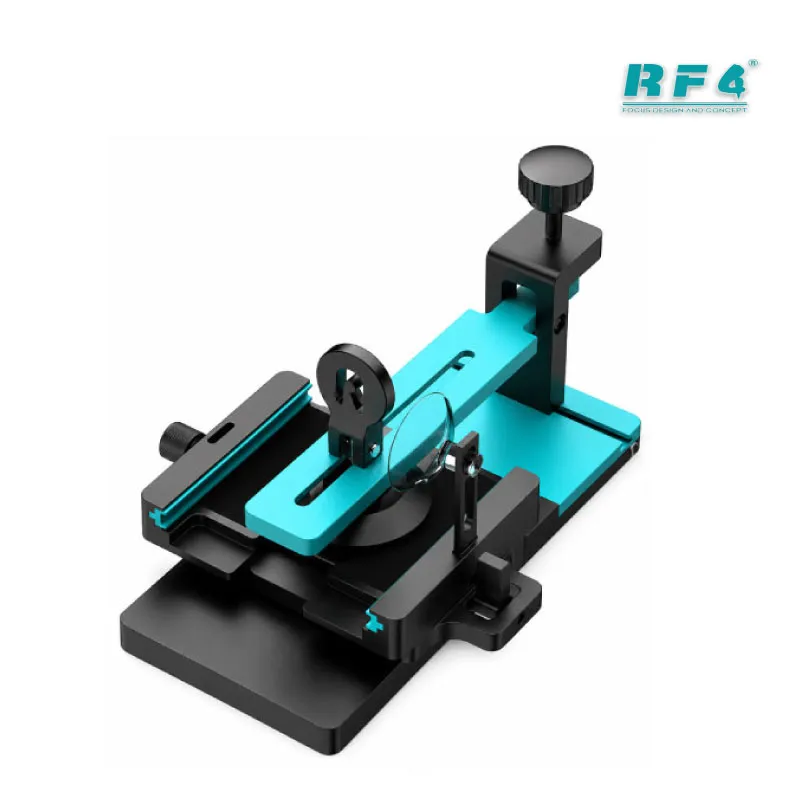
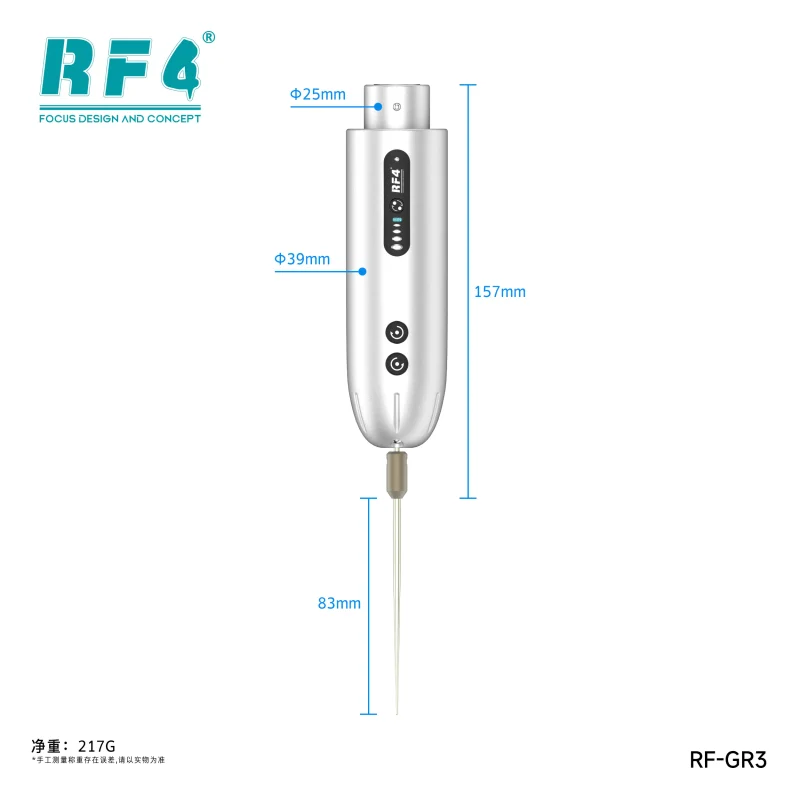
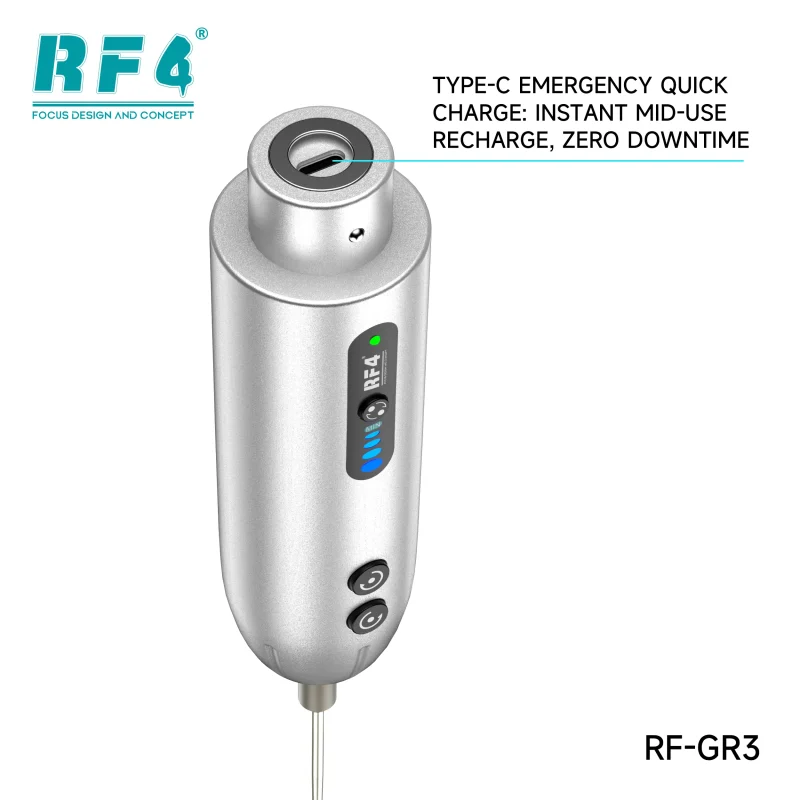


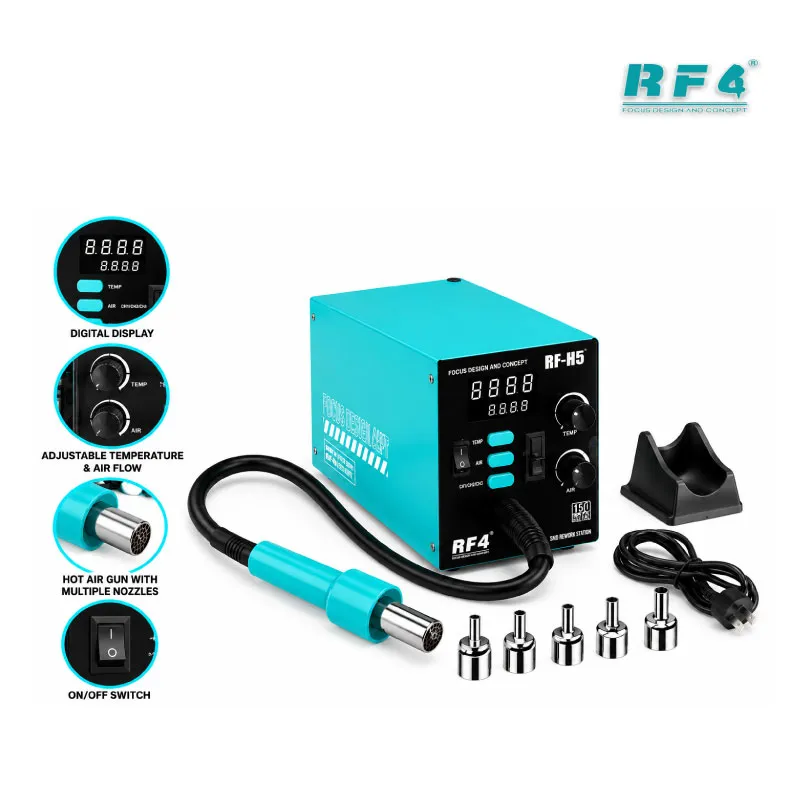
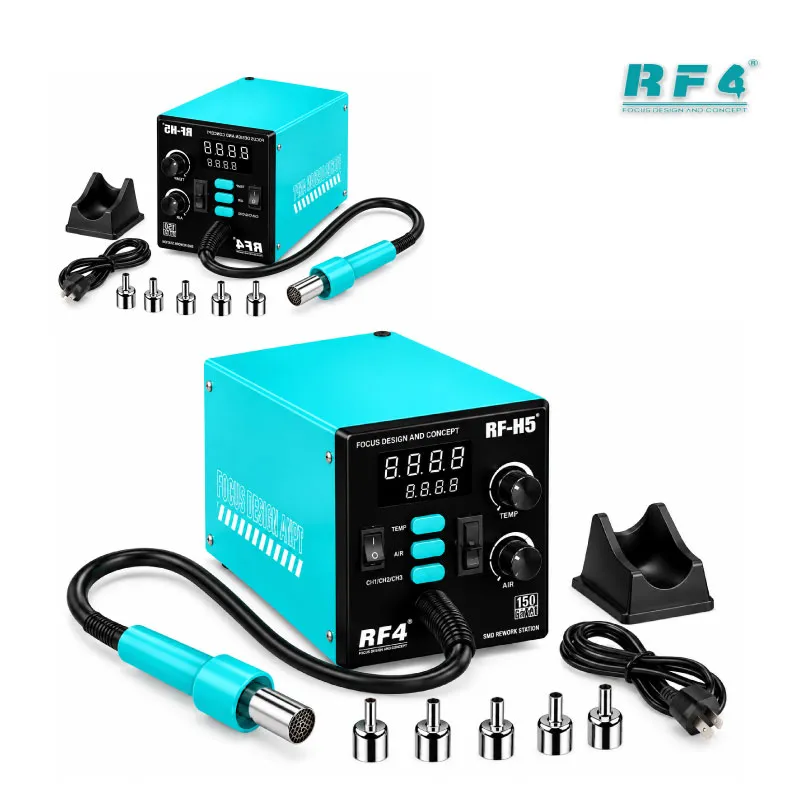
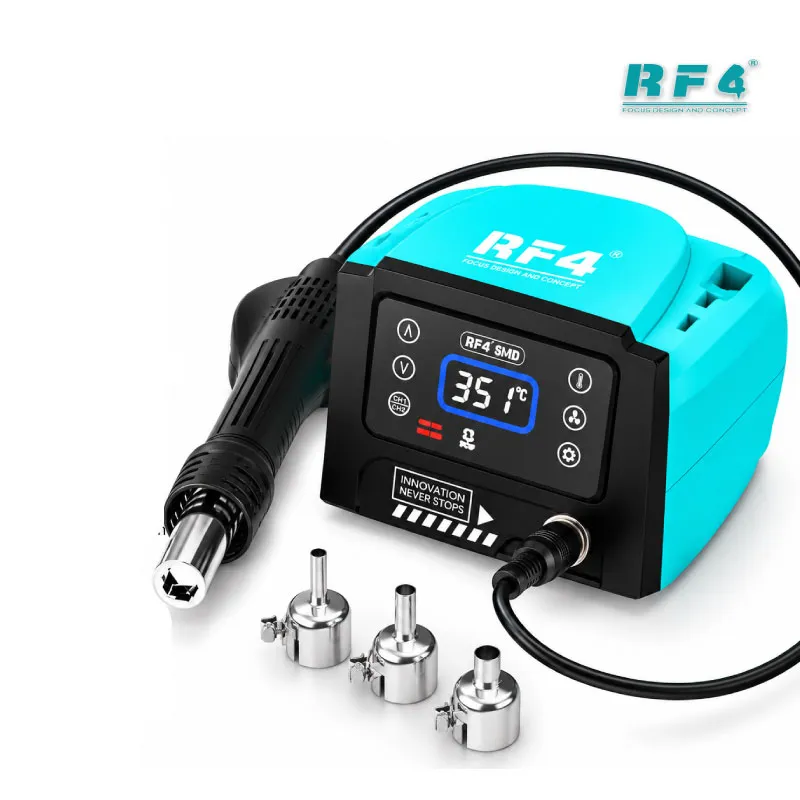
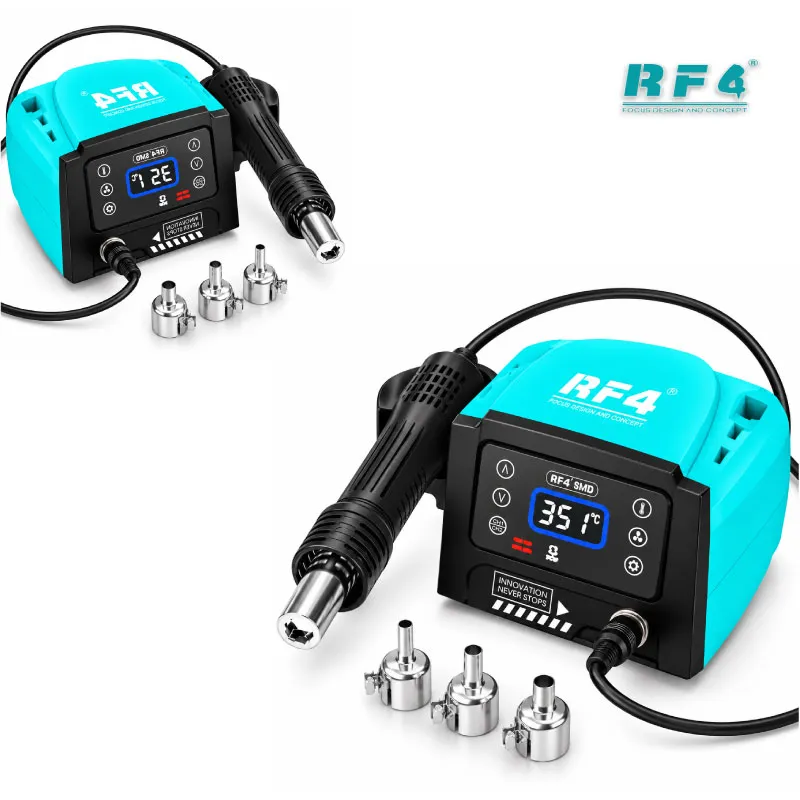
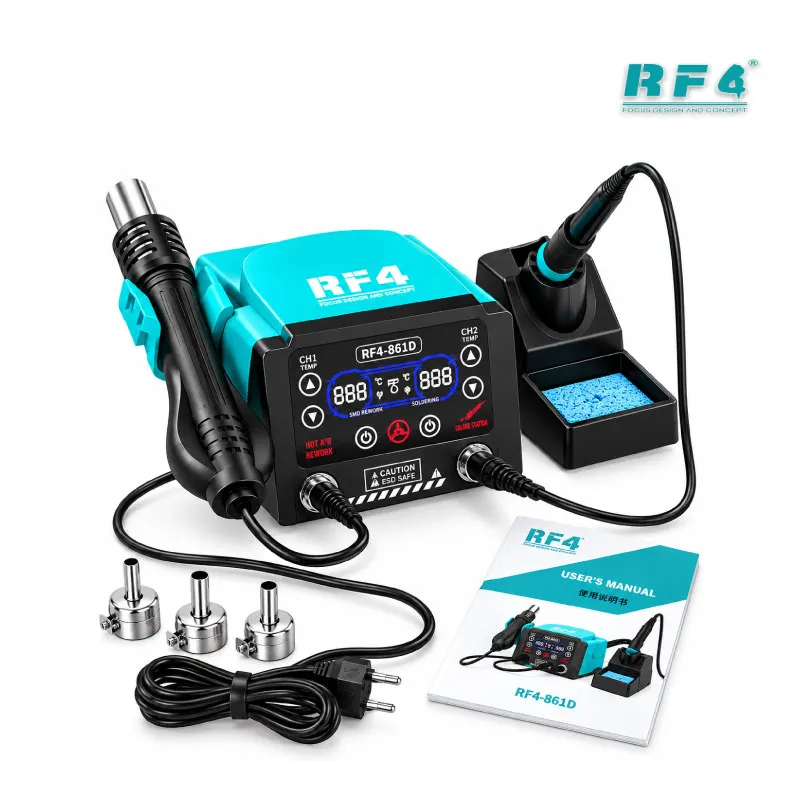
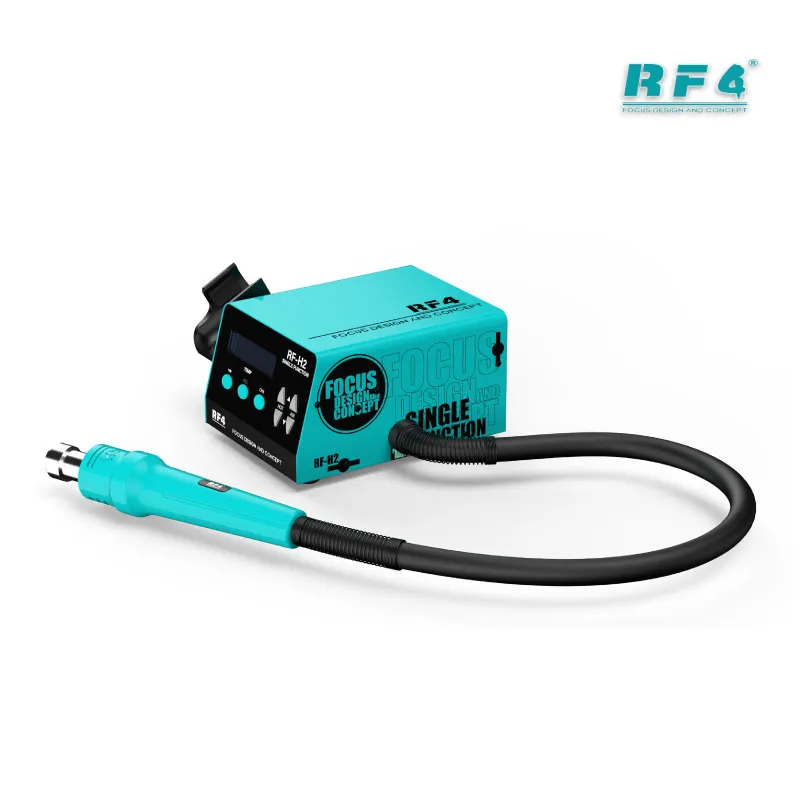
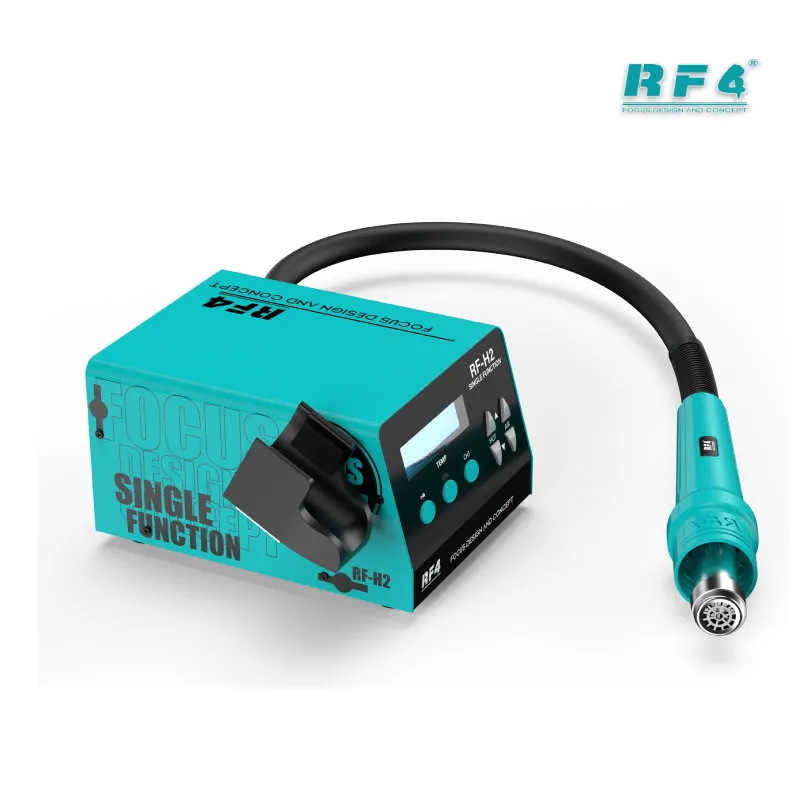

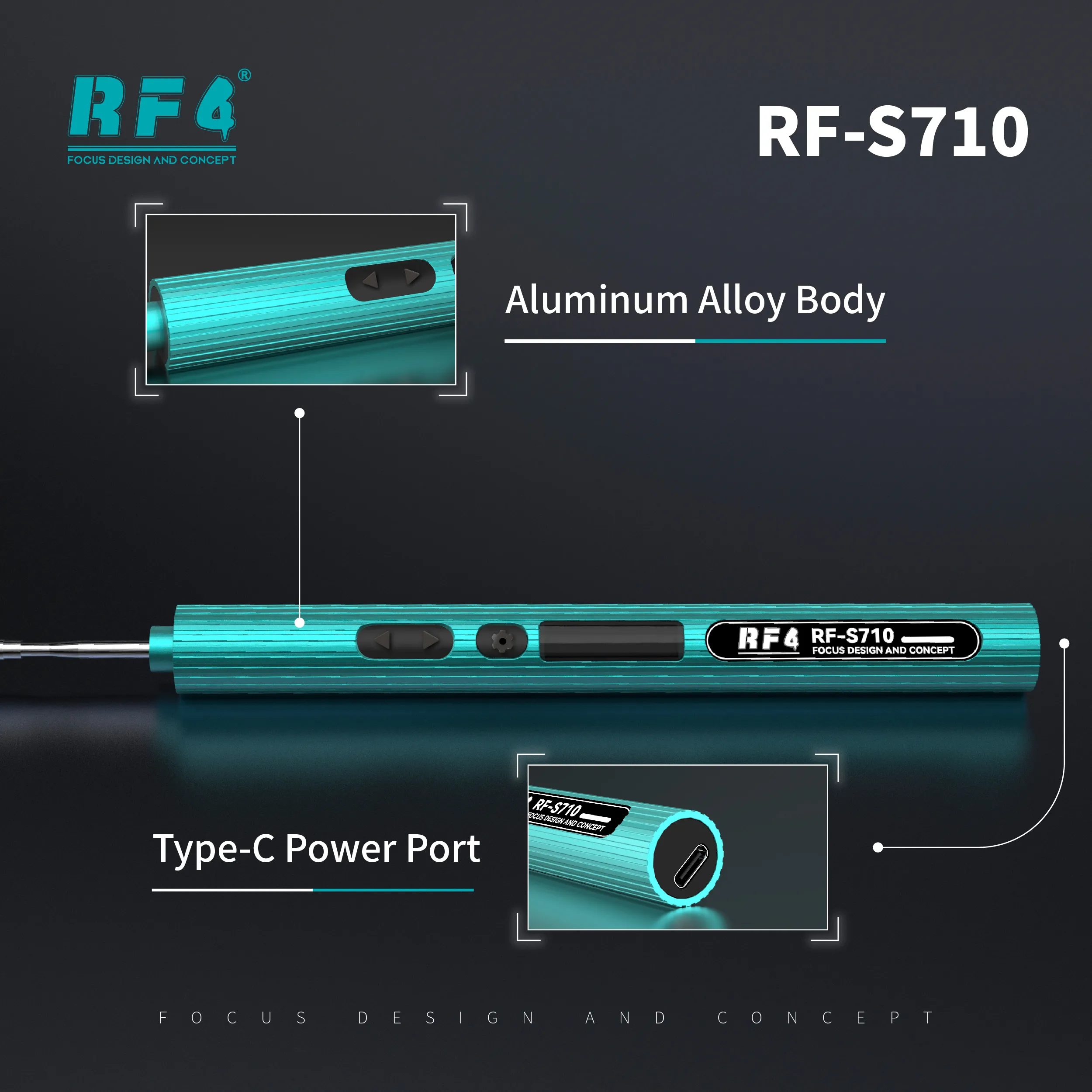


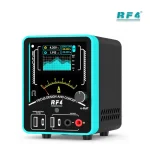
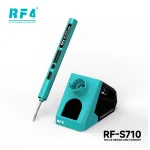
RF4 RF-S810 Portable Soldering Iron
₨3,200
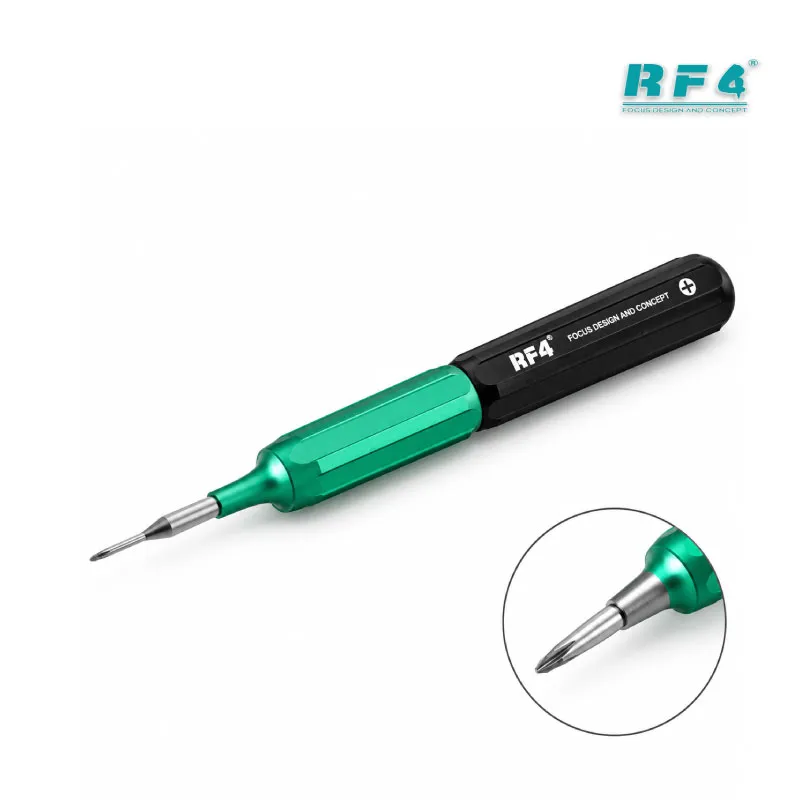
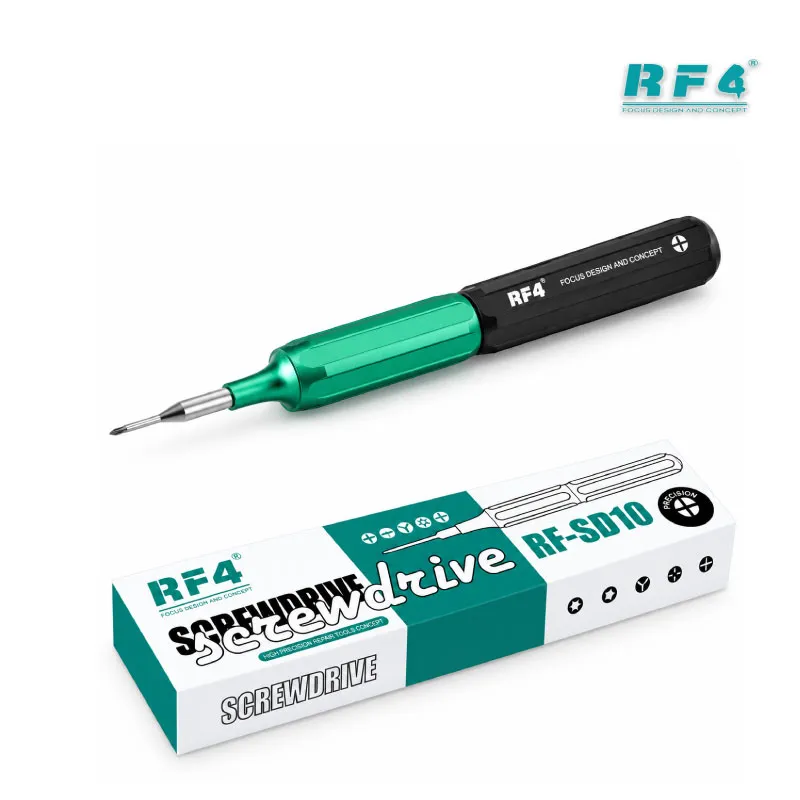
Portable Iron for Mobile Repair
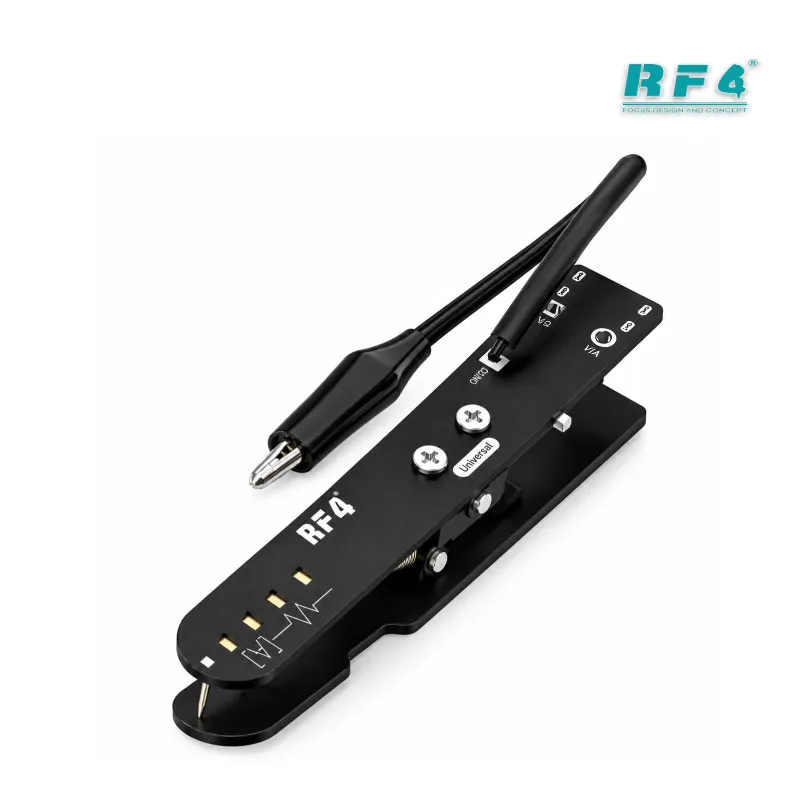
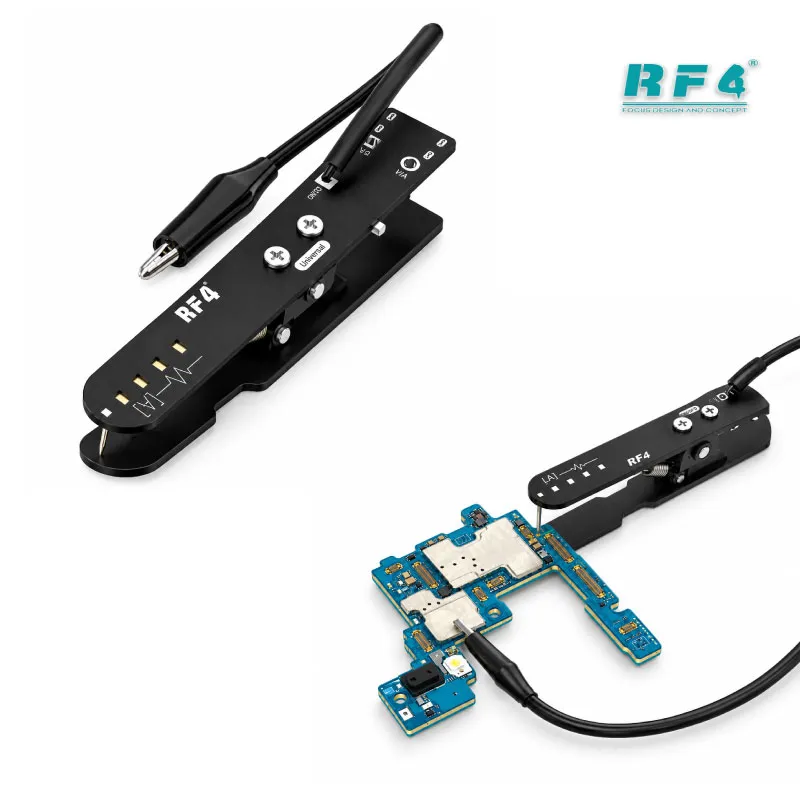
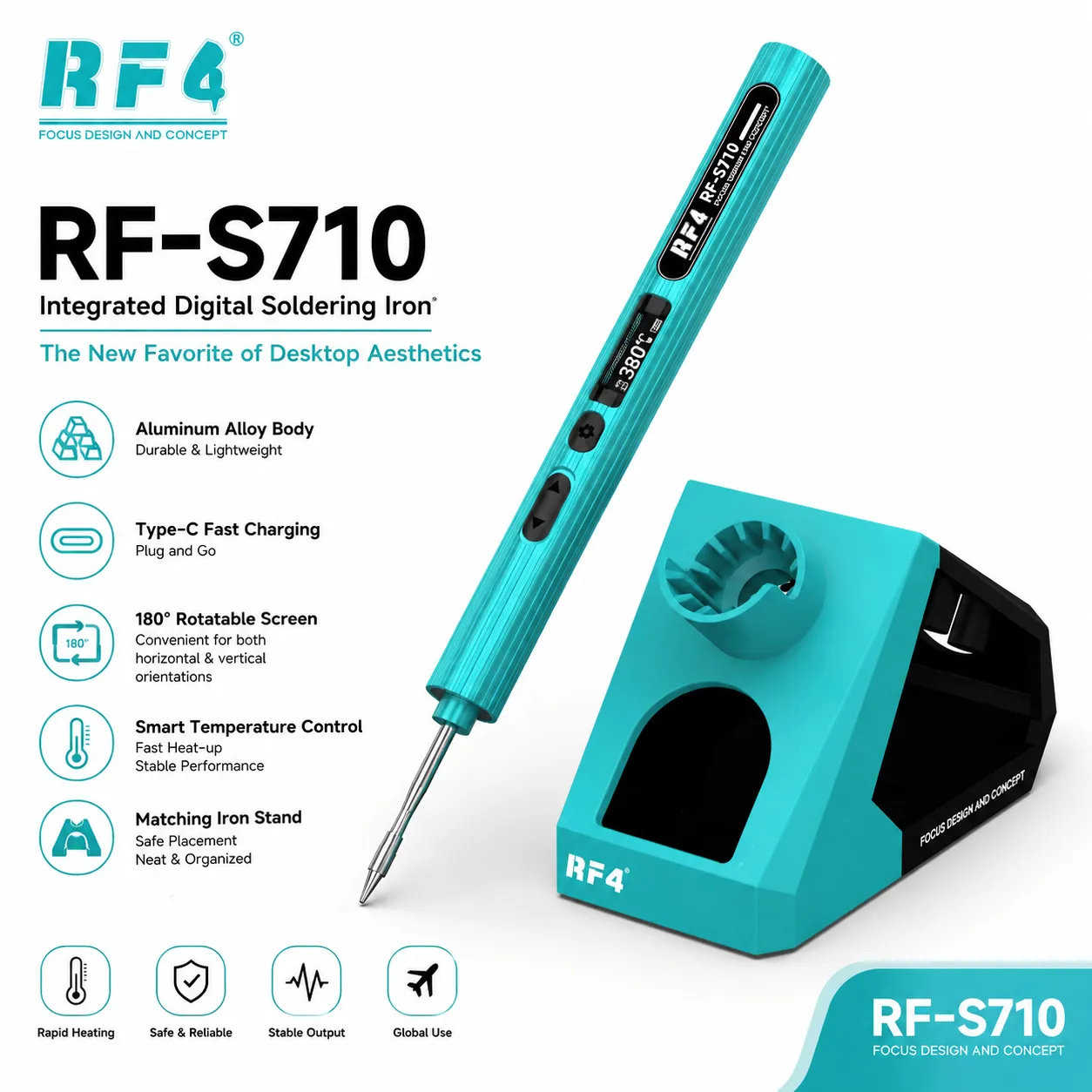
The RF4 RF-S810 is a professional portable soldering iron for mobile repair technicians who need a compact tool at the bench or at the counter. You use it for charging port soldering, jumper wires, connector pads and small SMD joints on dead phone boards. It works next to your soldering station and hot air station, so heavy rework and quick fixes run side by side. Repair shops and service centers in Pakistan keep one on every desk to cut waiting time between jobs. Check the voltage and tip type on the box before your first use, then start soldering.
| Weight | 0.18 kg |
|---|
10 in stock
Description
Professional Portable Soldering Iron for Daily Mobile Repair
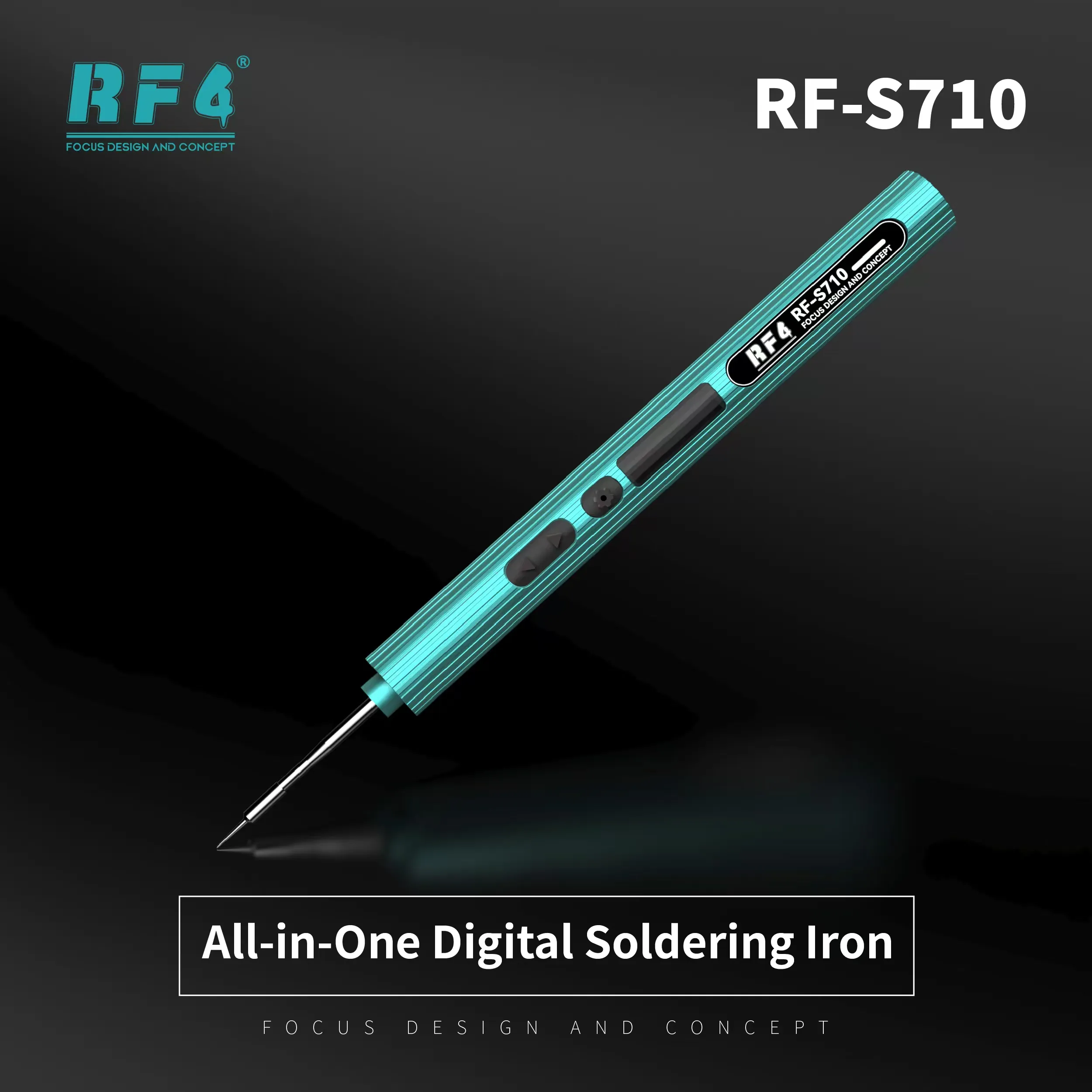
The RF4 RF-S810 is a professional portable soldering iron for technicians who solder every day. You use it for charging port work, jumper wires, battery connectors and small SMD joints on a dead phone board. RF4 builds tools for the soldering and rework category, and the RF-S810 covers the hand-held side of that workflow. It gives you a compact iron for jobs where a full station is too much.
Where It Fits on Your Repair Bench
Mobile repair starts with diagnosis and ends with a clean solder joint. The RF-S810 handles the soldering step after you trace a fault with a multimeter or inspect the board under a microscope. You fix a charging issue by reworking the port pads. You run a jumper lagana on a broken track. You reflow a loose connector when a display problem points to a bad joint. Hold the board steady in a PCB holder, and keep your hot air station ready for jobs that need wider heat.
Hardware Faults You Can Tackle With It
Most hardware fault calls come back to a short list of repeat jobs. Charging port replacement tops it. Battery connector repair, FPC connector pad repair and wire-to-pad joints follow. A portable iron lets you reach those spots without moving the phone to another station. You also clean solder bridges and leftover tin after an IC change karna job, before you refit the board. Check for lifted pads first. A lifted pad needs a jumper, not more heat.
ISP and Flash Workflow Support
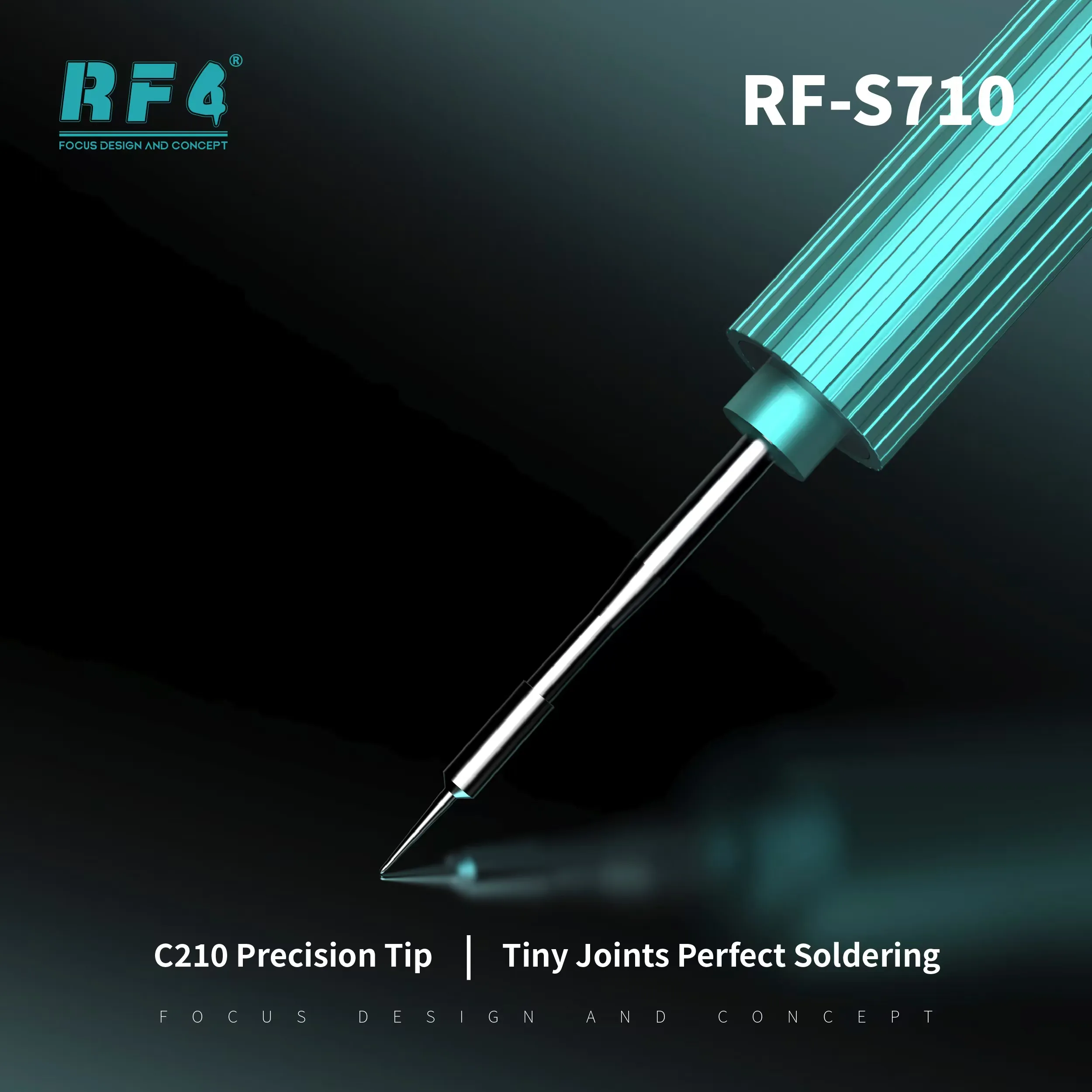
Dead after flash cases often end in ISP pinout work. You solder fine wires to test points, connect your eMMC programmer or UFS adapter, then read or write data. The soldering step decides whether the connection holds. Use a fine tip, low heat and fresh flux for each point, then test continuity before you box chalana. Boot loop issue and hang on logo repairs on eMMC devices depend on that clean connection.
Buying Guidance for Pakistani Repair Shops
Shop owners buy soldering tools in bulk, and technicians keep a spare at the counter. A portable iron works as a second tool beside your main soldering station, so two technicians work at the same time. It also suits service center desks where space is tight. RF4 Tools lists the RF-S810 alongside soldering stations, hot air stations, reballing kits and microscopes, so you complete your bench setup in one order. Confirm voltage and tip type on the box before first use.
Good Soldering Habits With a Portable Iron
Tin the tip before use and wipe it after each joint. Keep heat low on thin flex pads. Apply flux to every joint. Check the finished joint with a multimeter in continuity mode before you close the phone. Leave BGA ICs, eMMC and CPU rework to a hot air station or reballing setup, and use the iron for the precise hand work around them.
Reviews (0)
Q & A
Please login to post questions
Key Features
- Portable iron format for bench, counter and on-site jobs
- Suits quick fixes next to a main soldering station
- Handles jumper, connector and port pad work
- Supports fine wire soldering for ISP pinout workflows
- Fits shops that need a second iron for a second technician
- Part of the RF4 soldering and rework tool range
Specifications
| Brand | RF4 |
|---|---|
| Model | RF-S810 |
| Category | Soldering Tools / Portable Soldering Iron |
| Compatibility | Universal soldering use, not device-specific |
Common Repair Uses
- Charging port soldering
- Jumper wire repair on broken tracks
- Battery connector pad repair
- FPC and display connector reflow
- ISP test point wire soldering
- Small SMD component replacement
- Solder bridge and extra tin cleaning
- General wire-to-pad joints
Compatible Devices
- Samsung phone boards
- Oppo and Vivo phone boards
- Infinix and Tecno phone boards
- Xiaomi and Realme phone boards
- iPhone logic boards
- Tablet motherboards
- Charging port and flex connector pads
- Small electronic PCBs
FAQ
What is the product name?
The product name is RF4 RF-S810 Portable Soldering Iron.
What is the brand of this product?
The brand of this product is RF4.
What is the model of this product?
The model of this product is RF-S810.
What is this product used for?
This product is used for hand soldering on mobile phone boards, including charging ports, connectors, jumpers and small SMD joints.
Which devices are compatible with this product?
It is a universal soldering tool and works on any phone or PCB where manual soldering applies.
Who should use this product?
This product is suitable for mobile repair technicians, repair shops, service centers, and professional users.
Can the RF-S810 replace a hot air station for BGA, eMMC or CPU work?
No. A portable soldering iron suits pads, connectors, jumpers and small SMD parts. BGA ICs, eMMC and CPU rework need a hot air station or reballing setup.
Can I use a portable soldering iron for ISP pinout wire soldering on a dead phone?
Yes, a soldering iron is the standard tool for soldering fine wires to ISP test points. Use a fine tip, low heat and flux, then check continuity before connecting your programmer.
Reviews
There are no reviews yet.