




































Sold out
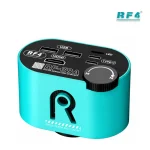

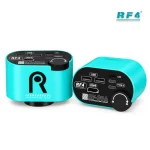
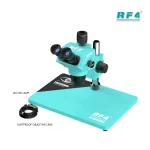
RF4 RF-39A 4K Microscope Camera for PCB Repair
₨1
Professional 4K Microscope Camera
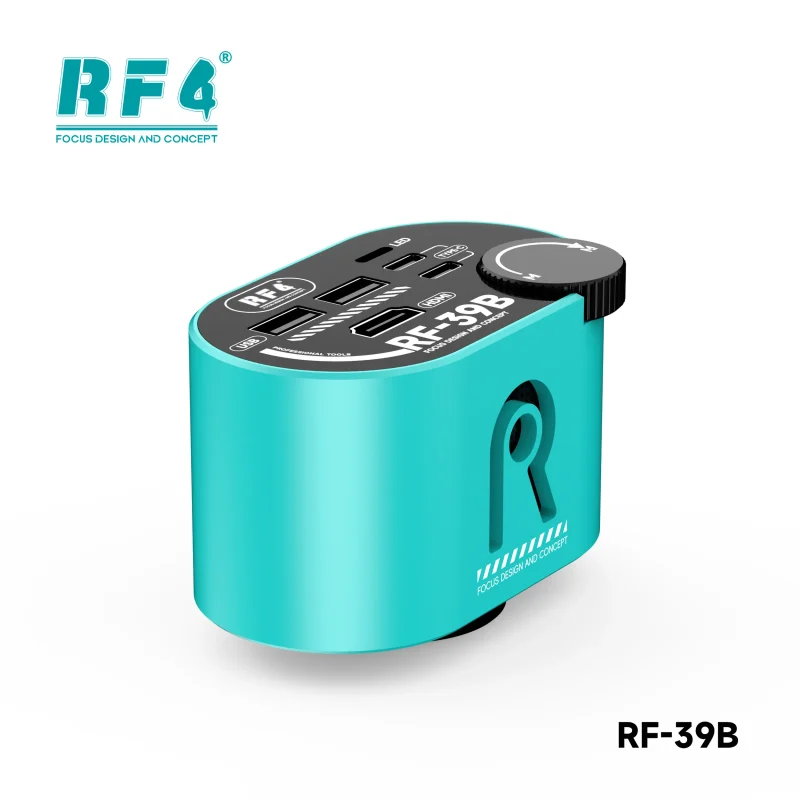
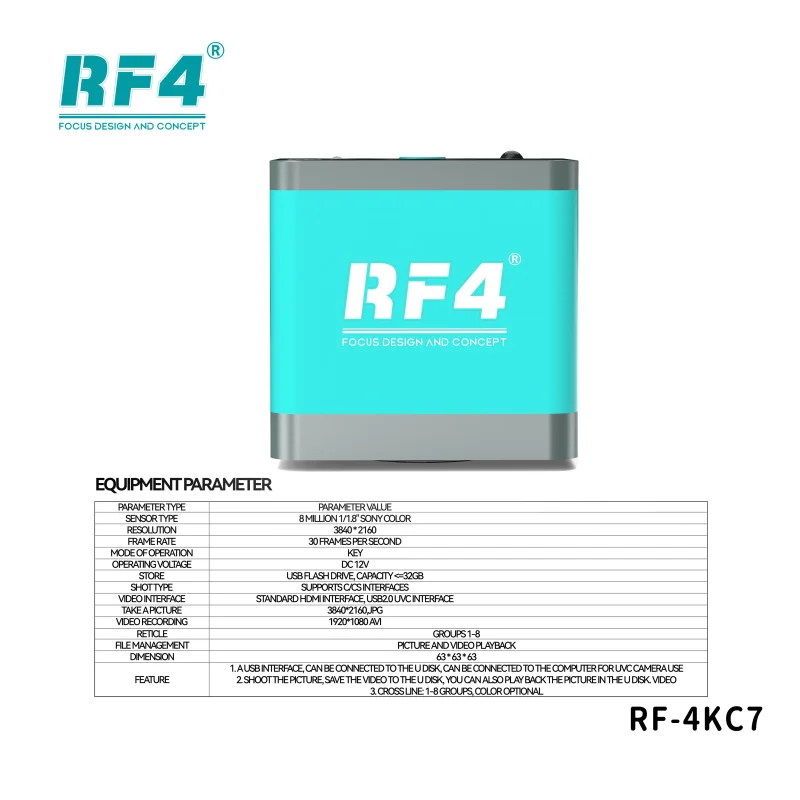
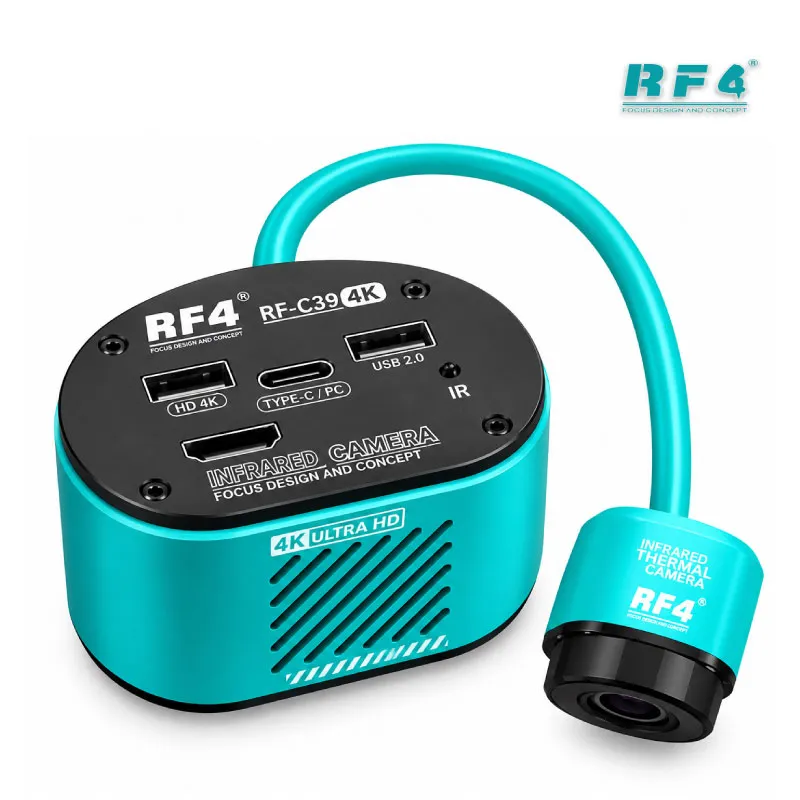
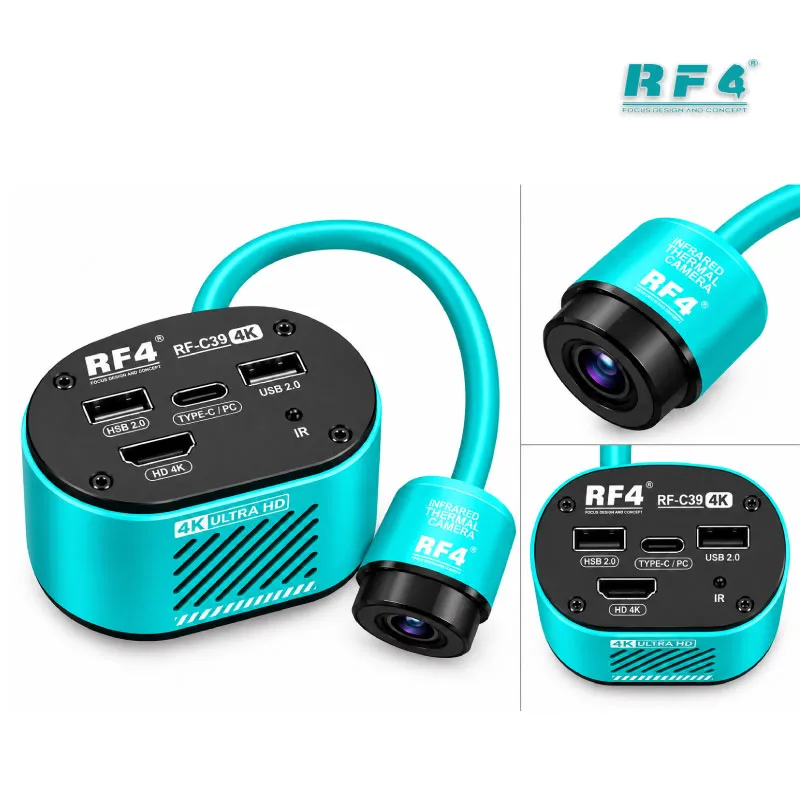
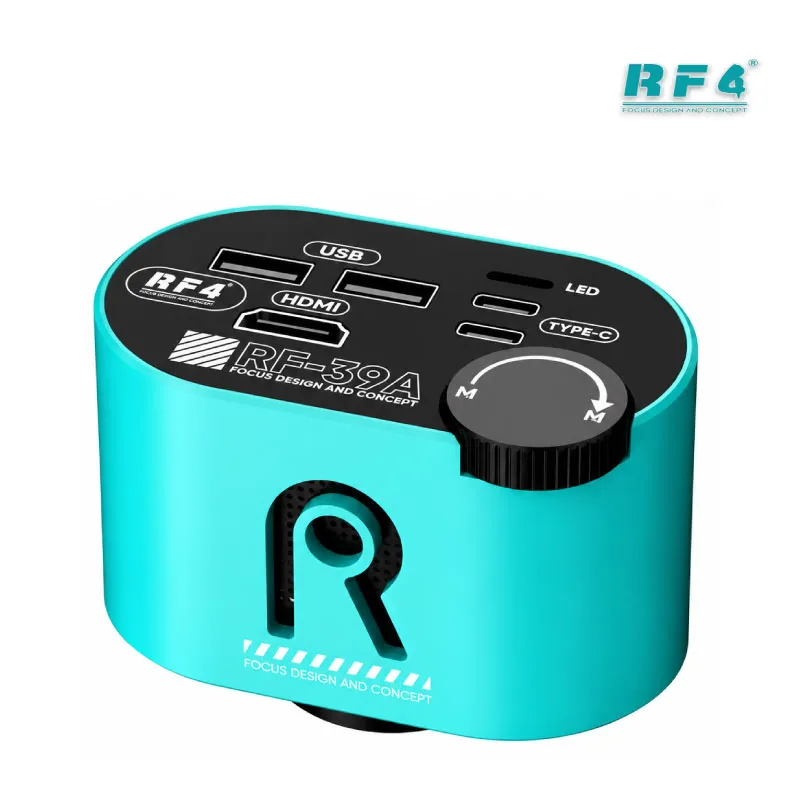
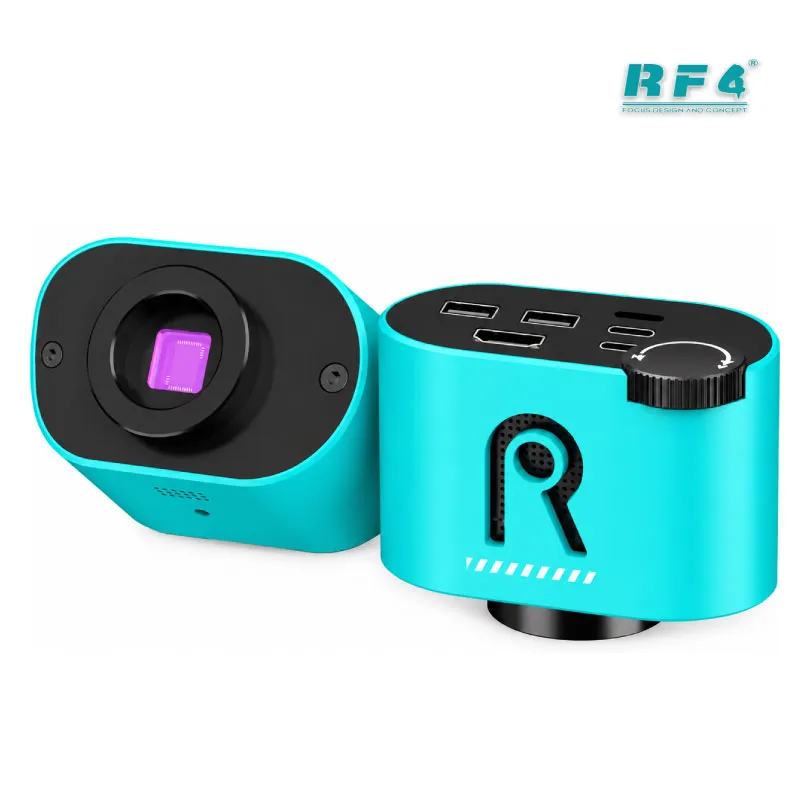
The RF4 RF-39A professional 4K microscope camera gives your repair bench a sharp, wide-angle view of phone boards and PCBs. It runs an 8.29-megapixel Sony CMOS sensor and outputs 4K at 30 fps or 1080P at 60 fps over HDMI. A zoom handwheel switches between panorama and close-up in seconds. You save photos and video to a USB flash drive and control the menu with a USB mouse, so you need no computer. The CS interface mounts on trinocular stereo microscopes. Use it for IC change karna, jumper lagana, reballing, and hardware fault inspection in your repair shop.
Out of stock
Description
Professional 4K Microscope Camera for Phone Board Work
The RF4 RF-39A is a professional 4K microscope camera for technicians who want to work from a screen instead of an eyepiece. You mount it on the camera port of your trinocular stereo microscope, connect an HDMI monitor, and see every pad, trace, and solder joint at full size. Your neck stays relaxed, your hands stay free, and everyone at the bench watches the same live image. If you spend your day on IC change karna, jumper lagana, or reballing, this camera gives you the clarity to work faster and miss less.
Sensor and Image Quality
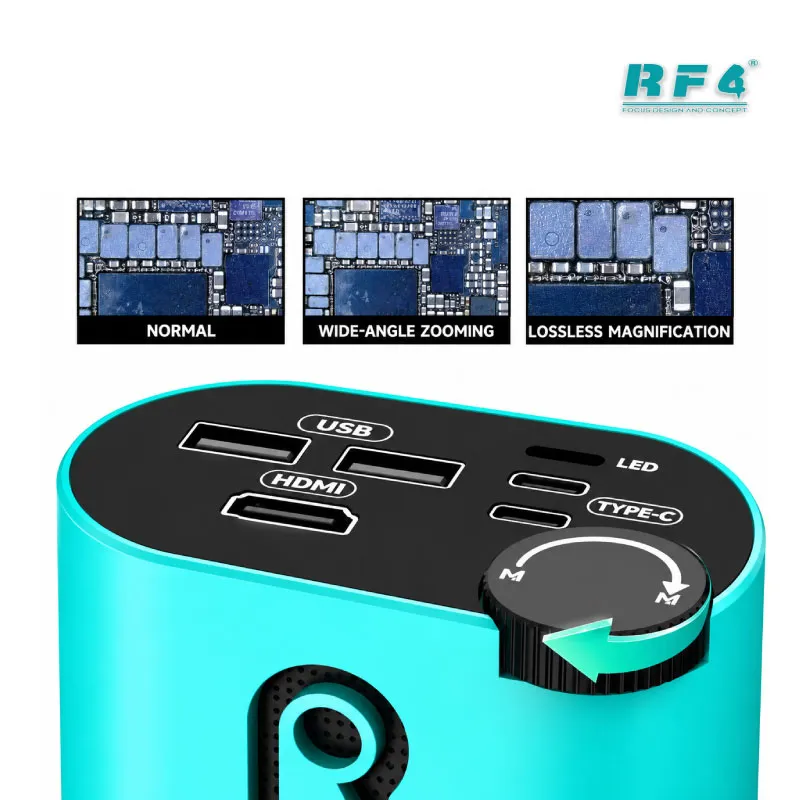
The camera uses an 8.29-megapixel Sony CMOS sensor with a 1/2.8-inch surface and 1.45μm × 1.45μm pixels. A self-developed image processor tunes the picture. The wide-angle design gives you a broad field of view, so you see the whole IC area instead of one corner. A zoom handwheel moves you from a wide panorama of the board to a tight close-up of a single pad. HDMI output runs at 3840×2160 at 30 frames per second or 1080P at 60 frames per second. Use 4K when you hunt for hairline cracks, lifted pads, and flux residue, because a bridged ball or a damaged trace hides in plain sight on modern boards. Switch to 1080P when you want smoother live motion during soldering, since the higher frame rate makes iron and hot air movement easier to follow.
Controls, Crosshairs and Storage
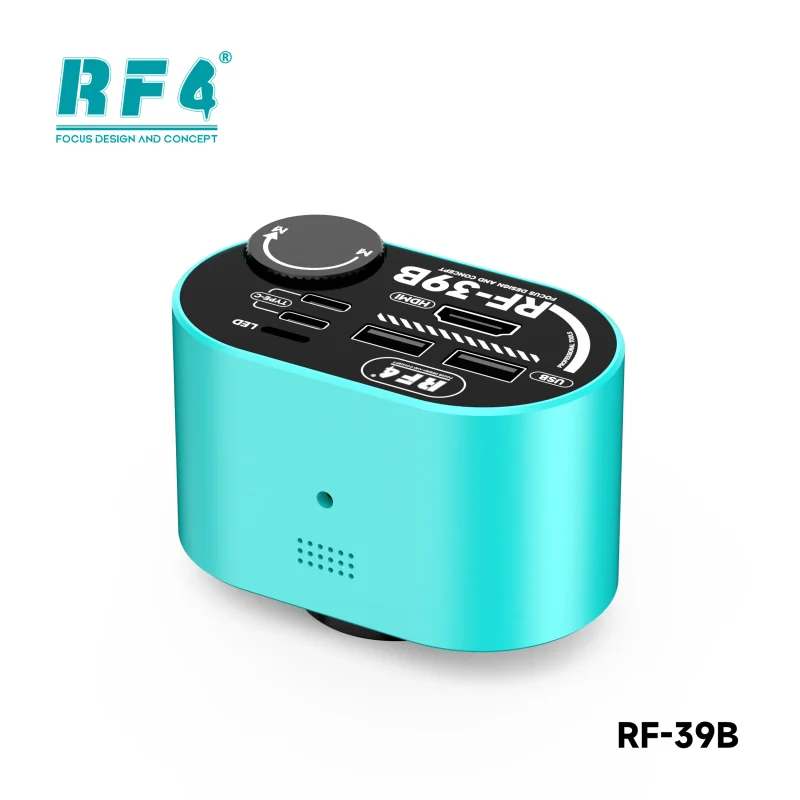
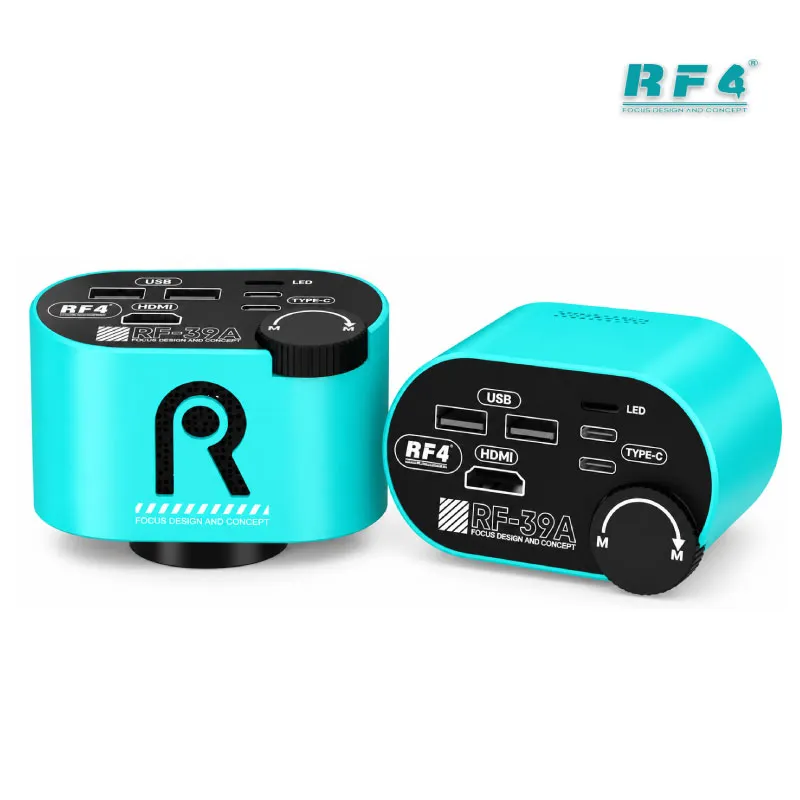
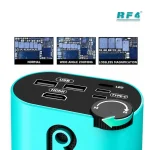
You run this camera without a computer. One-touch exposure and one-touch white balance give you a fast manual fix, and the auto modes handle quick checks. Plug a USB mouse into one of the two USB 2.0 ports to move through the on-screen menu. Plug a USB flash drive into the other to save photos and video of your work. The menu supports English, Chinese, Traditional Chinese, and Spanish. The camera draws centre crosshairs with a total of eight lines, and you adjust their colour and position. Use them to line up a BGA chip before you place it, or to check that a connector sits straight. Horizontal and vertical flipping lets you match the screen to the way you hold the board.
Where It Fits in Your Repair Workflow
A microscope camera earns its place before and after every repair. On a dead phone, scan the board for burnt ICs, corroded pads, and liquid damage before you reach for your multimeter. On a charging issue or any hardware fault, trace the damaged area on screen and mark what needs replacing. After you remove an IC, the camera shows pad condition right away, so you decide whether to clean the pads, repair them, or move to a reballing kit. During reflow on your hot air station or soldering station, watch the solder flow and stop at the right moment. A PCB holder keeps the board steady under the lens, which keeps the image sharp. If you solder ISP pinout wires onto eMMC or UFS test points, the 4K view helps you land each wire on the right point the first time, whether you finish the job with a UFS adapter, an eMMC programmer, or a test box. Save a photo before and after each repair to show your customer the real fault. Training institutes also use the screen output to walk students through each step live.
Setup and Buying Notes
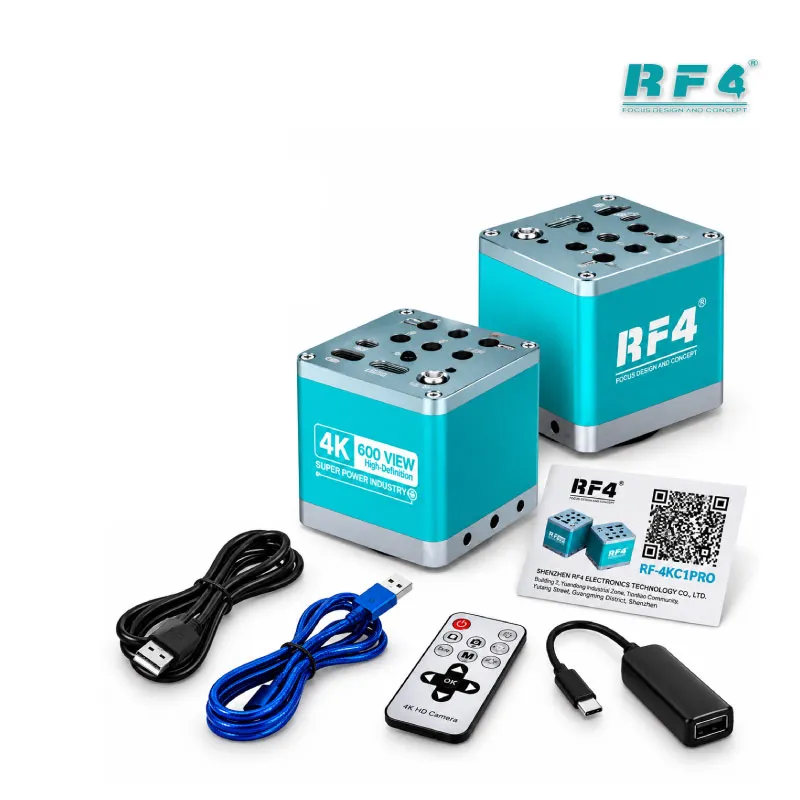
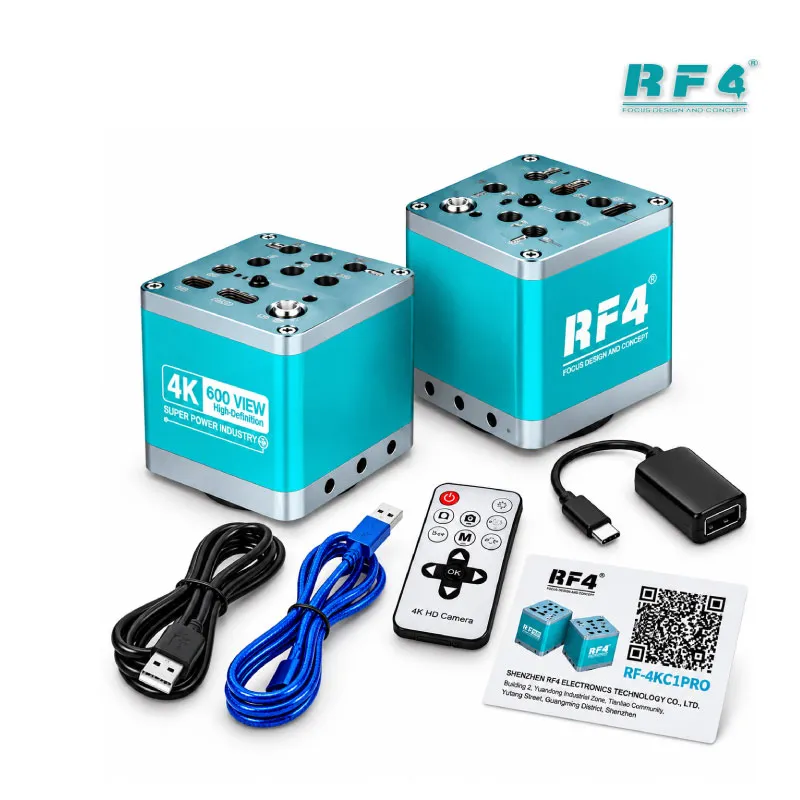
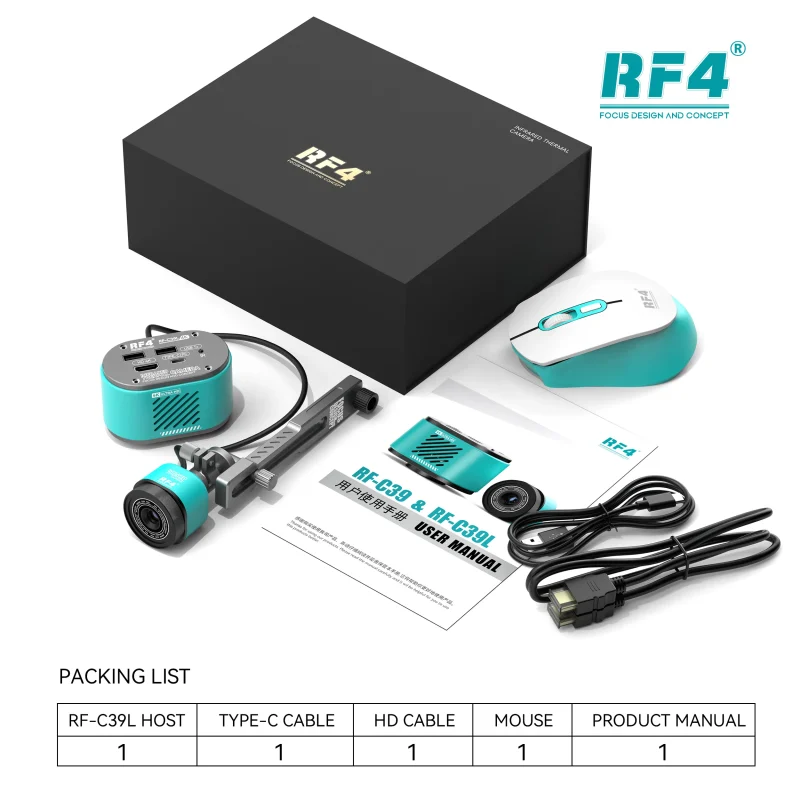
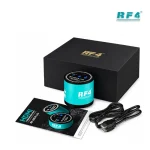
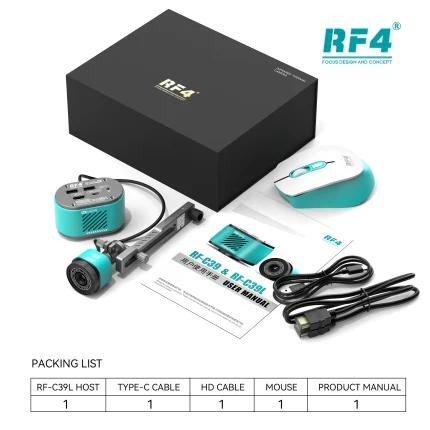
The lens interface is CS, so the camera fits trinocular microscopes with a matching camera port. Check your microscope’s port and adapter before you order. Power comes through a Type-C input rated DC 5V/2A, and the box includes one 4K camera and one HDMI cable. You need an HDMI monitor that accepts 4K or 1080P input. A USB flash drive and a USB mouse are optional, yet they make storage and menu control much easier.
Long repair sessions punish your eyes and back when you work through an eyepiece. A camera and monitor setup spreads that load, lets a second technician help you, and gives you a record of every fix. If your bench still runs an eyepiece-only setup, pair this camera with a trinocular stereo microscope from the Microscopes category and upgrade your whole inspection station in one step.
Reviews (0)
Q & A
Please login to post questions
Key Features
- 8.29-megapixel Sony CMOS sensor with 1.45μm pixels
- Wide-angle imaging with a zoom handwheel
- HDMI output at 3840×2160 (30 fps) or 1080P (60 fps)
- Self-developed image processor
- One-touch or auto exposure and white balance
- Centre crosshairs with eight adjustable lines
- Horizontal and vertical image flipping
- USB flash drive storage and USB mouse control
Specifications
| Brand | RF4 |
|---|---|
| Model | RF-39A |
| Category | Microscope Camera |
| Compatibility | CS interface for trinocular stereo microscopes |
| Technology | 8.29-megapixel Sony CMOS sensor, 1/2.8-inch sensor surface, HDMI 4K output |
| Input Voltage | DC 5V/2A (Type-C) |
Common Repair Uses
- IC removal and replacement inspection
- BGA alignment before reflow
- Reballing pad and ball checks
- Charging port and connector solder inspection
- Liquid damage and corrosion checks on dead phones
- ISP and eMMC/UFS test point wire soldering
- Jumper wire placement and trace repair
- Before and after repair photo records
Compatible Devices
- Trinocular stereo microscopes with a CS camera port
- HDMI monitors with 4K or 1080P input
- USB flash drives for photo and video storage
- USB mice for on-screen menu control
- Type-C 5V/2A power supplies
- Smartphone motherboards of any brand
- Tablet and laptop PCBs
- Other electronic circuit boards under inspection
FAQ
What is the product name?
The product name is RF4 RF-39A 4K Microscope Camera.
What is the brand of this product?
The brand of this product is RF4.
What is the model of this product?
The model of this product is RF-39A.
What is this product used for?
This product is used for 4K inspection of phone motherboards and PCBs through a trinocular stereo microscope.
Which devices are compatible with this product?
This product is a universal inspection camera. It mounts on trinocular stereo microscopes through a CS interface and shows any board you place under the lens.
Who should use this product?
This product is suitable for mobile repair technicians, repair shops, service centers, and professional users.
What resolution and frame rate does the RF-39A output over HDMI?
The RF-39A outputs 3840×2160 at 30 frames per second or 1080P at 60 frames per second.
Does the RF-39A need a computer to save photos and video?
No. The camera supports USB flash drive storage and USB mouse operation through its two USB 2.0 ports, so you save and control everything without a computer.


Reviews
There are no reviews yet.