






































RF4 RF-C39 Dual Spectrum Thermal Camera for Microscope
₨78,000
RF4 RF-C39 Thermal Microscope Camera
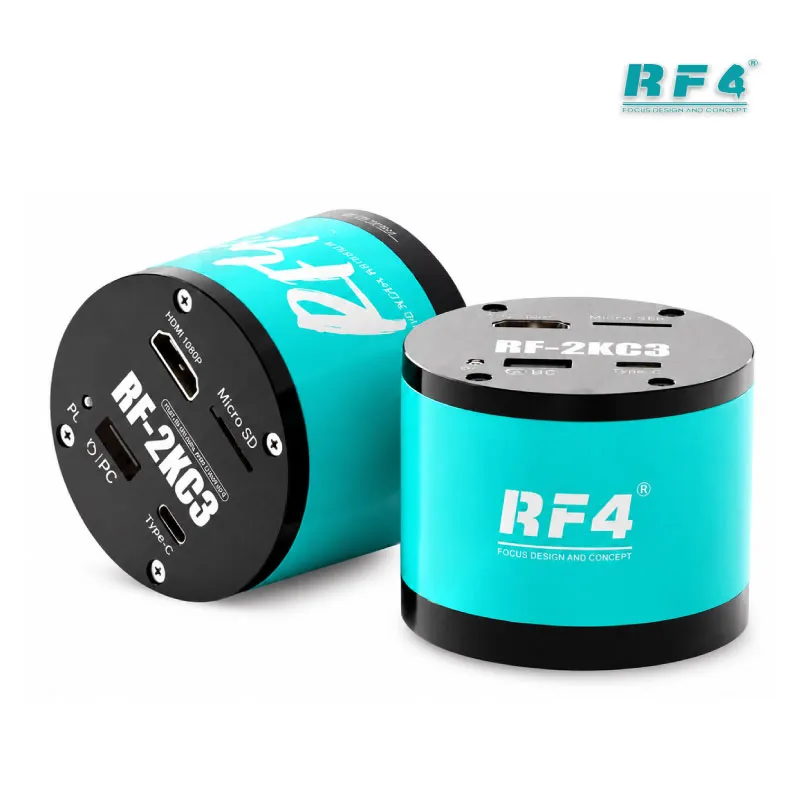
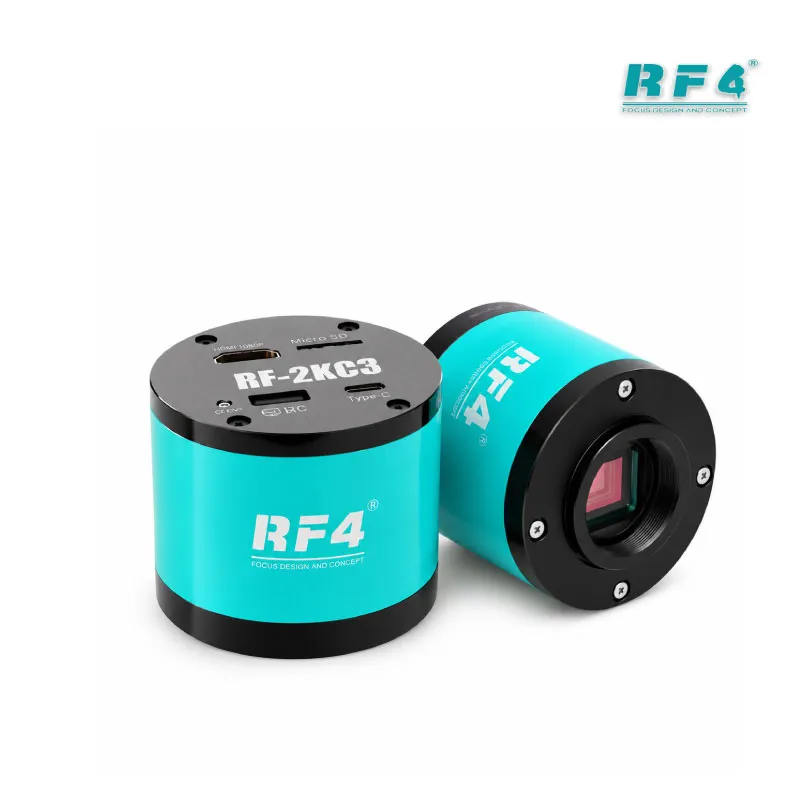
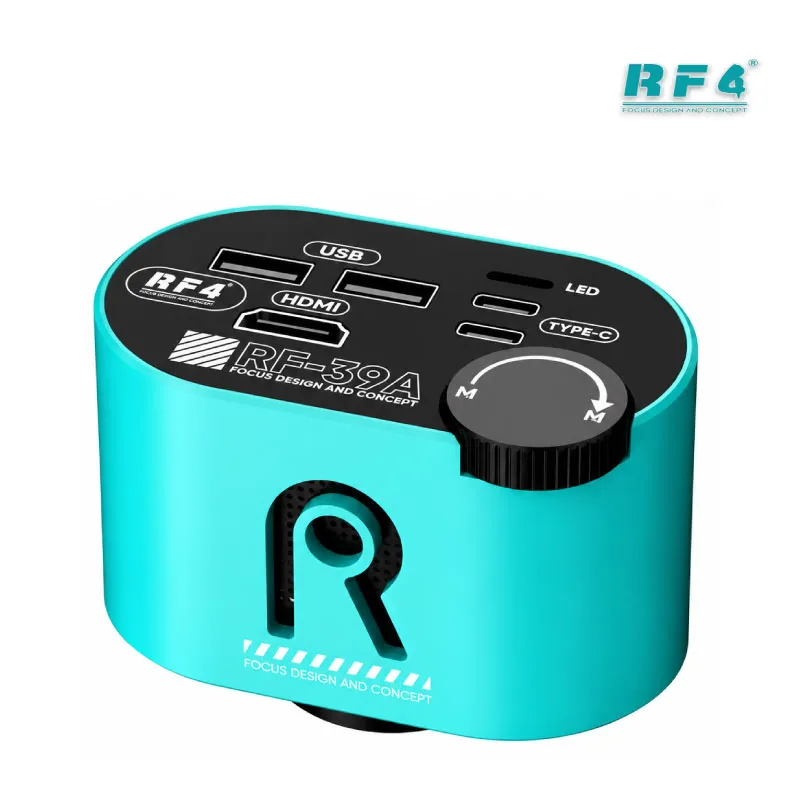
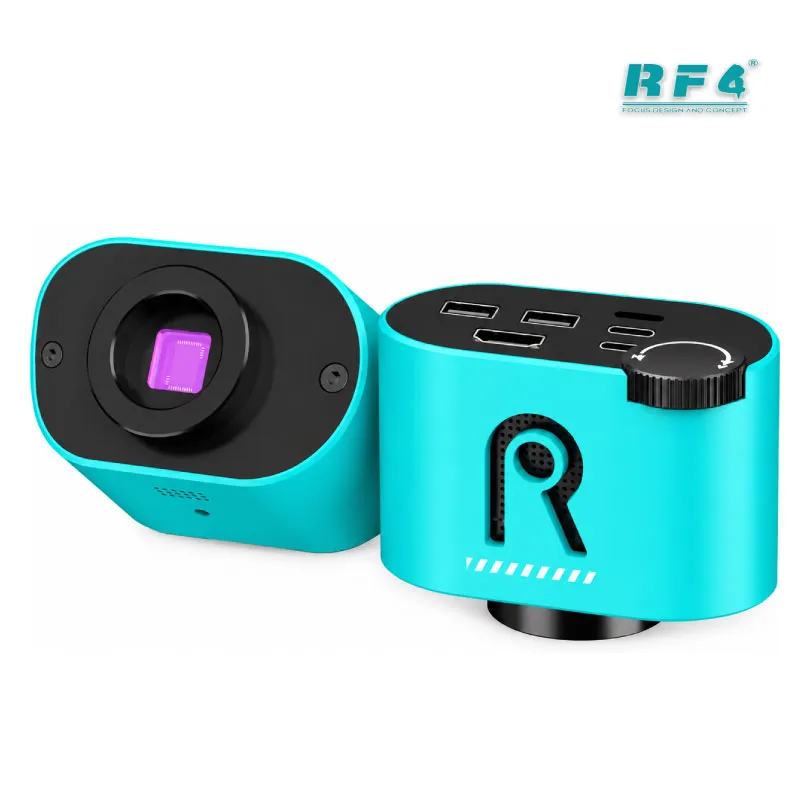
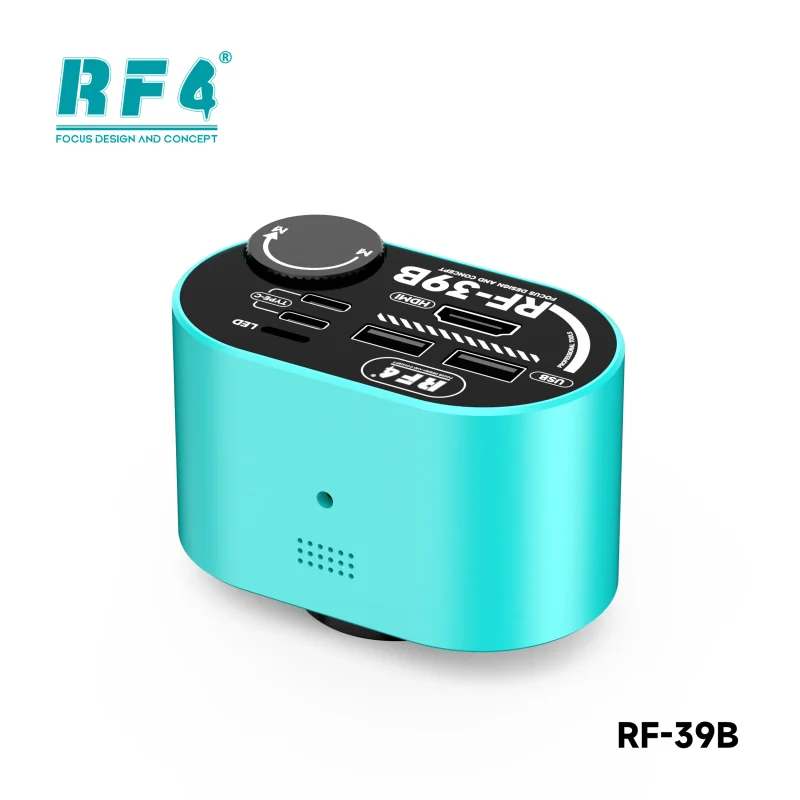
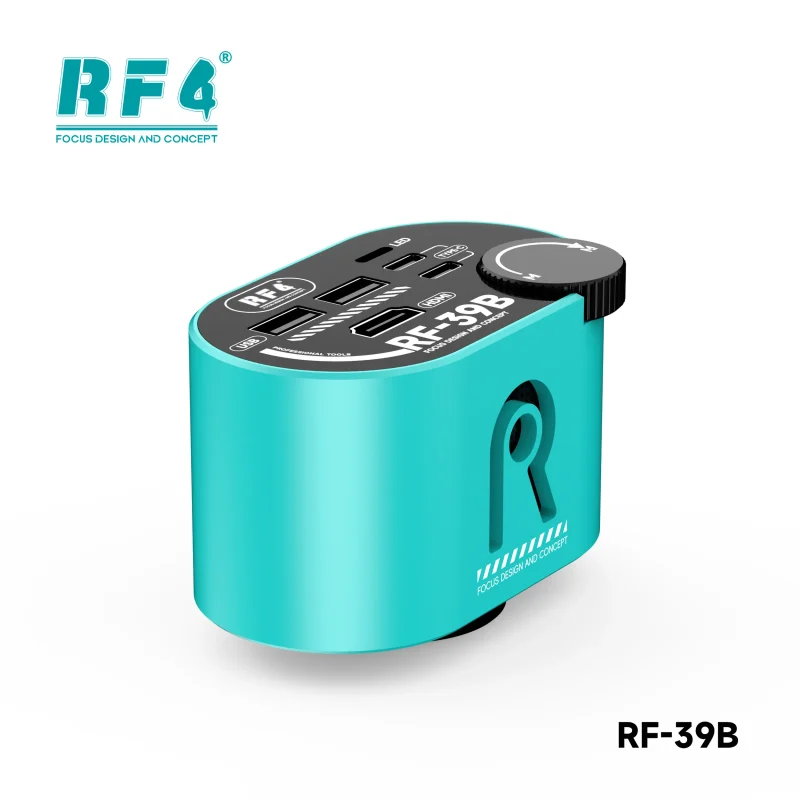
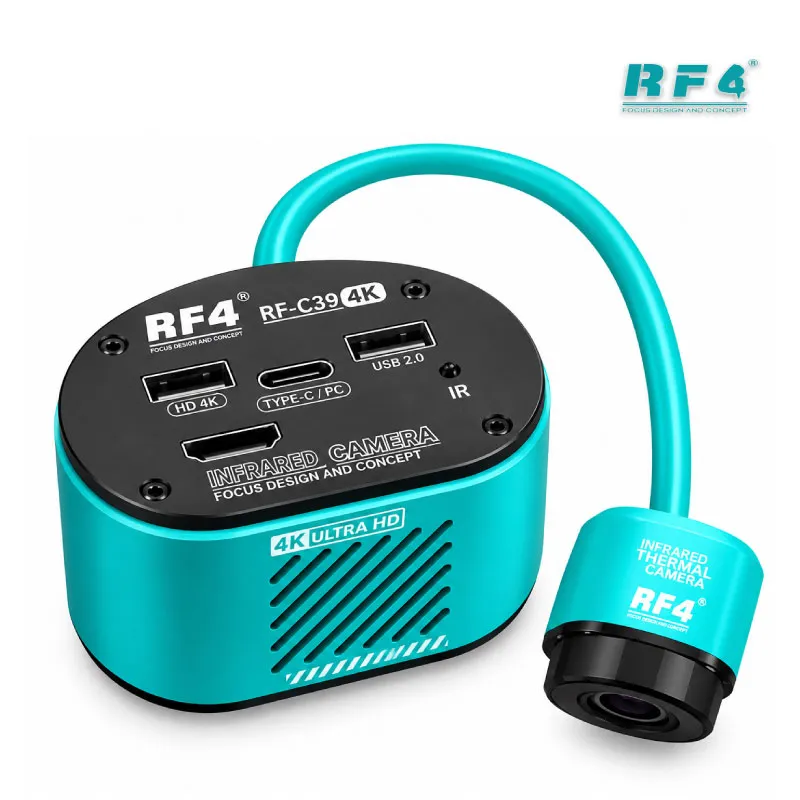
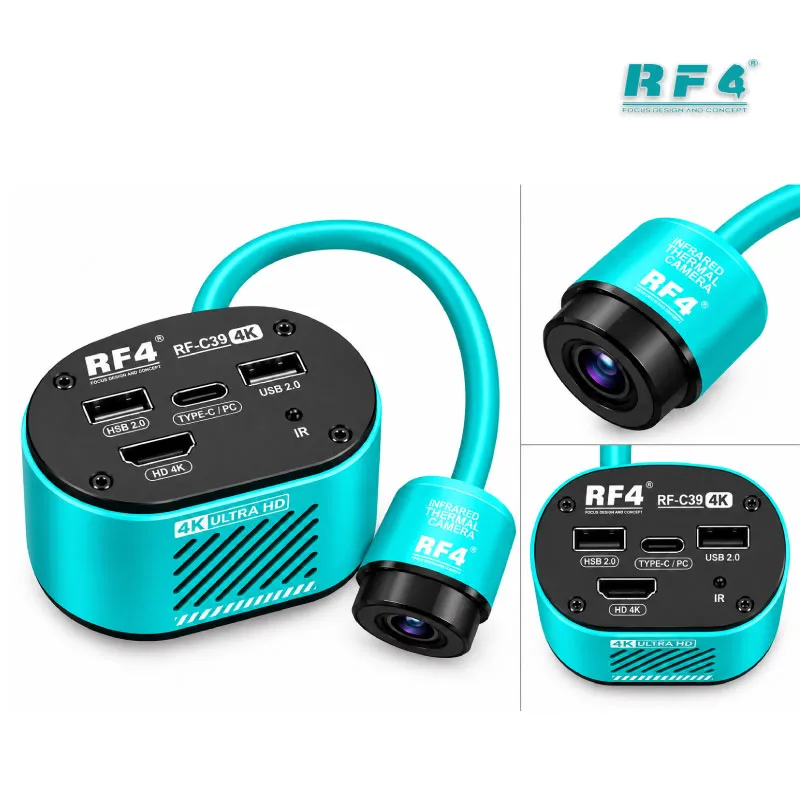
The RF4 RF-C39 dual spectrum thermal camera for microscope puts a 4K visible camera and an infrared thermal imager in one unit. Mount it on your trinocular stereo microscope through the CS interface and locate a shorted or heating component on a phone motherboard without leaving the bench. The 8.29MP Sony CMOS sensor drives HDMI output at 3840×2160 and 30 frames, or 1080P at 60 frames. The unit runs standalone from a Type-C 5V-2A supply, so you need no PC or phone. Use it for short circuit diagnosis, soldering inspection, and repair documentation.
| Weight | 1.5 kg |
|---|
10 in stock
Description
Dual Spectrum Thermal Camera for Microscope: Find the Short Before You Touch the Board
A dead phone with a short on the main power rail eats hours when you chase it with a multimeter alone. The RF4 RF-C39 dual spectrum thermal camera for microscope shortens that hunt. It puts an infrared thermal imager and a 4K visible camera in one body, so you see the hot component and the real board layout on the same screen. You power the board, read the heat, and aim the microscope at the exact spot. The unit mounts on a trinocular stereo microscope and outputs to an HDMI monitor. No PC or phone sits between you and the board.
Dual-Spectral Imaging for Short and Leakage Faults
Two imaging channels work together. The visible camera gives you a sharp, magnified view of the PCB. The infrared channel shows heat. Fusion mode merges both, so a hot spot lands on top of the actual component layout instead of floating on a blank thermal map. Full-screen freezing, left-right and up-down comparison, and 1/4 PIP let you hold a frame and compare the thermal view against the visible one.
Real-time localization matters most in mainboard leakage troubleshooting. A shorted capacitor or a failing IC heats under power, and you see it as it happens. Charging issue boards, no-power boards, and boards that draw current but stay dead all start with the same question: which part heats? This camera answers it before you lift a single component. You then decide whether the hardware fault sits on one part or runs deeper into the PCB.
Sensor, Output, and On-Screen Controls
The camera uses a 1/2.8-inch Sony CMOS sensor with 8.29 megapixels and 1.45µm pixels. A DSP handles 3D de-noise and restores colour and detail. HDMI output runs 3840×2160 at 30 frames or 1080P at 60 frames. Pick 4K when you document a repair. Pick 1080P at 60 frames when you move the board and need smooth motion.
White balance and exposure each offer one-click, automatic, and manual modes, and you can adjust red, green, and blue. Eight reference lines and a centre cross line help you align pads and judge placement. Colour, position, and thickness are adjustable. Mirror mode flips the image horizontally or vertically. The camera saves your parameter settings after shutdown, so you skip the setup on the next board.
Standalone Bench Workflow and Variant Choice
You operate the unit without a computer. Connect an HDMI display, power it through Type-C 5V-2A, and plug a mouse into one of the two USB 2.0 ports. A USB flash drive in the other port stores JPG photos and video. USB output also delivers 3840×2160 at 30 frames without a driver. The menu offers English, Chinese, Traditional Chinese, and Spanish, with English as the default.
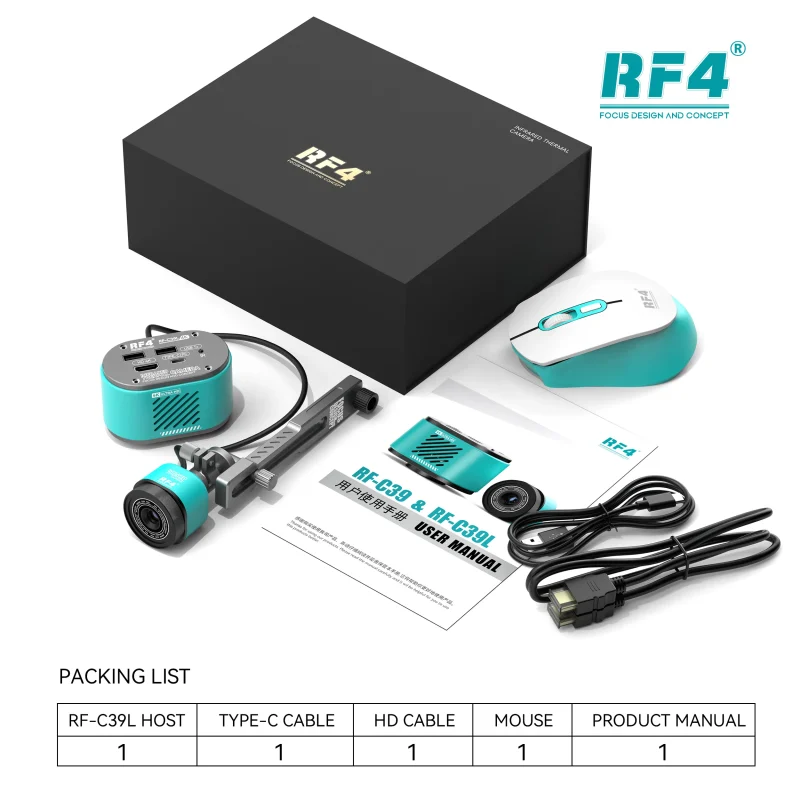
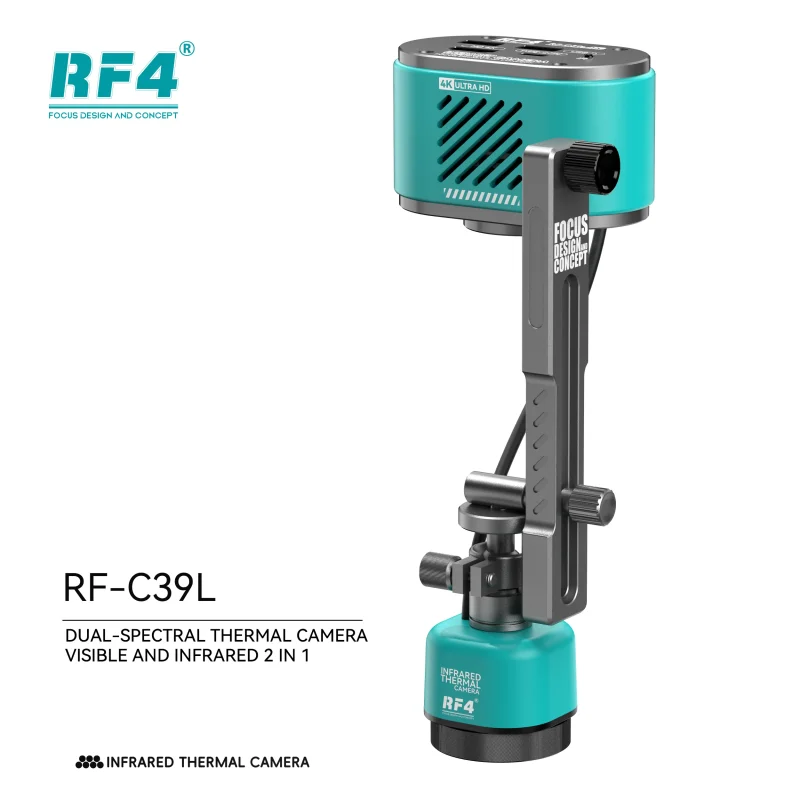
The lens interface is CS. Choose between two variants. The RF-C39 ships without a bracket. The RF-C39L adds a fixed bracket that lets you adjust angle and direction. The bracket carries a specific data cable, so it does not sell separately.
Where It Fits in Your Repair Workflow
Thermal diagnosis comes before IC change karna. Inject power, find the part that heats, then decide: shorted capacitor, failing IC, or board damage. Measure with a multimeter. Rework with a hot air station or soldering station. Hold the board steady in a PCB holder under the microscope. After the repair, record a photo or video for customer proof or workshop training.
Repair shops, service centers, and training institutes can build this routine around one camera. It covers phone motherboards, tablet boards, laptop boards, and smartwatch boards, plus soldering observation on any PCB under magnification. If you already run a trinocular microscope, this camera upgrades it into a diagnosis station.
Reviews (0)
Q & A
Please login to post questions
Key Features
- Dual-spectral thermal imager and 4K camera in one unit
- Fusion mode overlays heat on the visible board image
- 1/2.8-inch 8.29MP Sony CMOS sensor
- HDMI output at 3840×2160 (30 frames) and 1080P (60 frames)
- DSP image processing with 3D de-noise
- Freeze, left-right, up-down, and 1/4 PIP comparison views
- Eight reference lines and centre cross line, adjustable
- Standalone operation: USB flash drive storage and mouse control, no PC or phone
Specifications
| Brand | RF4 |
|---|---|
| Model | RF-C39 |
| Category | Microscope Cameras / Thermal Imaging Cameras |
| Compatibility | Trinocular stereo microscopes (CS lens interface); HDMI display output |
| Technology | Dual-spectral (visible + infrared thermal) imaging, 1/2.8-inch 8.29MP Sony CMOS sensor, DSP processing with 3D de-noise, fusion mode |
| Input Voltage | Type-C DC 5V-2A |
Common Repair Uses
- Locating short circuits on phone motherboards
- Mainboard leakage troubleshooting
- Finding overheating ICs and capacitors under power
- Diagnosing dead phone and charging issue boards
- PCB soldering observation under magnification
- Micro-soldering inspection before and after rework
- Comparing thermal and visible views with 1/4 PIP
- Recording repair photos and video for customers or training
Compatible Devices
- Phone motherboards
- Tablet motherboards
- Laptop motherboards
- Smartwatch boards
- Other electronic device PCBs
- Trinocular stereo microscopes with CS lens interface
- HDMI displays (3840×2160 at 30 frames, 1080P at 60 frames)
- USB flash drive and mouse via the two USB 2.0 ports
FAQ
What is the product name?
The product name is RF4 RF-C39 Dual Spectrum Thermal Camera for Microscope.
What is the brand of this product?
The brand of this product is RF4.
What is the model of this product?
The model of this product is RF-C39.
What is this product used for?
This product is used for locating short circuits and heating components on phone motherboards and for 4K PCB observation under a trinocular microscope.
Which devices are compatible with this product?
This product works on phone, tablet, laptop, and smartwatch motherboards, and mounts on trinocular stereo microscopes through a CS interface.
Who should use this product?
This product is suitable for mobile repair technicians, repair shops, service centers, and professional users.
Does the RF-C39 work without a computer or phone?
Yes. Connect an HDMI display, power the unit through Type-C 5V-2A, and use a mouse in a USB 2.0 port. A USB flash drive stores photos and video.
What is the difference between RF-C39 and RF-C39L?
The RF-C39L includes a fixed bracket with adjustable angle and direction. The RF-C39 has no bracket. The bracket includes a specific data cable and does not sell separately.


Reviews
There are no reviews yet.