


































Sold out
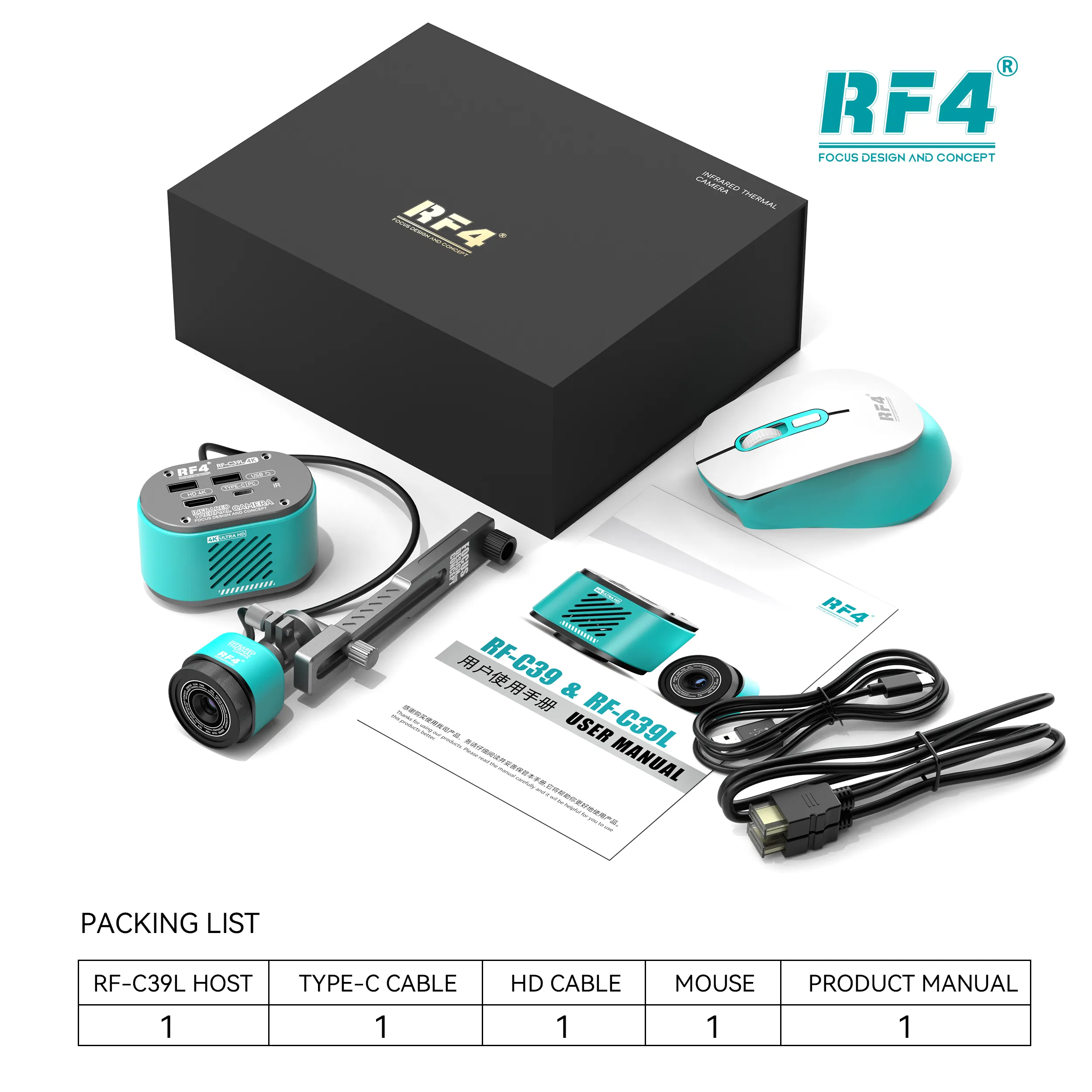
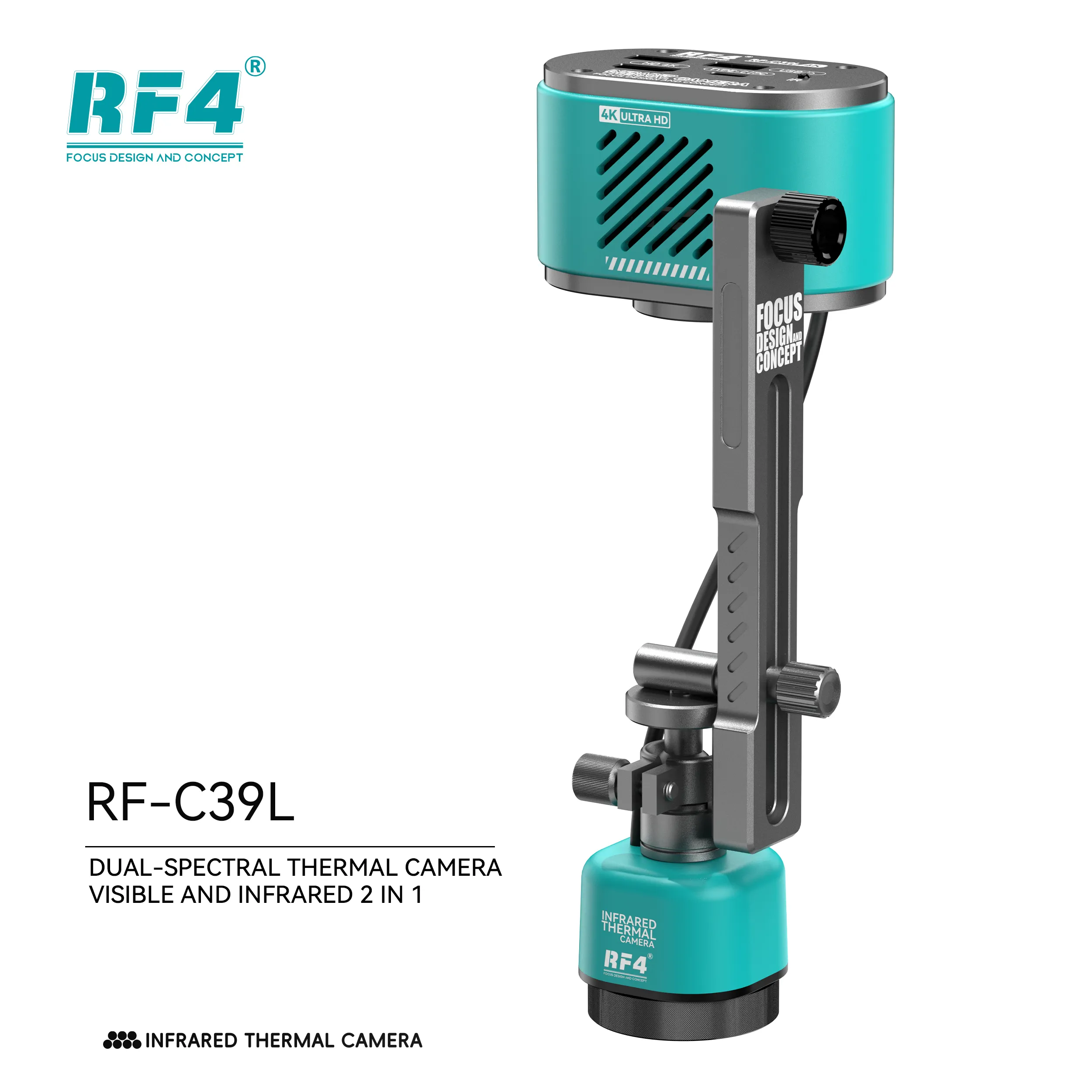
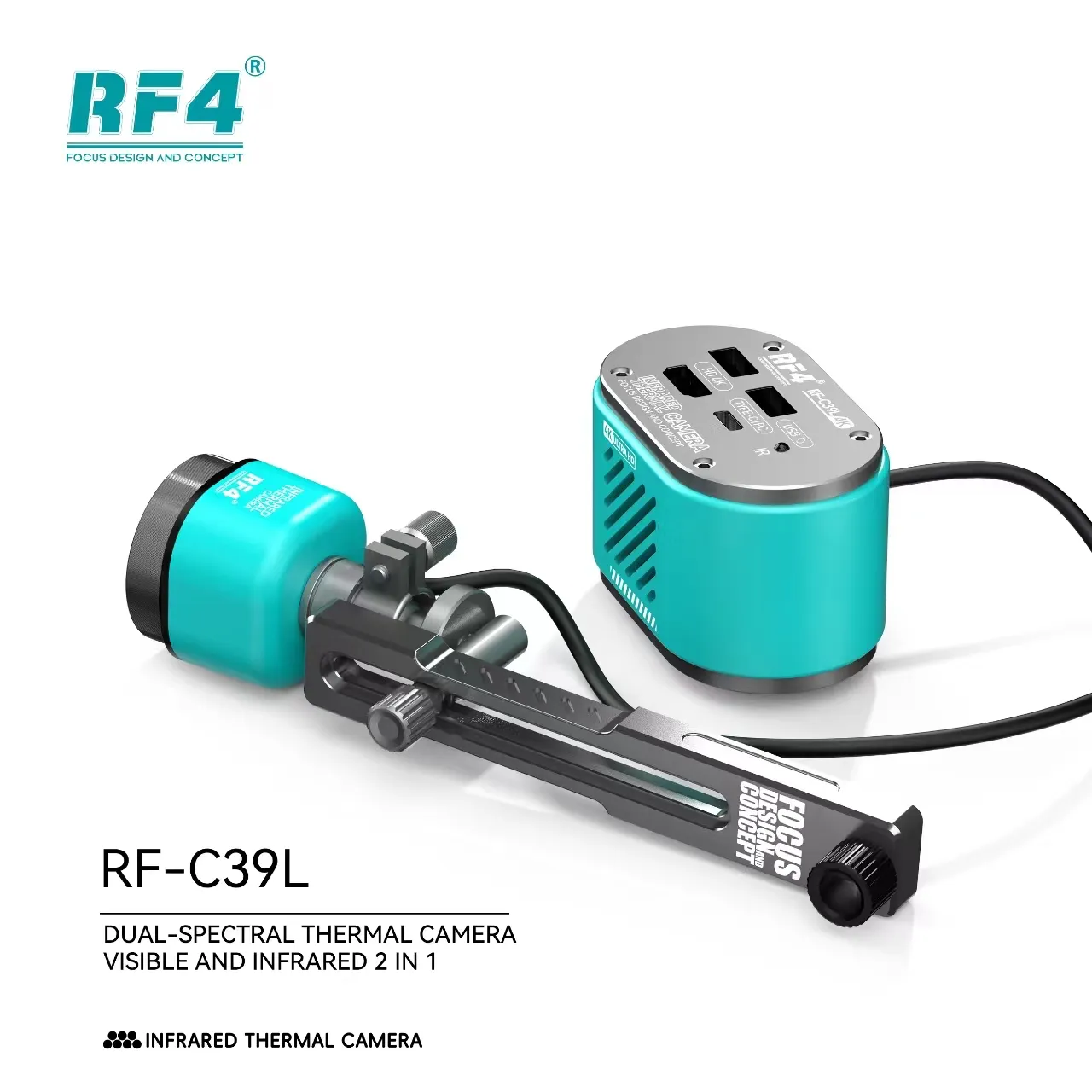
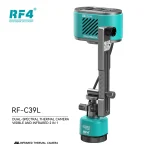
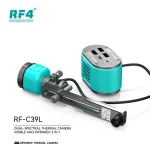
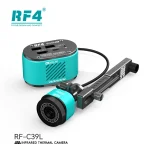
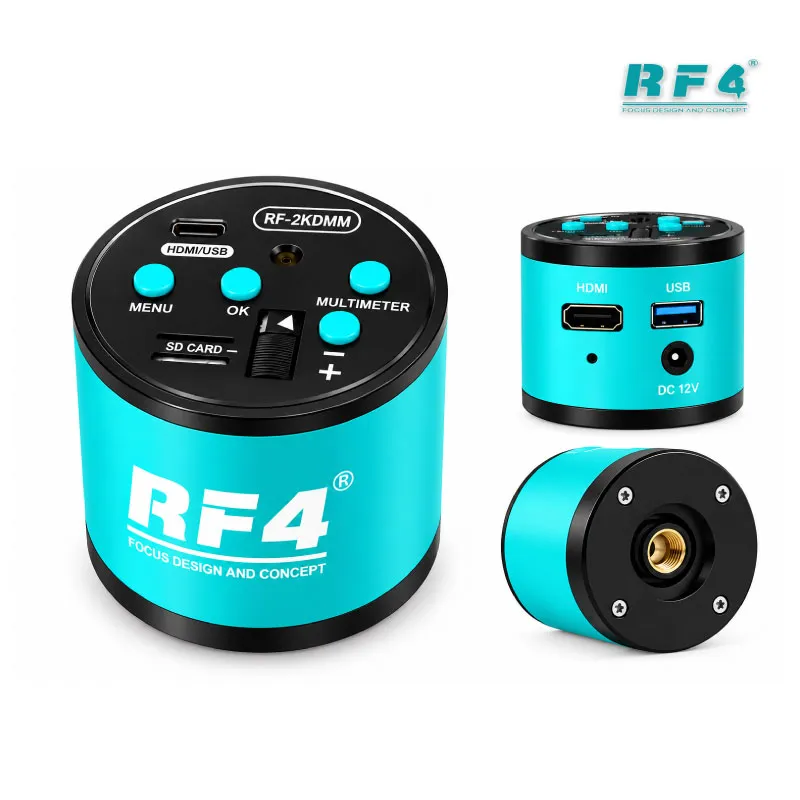
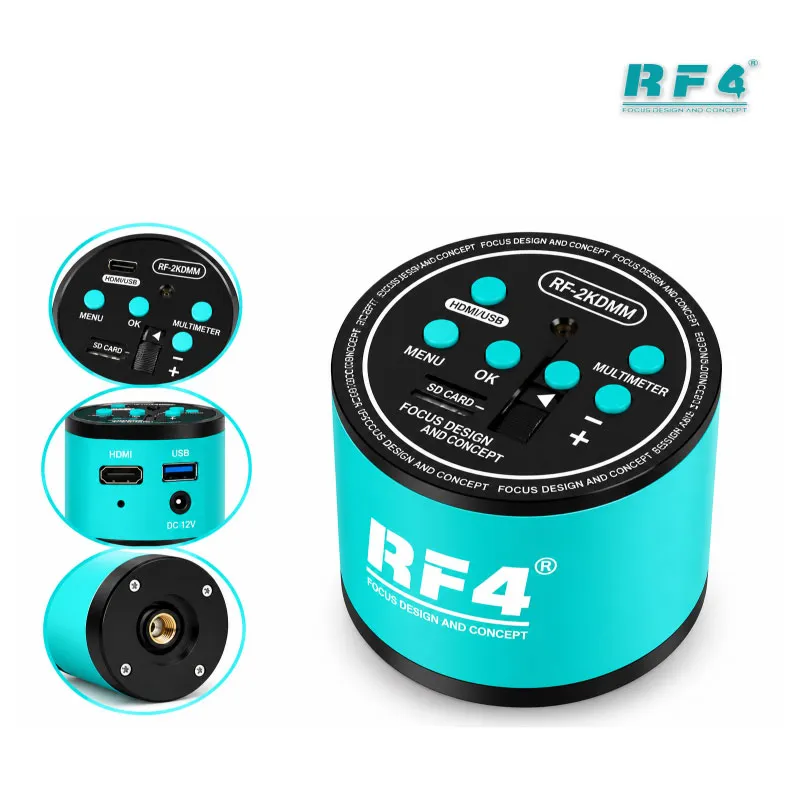
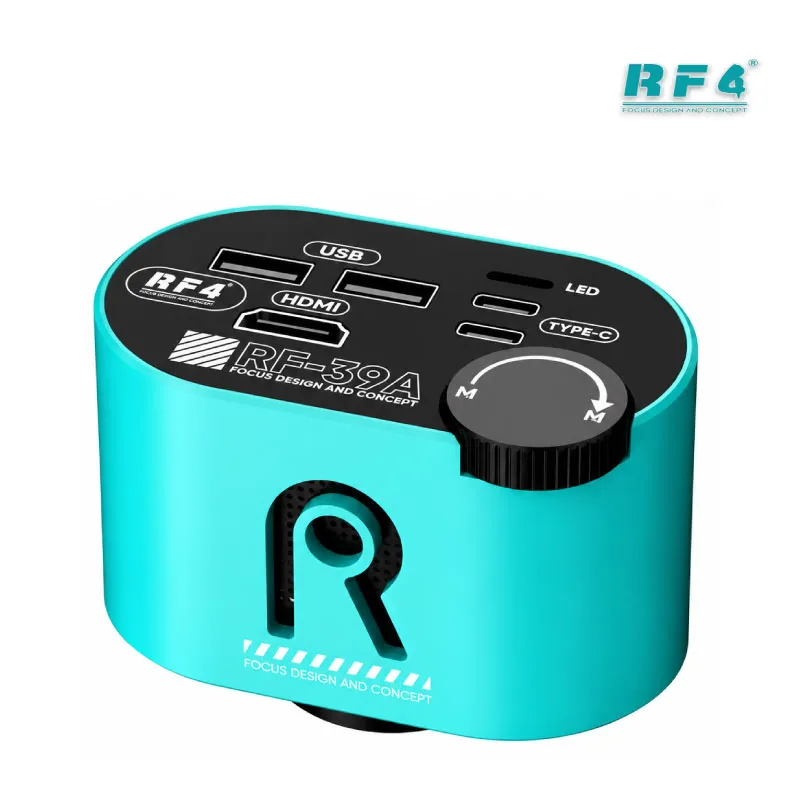
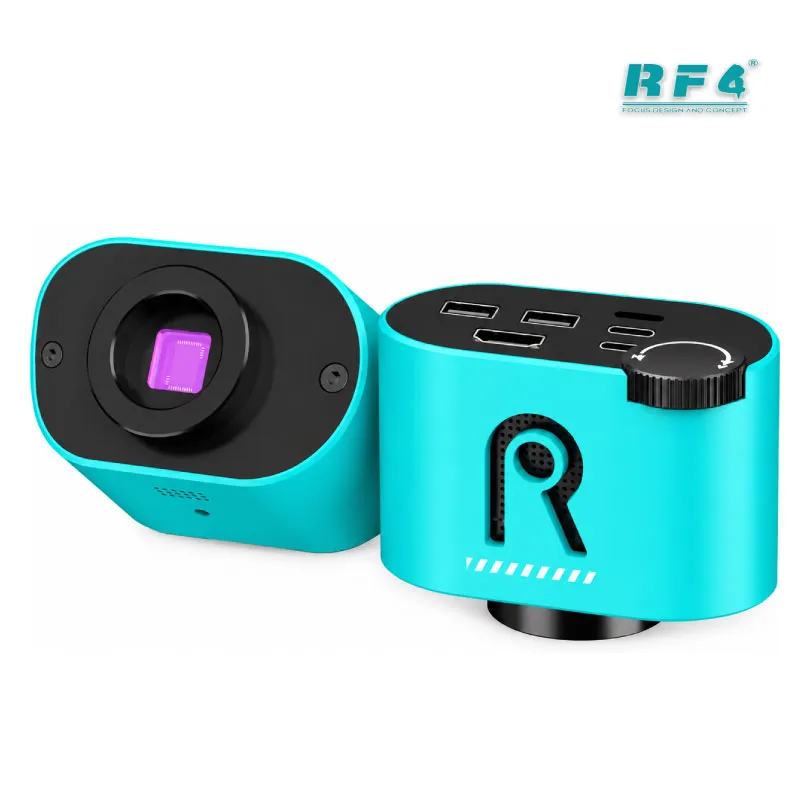
RF4 RF-C39L Dual Spectrum Thermal Camera 4K + Bracket
₨5,000
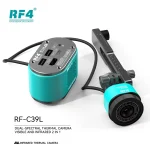
RF4 RF-C39L Dual Spectrum Thermal Camera With Fixed Bracket
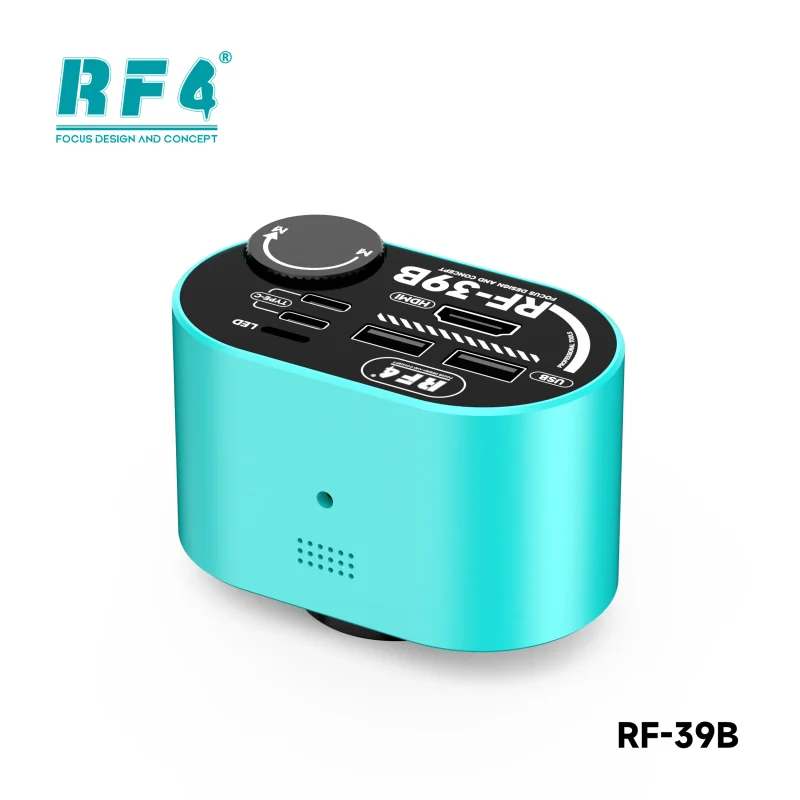
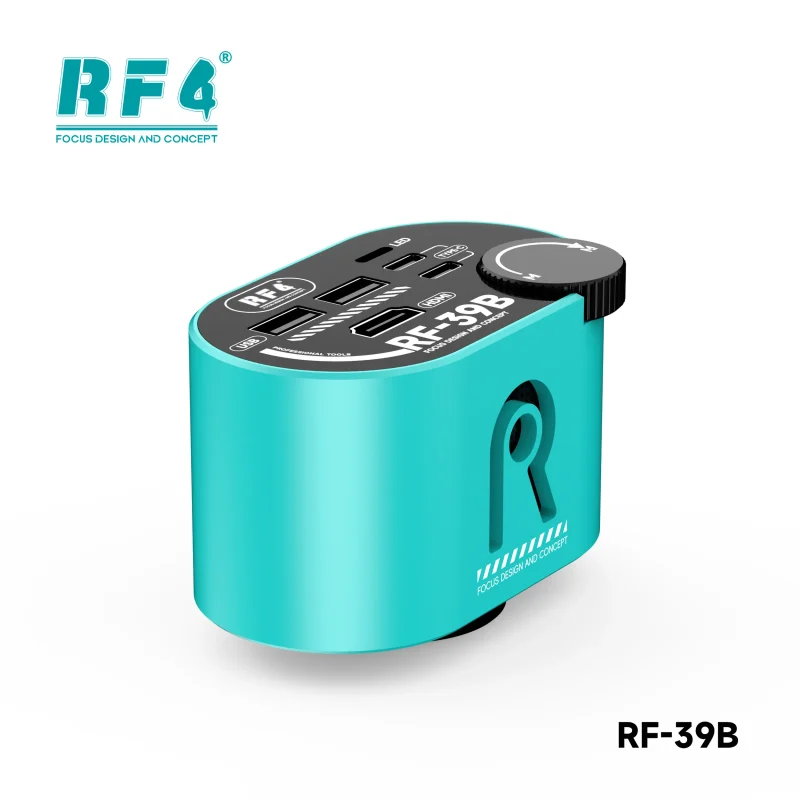
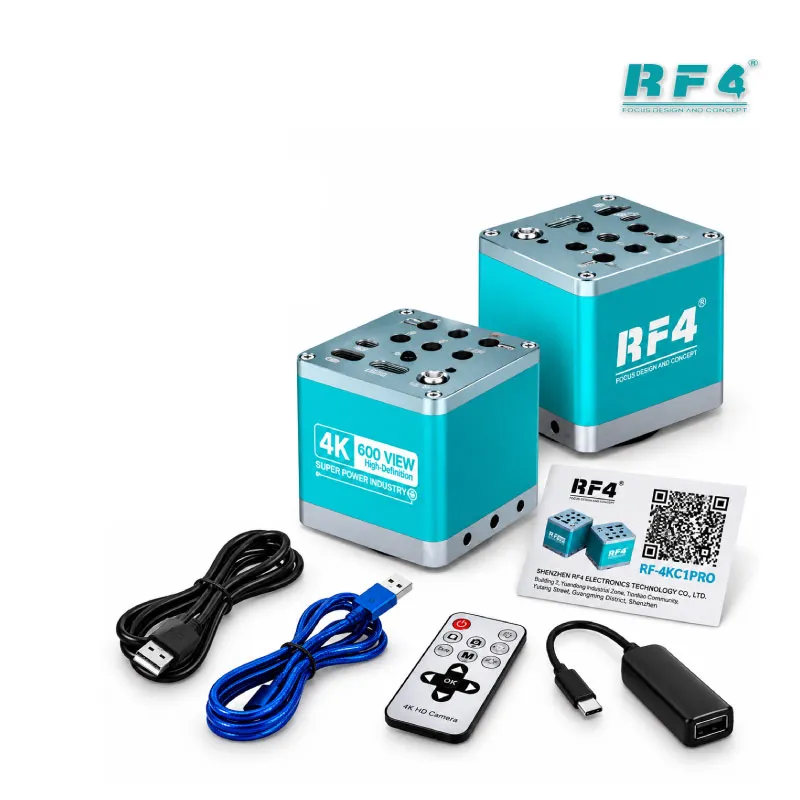
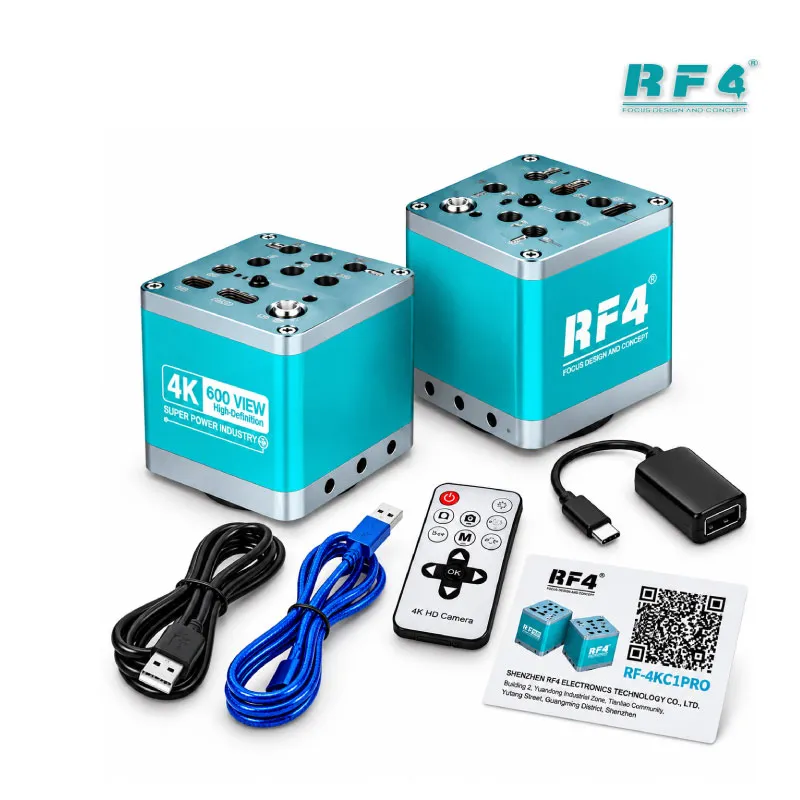
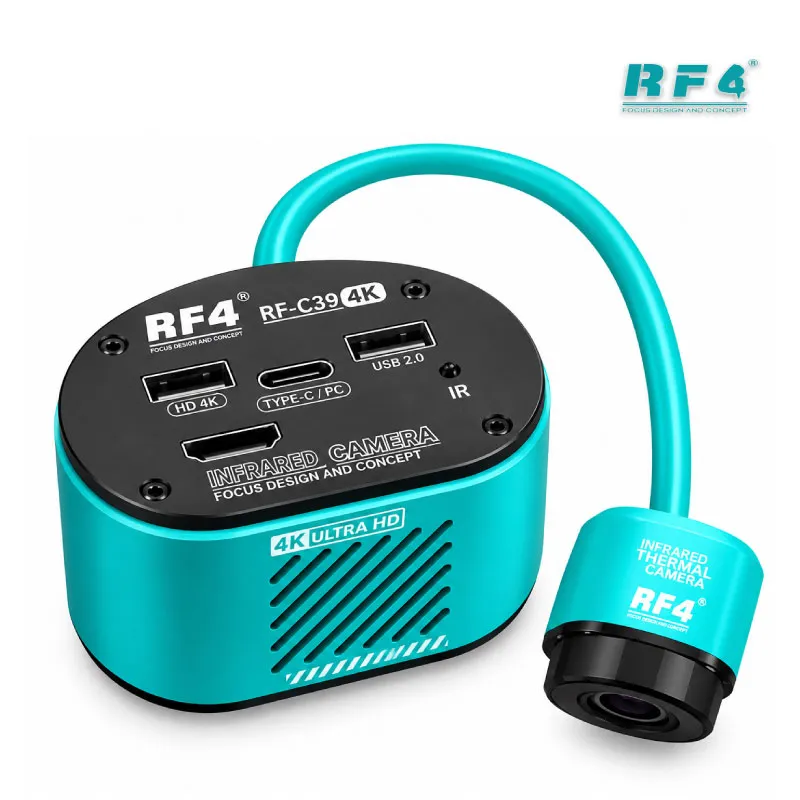
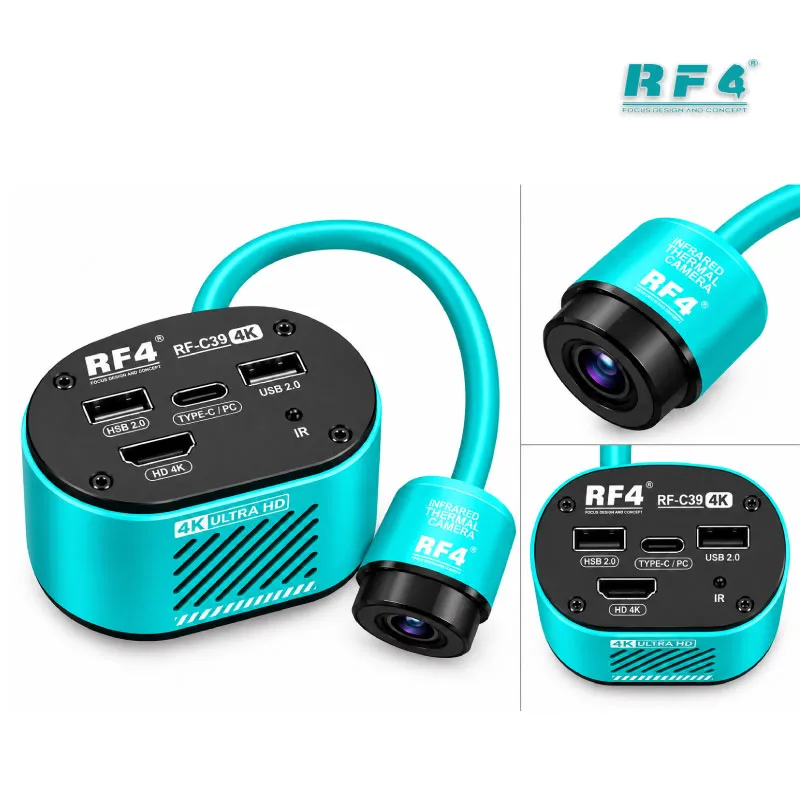
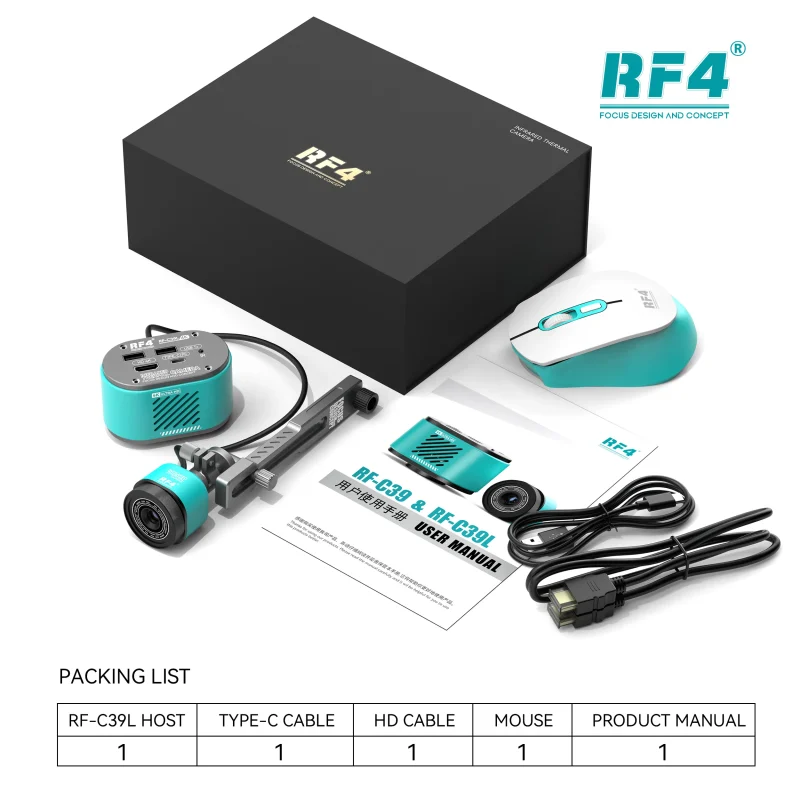
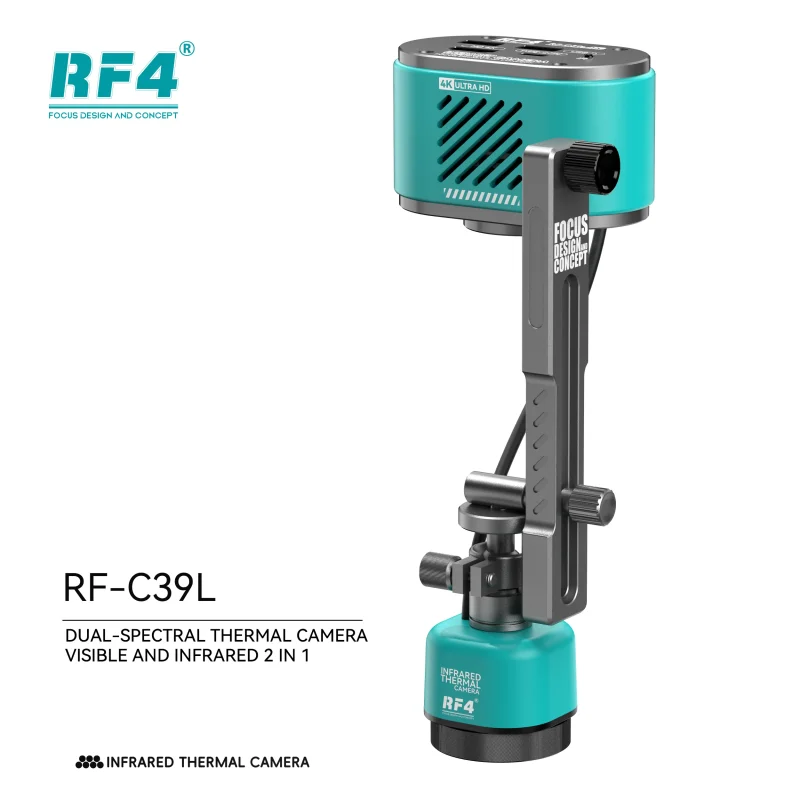
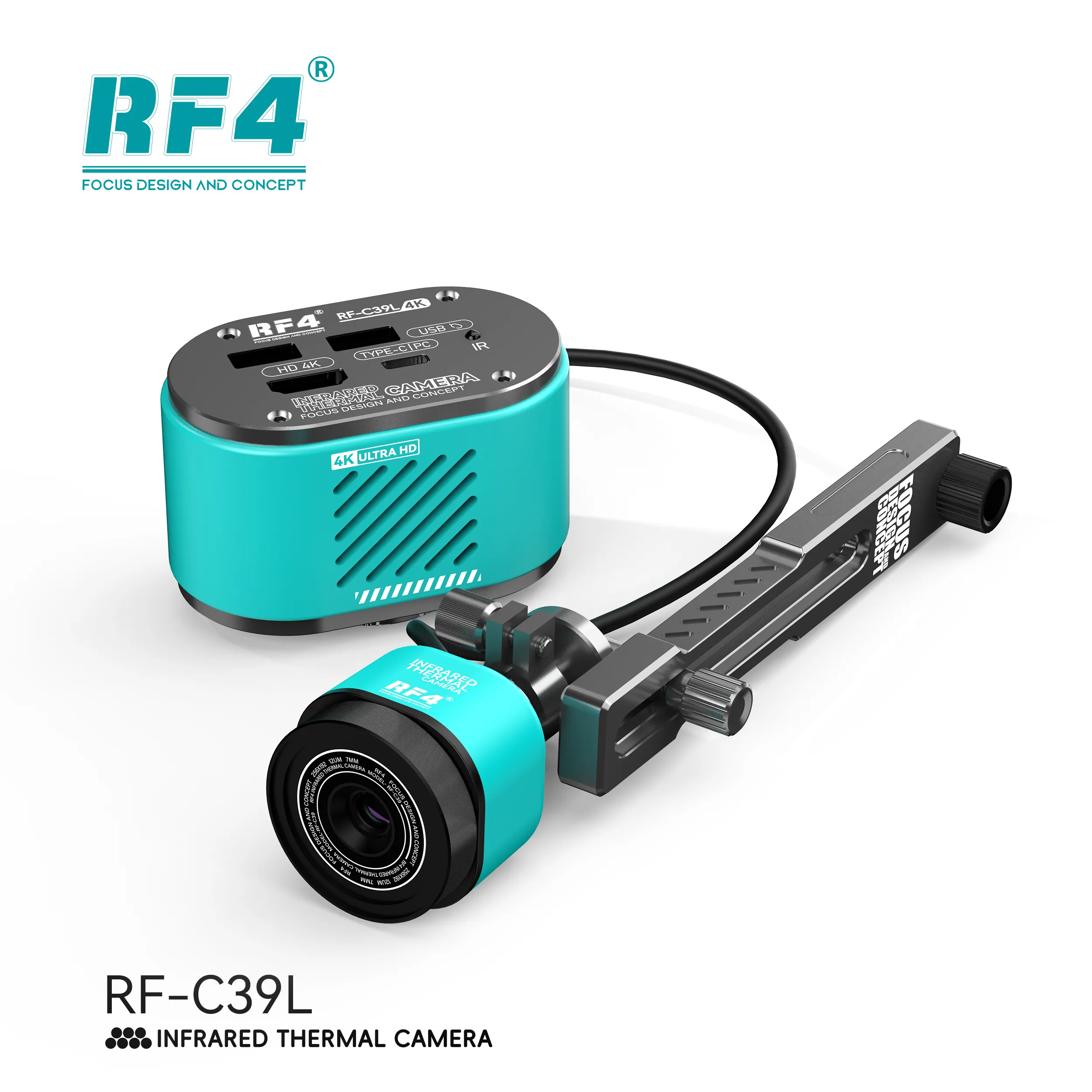
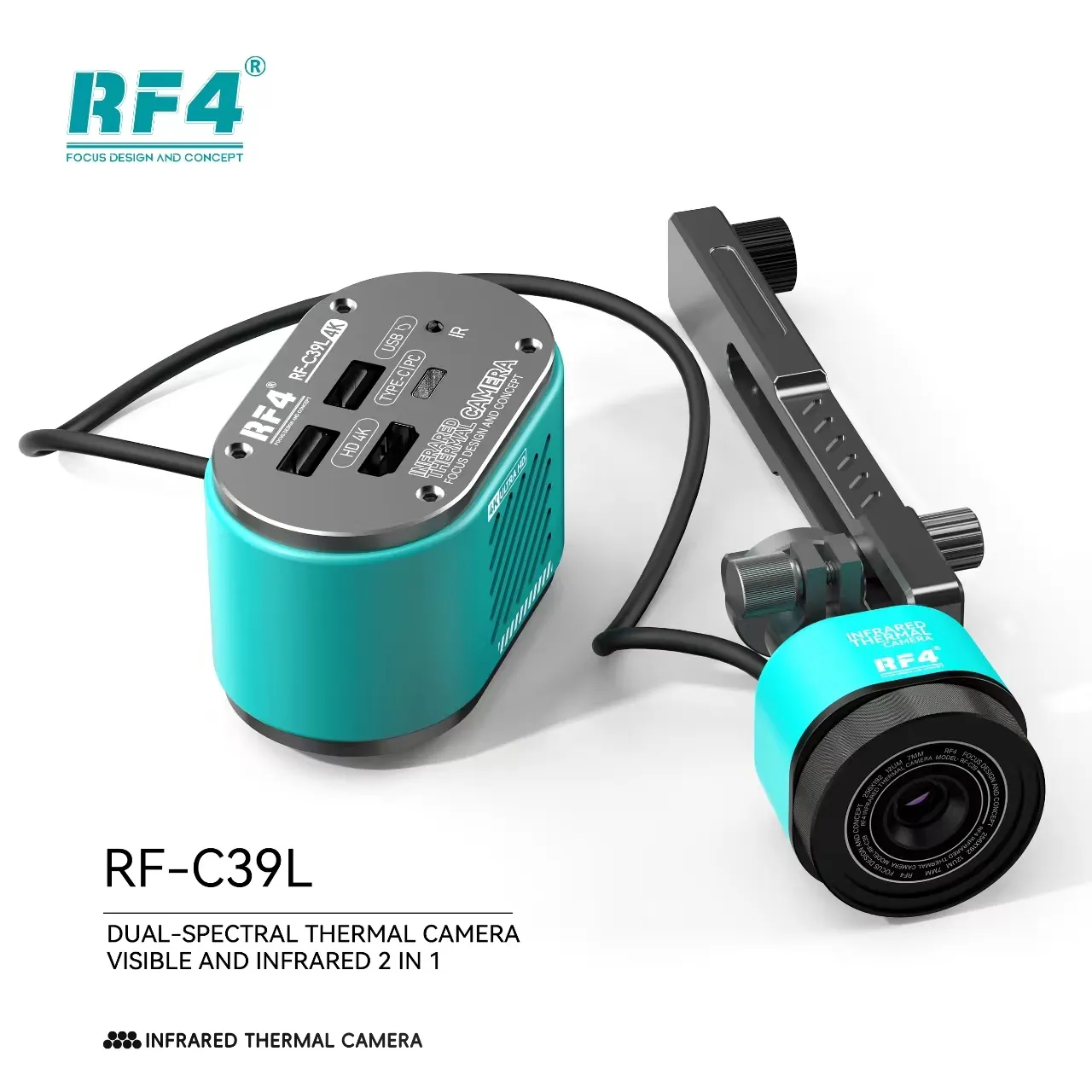
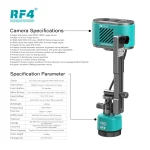
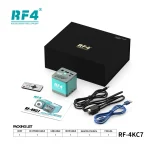
The RF4 RF-C39L puts a 4K microscope camera and an infrared thermal imager in one body. A 1/2.8-inch 8.29MP Sony CMOS sensor sends 3840×2160 at 30fps or 1080P at 60fps over HDMI. The thermal channel shows heating components on a shorted board in real time. The L version adds a fixed bracket with a built-in data cable, so you set the angle and direction once and keep both hands on the board. It needs no PC: you save photos and video straight to a USB flash drive and run the menu with a mouse. Built for board-level diagnosis on phones, tablets, and laptops.
| Weight | 1.3 kg |
|---|
Out of stock
Description
Dual Spectrum Thermal Camera for Board-Level Short Detection
A dual spectrum thermal camera speeds up the slowest part of board repair: finding the one shorted component on a crowded PCB. The RF4 RF-C39L pairs an infrared thermal imager with a 4K microscope camera. You switch between heat view and optical view without moving the board. Inject voltage, watch the heat spread, then zoom in on the exact capacitor or IC. The C39L adds a factory-fixed bracket that carries its own data cable. You set the angle once and the camera stays locked over your work area. This is a specialist diagnostic tool for technicians who open dead phone boards every day.
Dual Spectrum Thermal Camera: Two Channels, One Mount
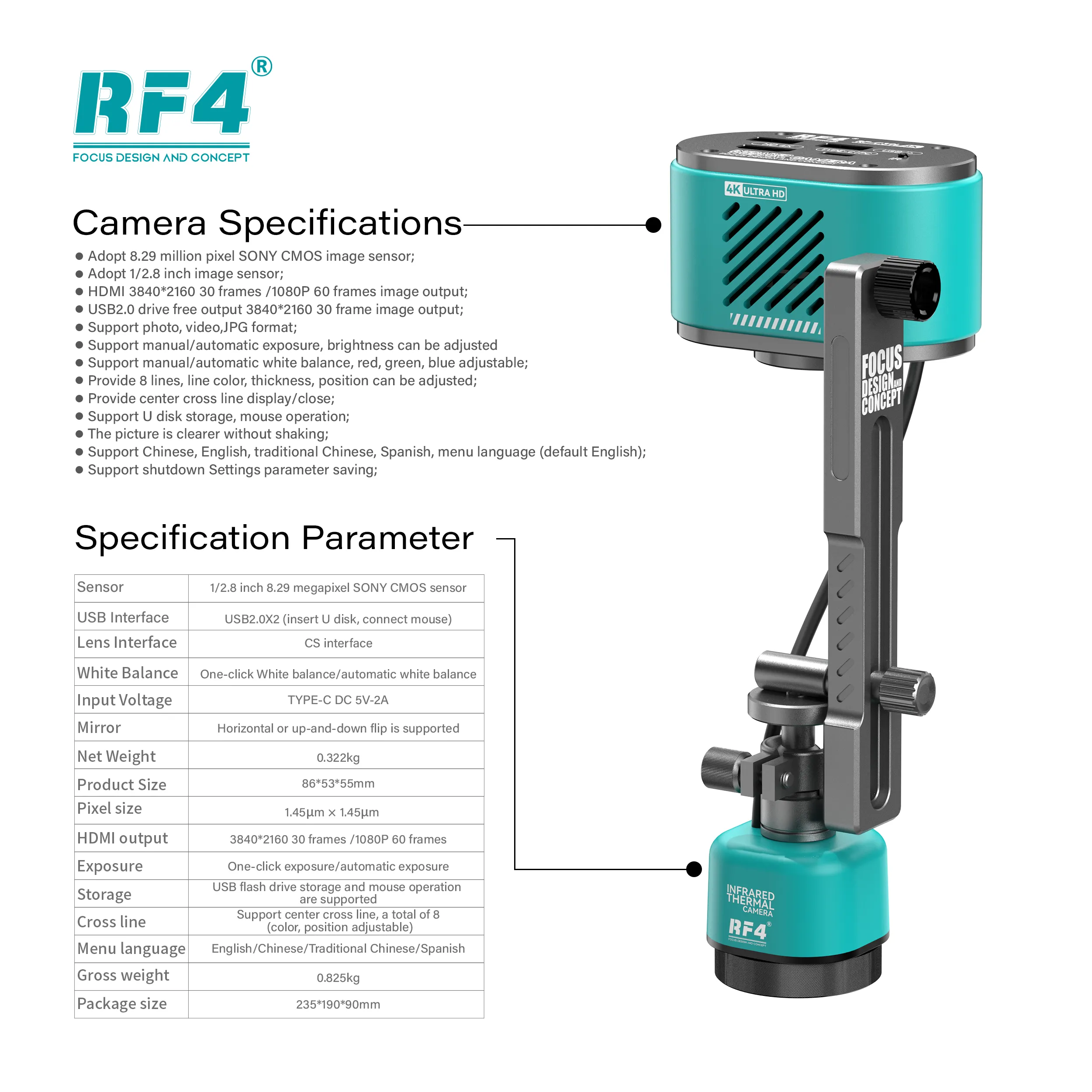
The visible channel uses a 1/2.8-inch Sony CMOS sensor with 8.29 megapixels and 1.45µm pixels. It outputs 3840×2160 at 30 frames per second, or 1080P at 60 frames, over HDMI. The infrared channel maps surface heat across the same field.
Fusion mode overlays thermal data on the HD image. A hot spot then lands on a component you can identify, not on a vague coloured patch. You read the heat and the part marking in one frame.
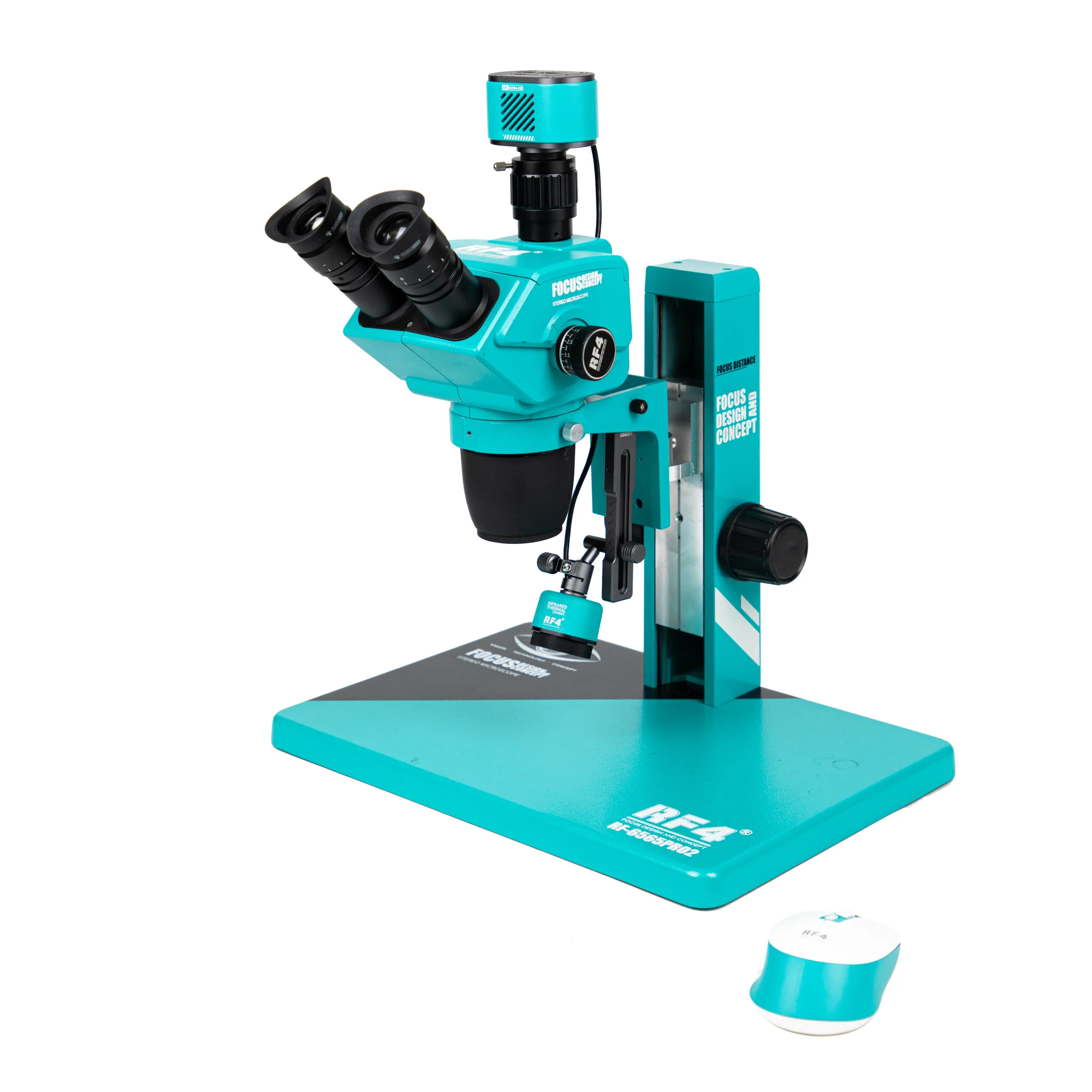
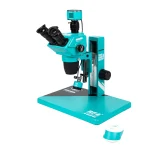
A CS lens interface mounts the RF4 RF-C39L on a trinocular stereo microscope. Your eyepieces stay free for soldering while the monitor shows the camera feed. One camera does both jobs, so you keep your bench clear of a second diagnostic device.
Short Circuit Hunting on a Dead Board
A shorted capacitor on the main power rail or a leaking PMIC pulls current and heats up before anything else on the board. Feed a controlled voltage from your DC power supply and watch the thermal view. The faulty part warms first. You find it in seconds instead of lifting shields and probing with a multimeter for half an hour.
The same method works on boards with a charging issue, a network section fault, or a hardware fault after liquid damage. It also helps on a dead phone that pulls current with no display. When you see the hot zone, switch to the 4K view. Read the component, check for corrosion, and plan the IC change karna or jumper lagana step before you pick up the hot air.
This is where a thermal imaging camera for mobile repair proves its value. It replaces guesswork with a direct visual answer. The tool works at board level, not device level, so it covers phone, tablet, laptop, and smartwatch motherboards equally.
4K Microscope Output and Image Control
The built-in DSP applies 3D noise reduction and true colour restoration. Solder joints, pads, and fine traces stay sharp at high magnification.
White balance offers one-click, automatic, and manual modes with separate red, green, and blue adjustment. Exposure works the same way: one-click, auto, or manual brightness. Eight reference lines and a centre cross line help you align parts and check placement. You set the colour, thickness, and position of each line.
The display supports full-screen freeze, horizontal and vertical mirror flip, and 1/4 picture-in-picture comparison. Freeze a known-good board, then compare it live against the faulty one. The camera saves your settings at power-off, so your bench profile loads the same way every morning.
Two USB 2.0 ports take a flash drive and a mouse. You capture JPG photos and video directly, with no PC or phone app. Recorded footage also gives you proof of work for customers and training material for junior technicians. The menu defaults to English, with Chinese, Traditional Chinese, and Spanish available.
Fixed Bracket and Bench Integration
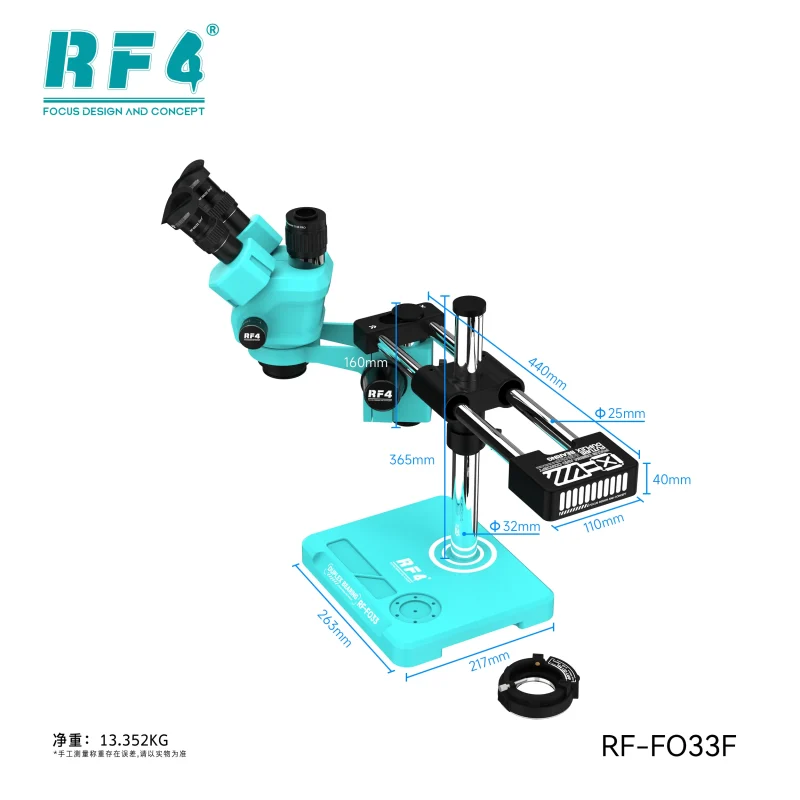
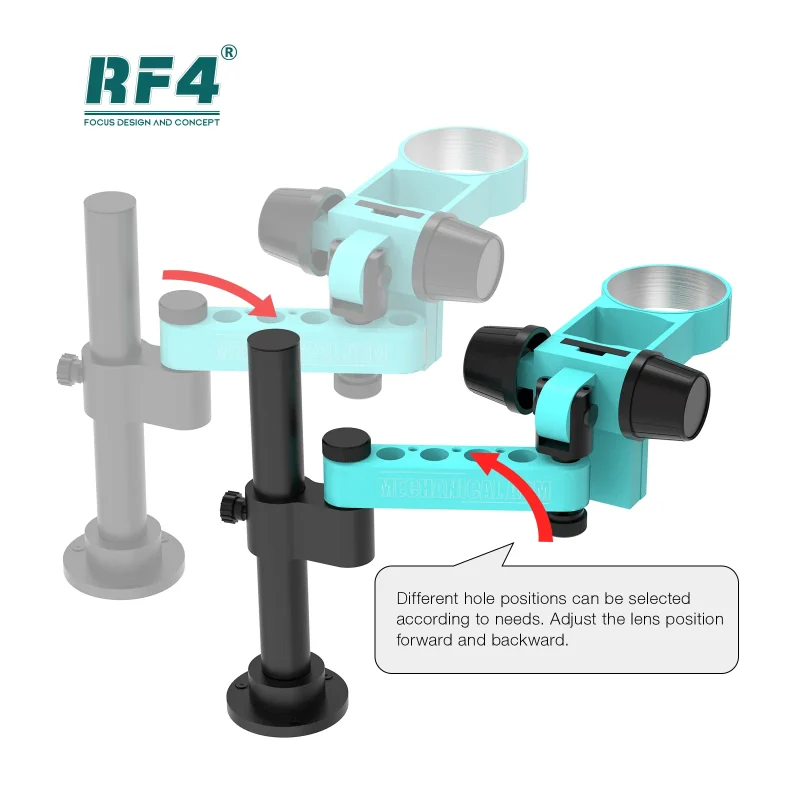
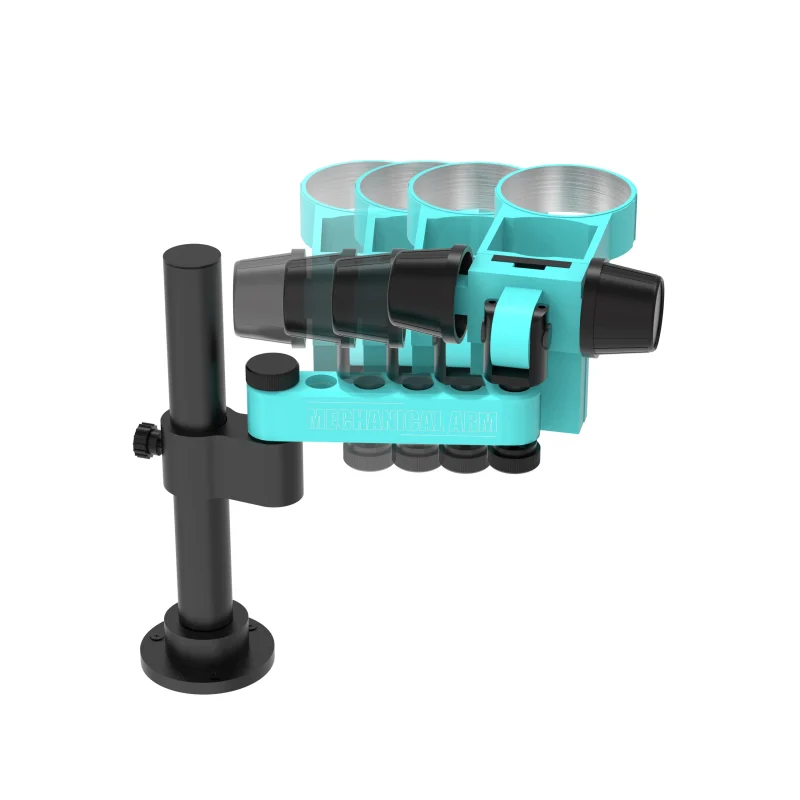
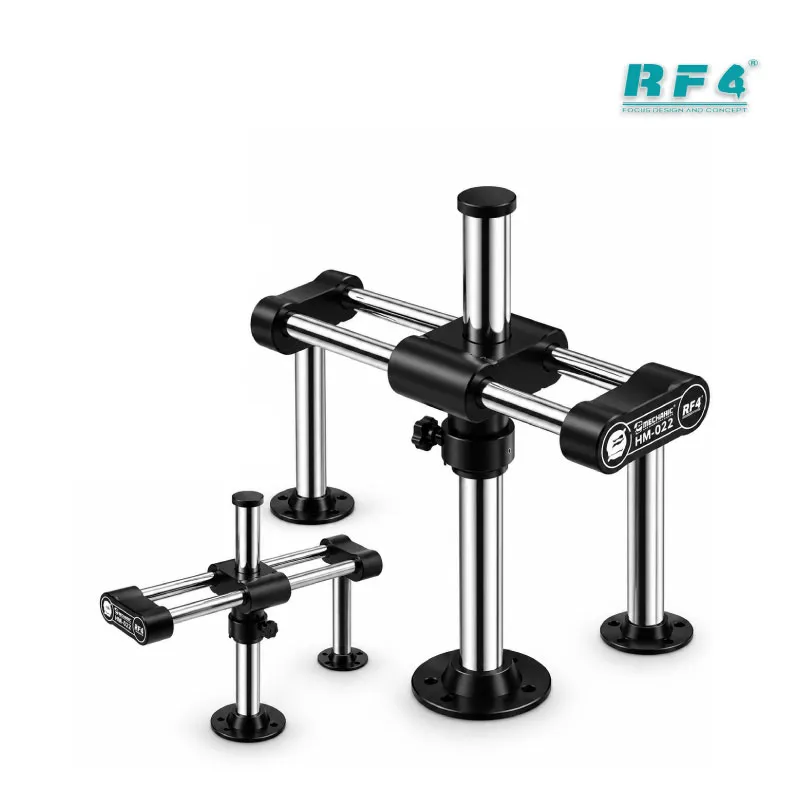
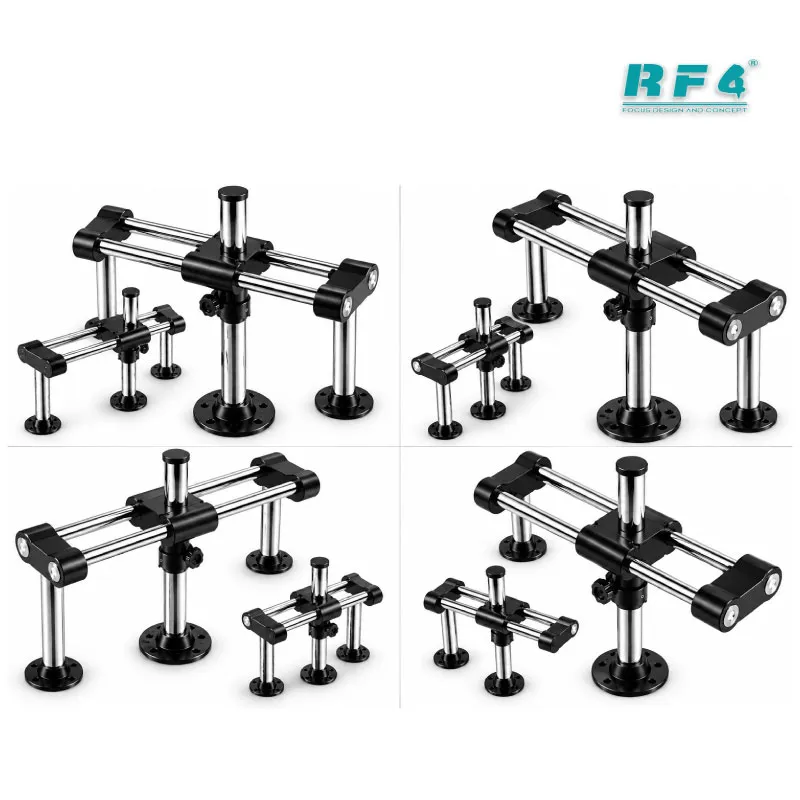
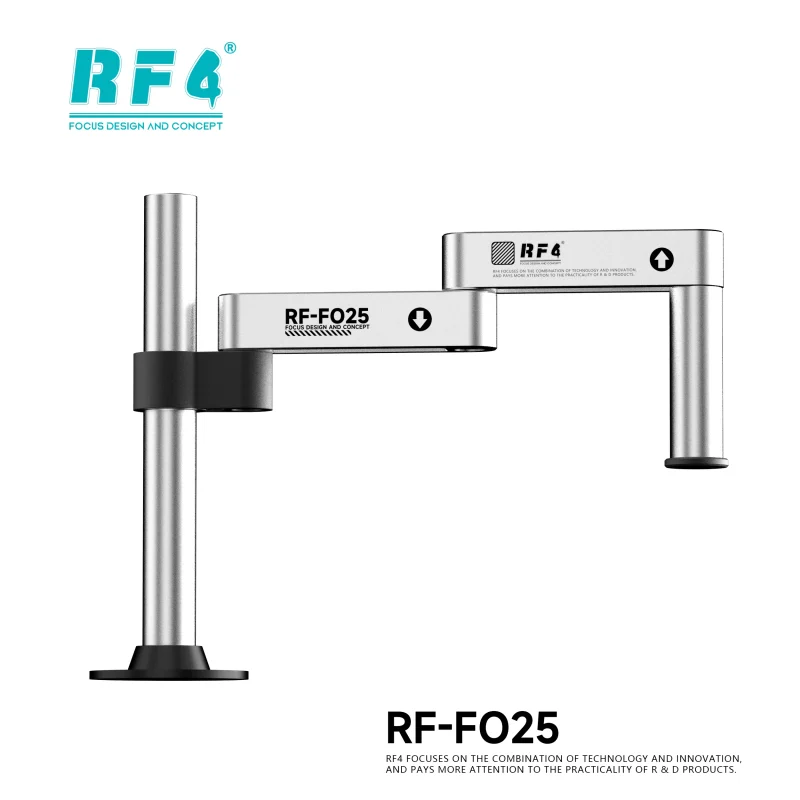
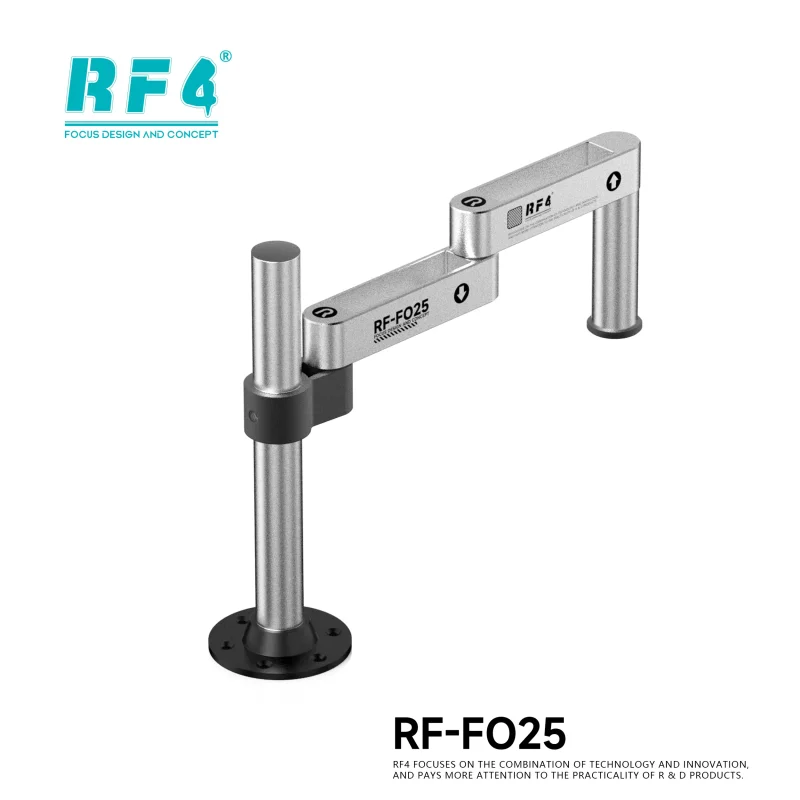
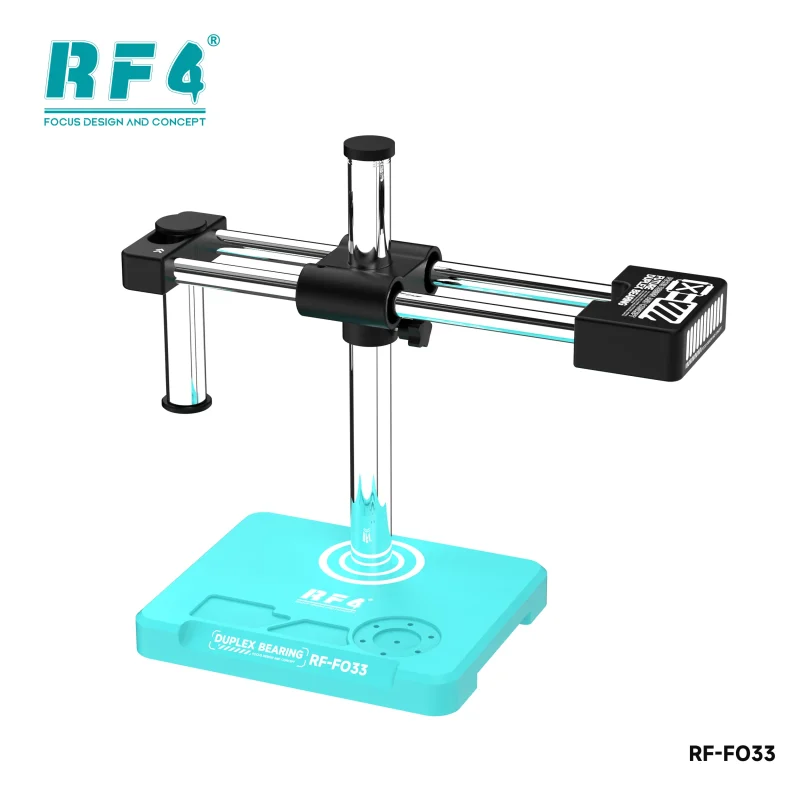
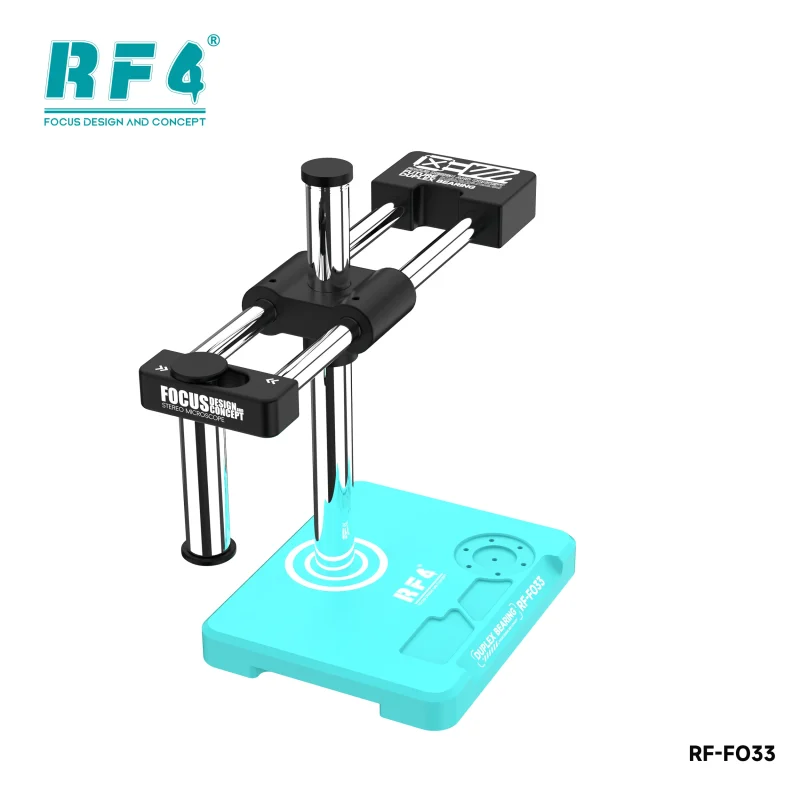
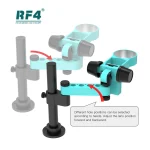
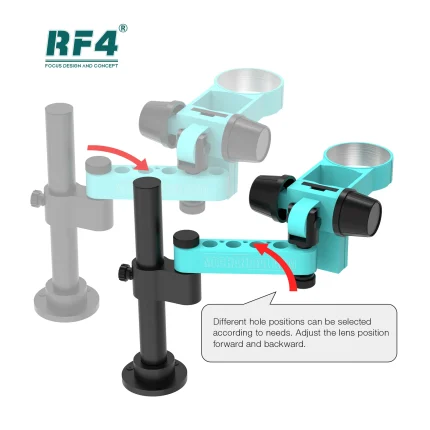
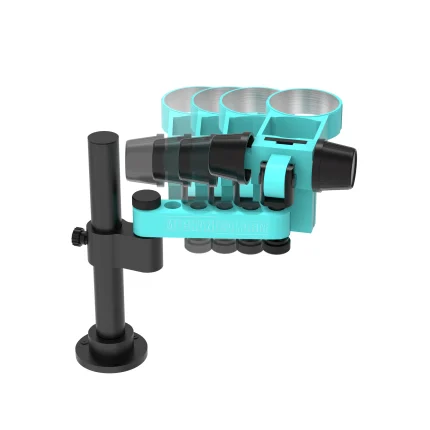
The RF-C39 and RF-C39L differ only in the bracket. The C39L comes with a fixed trestle that adjusts in angle and direction and runs the data cable internally. RF4 does not sell this bracket separately, because the cable runs inside it. If you want a clean, locked mount from day one, choose the L version.
The camera takes power through a Type-C 5V 2A input, so a standard adapter runs it on any bench.
Build the full diagnostic chain around it. Pair it with a trinocular microscope from our Microscopes range, a regulated DC power supply, and a digital multimeter for rail checks. After you find the fault, your hot air station, soldering station, reballing kit, and PCB holder handle the rework.
The upgrade path is direct. As your board-level workload grows, move this dual spectrum thermal camera to a higher-magnification trinocular microscope and keep the same thermal workflow.
Reviews (0)
Q & A
Please login to post questions
Key Features
- 2-in-1 4K microscope camera and infrared thermal imager
- Fusion mode overlays heat data on the HD image
- 1/2.8-inch 8.29MP Sony CMOS sensor with 1.45µm pixels
- HDMI output at 3840×2160 @ 30fps or 1080P @ 60fps
- Fixed adjustable bracket with internal data cable (C39L only)
- Standalone use: USB flash drive storage and mouse control, no PC
- Freeze, mirror flip, and 1/4 PIP comparison modes
- Eight adjustable reference lines plus centre cross line; settings saved at power-off
Specifications
| Brand | RF4 |
|---|---|
| Model | RF-C39L |
| Category | Microscope Camera / Thermal Imaging Camera |
| Compatibility | Trinocular stereo microscopes with CS lens interface |
| Supported Devices | Board-level use on mobile phones, tablets, laptops, and smartwatches |
| Technology | Dual-spectrum (visible + infrared thermal) imaging with fusion mode; 1/2.8-inch 8.29MP Sony CMOS sensor; HDMI output 3840×2160 @ 30fps and 1080P @ 60fps; 2× USB 2.0 (flash drive, mouse) |
| Input Voltage | Type-C DC 5V 2A |
Common Repair Uses
- Locating shorted capacitors on a dead phone board
- Finding a leaking PMIC or power IC through heat
- Diagnosing current draw on charging issue boards
- Tracing faults in the network section after liquid damage
- Inspecting solder joints before and after an IC change
- Comparing good and faulty boards with freeze and PIP
- Post-rework heat check after IC replacement
- Recording repair photos and video for customers and training
Compatible Devices
- Trinocular stereo microscopes (camera port)
- CS-interface lens setups
- 4K and 1080P HDMI monitors
- Android smartphone motherboards
- iPhone motherboards
- Tablet and iPad motherboards
- Laptop motherboards
- Smartwatch boards
FAQ
What is the product name?
The product name is RF4 RF-C39L Dual Spectrum Thermal Camera.
What is the brand of this product?
The brand of this product is RF4.
What is the model of this product?
The model of this product is RF-C39L.
What is this product used for?
This product is used for locating shorted and overheating components on motherboards with thermal imaging and for 4K microscope photo and video inspection.
Which devices are compatible with this product?
This product is compatible with trinocular stereo microscopes that use a CS lens interface and works at board level on phones, tablets, laptops, and smartwatches.
Who should use this product?
This product is suitable for mobile repair technicians, repair shops, service centers, and professional users.
What is the difference between RF4 RF-C39 and RF-C39L?
The RF-C39L includes a fixed bracket that adjusts in angle and direction and carries the data cable inside it. The RF-C39 has no bracket. RF4 does not sell the bracket separately.
Does the RF4 RF-C39L need a computer to find short circuits?
No. The camera connects to a monitor over HDMI, saves photos and video to a USB flash drive, and runs its menu with a USB mouse.



Reviews
There are no reviews yet.