























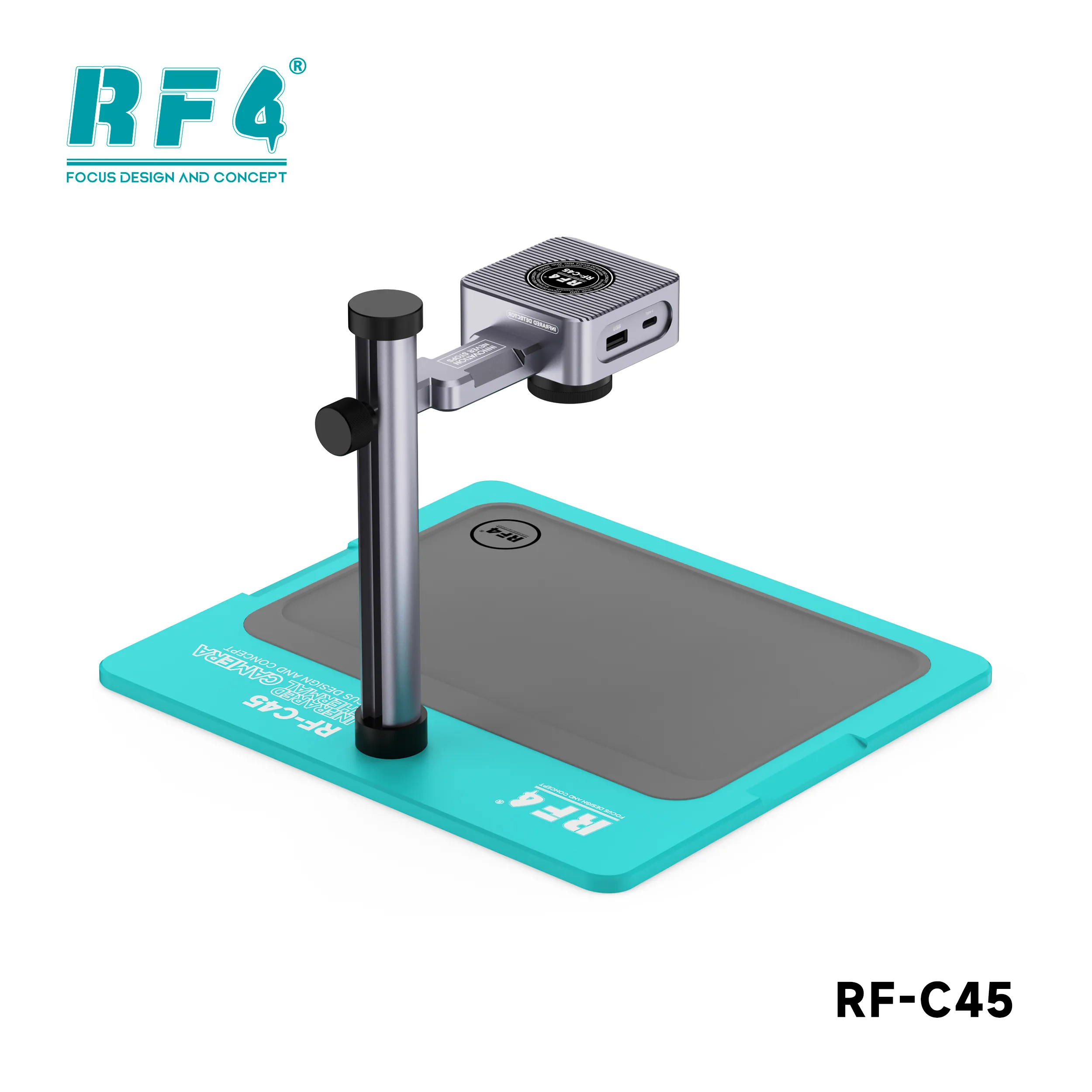
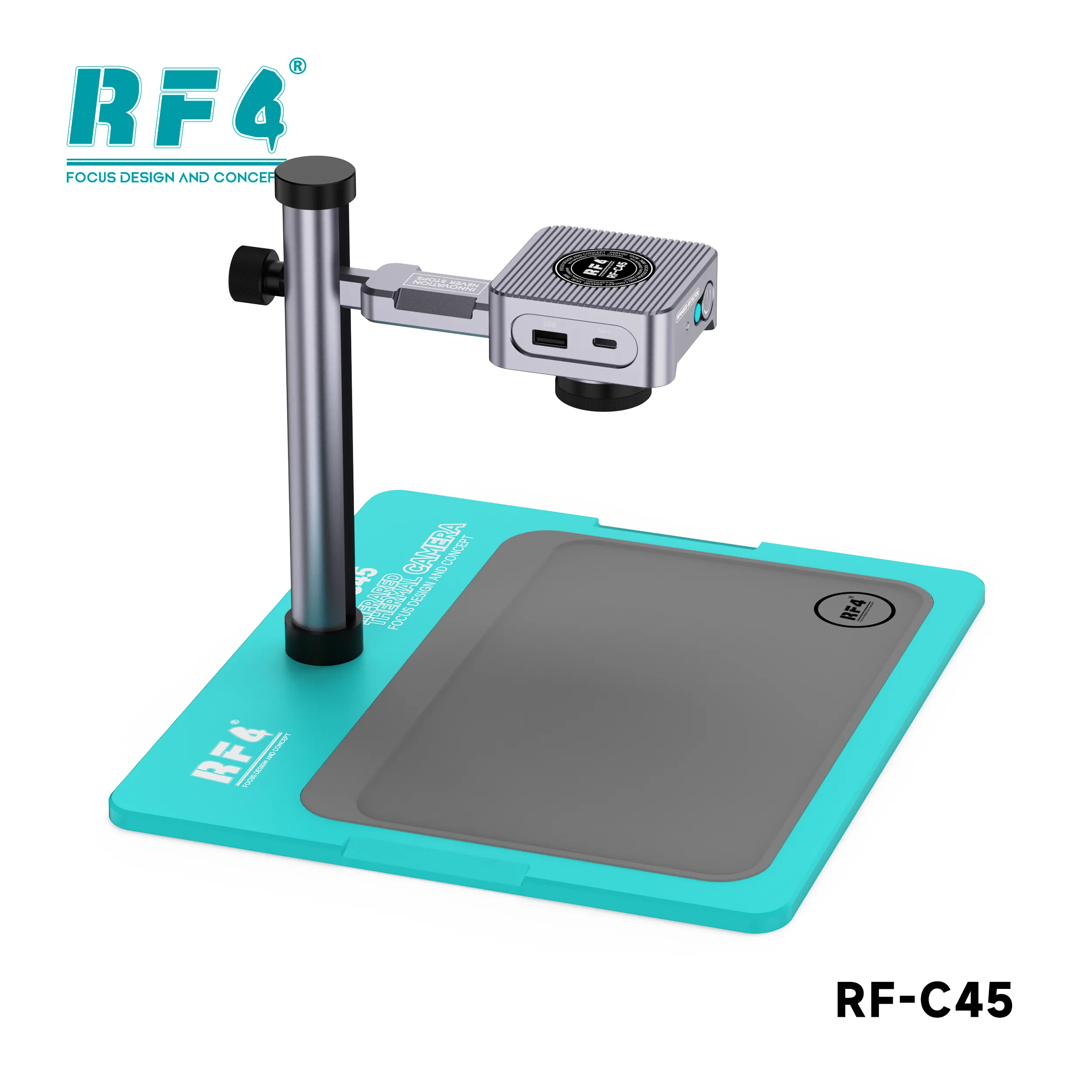
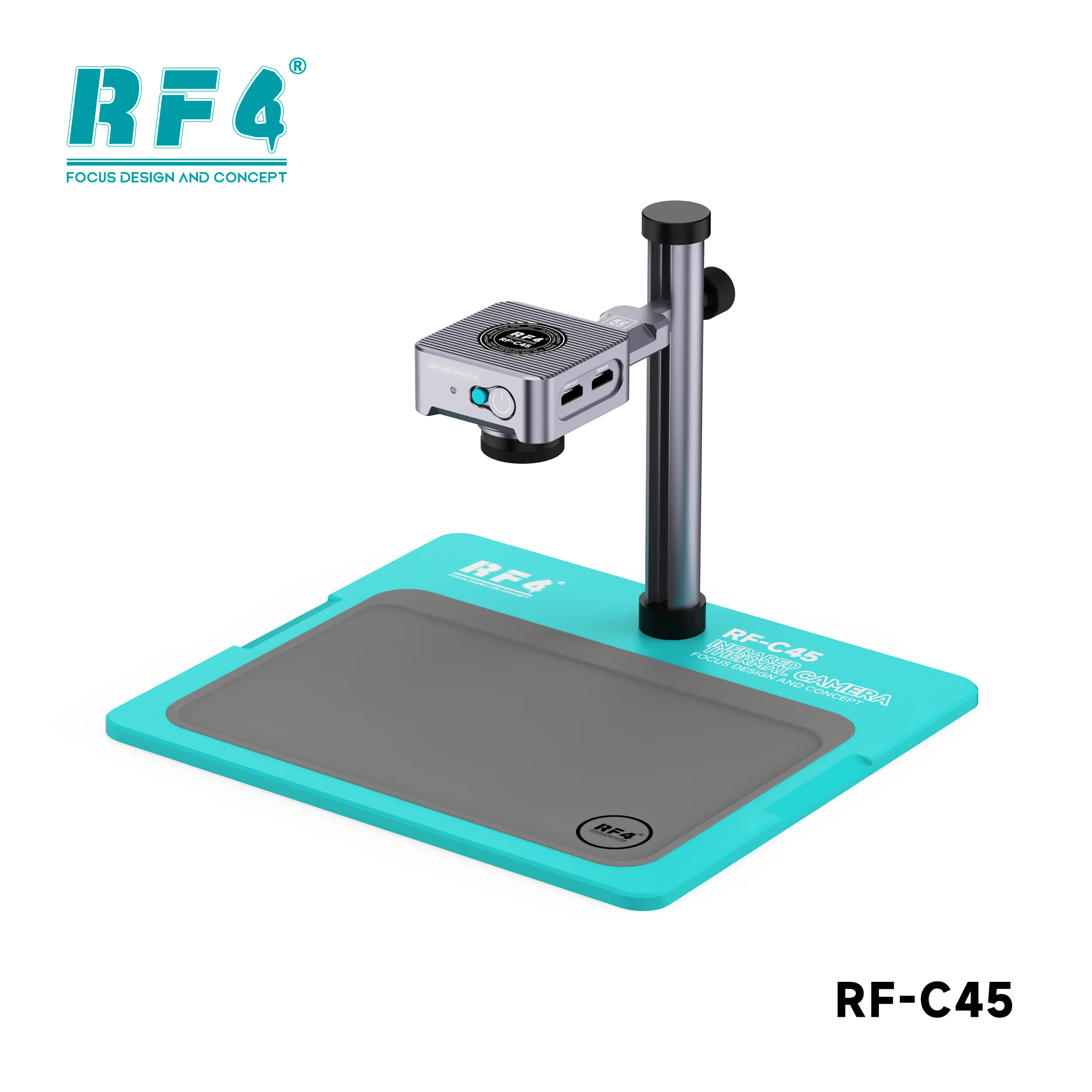
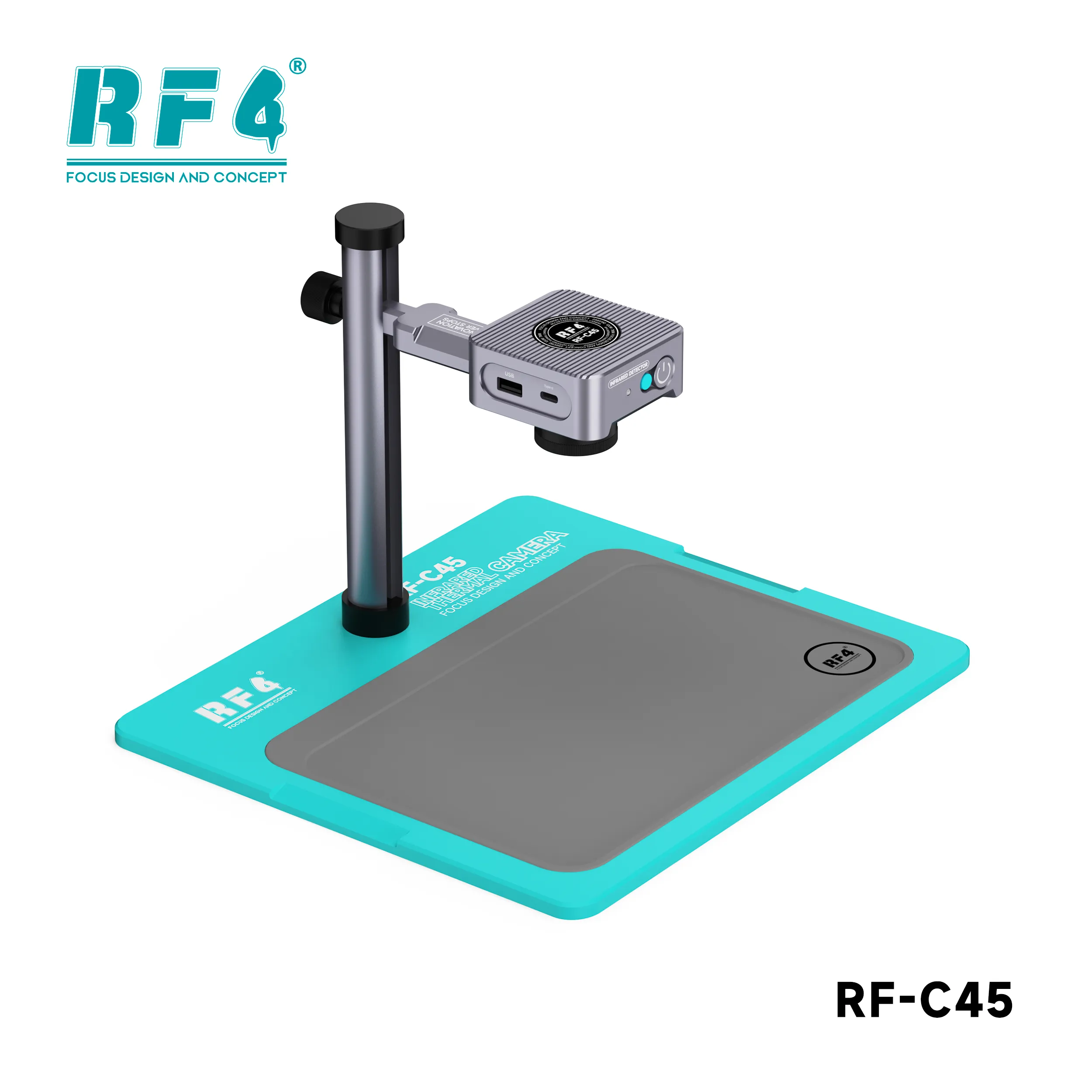
RF4 RF-C45 Thermal Camera for Mobile Motherboard Repair
₨85,000
RF-C45 Thermal Camera for Phone Boards
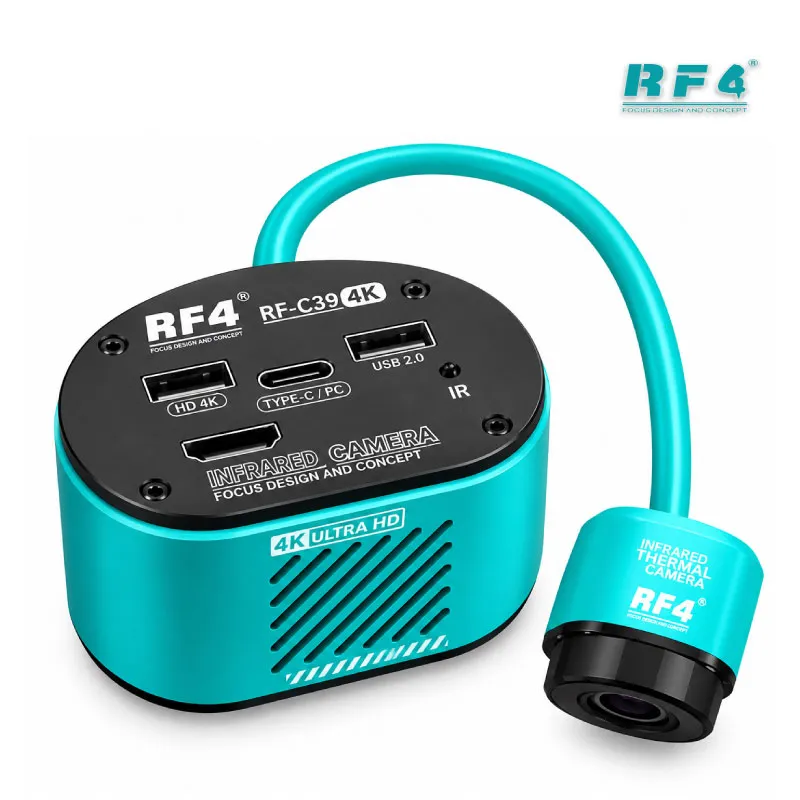
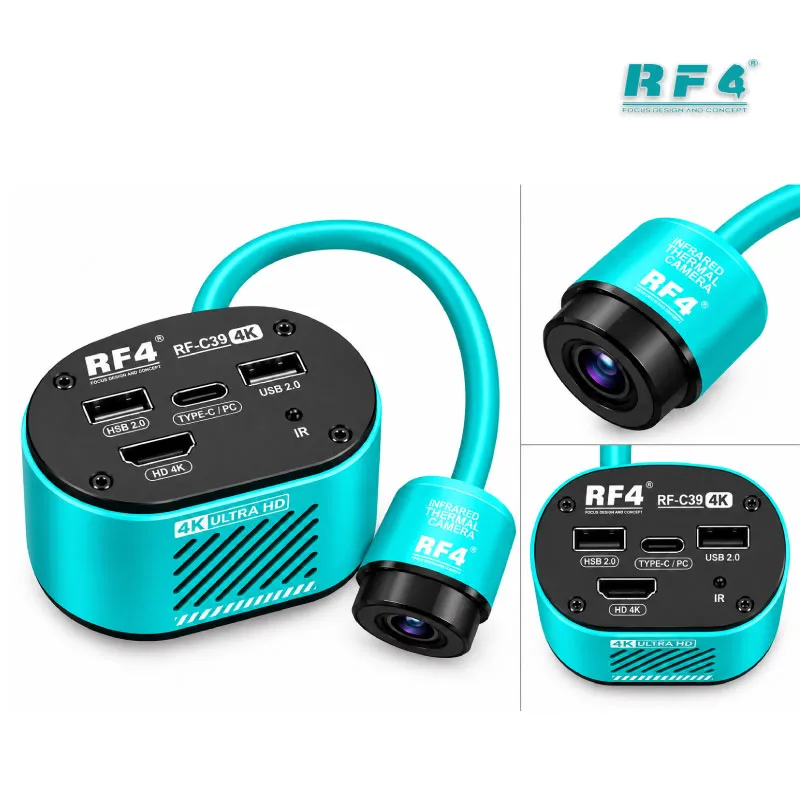
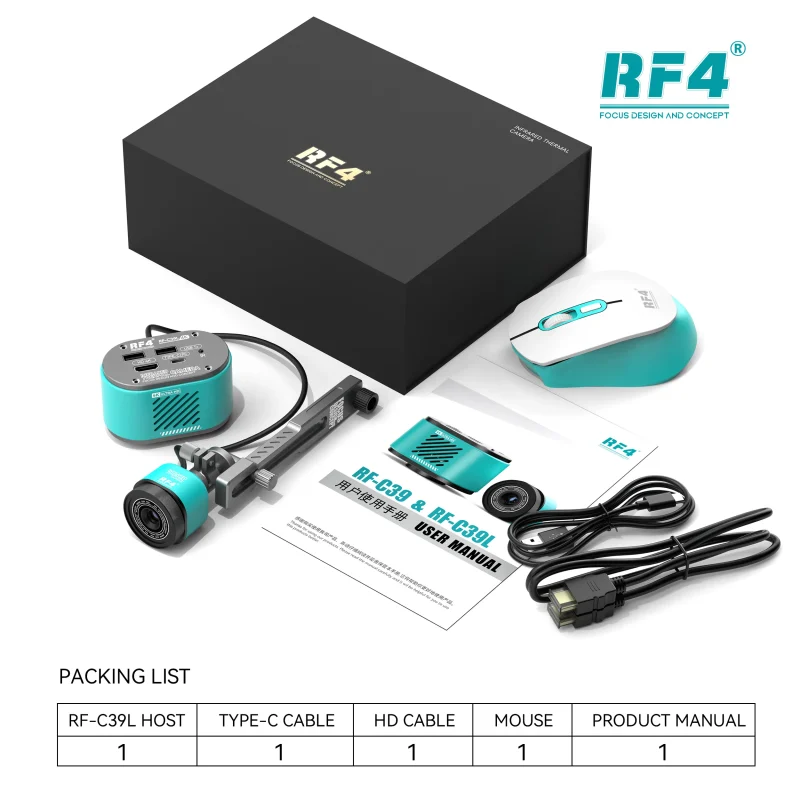
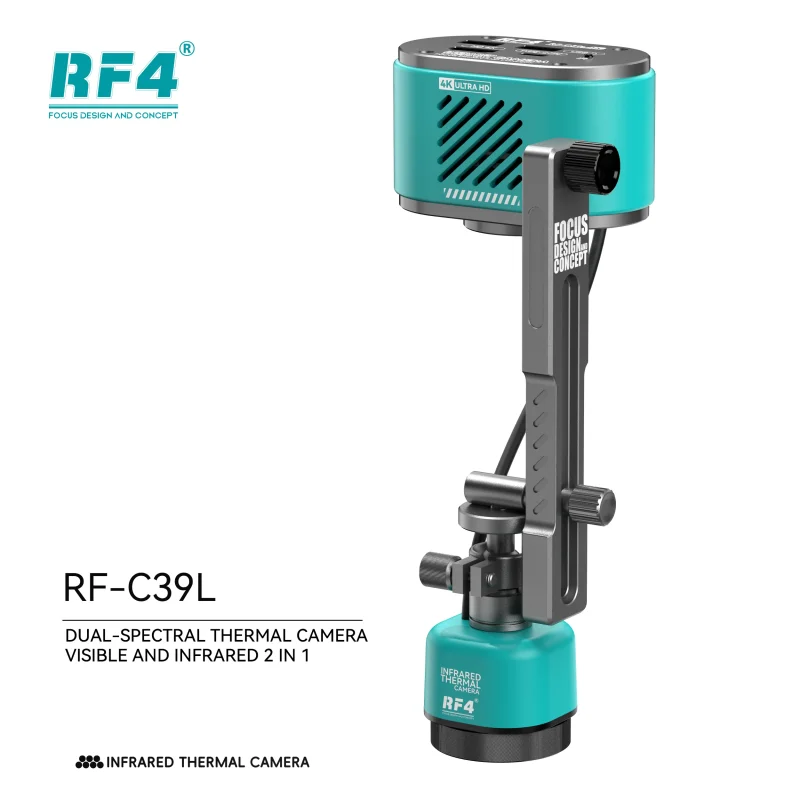
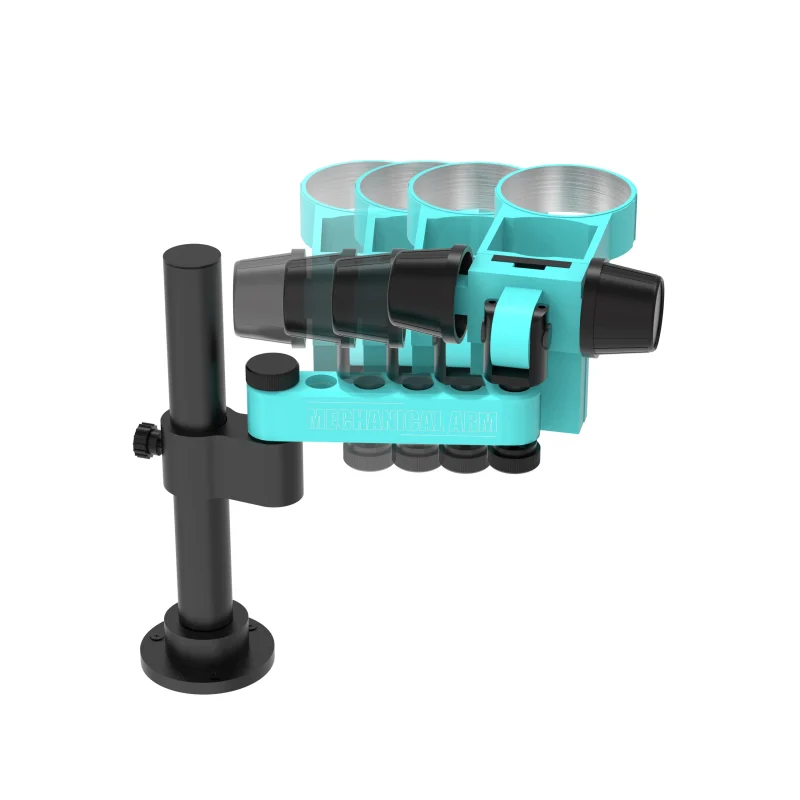
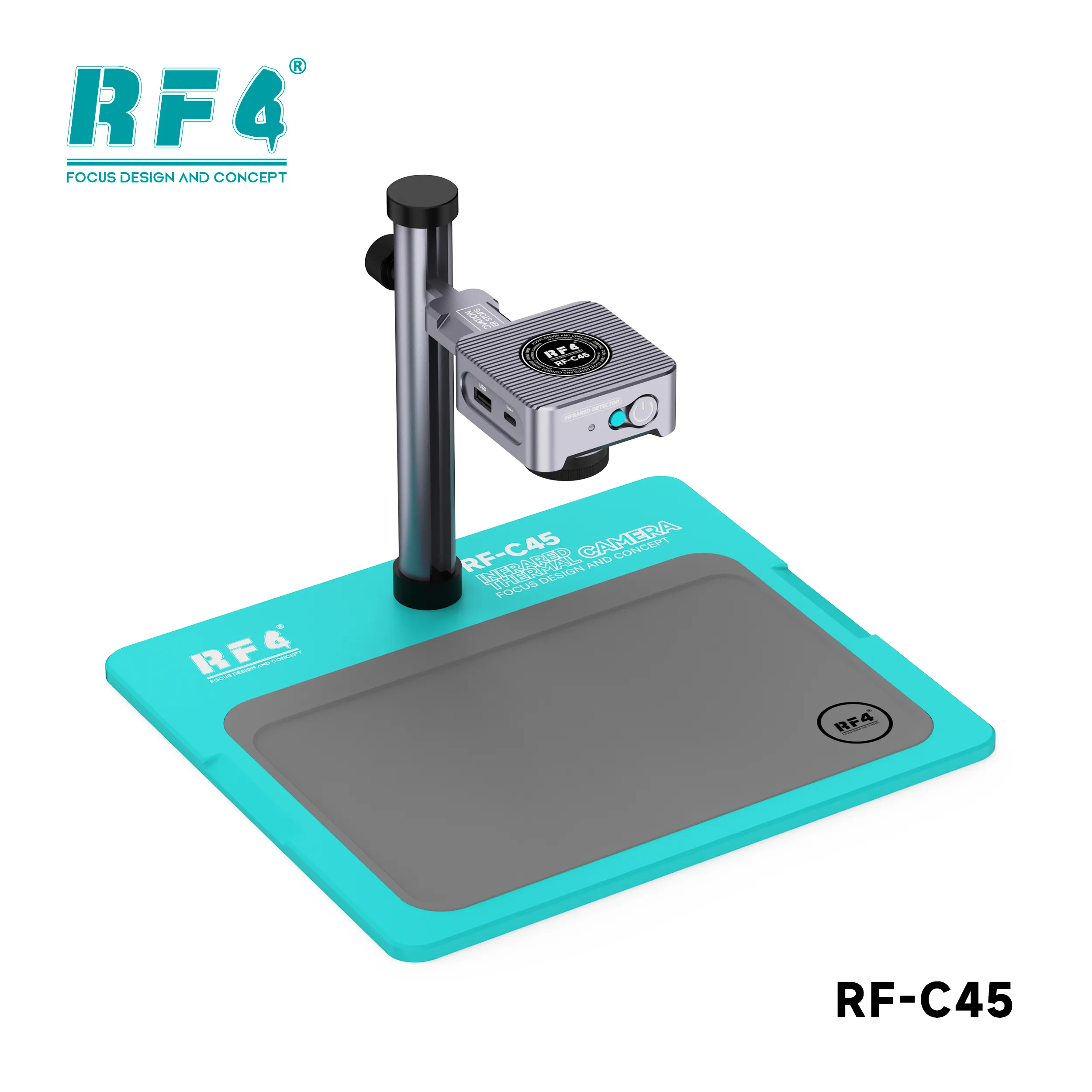
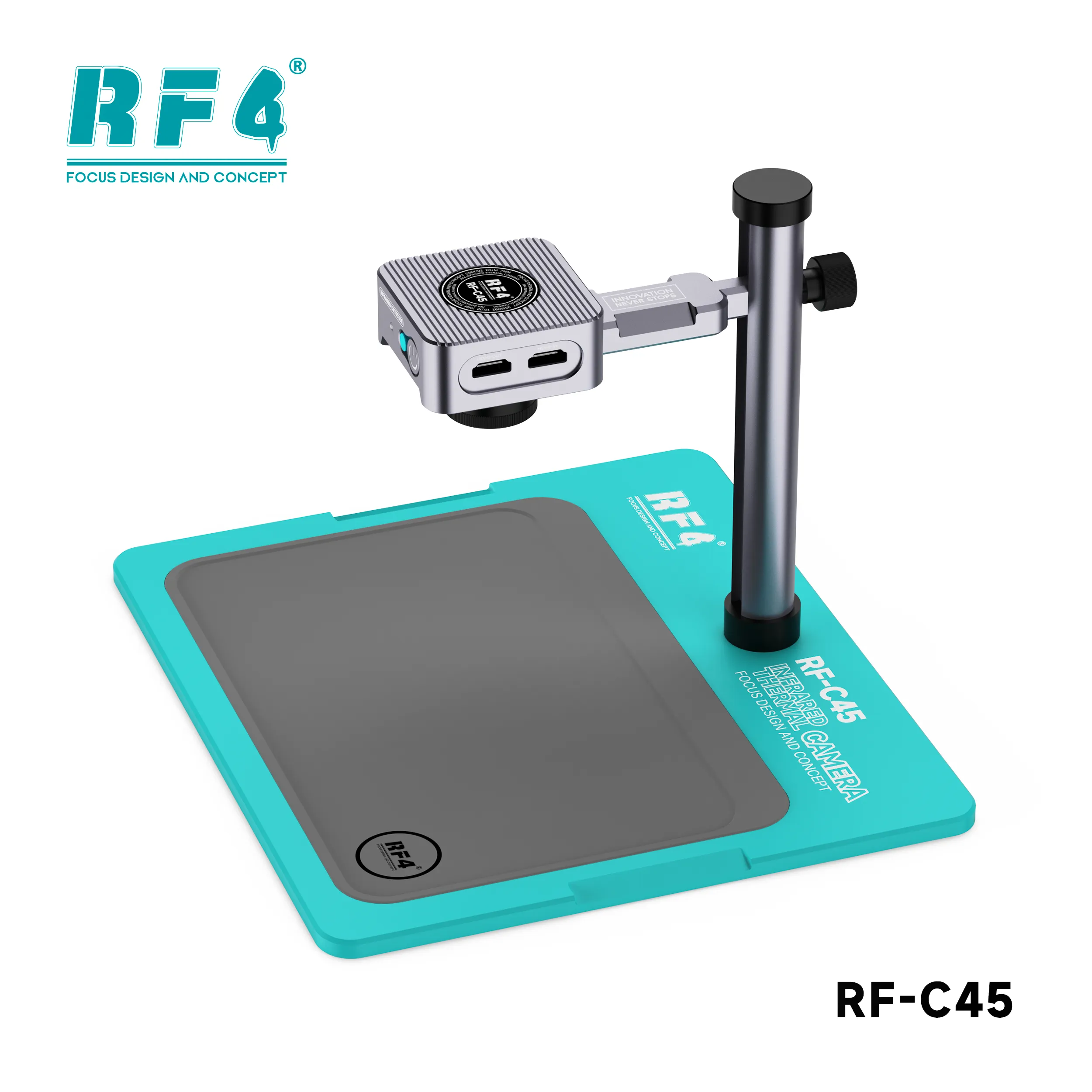
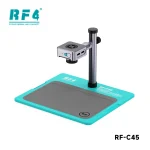
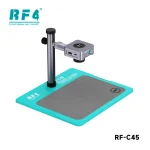
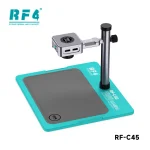
The RF4 RF-C45 is a professional thermal camera for mobile repair benches. Its 256×192 infrared sensor shows overheating ICs and shorted lines on dead phone boards in real time. HDMI output sends the live image straight to a monitor, so you skip the PC. Switch between thermal and optical view to match each hot spot to its component. An adjustable stand holds the camera steady over the board. Use it on charging issue boards, battery drain faults and short-circuit hunts before you start IC change karna. The RF-C45 helps your bench find the faulty part faster and avoid pulling good chips.
| Weight | 2.5 kg |
|---|
10 in stock
Description
Professional Thermal Camera for Mobile Repair: RF4 RF-C45
The RF4 RF-C45 is a professional thermal camera for mobile repair benches that need fast fault location on dead phone boards. It reads heat across the board and shows overheating parts on a monitor through HDMI. You power the board, watch the hot spot form, and know which IC or line to target before you touch a probe. Technicians who handle charging issue, battery drain and short-circuit boards daily use thermal imaging to cut guesswork. The RF-C45 brings that capability to your bench without a PC in the chain.
How Thermal Imaging Finds a Hardware Fault
A shorted component pulls current and heats up. A healthy board stays cool in the same spot. The RF-C45 turns that temperature difference into a visible image, so a faulty capacitor, power IC or shorted line stands out in seconds.
This matters most on a dead phone. You inject power from a bench supply and watch where the heat builds. A multimeter finds a short on a rail, but it cannot show you which of ten parts on that rail is the culprit. Thermal imaging narrows ten suspects to one. You remove the right part the first time, and you stop lifting good ICs that survive the jumper lagana and probing stage.
The camera suits power-section faults, short-circuit boards and boards that heat up without any visible damage. It also gives you evidence after the repair. A cool board under power confirms the fix before you close the phone.
256×192 Resolution and HDMI Output on Your Bench
The RF-C45 uses a 256×192 infrared sensor. That gives roughly 49,000 temperature measurement points across the frame. Phone boards pack small parts close together, so a higher pixel count lets you separate neighbouring components instead of seeing one blurred warm patch.
HDMI real-time output makes setup simple. Plug the camera into a monitor and the live thermal image appears. No PC and no software install stand between you and the picture. Your workstation stays clear for the microscope, the hot air station and the soldering iron.
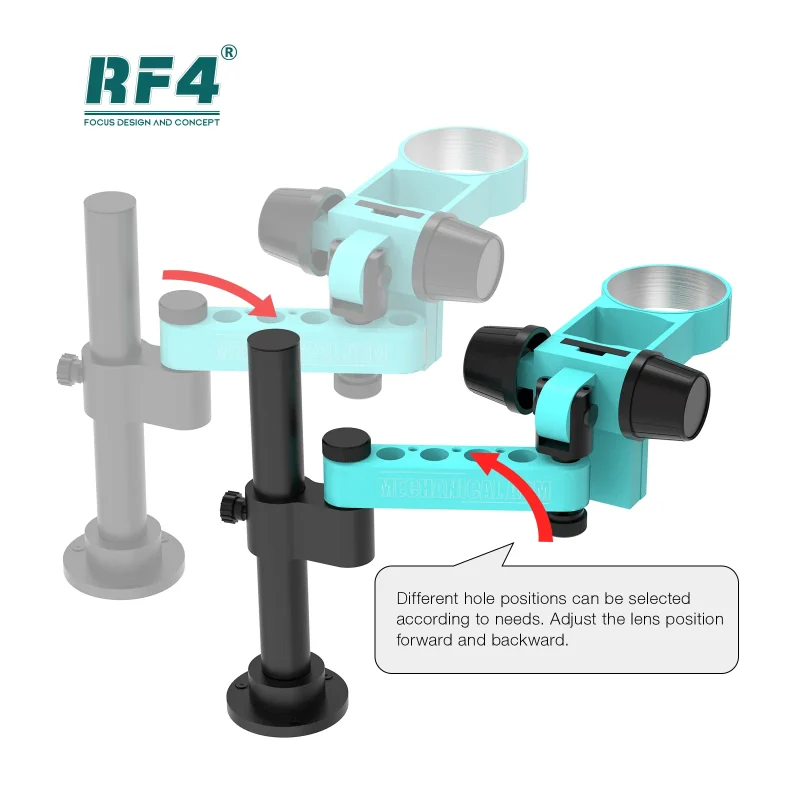
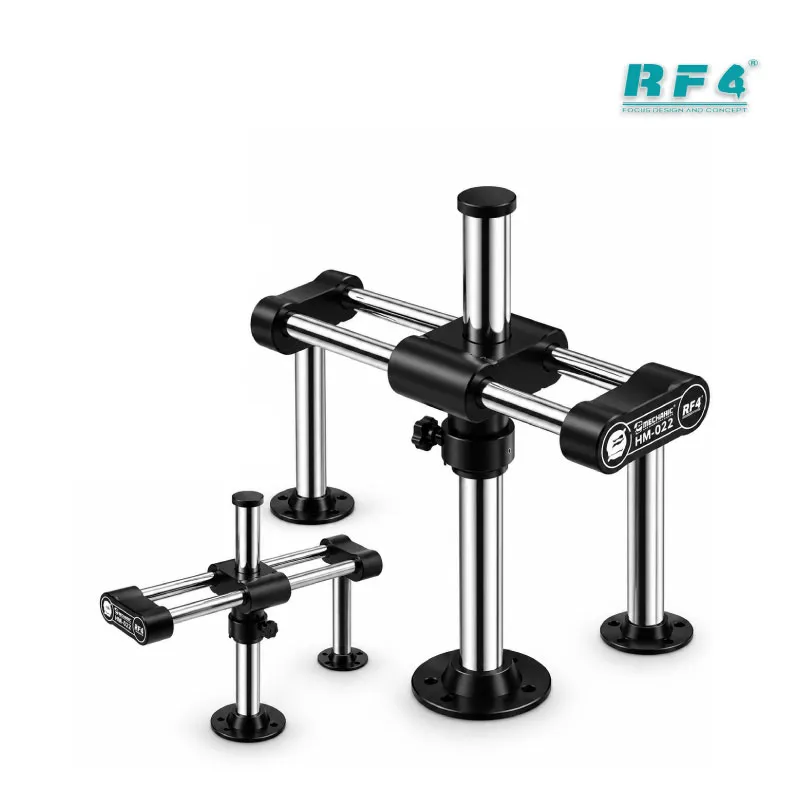
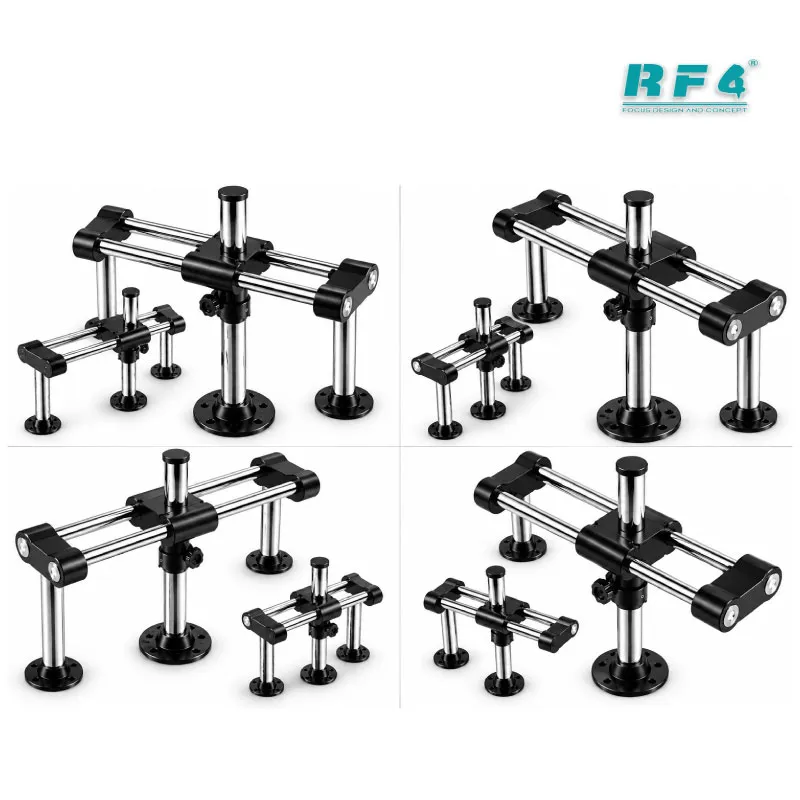
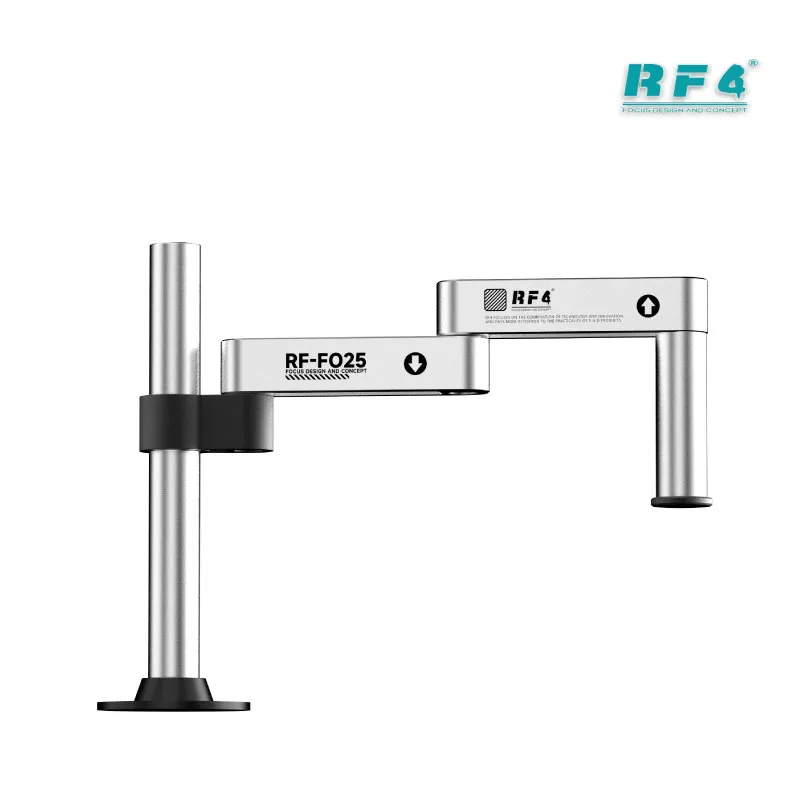
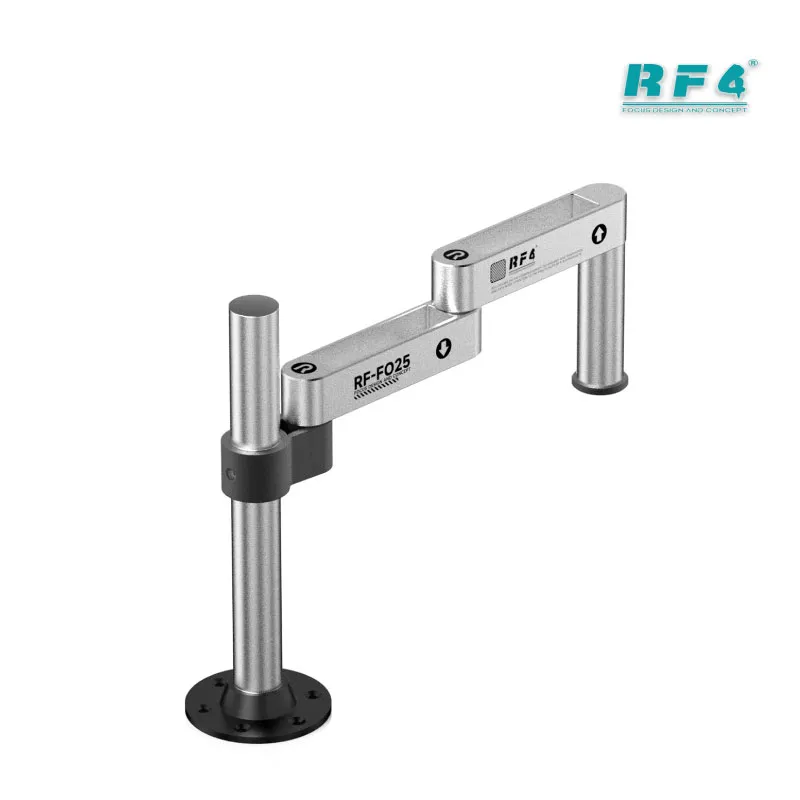
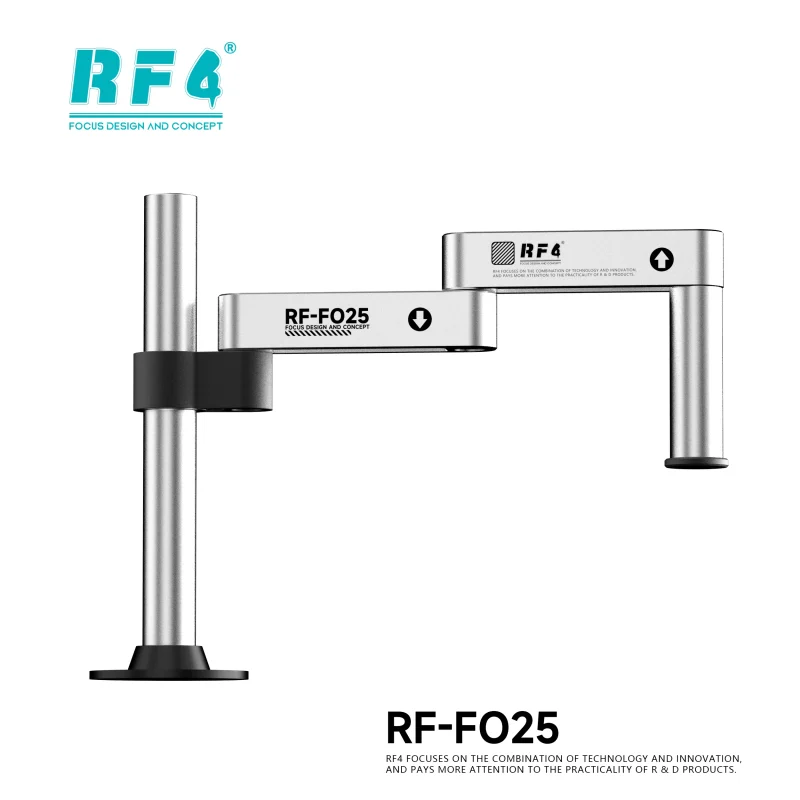
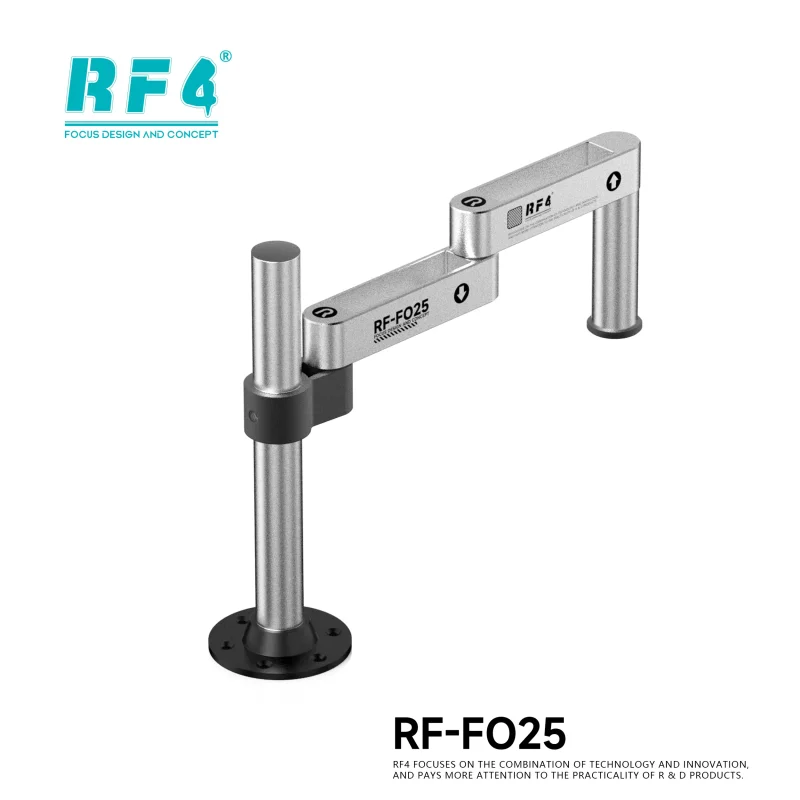
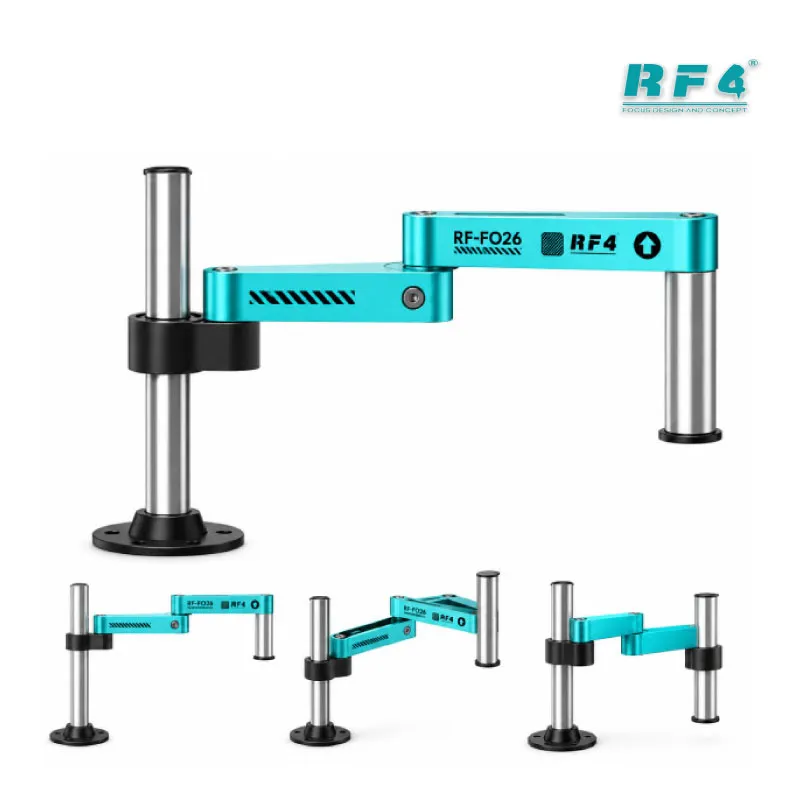
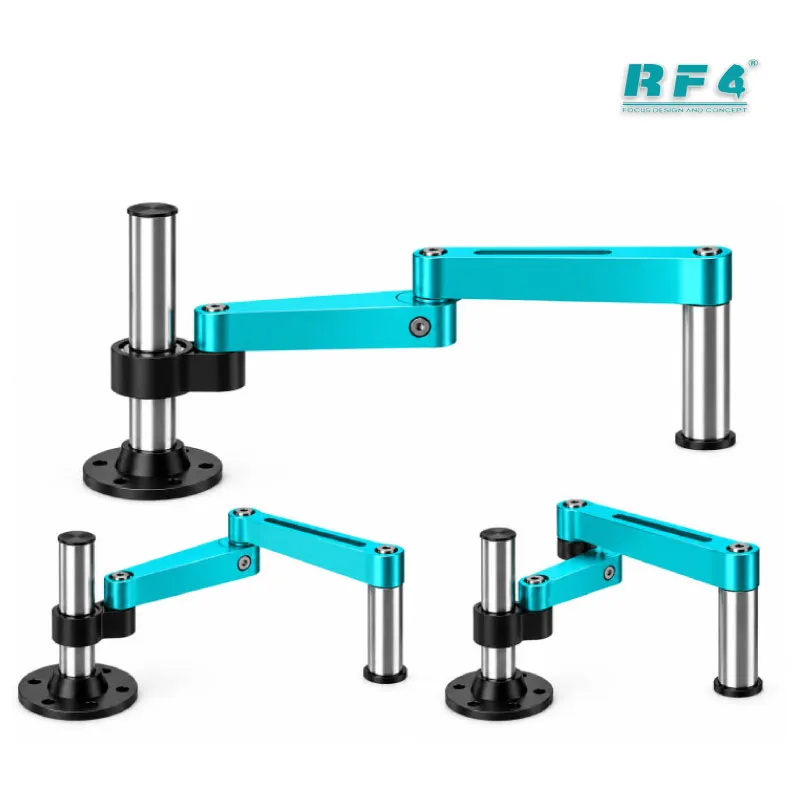
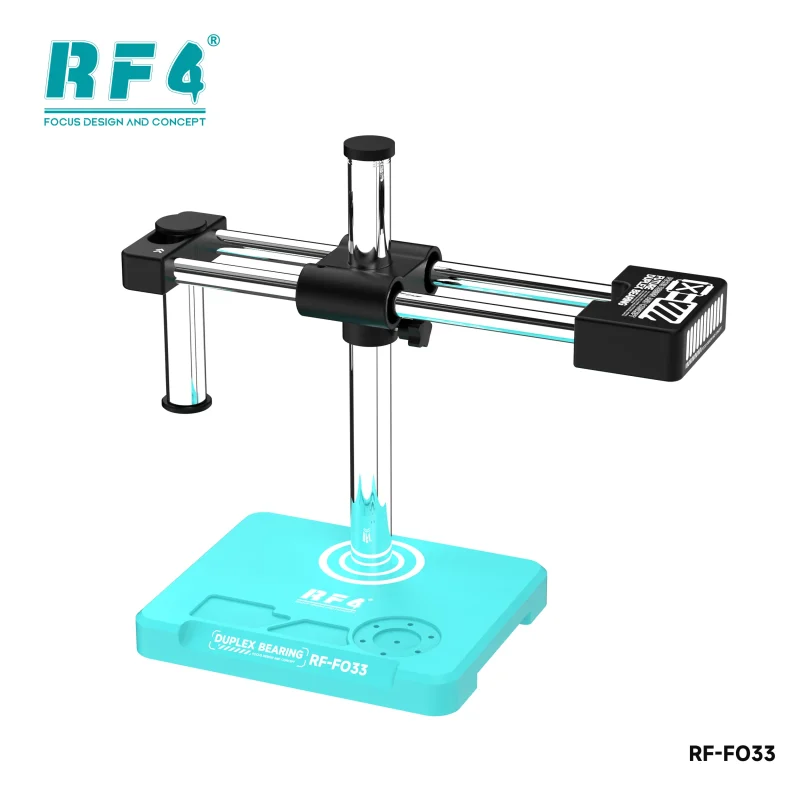
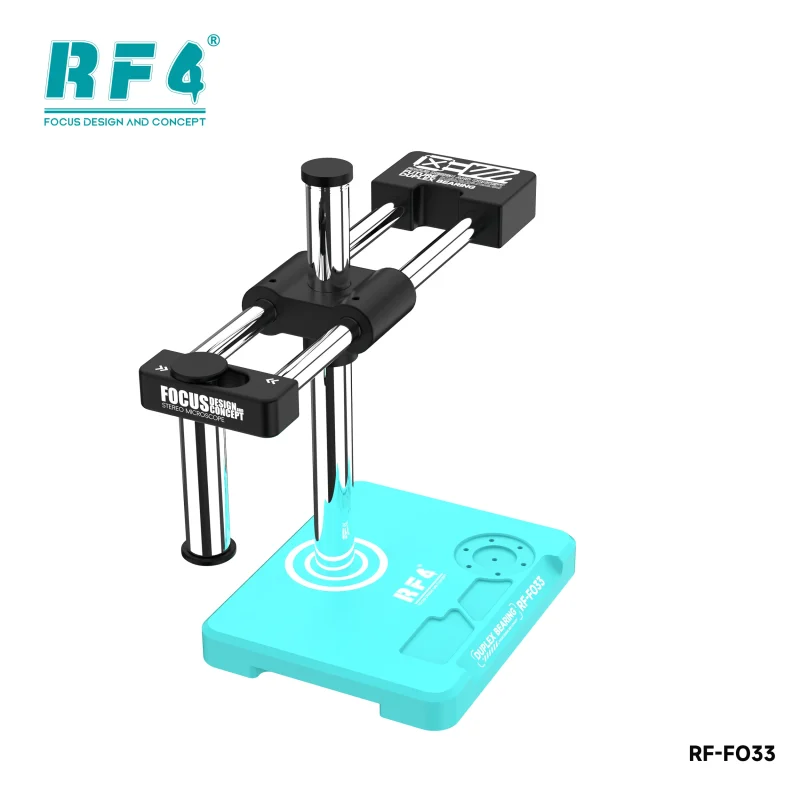
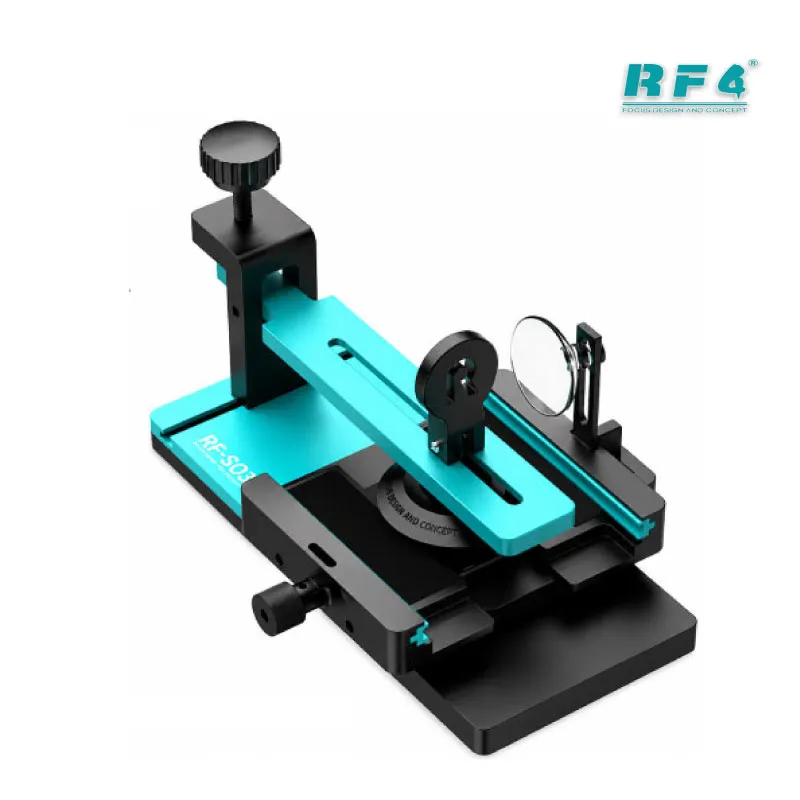
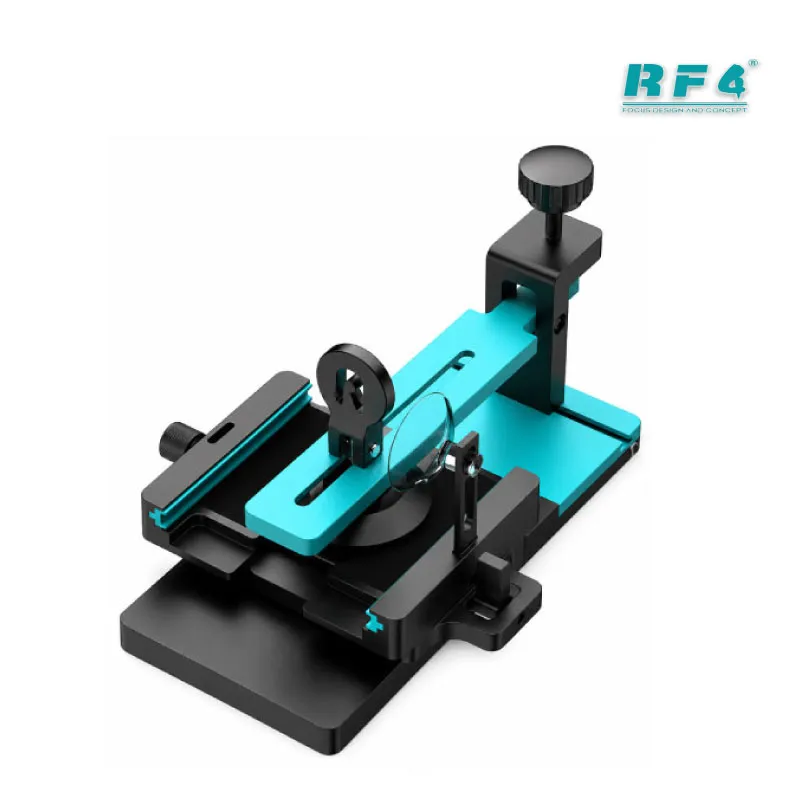
The adjustable stand keeps the camera positioned over the board. You free both hands for probing, power injection and component handling while the image stays in view.
Optical and Thermal View Switching
A thermal image alone shows heat but not detail. The RF-C45 switches between thermal and optical display, so you locate the hot spot first and then read the component marking in normal view. That removes the guesswork of matching a colour blob to a part on a crowded board.
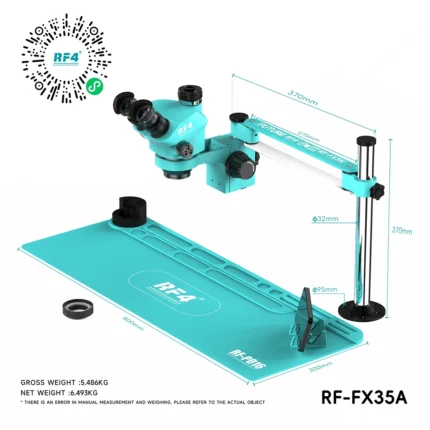
The camera also works with a monitor or microscope camera setup, which fits benches that already run a microscope for micro-soldering. Technicians who upgrade from a basic multimeter-only diagnosis gain the most here. The thermal view finds the fault. Your microscope and tools do the repair.
Where the RF-C45 Fits in Your Repair Workflow
Place the RF-C45 right after basic checks. Start with a visual inspection and a current reading on your power supply. If the phone draws abnormal current or heats up, put the board under the camera and power it. Identify the hot component, then confirm with your multimeter in diode or short mode.
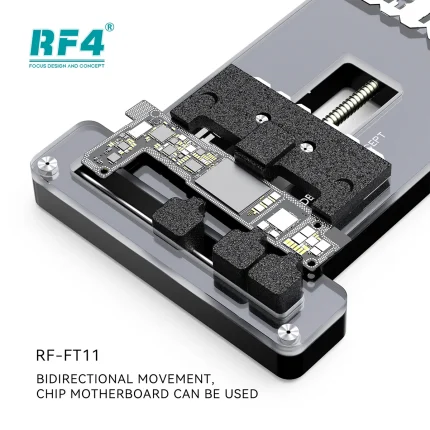
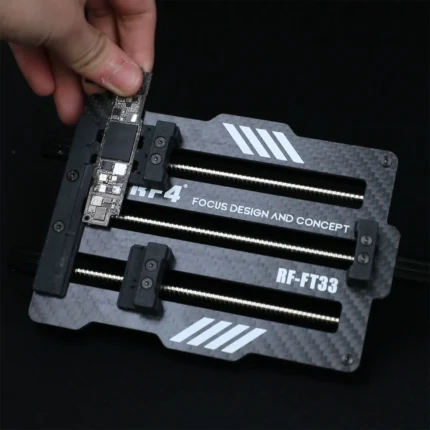
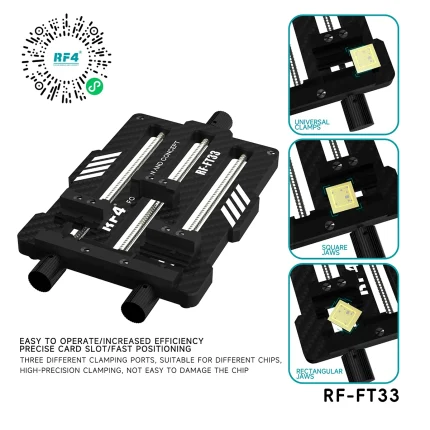
After diagnosis, move to rework. Remove the faulty part with a hot air station or soldering station, clean the pads, and fit the replacement. Hold the board in a PCB holder during the job. For BGA parts, a reballing kit completes the process. Power the board again under the camera and check that the hot spot is gone.
This sequence applies to hardware fault diagnosis on Android boards, iPhone logic boards and other PCBs. It also suits hang on logo cases and boot loop issue boards when the root cause sits in the power section rather than in software. When software marna or box chalana does not fix a dead phone, thermal imaging tells you whether the fault is electrical.
Repair shops and service centres in Pakistan handle high volumes of short-circuit and charging boards. A thermal imager shortens diagnosis time per board, which raises daily throughput and cuts the risk of damaging good parts. For a bench that already owns a hot air station, microscope and multimeter, the RF-C45 closes the biggest diagnostic gap.
Reviews (0)
Q & A
Please login to post questions
Key Features
- 256×192 infrared resolution
- Roughly 49,000 temperature measurement points
- HDMI real-time output to a monitor
- No PC needed for live thermal display
- Optical and thermal view switching
- Adjustable stand for hands-free positioning
- Works with a monitor or microscope camera setup
- Built for PCB and motherboard fault detection
Specifications
| Brand | RF4 |
|---|---|
| Model | RF-C45 |
| Category | Thermal Imaging Camera for PCB Fault Detection |
| Compatibility | HDMI monitor; microscope camera setup |
| Supported Devices | Mobile phone motherboards, PCBs and electronic boards |
| Technology | Infrared thermal imaging, 256×192 resolution, HDMI real-time output |
Common Repair Uses
- Finding short-circuit components on dead phone boards
- Diagnosing charging issue and battery drain faults
- Locating overheating power ICs
- Checking BGA chip heating
- Confirming a fix after IC change karna
- Narrowing suspects before jumper lagana
- Diagnosing hardware faults behind hang on logo and boot loop issue
- Verifying board temperature after rework
Compatible Devices
- Android phone motherboards (Samsung, Oppo, Vivo, Infinix, Tecno)
- iPhone logic boards
- Tablet motherboards
- Smartwatch and small device PCBs
- Charging and power-section boards
- Laptop and electronics motherboards
- BGA chip boards
- Dead phone boards under bench power supply
FAQ
What is the product name?
The product name is RF4 RF-C45 Infrared Thermal Camera.
What is the brand of this product?
The brand of this product is RF4.
What is the model of this product?
The model of this product is RF-C45.
What is this product used for?
This product is used for locating overheating components and faults on mobile phone motherboards and other PCBs.
Which devices are compatible with this product?
This product works with any powered mobile phone motherboard, PCB or electronic board, and connects to an HDMI monitor.
Who should use this product?
This product is suitable for mobile repair technicians, repair shops, service centers, and professional users.
Does the RF-C45 thermal camera need a PC to show the image?
No. The RF-C45 outputs live thermal video over HDMI, so you connect it to a monitor and view the image without a PC.
What is the resolution of the RF4 RF-C45 thermal camera?
The RF-C45 has a 256×192 infrared resolution, which gives roughly 49,000 temperature measurement points.
Reviews
There are no reviews yet.