




































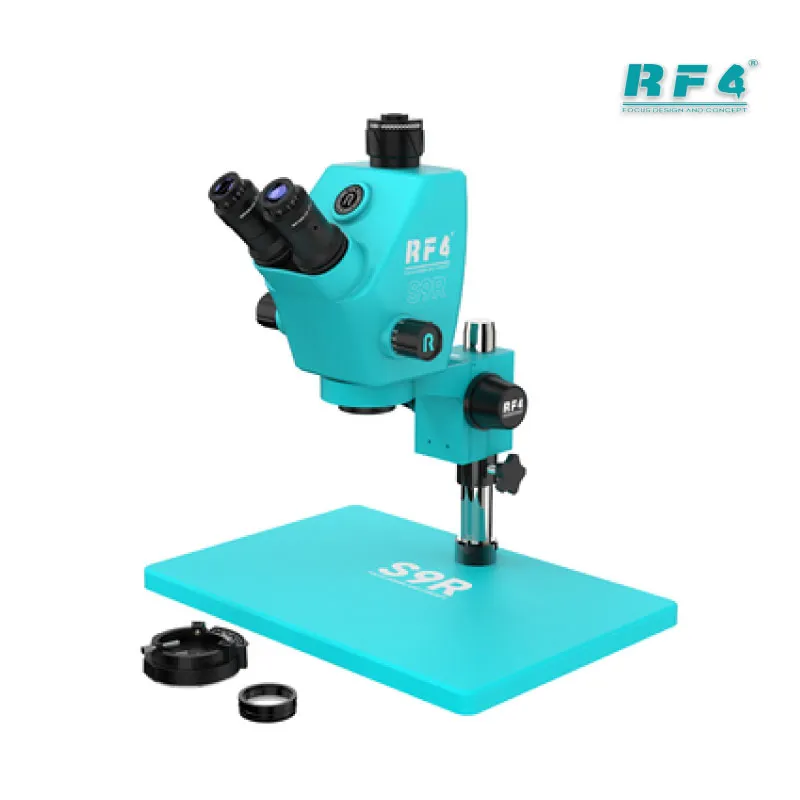
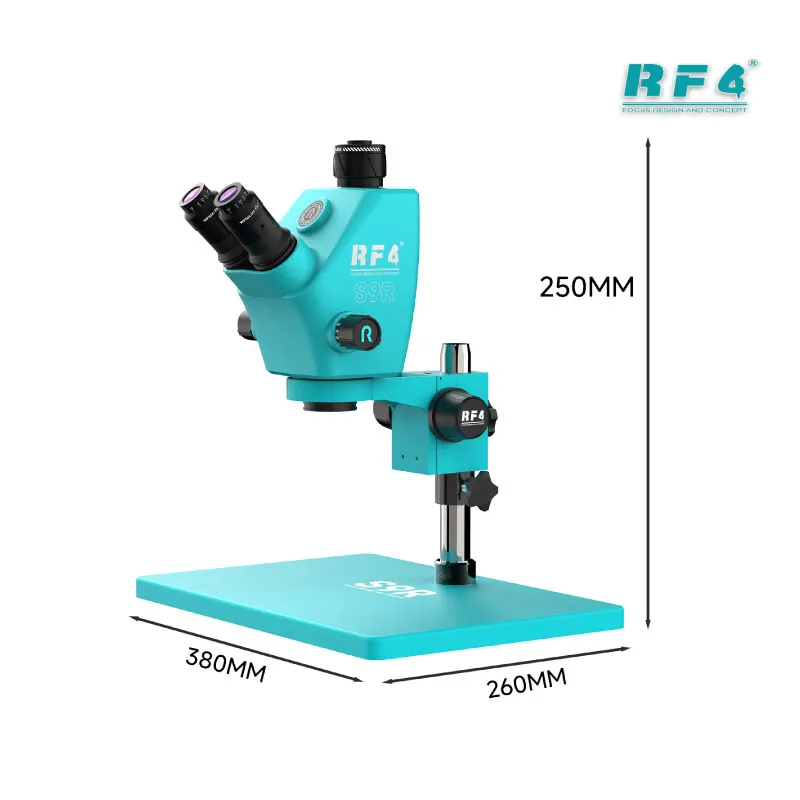
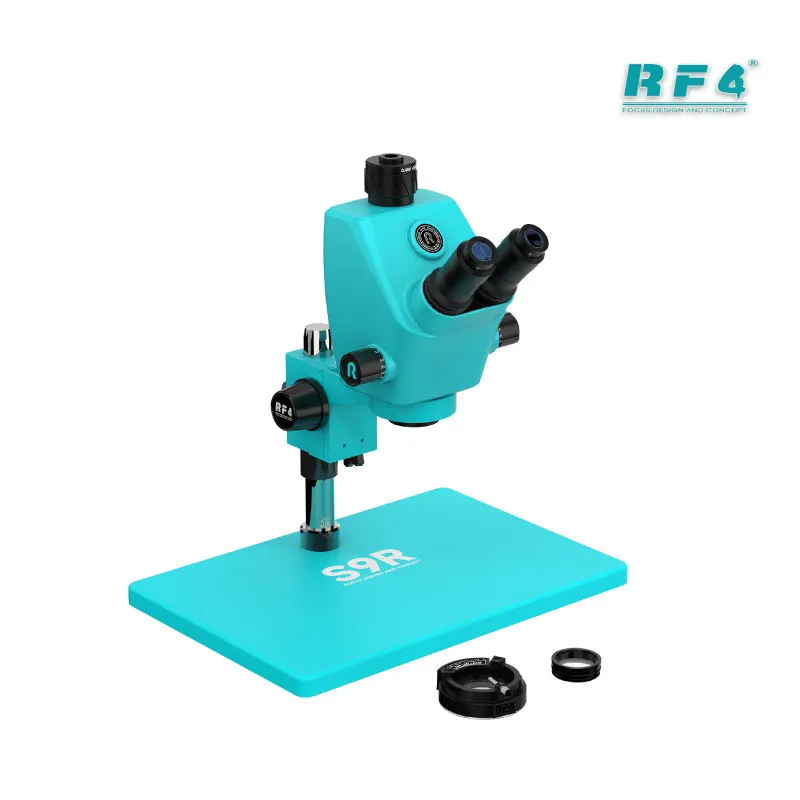
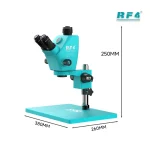


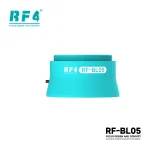
RF4 S9R 7-74X Trinocular Stereo Microscope
₨98,000
Trinocular Microscope for Mobile Repair
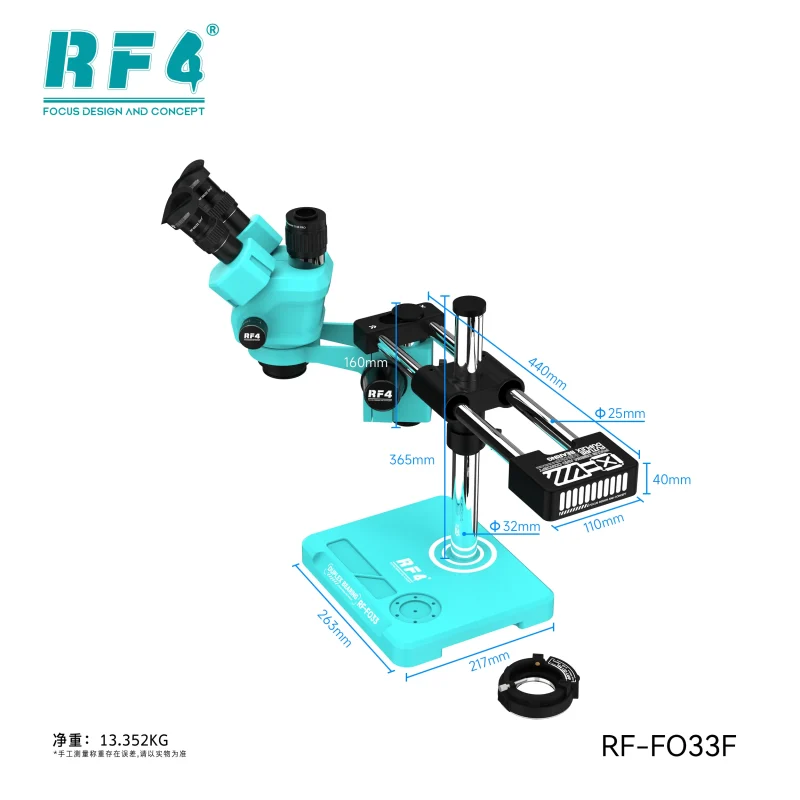
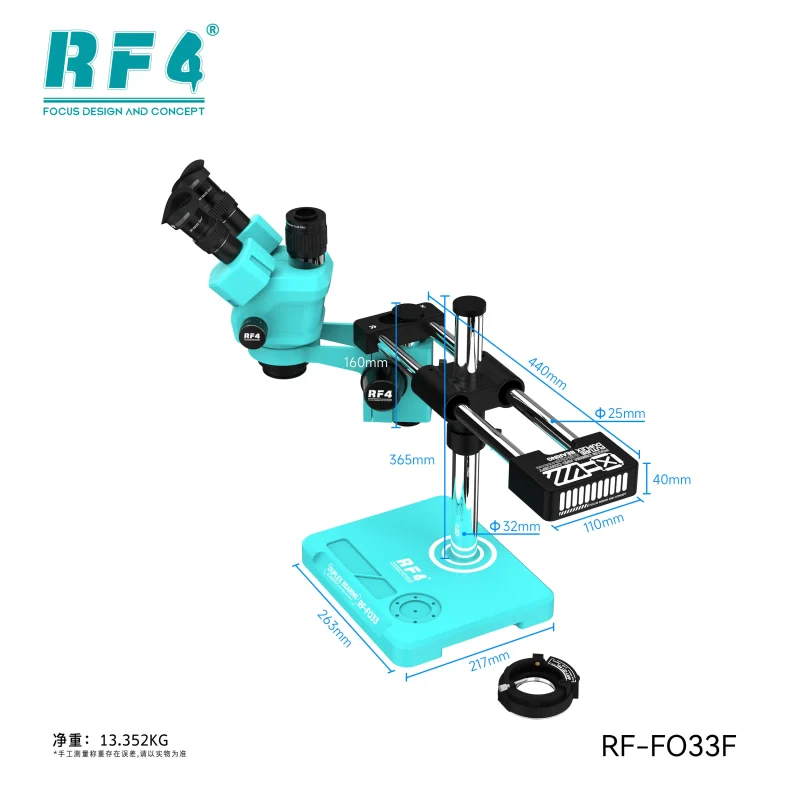
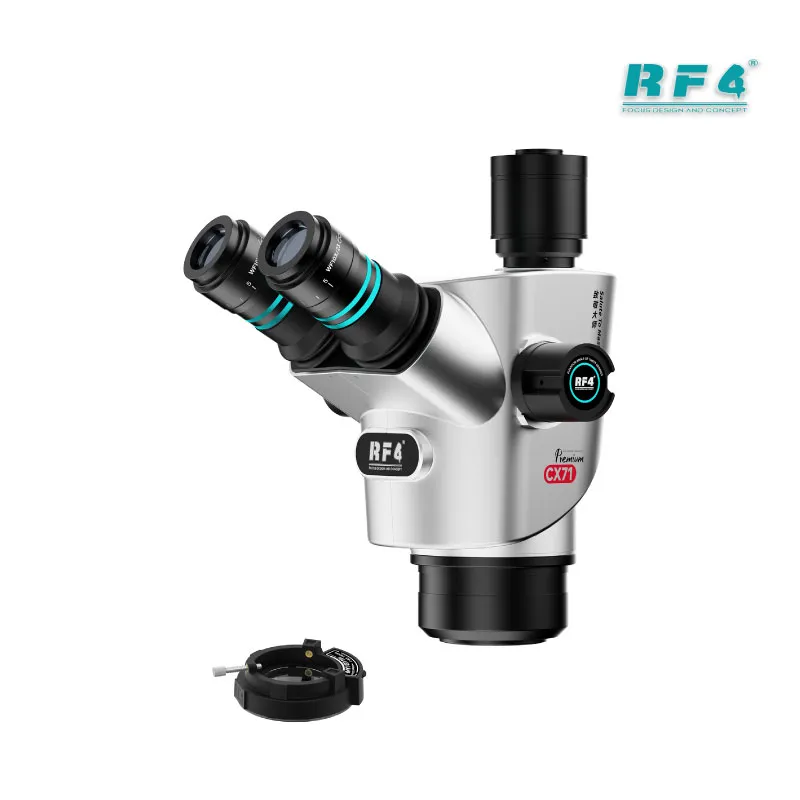
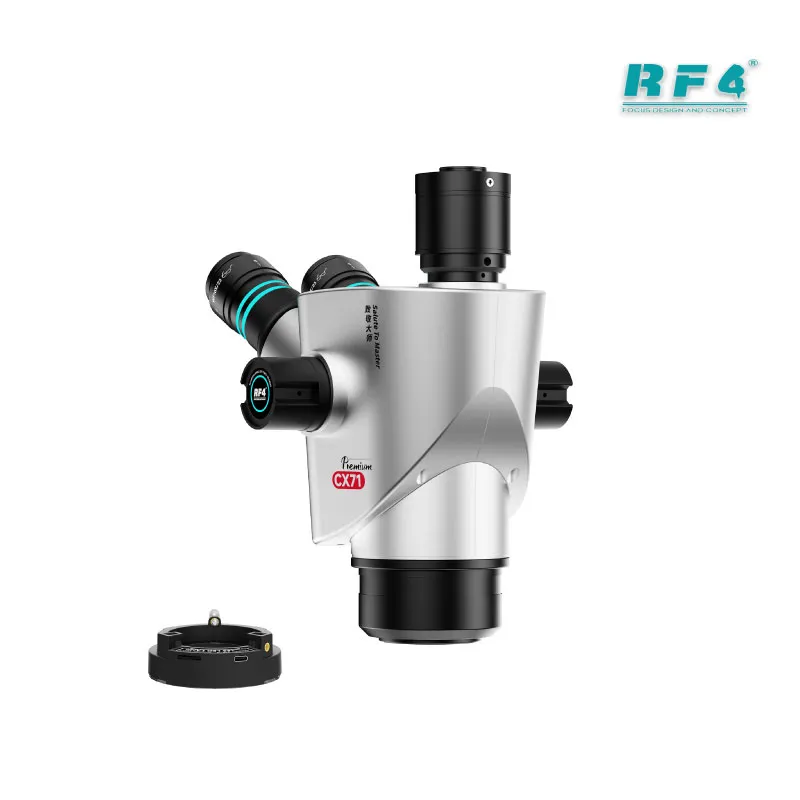
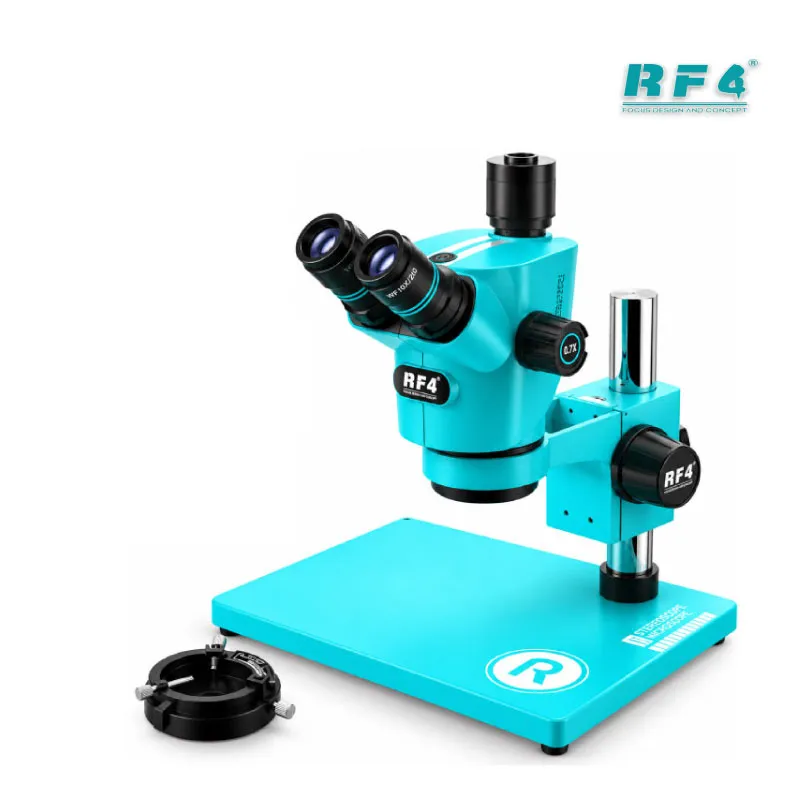
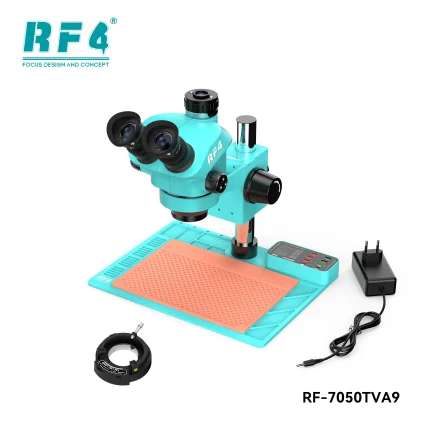
The RF4 S9R trinocular stereo microscope for mobile repair gives you continuous 7X–74X zoom, an ultra-wide field of view, and a large base for steady bench work. Scan a full motherboard at low power, then zoom in on pads, IC edges, and solder joints before and after rework. The trinocular port sends the same view to a camera, so you record faults and train your team. Use it for IC change karna, jumper lagana, reballing checks, and charging issue diagnosis. RF4 Tools Pakistan supplies the S9R to technicians and repair shops that want specialist optics on the bench.
| Weight | 7.5 kg |
|---|
10 in stock
Description
Trinocular Stereo Microscope for Mobile Repair: RF4 S9R in Your Workshop
The RF4 S9R is a trinocular stereo microscope for mobile repair, built around a 7X–74X continuous zoom range. You scan a whole board at low power, then zoom into a single pad without swapping objectives. A third port sends the same view to a camera, so you inspect, record, and show a customer what failed. A dead phone may land on your bench with a lifted pad, or a hang on logo unit may need a closer look at the NAND area. Either way, the S9R gives you the depth and field to see the fault before you heat anything.
7X–74X Zoom and the 27mm Field of View
Continuous zoom means you never lose the component while you change magnification. Start near 7X to scan the full motherboard layout and find the damaged zone. Then push toward the upper range to read pad condition, solder bridges, and corrosion lines. Stereo optics give you real depth, which matters when you judge pad height on a BGA or the angle of a lifted connector pin. A flat camera image cannot show that.
Supplier listings for the S9R describe an ultra-wide 27mm field of view. A wide field keeps more of the board in sight, so you reposition the phone less and finish inspections faster. Your eyes and neck notice the difference during long shifts.
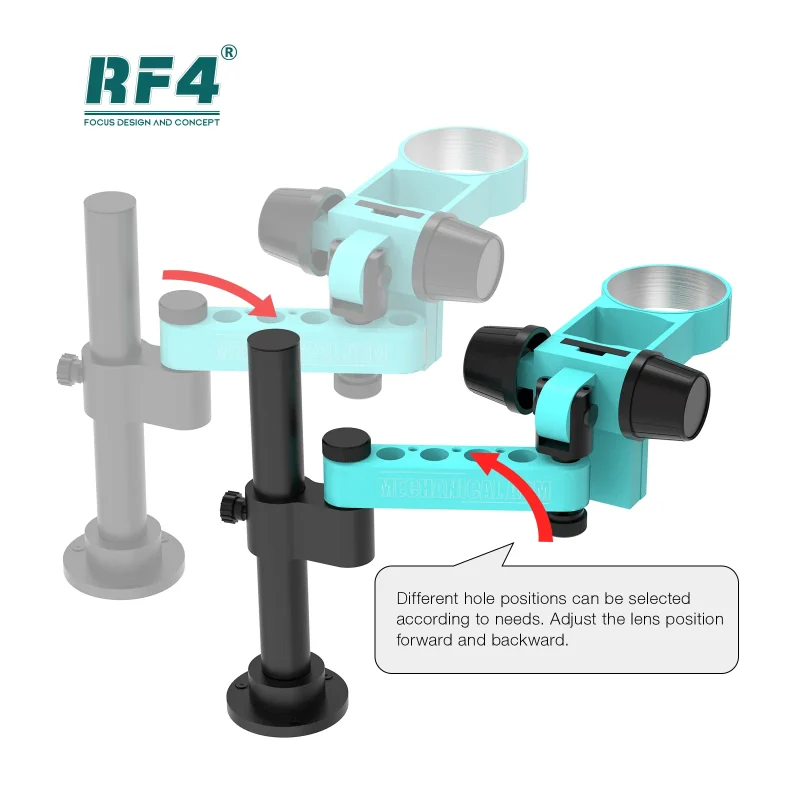
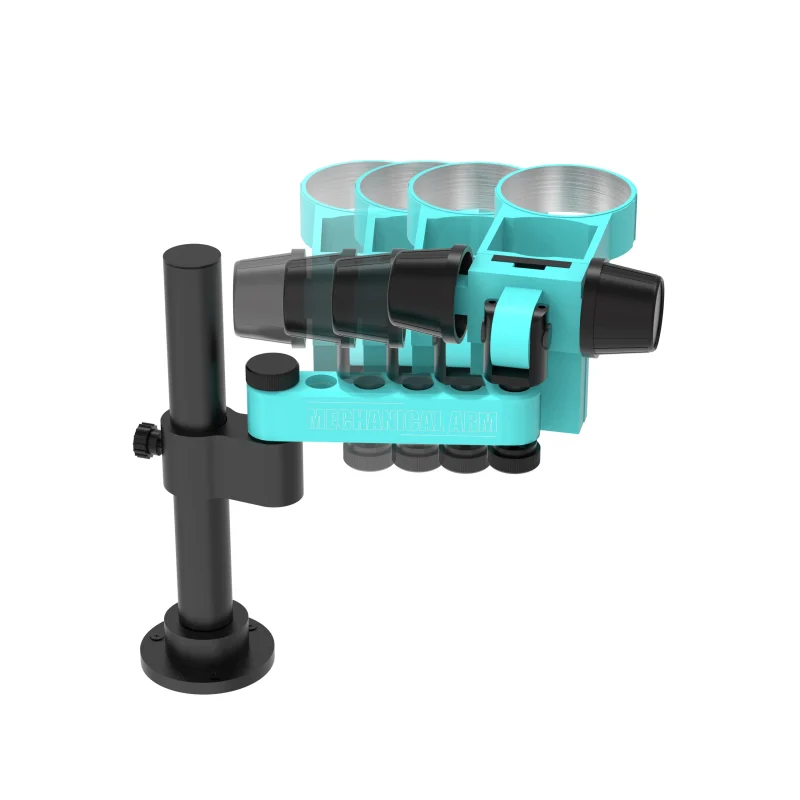
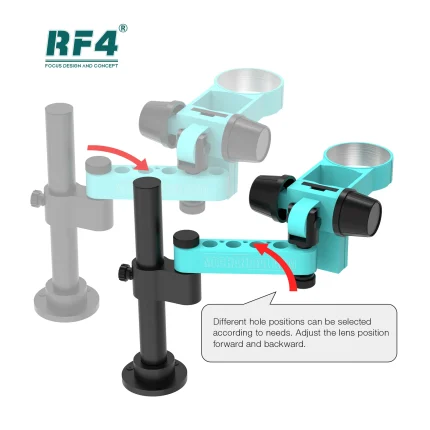
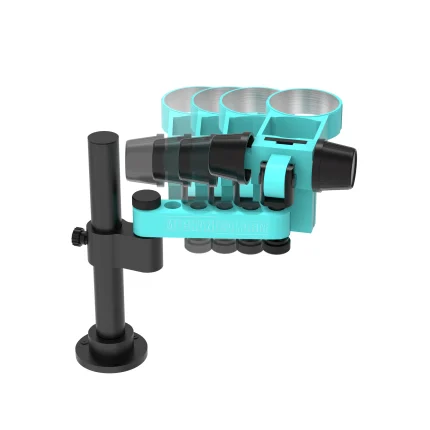
The large base gives the arm and head a firmer footing than a light clamp stand. Tight areas like the charging port, camera flex connector, and eMMC pads demand a steady view while your hands hold tweezers and an iron. That stability keeps the image clean.
Repair Workflow Fit: From Diagnosis to Final Inspection
Use the S9R at three points in every repair.
First, diagnosis. A charging issue often traces back to a damaged charging IC, a burnt capacitor, or corrosion near the USB port. Under magnification you spot discoloration and micro-cracks that a multimeter reading only hints at. Pair the microscope with your Multimeters and Test Boxes, then confirm what you see with a measurement.
Second, the repair itself. IC change karna demands hot air, flux, and precise placement. Clamp the board in your PCB Holders, set your Hot Air Stations, and watch the pads while the solder flows. Jumper lagana on a broken track needs a clear view of a trace thinner than a hair, and the zoom range handles that. Reballing work needs even paste and aligned stencils, so keep your Reballing Kits and Soldering Stations within reach.
Third, final inspection. Check for solder bridges, cold joints, and flux residue before you power the phone. For dead after flash cases, inspect the ISP test points and the thin wires that connect your ISP Pinout Tools, eMMC Programmers, or UFS Adapters to the board. One crossed wire costs you an hour. One look under the lens catches it.
Display problem and network issue jobs follow the same pattern. Inspect FPC connector pins and RF-section components under zoom before you replace parts. That habit cuts repeat visits and unnecessary part swaps.
Trinocular Port for Camera, Monitor, and Training
The third port separates trinocular from binocular. You keep your eyes on the eyepieces while a camera sends the same optical view to a monitor or computer. That setup helps in three ways. You record the fault before and after repair, which protects you when a customer disputes the work. You show a junior technician exactly where to place the iron instead of describing it. You also show the customer the damaged board, which builds trust at the counter.
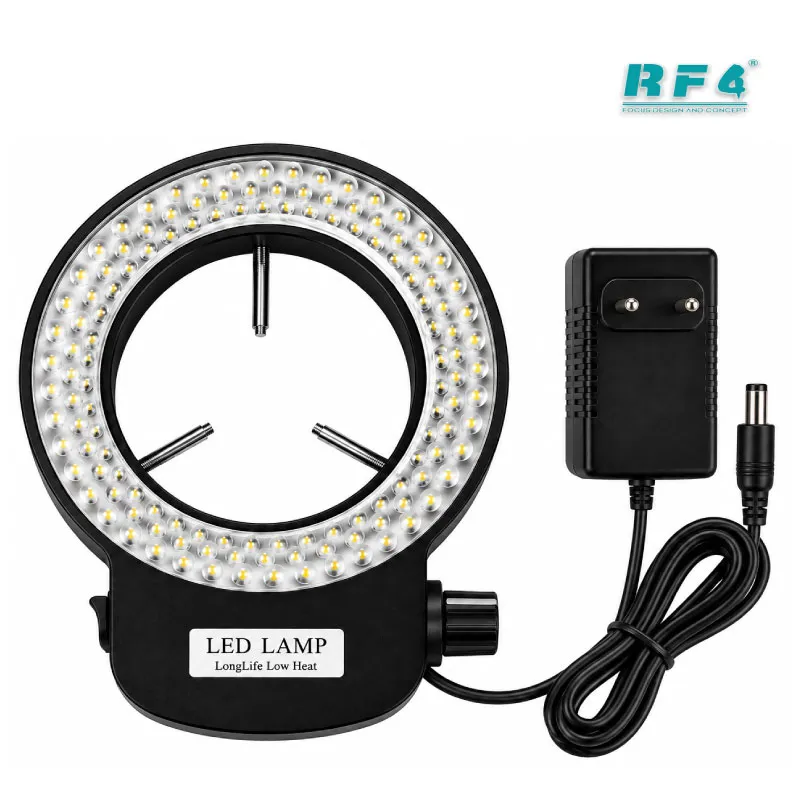
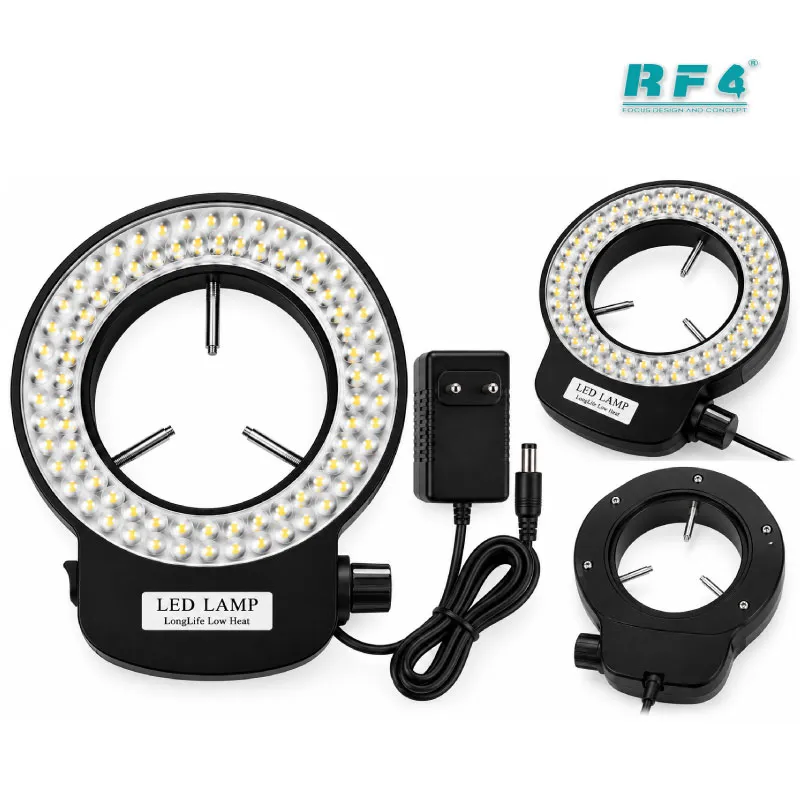
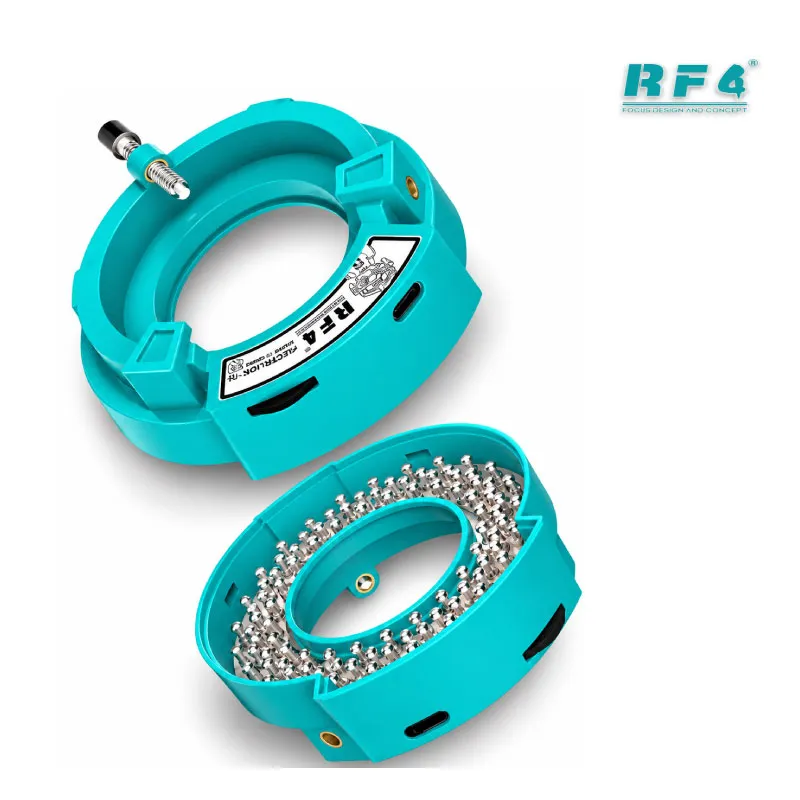
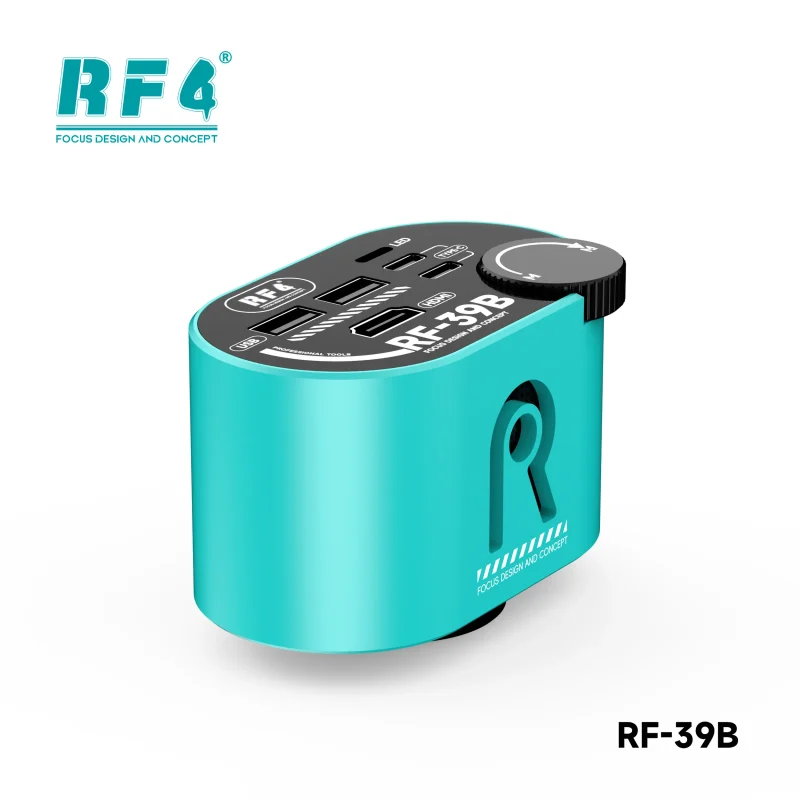
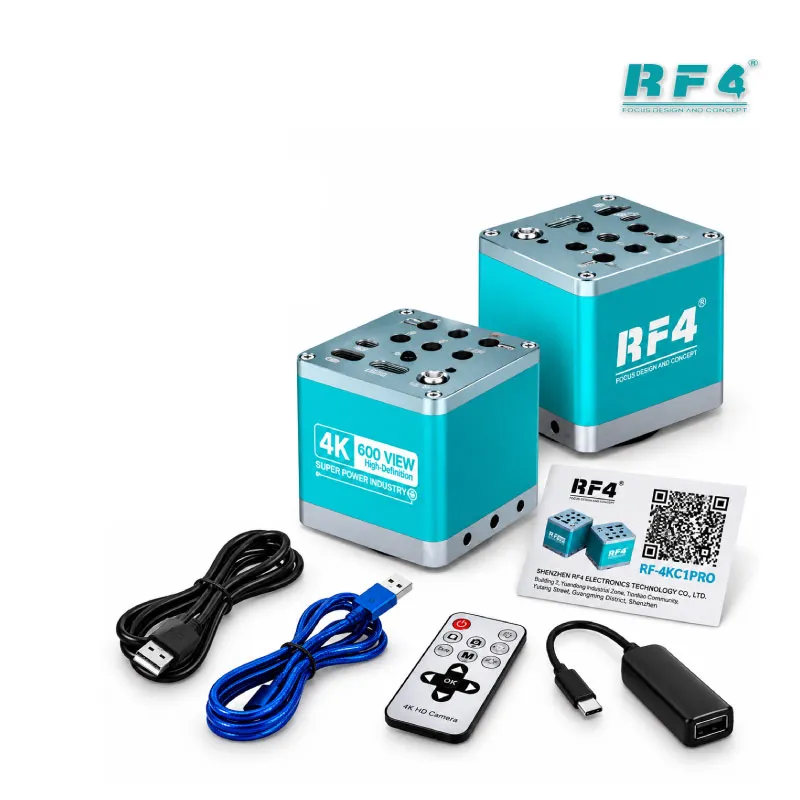
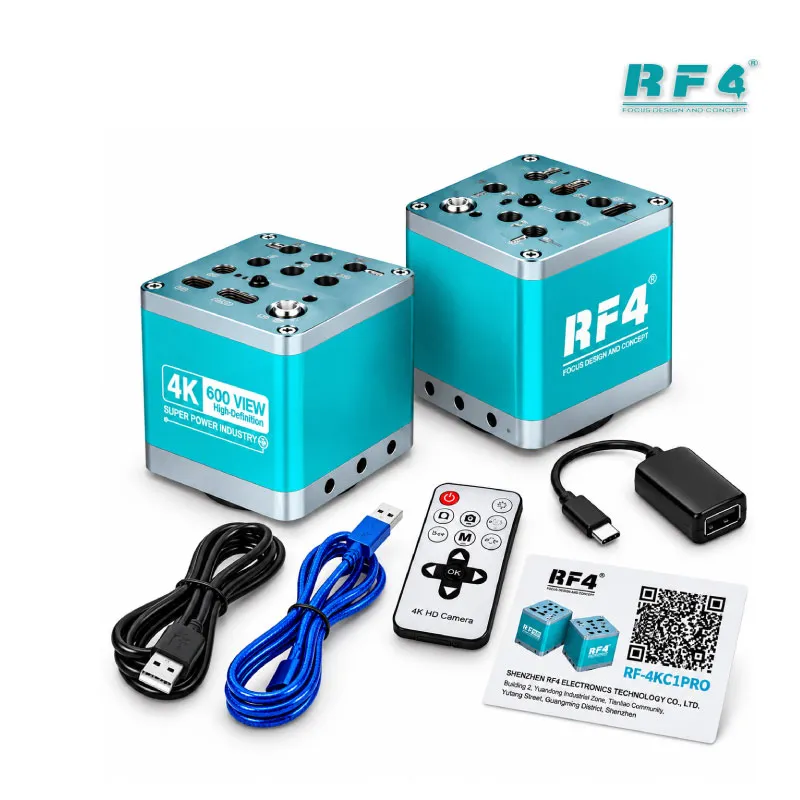
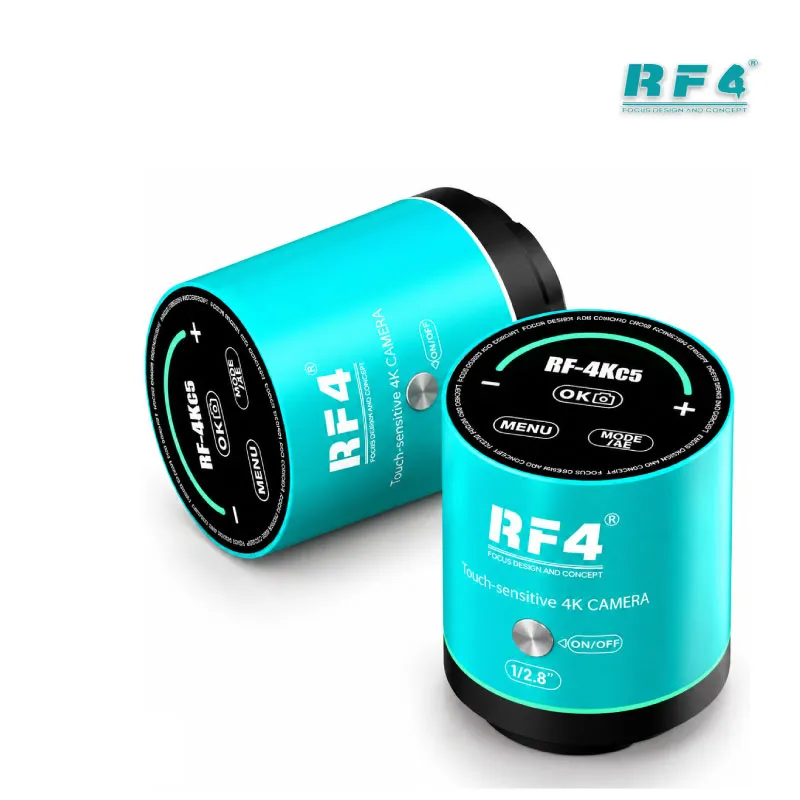
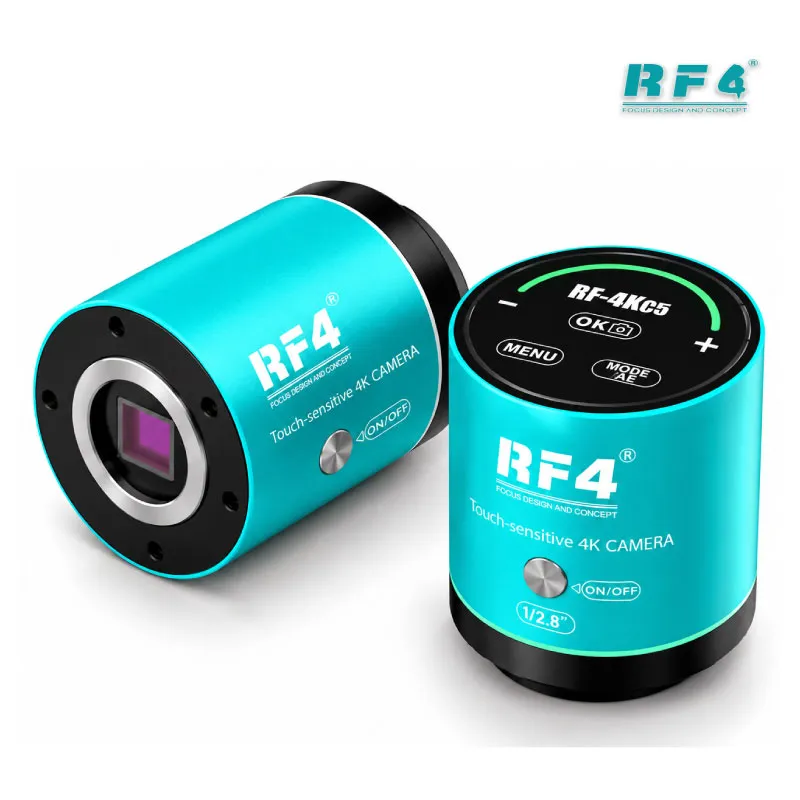
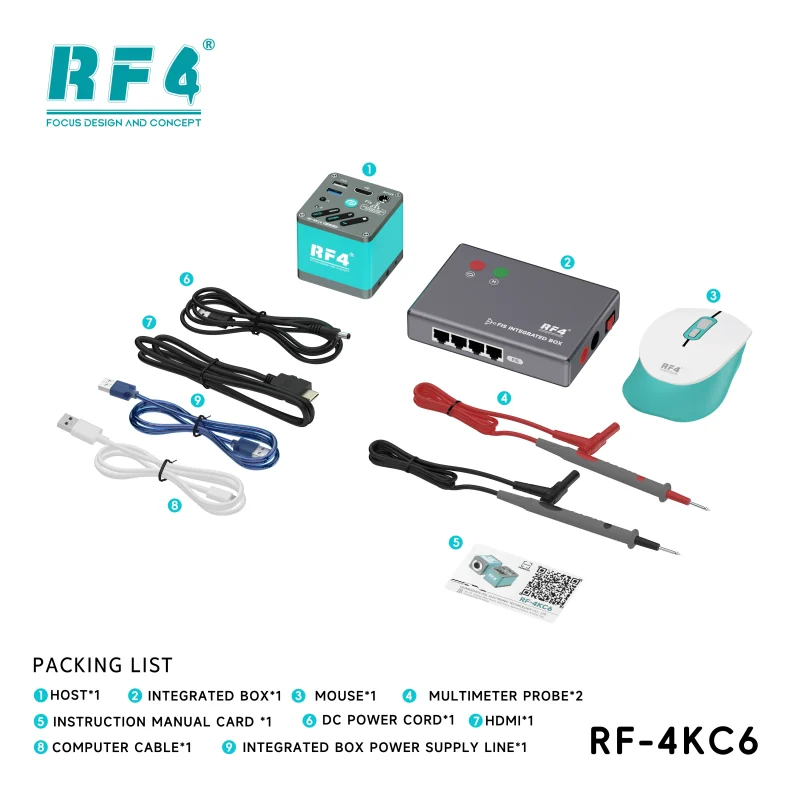
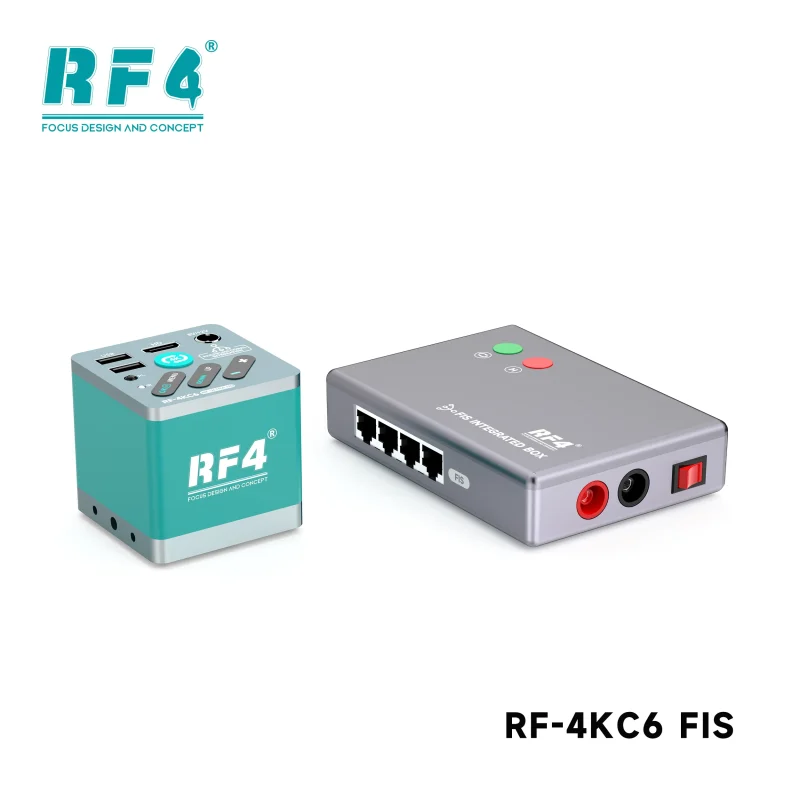
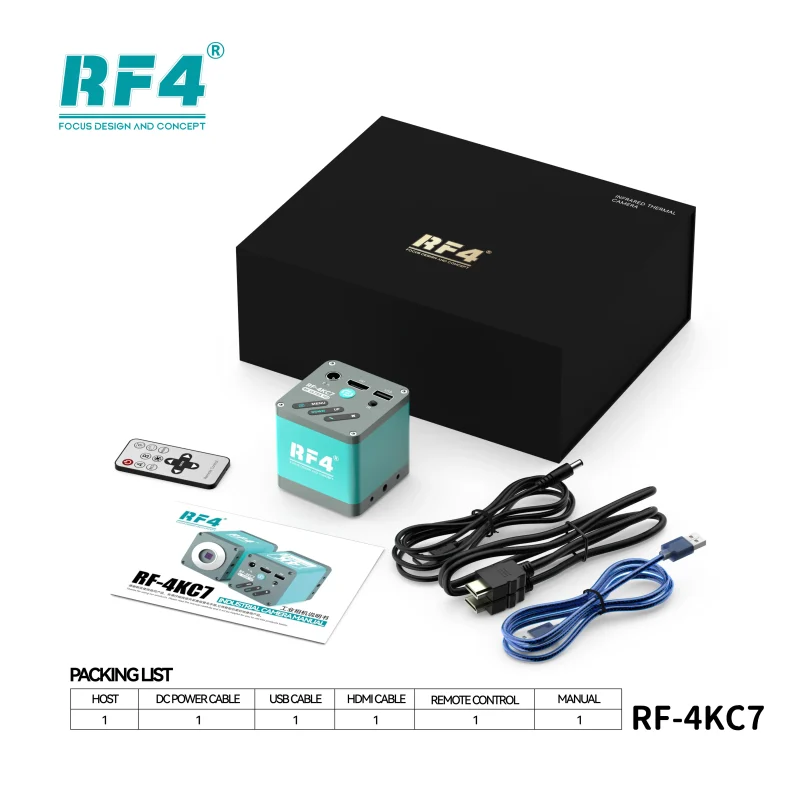
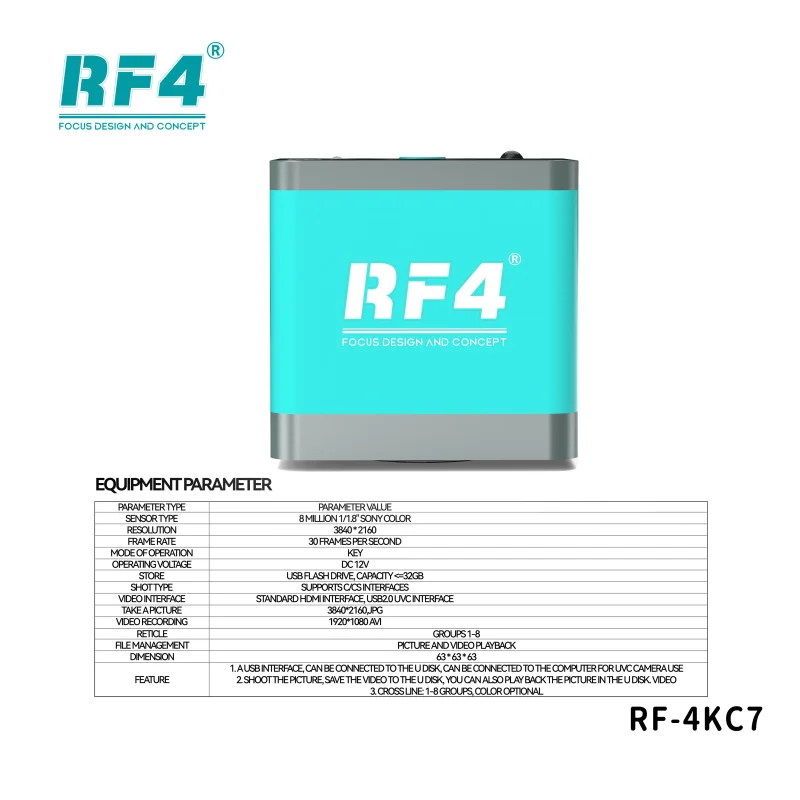
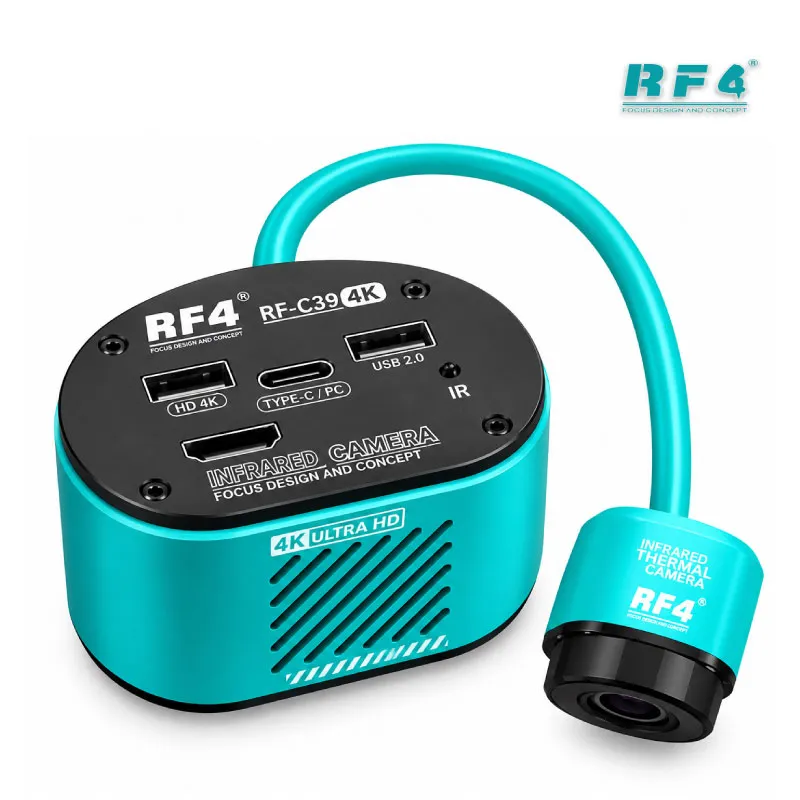
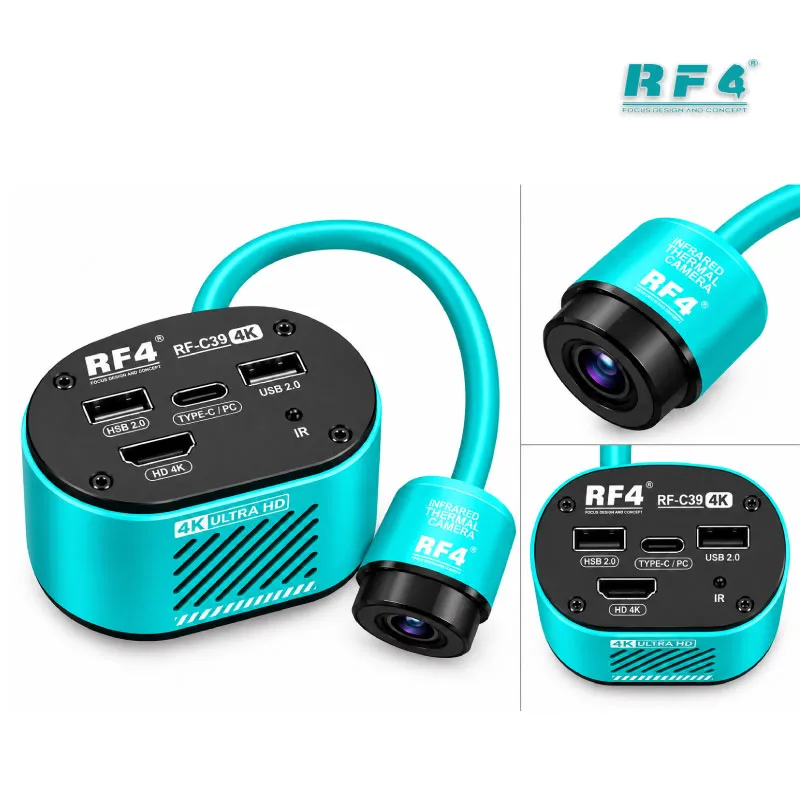
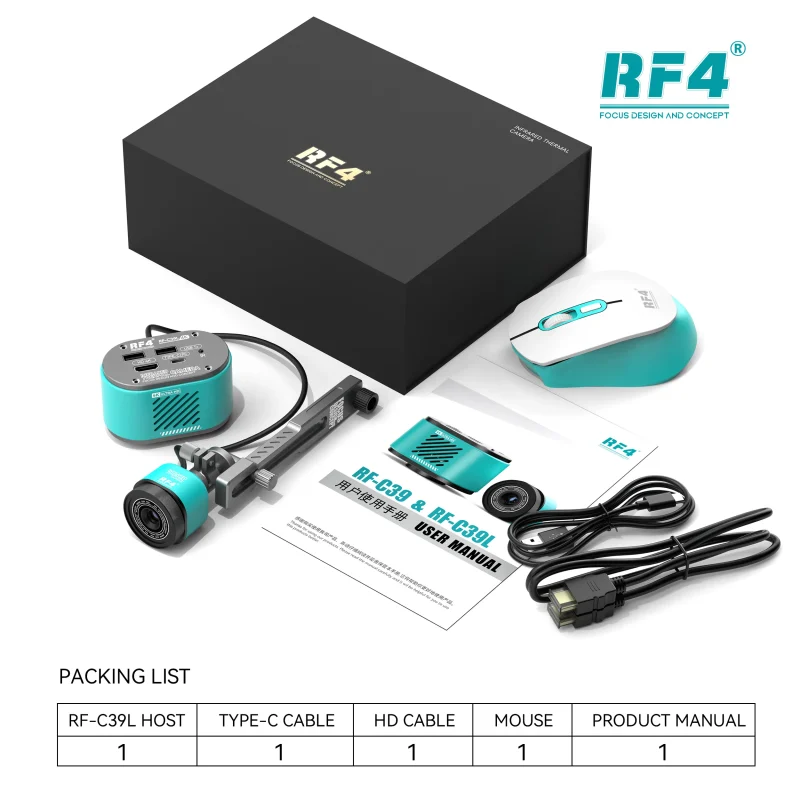
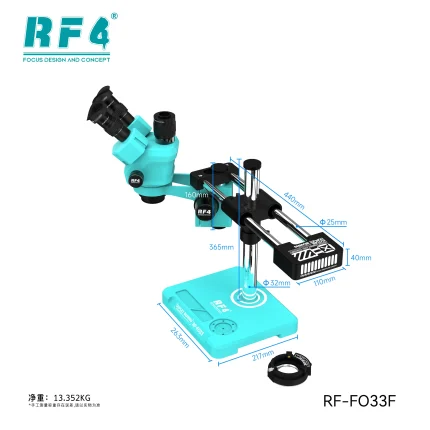
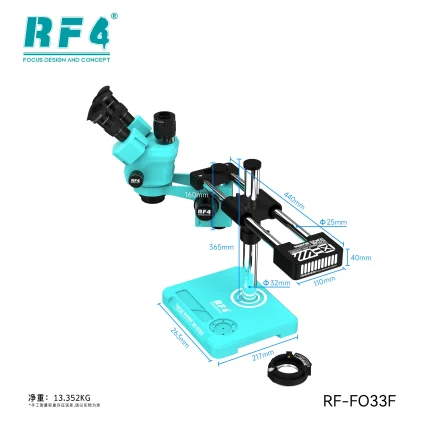
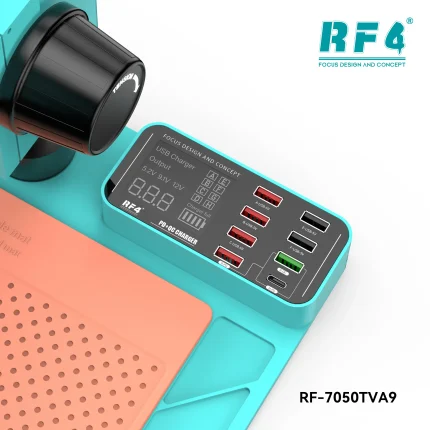
RF4 sells S9R configurations with different stand and camera options, including versions with an integrated LED lamp stand and a 4K camera, so confirm the exact configuration when you order. Match your camera and adapter to the port. Angle your lighting to avoid glare on shiny solder joints.
Getting a Sharp Image at the Bench
Set the eyepiece spacing to your eyes and adjust the diopter on each eyepiece. Focus on a sharp edge at high zoom first, then zoom out to your working level. That routine gives you a crisp image across the range. Use side lighting rather than straight-on light to reveal pad height and flux residue. Cover the lens when the bench sits idle and wipe it only with a lens-safe cloth, because dust and fingerprints at 74X look like faults.
Why Specialists Pick a Large-Base Trinocular Setup
Shops that handle volume need one station for quick diagnosis and documented rework. A trinocular stereo microscope with a wide zoom range covers both jobs without a separate magnifier and a separate camera scope. If your bench still runs a lamp magnifier or a binocular head, the S9R is a clear upgrade: the same stereo comfort, plus camera output and a longer zoom range. Browse the wider Microscopes category on RF4 Tools to compare stands and camera options as your workload grows.
For Pakistani workshops, the buying logic stays practical. Boards keep shrinking and ICs keep getting denser. Samsung, Oppo, Vivo, Infinix, Tecno, and iPhone boards all reward better visibility. A microscope does not repair the phone, but it cuts the guesswork behind every hardware fault that reaches your bench. Check the zoom range, field of view, base, and camera port against your daily jobs. The S9R covers each one.
Reviews (0)
Q & A
Please login to post questions
Key Features
- 7X–74X continuous zoom range
- Trinocular stereo head with camera port
- Ultra-wide field of view (27mm listed)
- Large base for stable bench use
- Stereo optics with real depth perception
- Variants available with integrated LED lamp stand and 4K camera
- Suited to mobile phone welding and PCB repair
- Fits workshop, service center, and training use
Specifications
| Brand | RF4 |
|---|---|
| Model | S9R |
| Category | Trinocular Stereo Microscope |
| Compatibility | Universal — mobile phone motherboard and PCB inspection, not device-specific |
| Technology | Continuous zoom stereo optics with trinocular camera port |
| Magnification | 7X–74X continuous zoom |
| Field of View | 27mm |
| Base | Large base stand |
Common Repair Uses
- Pre-repair board diagnosis and fault spotting
- IC change karna: pad inspection before and after hot air
- Jumper lagana on broken tracks
- Reballing result checks
- Charging port and charging IC area inspection
- ISP wire and test point inspection for dead after flash cases
- Solder bridge and cold joint checks after rework
- Camera-recorded documentation and technician training
Compatible Devices
- Android smartphone motherboards (Samsung, Oppo, Vivo, Infinix, Tecno)
- iPhone logic boards
- Tablet motherboards
- Small-form-factor PCBs such as smartwatch boards
- Charging port and charging sub-boards
- Display and camera FPC connector areas
- eMMC and UFS pad areas with ISP wiring
- BGA and QFN ICs and SMD components
FAQ
What is the product name?
The product name is RF4 S9R 7-74X Trinocular Stereo Microscope.
What is the brand of this product?
The brand of this product is RF4.
What is the model of this product?
The model of this product is S9R.
What is this product used for?
This product is used for inspecting and reworking mobile phone motherboards and PCBs under 7X–74X magnification.
Which devices are compatible with this product?
This product is universal. It works with any phone, tablet, or PCB you place under the lens.
Who should use this product?
This product is suitable for mobile repair technicians, repair shops, service centers, and professional users.
What magnification range does the RF4 S9R microscope cover?
The RF4 S9R covers a continuous zoom range of 7X to 74X. You scan a full board at low power and inspect single pads at high power.
Can I connect a camera to the RF4 S9R trinocular microscope?
Yes. The trinocular head provides a third port for a camera, so you send the eyepiece view to a monitor or computer. RF4 also sells S9R versions with an integrated 4K camera, so confirm the configuration before you order.
Reviews
There are no reviews yet.