

















Sold out
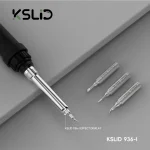

KSLID 936k Soldering Station – Analog Temp Controlled
₨5,000
H2: Analog 936 Soldering Station for Board-Level Repair
The KSLID 936 is an analog, dial-controlled 936 soldering station for daily mobile board work. You set the tip temperature on the front dial, and the sensor-driven control holds it while you work through joints. The low-voltage iron runs from a separate control unit, so the transformer stays off your board area. It handles charging port reflow, flex connector pins, jumper wires and small SMD parts. If you need a dependable primary iron, the 936 layout is still the standard on repair benches across Pakistan.
Out of stock
Description
H2: KSLID 936 Soldering Station: Dial-Controlled Heat for Mobile Board Work
The KSLID 936 soldering station gives your bench a stable iron with analog temperature control for everyday board-level soldering. You set the temperature on a front dial. The station’s sensor feedback keeps the tip near that point as joints pull heat away. The design follows the 936 layout most Pakistani repair shops already know: a separate control unit, a low-voltage iron, and a 200°C to 480°C working range. That layout keeps the controls simple and the iron light in your hand. You use it for charging port work, jumper wires, connector pins, and SMD replacement after hot air removal. It does one job, and it does that job every working day.
H3: How the Temperature Controlled Soldering Station Loop Works
A sensor near the heater reads the tip temperature and reports it to the control circuit. When a ground plane or a large copper pad drains heat, the circuit sends more power to the heater until the reading recovers. Turn the dial up and the circuit raises the target. Turn it down and the heater idles lower.
This closed loop is what separates a temperature controlled soldering station from a plain plug-in iron, which heats with no reference point. A plain iron overshoots at rest and sags under load. That swing lifts pads, burns flux, and leaves cold joints on battery connectors. With the 936 control loop, you set one value and work instead of guessing and waiting. The analog dial suits fast shop work: you read its position at a glance and change it with one turn, with no menus between you and the heat.
H3: Where the 936 Soldering Station Fits on Your Repair Bench
Board-level repair runs in stages. You diagnose first with a multimeter or a DC power supply, find the fault, then remove the damaged part. Hot air lifts ICs and shielded components, and the iron takes over from there. After hot air removal, you use the 936 soldering station to clean and level the pads, tin them, and prepare the board for the new part.
The iron handles the finishing work hot air cannot control at pin level: drag-cleaning a row of connector pins, reflowing one cracked joint, or running a jumper wire across a broken track. On a typical shop day, that covers several job types:
- A charging issue from a lifted Type-C port.
- A display problem from bridged pins on an FPC connector.
- A network issue where a damaged trace needs jumper lagana under the microscope.
On a dead phone with a shorted line, you use the iron to lift and test suspect capacitors one at a time. When you IC change karna, the iron prepares the pads before and cleans up after. Pair it with a PCB holder to keep the board steady and a microscope for fine-pitch pins.
H3: Setting Tip Temperature for Leaded and Lead-Free Solder
The temperature setting decides whether your pads survive the job. Leaded 63/37 solder melts at 183°C, so most technicians work between 300°C and 340°C for connector and SMD joints. Lead-free alloys melt higher, around 217°C to 227°C, and need roughly 350°C to 380°C at the tip to flow cleanly on a phone board.
Most modern phones leave the factory with lead-free joints. Many technicians mix in a small amount of leaded solder first to lower the melting point before rework. Raise the dial only when a joint sits on a large ground plane that absorbs heat. Holding the tip on a pad at maximum heat damages the pad and the board layers beneath it. Start low, raise in small steps, and let flux do part of the work. A clean, tinned tip transfers heat faster than a higher setting on a dirty tip.
H3: Tips, Paired Tools, and the Upgrade Path
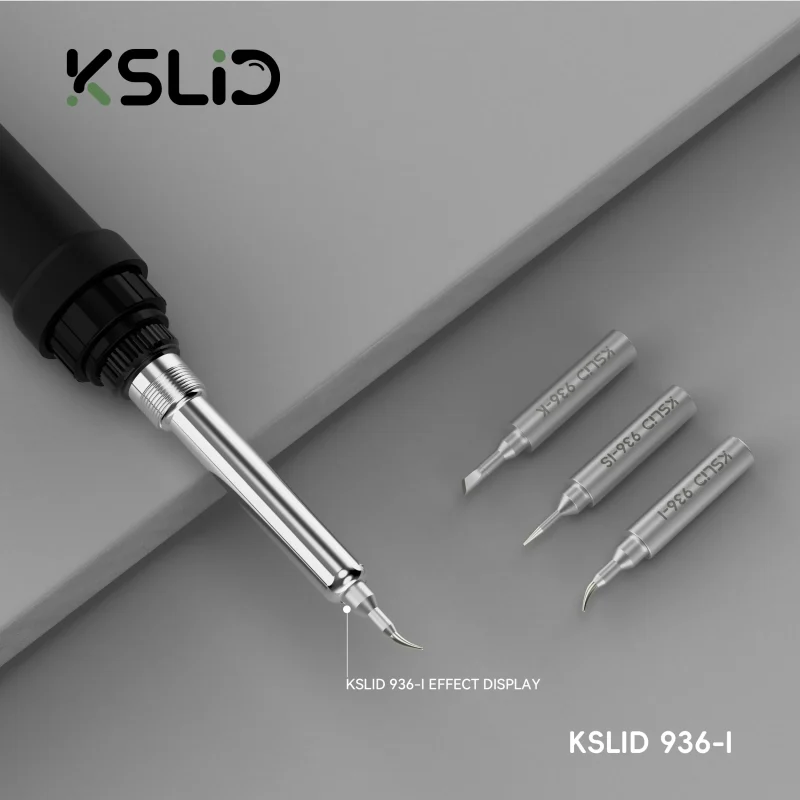
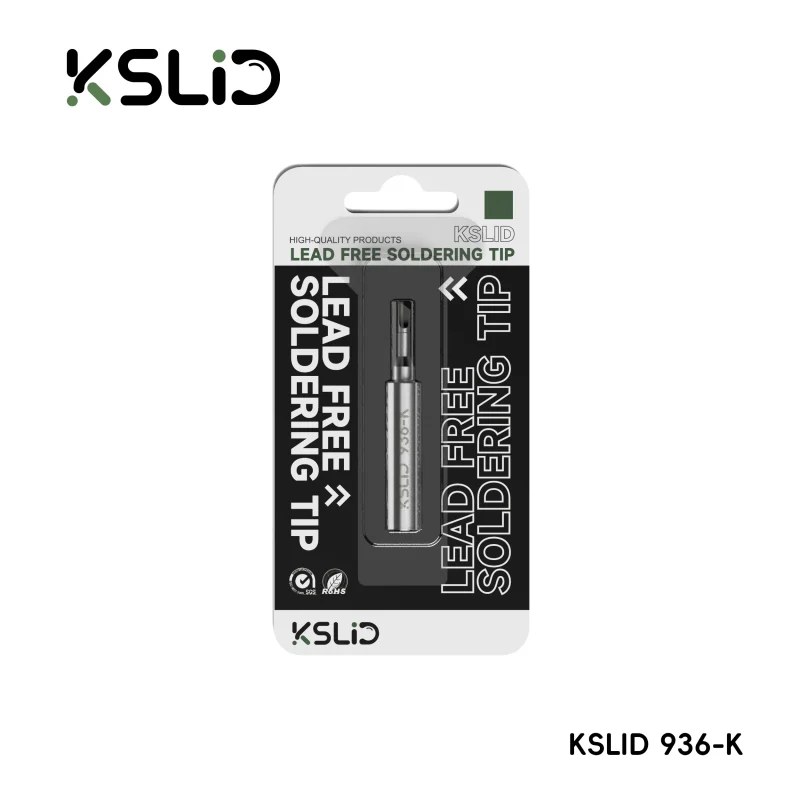
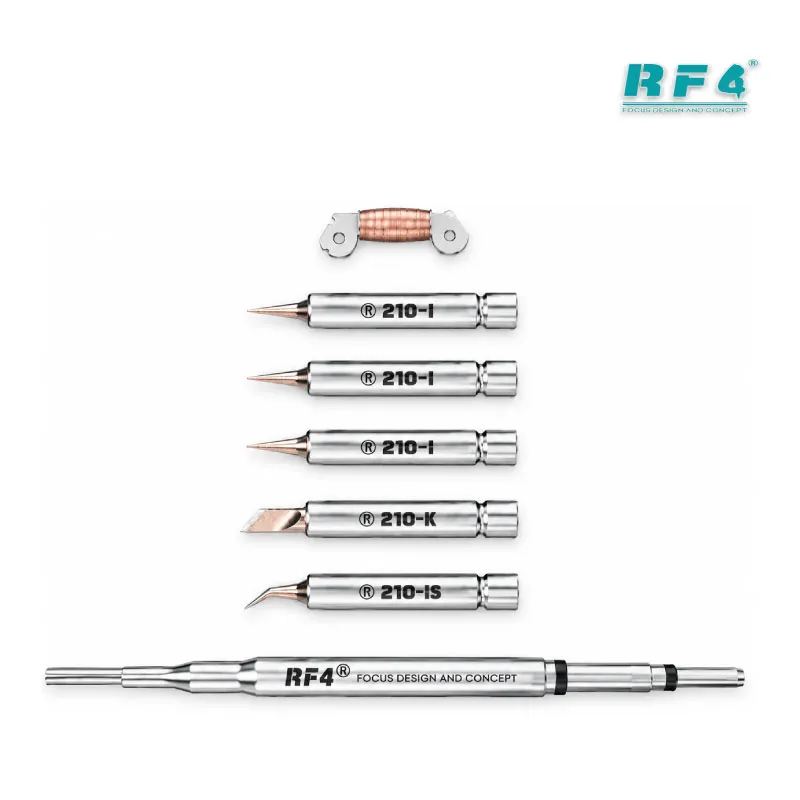
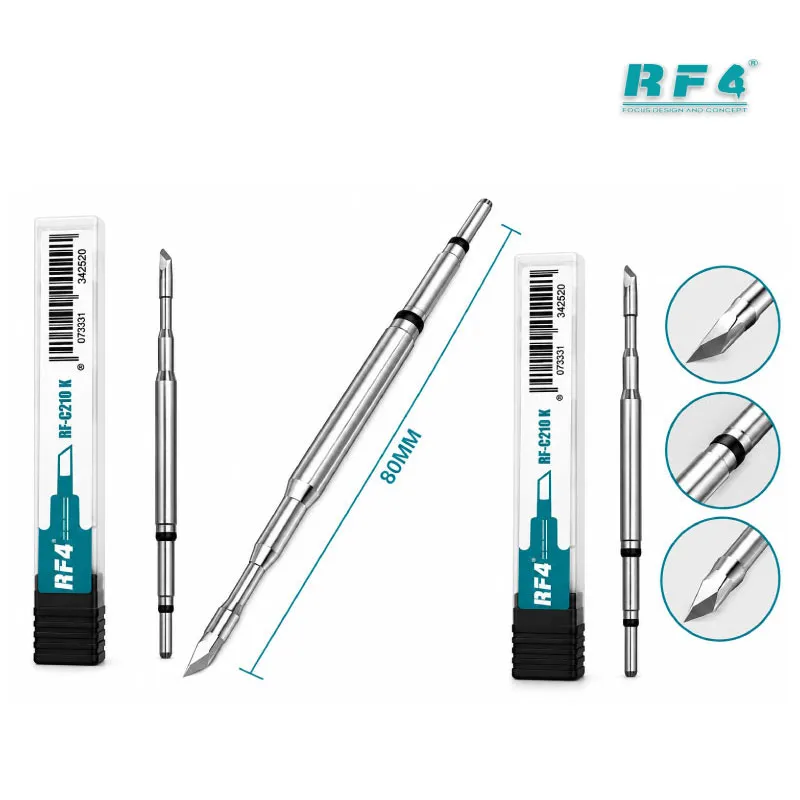
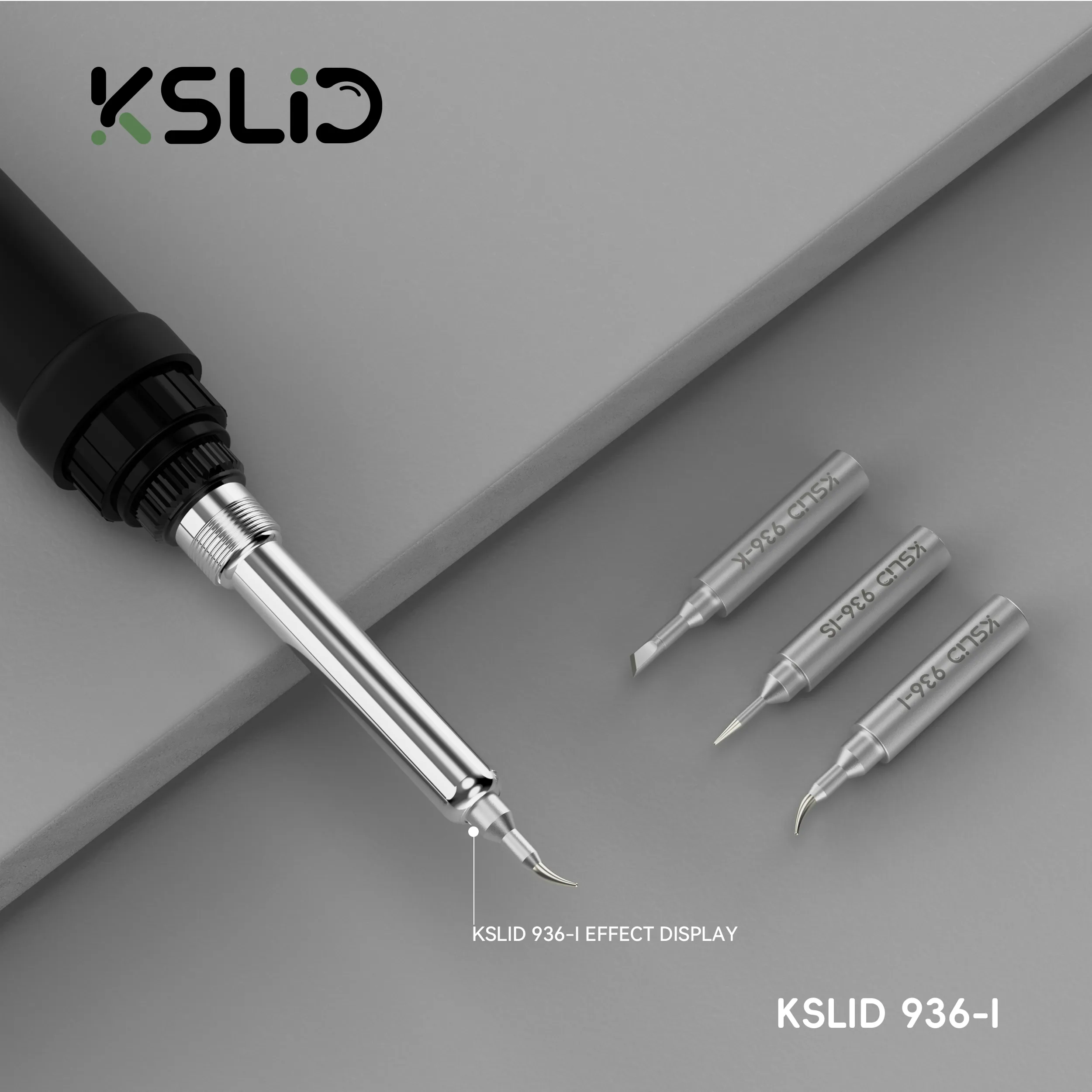
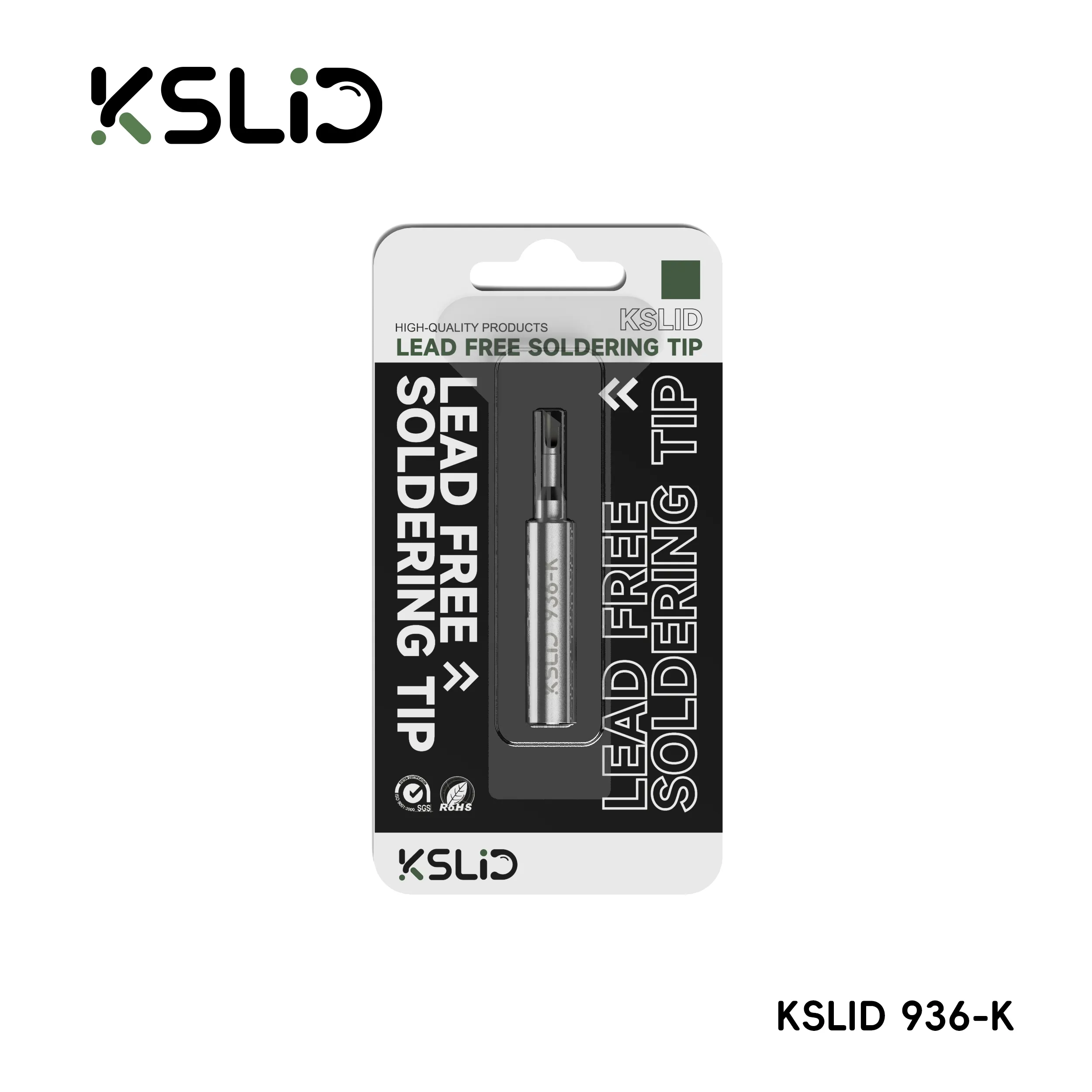
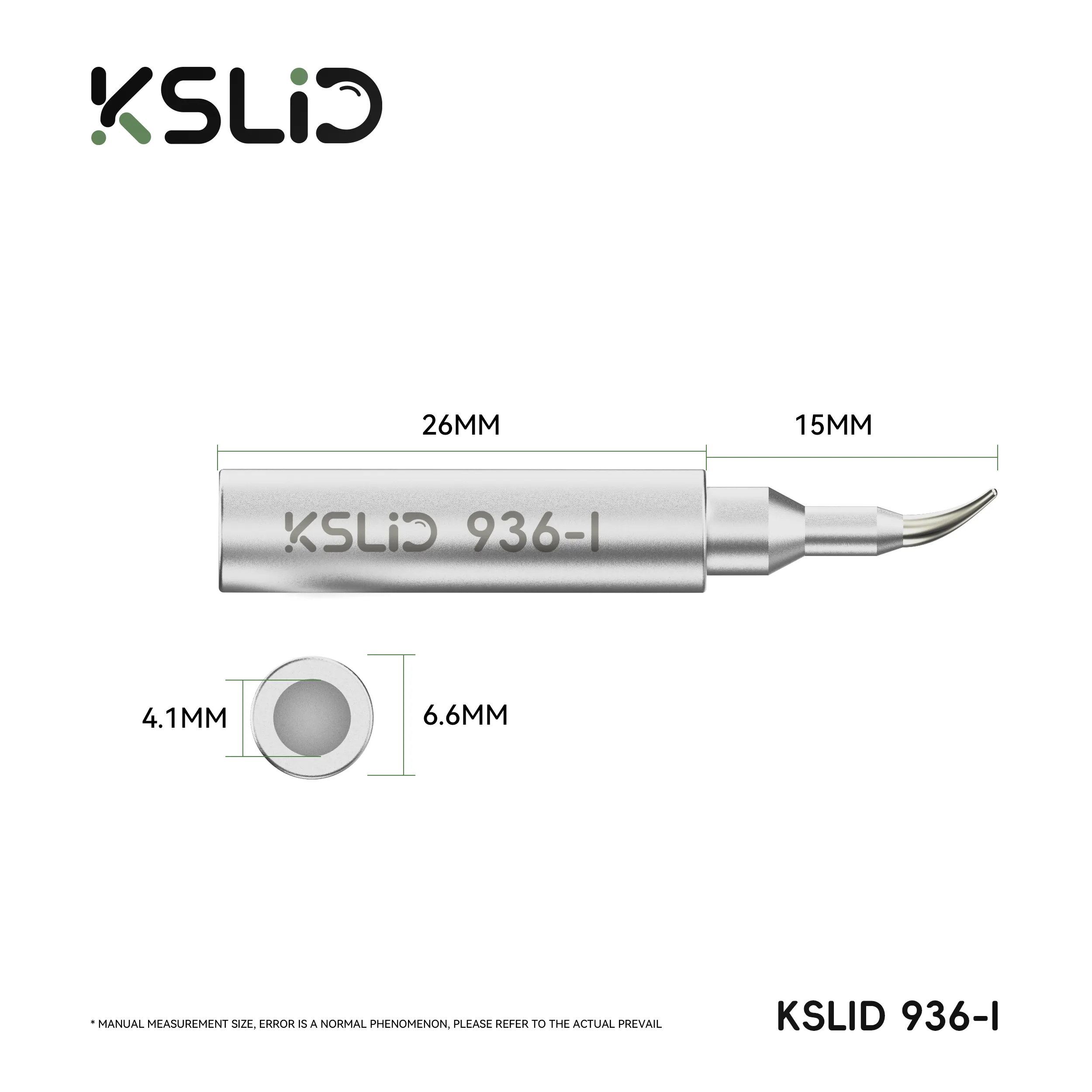
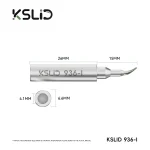
Your tip choice decides what the station can reach. A fine conical tip suits single SMD pads and jumper points. A knife or bevel tip suits drag soldering across connector pins and clearing solder from pads. Keep a small set on hand and match the tip to the joint.
Wipe the tip on a damp sponge or brass wool between joints, and re-tin it before you rest the iron in the stand. A bare tip oxidizes and stops wetting, which shortens its working life.
Around the 936, your bench needs:
- A hot air station for component removal.
- A multimeter for continuity checks after jumper work.
- A reballing kit once CPU or eMMC work enters the job.
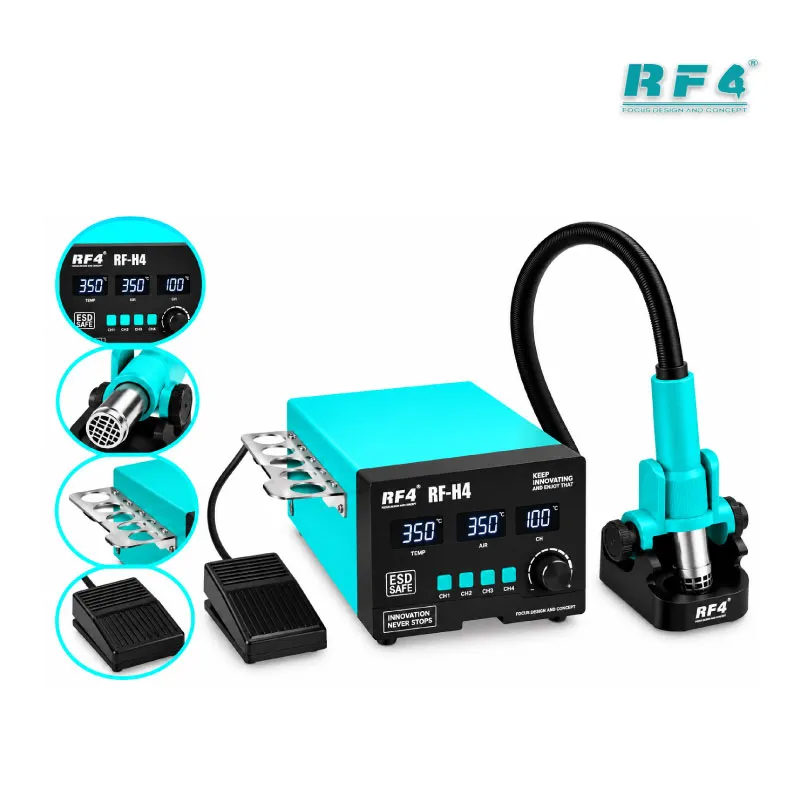
When your volume grows into dense, fine-pitch boards with daily IC work, the natural upgrade is a digital cartridge-type soldering station. It heats faster and recovers more quickly on large pads. Until then, the KSLID 936 covers the core soldering load of a mobile repair bench.
Reviews (0)
Q & A
Please login to post questions
Key Features
- Analog front-dial temperature control for fast, menu-free adjustment
- Sensor feedback loop that holds tip temperature under load
- 200°C to 480°C working range for leaded and lead-free work
- Separate control unit with a low-voltage soldering iron
- Lightweight iron handle for long board-level sessions
- Takes standard 936-pattern replaceable tips
- Covers connector, jumper, and SMD soldering on mobile boards
- Simple, serviceable 936 layout that technicians already know
Specifications
| Brand | KSLID |
|---|---|
| Model | 936 |
| Category | Soldering Stations |
| Compatibility | 936-pattern replaceable soldering tips |
| Technology | Analog dial temperature control with sensor feedback, 200°C–480°C range |
Common Repair Uses
- Charging port (Type-C / Micro-USB) replacement and reflow
- Battery connector pin repair
- Jumper wire on broken or burnt PCB tracks
- FPC and display connector pin cleanup and resoldering
- SMD capacitor, resistor and diode replacement
- Pad cleaning and tinning after hot air IC removal
- Speaker, mic and vibrator wire soldering
- Power and volume switch replacement
Compatible Devices
- Samsung Android logic boards
- Oppo, Vivo and Realme boards
- Infinix and Tecno boards
- Xiaomi and Redmi boards
- iPhone logic board connector and SMD work
- Tablet main boards and charging boards
- Keypad and feature phone PCBs
- Charger, power bank and Bluetooth accessory PCBs
FAQ
What is the product name?
The product name is KSLID 936 Soldering Station.
What is the brand of this product?
The brand of this product is KSLID.
What is the model of this product?
The model of this product is 936.
What is this product used for?
This product is used for temperature-controlled soldering on mobile phone and electronics PCBs, including connector replacement, jumper wiring, and SMD part replacement.
Which devices are compatible with this product?
This product is universal and works on any mobile phone, tablet, or small electronics PCB within its 200°C to 480°C range.
Who should use this product?
This product is suitable for mobile repair technicians, repair shops, service centers, and professional users.
What temperature should I set on a 936 soldering station for mobile charging port soldering?
Set around 300°C to 340°C for leaded solder and 350°C to 380°C for lead-free solder, and raise it slightly only if the port sits on a large ground plane.
Can a 936 soldering station handle lead-free solder on mobile boards?
Yes, its 200°C to 480°C range covers lead-free alloys that melt around 217°C to 227°C, and most technicians work at 350°C to 380°C for clean flow.

Reviews
There are no reviews yet.